
Design
Affinity
v3.3.1Vector, photo, and page layout tools in one free app from Canva.
FreemiumFree with a Canva account; AI tools need a paid Canva Pro or Business planmacOSUpdated 17 days ago


About
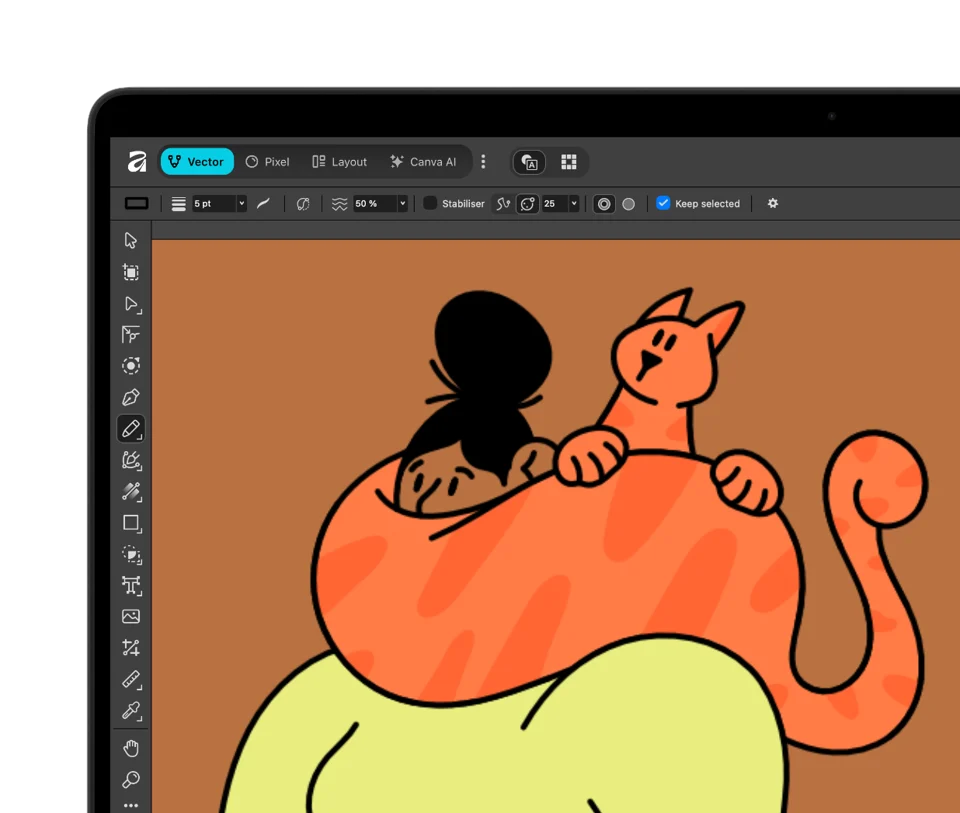
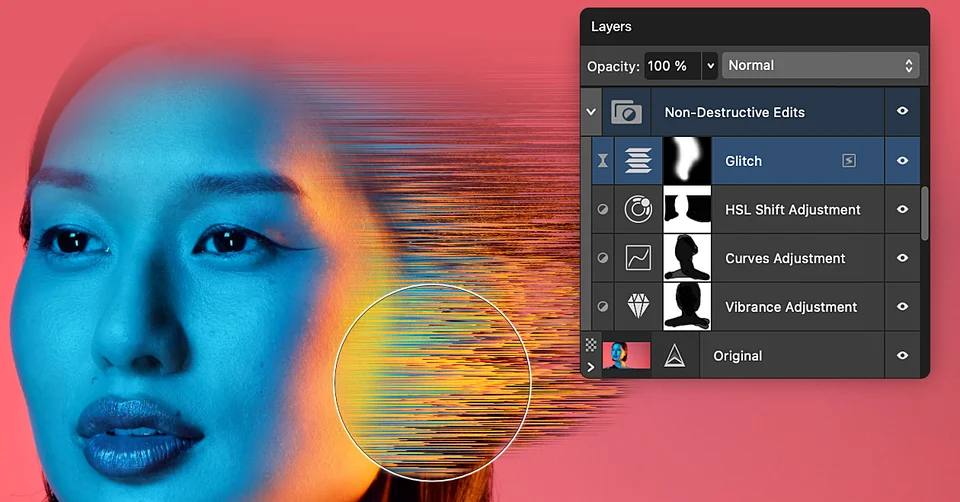
Affinity puts what used to be three separate apps, Designer, Photo, and Publisher, into one. Vector, Pixel, and Layout tabs switch between illustration, photo editing, and page layout inside the same document, so a poster or a book never has to leave the app. It opens PSD, AI, IDML, and DWG files, keeps layer edits non-destructive, and can send work to Canva. The app is free for individuals with a Canva account; the built-in Canva AI tools need a Canva premium plan.
- Price
- Freemium, Free with a Canva account; AI tools need a paid Canva Pro or Business plan
- Payment
- Subscription, with in-app purchases
- Version
- 3.3.1 · Oct 9, 2026
- Platforms
- macOS
- Category
- Design
Featured badge
Make Affinity yours: show the badge on its site and the listing marks itself as linked back.

HTML
<a href="https://macgrove.app/apps/affinity">
  <img src="https://macgrove.app/badge/affinity.svg" alt="Featured on MacGrove" width="247" height="32" />
</a>
Markdown
[](https://macgrove.app/apps/affinity)Similar apps
- Pen
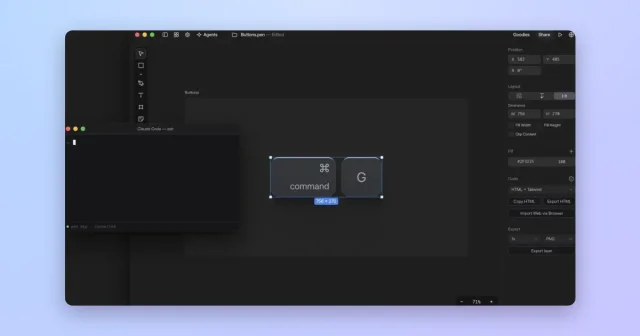
 PenTop pickDesign canvas where you work alongside AI agents.Free
 - DrawSimple
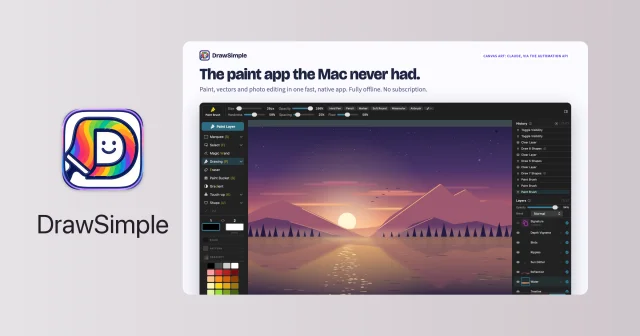
 DrawSimplePainting, photo editing and vector drawing in one small native editor.Paid
 - Sketch

 SketchThe Mac-native tool for designing interfaces and symbols.Paid
 - AFFiNE
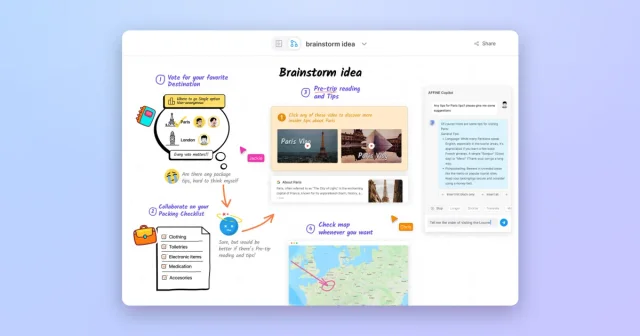
 AFFiNETop pickOpen-source workspace that combines docs, whiteboards, and databases.Freemium
 - McKinley
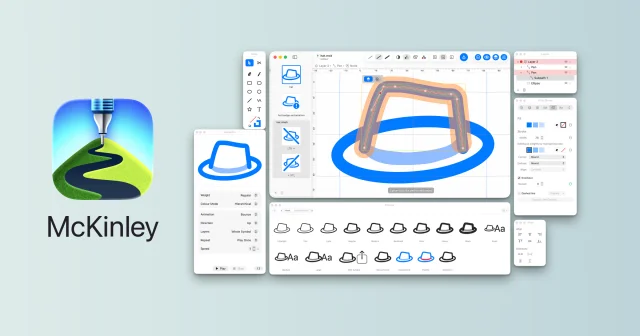
 McKinleyA vector editor made only for drawing custom SF Symbols.Paid
 - Longform Box
 Longform BoxSimple writing and graphics for shareable, printable storiesPaid
 - PrintCraft
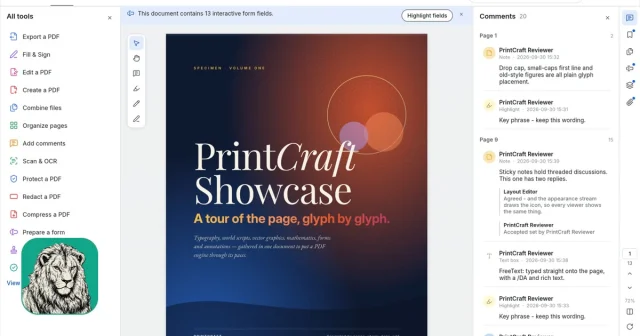
 PrintCraftA free, open-source PDF workbench in the spirit of Acrobat.Free
 - Aphera
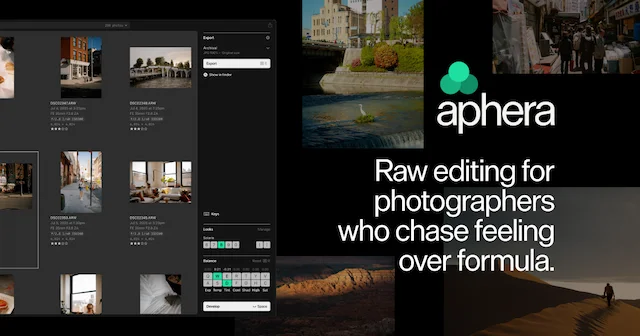
 ApheraA fast RAW photo editor for Apple Silicon Macs, with film-inspired color.Paid