Browsers
Arc
v1.170.0, released this weekA Chromium browser that organizes tabs in a sidebar and swipes between profiles.
FreeFree, no paid tier; Arc Max AI features included at no costmacOSUpdated 3 days ago



About
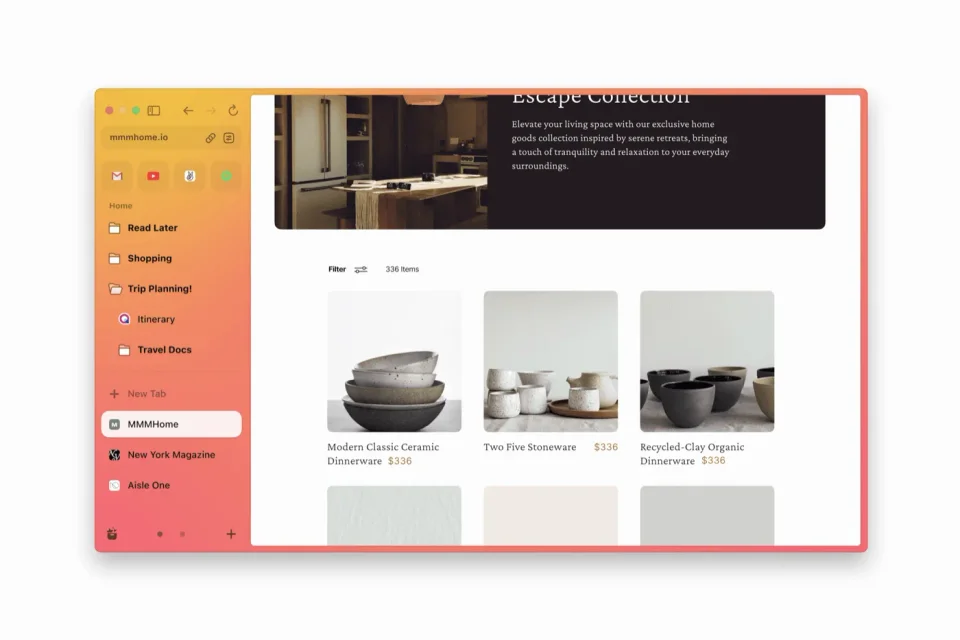
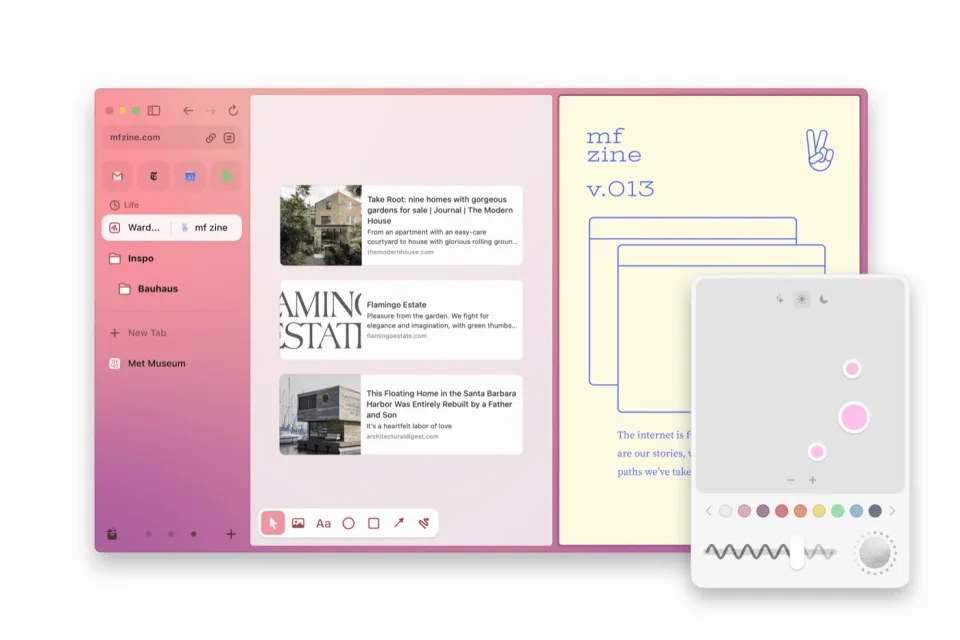
Arc moves tabs into a sidebar and groups them into Spaces, so tabs that belong to the same task stay together without extra extensions. Switching between profiles takes a single swipe, and many features other browsers need add-ons for are built in. The Mac version is the most polished, and development has largely shifted to maintenance and bug fixes.
- Price
- Free, Free, no paid tier; Arc Max AI features included at no cost
- Version
- 1.170.0 · Oct 23, 2026
- Platforms
- macOS
- Category
- Browsers
Featured badge
Make Arc yours: show the badge on its site and the listing marks itself as linked back.

HTML
<a href="https://macgrove.app/apps/arc">
  <img src="https://macgrove.app/badge/arc.svg" alt="Featured on MacGrove" width="214" height="32" />
</a>
Markdown
[](https://macgrove.app/apps/arc)Similar apps
- SigmaOS
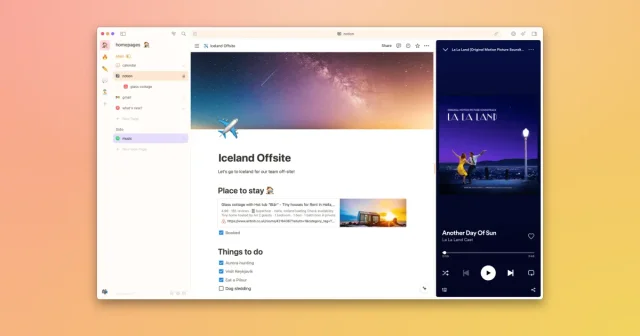
 SigmaOSA WebKit browser built around workspaces and tabs that behave like tasks.Freemium
 - Zen Browser

 Zen BrowserA calmer, keyboard-driven Firefox with vertical tabs and workspaces.Free
 - Google Chrome

 Google ChromeGoogle's browser, with account sync, the Chrome Web Store and DevTools built in.Free
 - AltTab
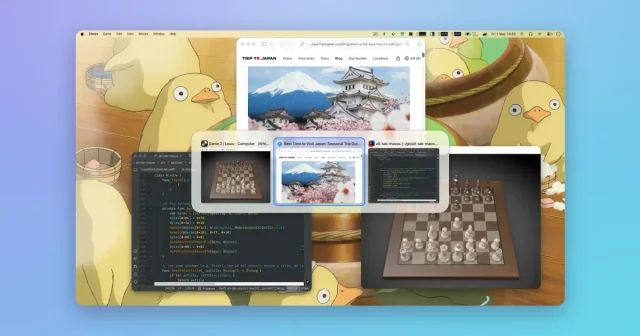
 AltTabA Windows-style window switcher for every window on your Mac.Freemium
 - Dia
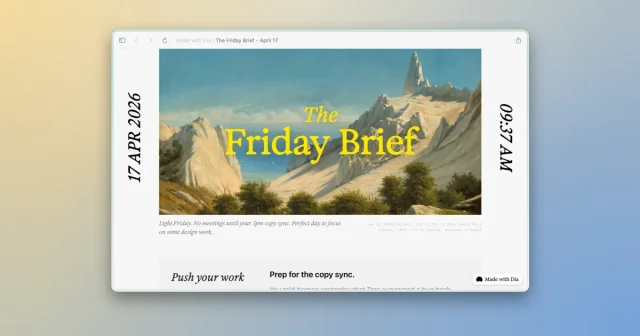
 DiaTop pickThe Browser Company's AI browser that answers across your tabs and tools.Freemium
 - Spaced
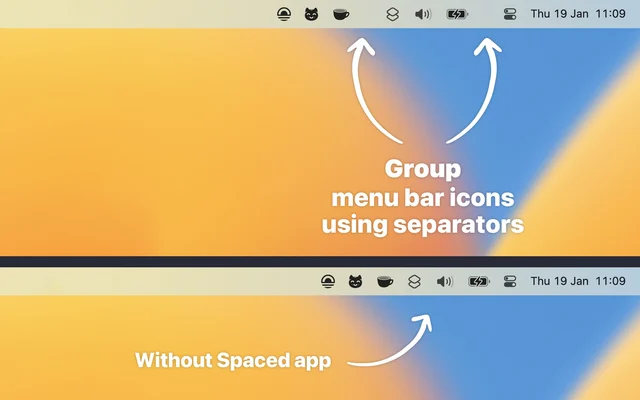
 SpacedGroups menu bar items together and shows or hides them as a set.Free
 - Orion Browser

 Orion BrowserA WebKit browser that runs Chrome and Firefox extensions.Freemium
 - Folder Hub
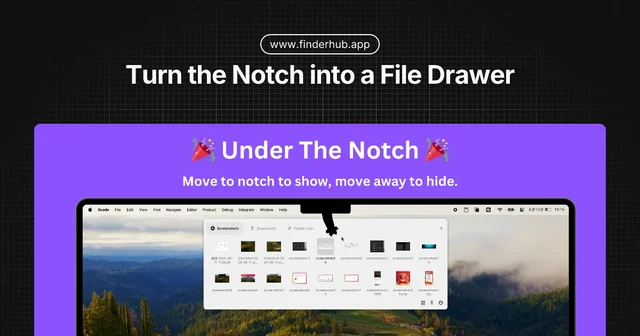
 Folder HubOpens a file browser right where your pointer already is.Freemium