
Zen Browser
A calmer, keyboard-driven Firefox with vertical tabs and workspaces.
FreeOpen sourceFree, no paid tier; donations welcomemacOS

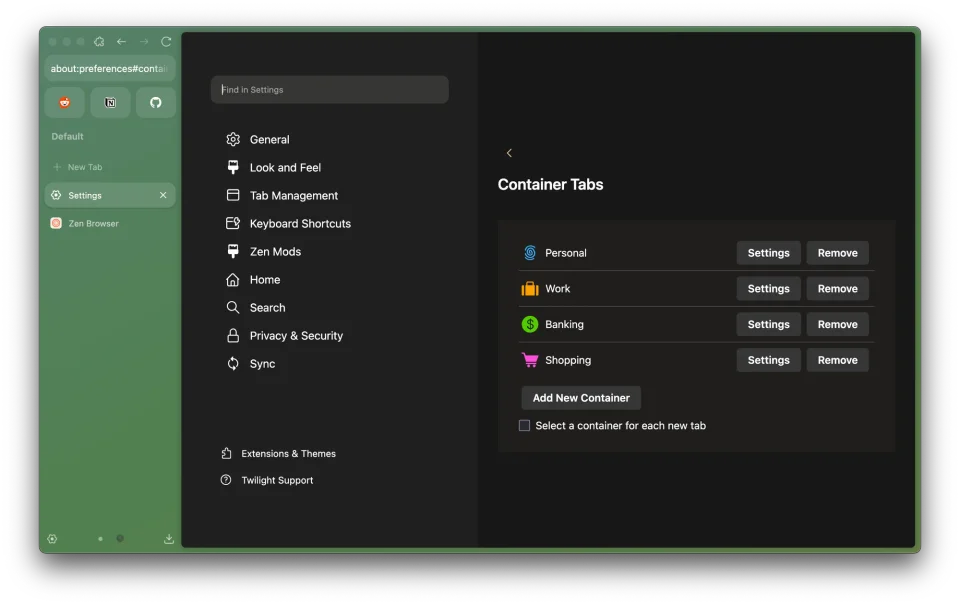
About
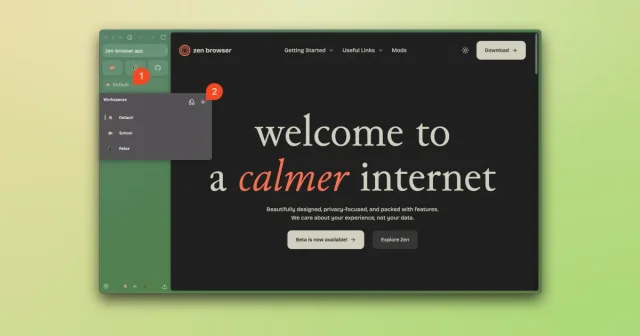
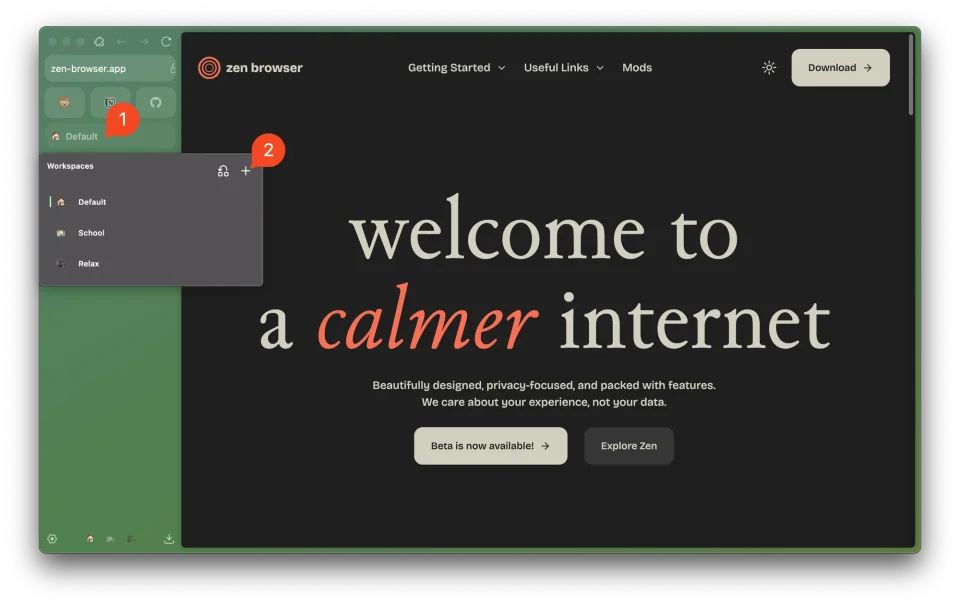
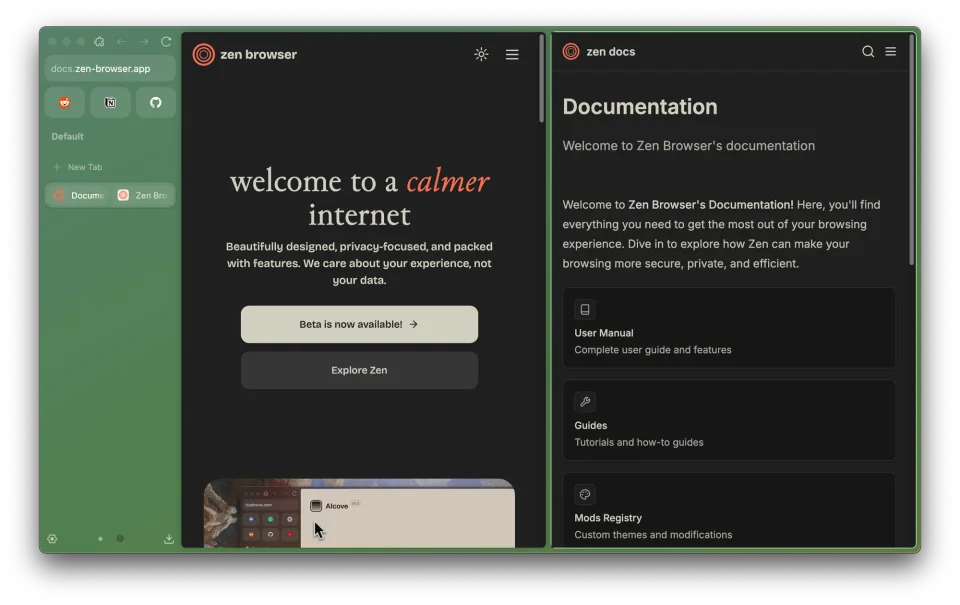
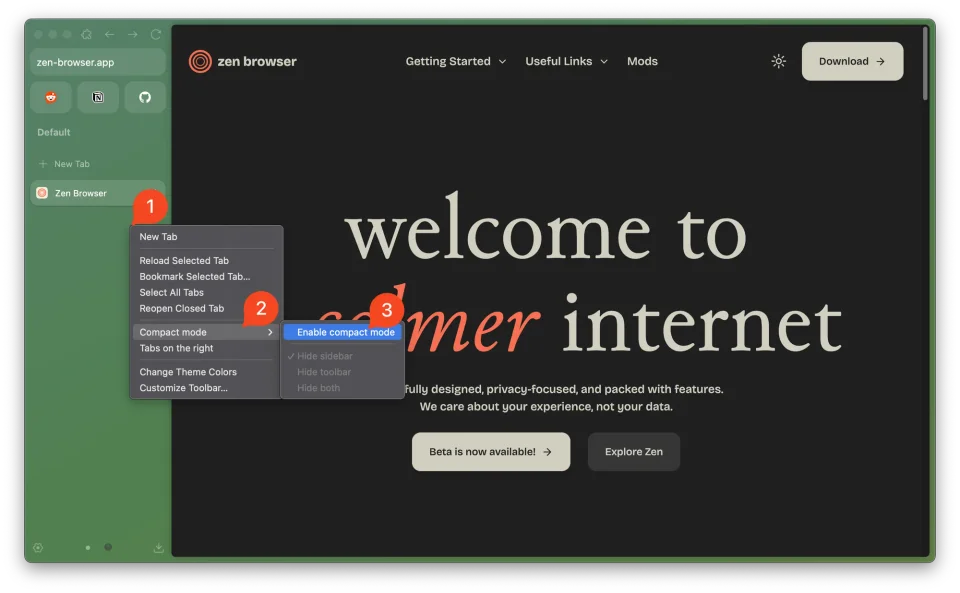
Zen is a Firefox fork that rearranges the browser around a sidebar: tabs stack vertically, workspaces keep projects apart, a compact mode hides the chrome until you need it, so pages get the whole window. Tabs can be split side by side, pinned, renamed and filed into folders, the address bar doubles as a launcher, and the look is themed from settings instead of a separate theme file. Because it is Firefox underneath, it uses the same WebExtensions, so most Firefox add-ons and privacy extensions work as they are, and no account or telemetry is required. Zen Mods restyle the interface further, and the project is free and open source under MPL-2.0 with macOS 10.15 or later supported.
Featured badge
Make Zen Browser yours: show the badge on its site and the listing marks itself as linked back.

<a href="https://macgrove.app/apps/zen-browser">
  <img src="https://macgrove.app/badge/zen-browser.svg" alt="Featured on MacGrove" width="282" height="32" />
</a>[](https://macgrove.app/apps/zen-browser)Similar apps
- Arc

 ArcA Chromium browser that organizes tabs in a sidebar and swipes between profiles.FreeWinding down
 - SigmaOS
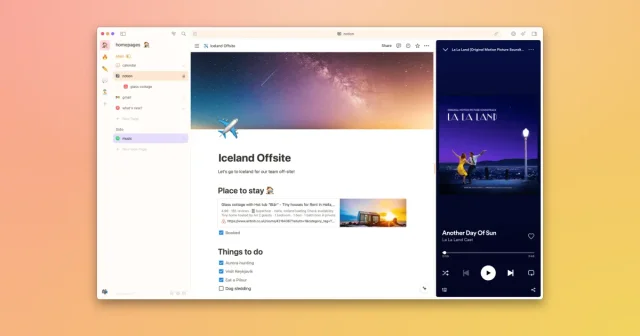
 SigmaOSA WebKit browser built around workspaces and tabs that behave like tasks.Freemium
 - Thaw
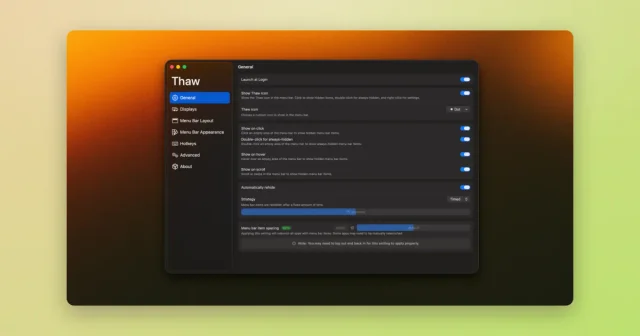
 ThawTop pickHide, reveal, and rearrange your Mac menu bar icons, with profiles and triggers.Free
 - Open Contexts
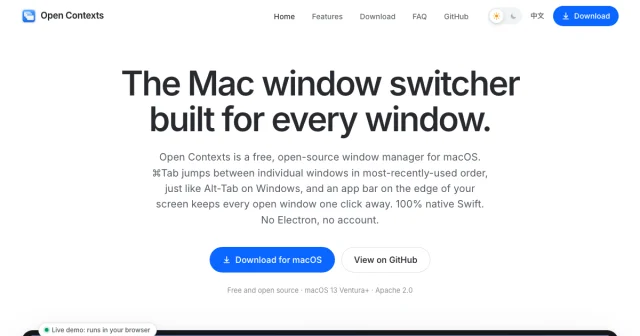
 Open ContextsA free window switcher that lists every window, not just every app.Free
 - AltTab
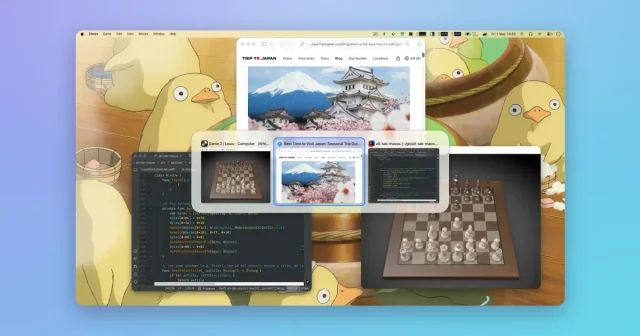
 AltTabA Windows-style window switcher for every window on your Mac.Freemium
 - Loop

 LoopA radial menu for moving and resizing windows, with live previews.Free
 - Waterlemon

 WaterlemonDesigns app icons and web favicons in one window.Paid
 - Brave Browser
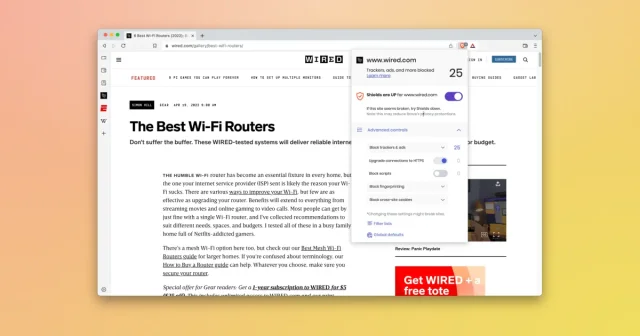
 Brave BrowserTop pickChromium-based browser that blocks ads and trackers by default.Freemium