
Menu Bar
Hidden Bar
v1.11.1Hides the menu bar icons you do not need, behind a divider you can drag.
FreeOpen sourceFree, also on the Mac App Store; no paid tiermacOS

About
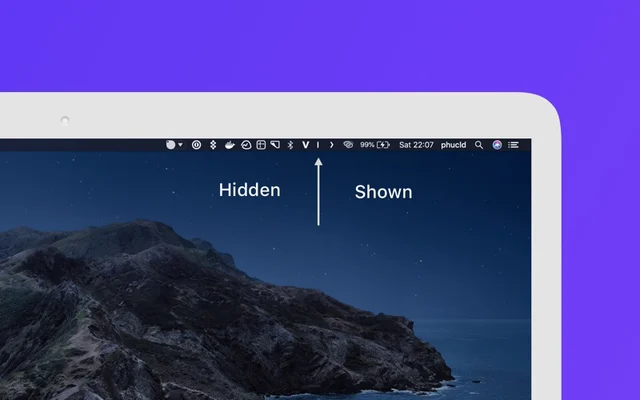
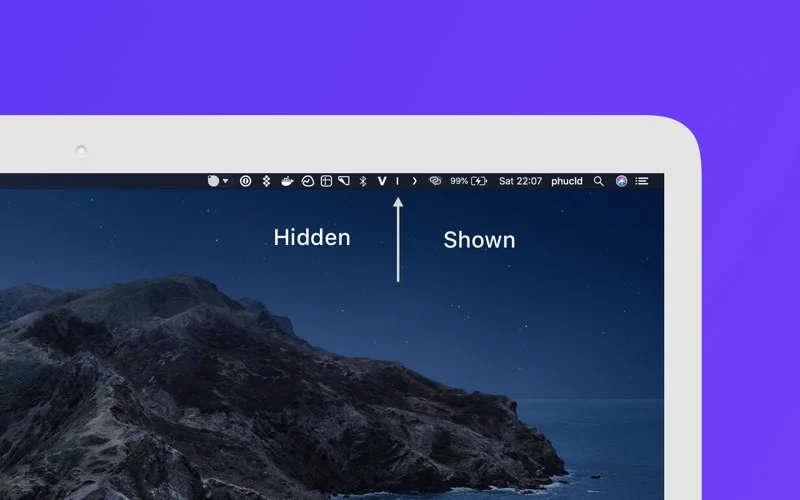
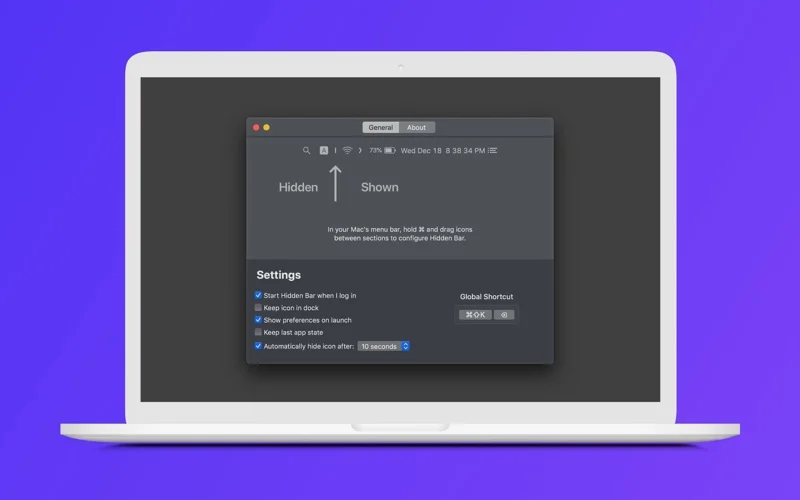
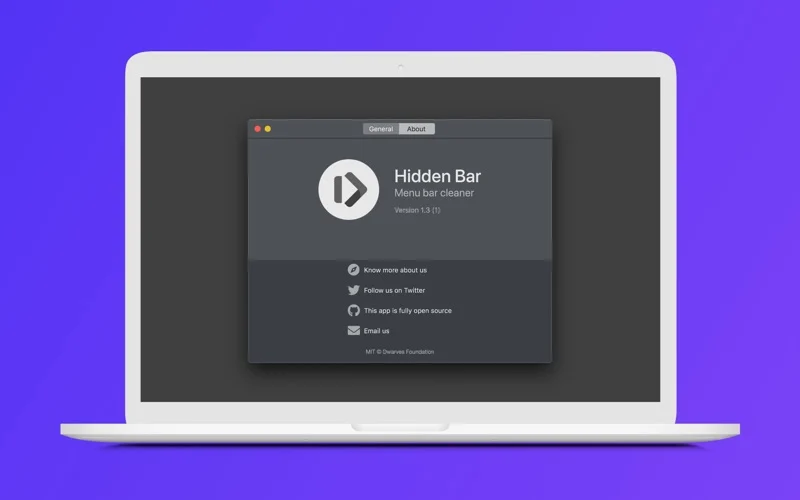
Hidden Bar keeps a long menu bar short: an arrow sits in the menu bar and everything to its left disappears until you click it. You decide the split by holding Command and dragging the divider, and a keyboard shortcut reveals the hidden half for as long as you need. Tiny, free and with no Dock icon.
Featured badge
Make Hidden Bar yours: show the badge on its site and the listing marks itself as linked back.

HTML
<a href="https://macgrove.app/apps/hidden-bar">
  <img src="https://macgrove.app/badge/hidden-bar.svg" alt="Featured on MacGrove" width="274" height="32" />
</a>
Markdown
[](https://macgrove.app/apps/hidden-bar)Similar apps
- Dimble

 DimbleTop pickHides the menu bar icons you do not need until you ask for them.Free
 - Thaw
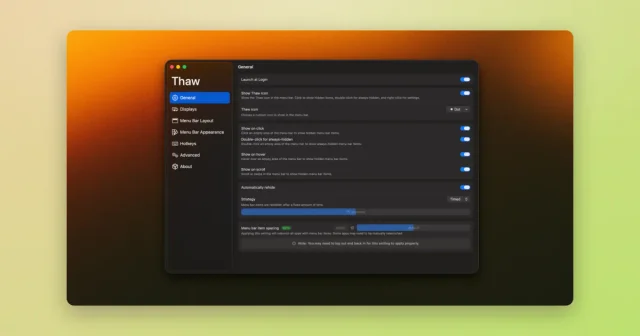
 ThawTop pickHide, reveal, and rearrange your Mac menu bar icons, with profiles and triggers.Free
 - Ice
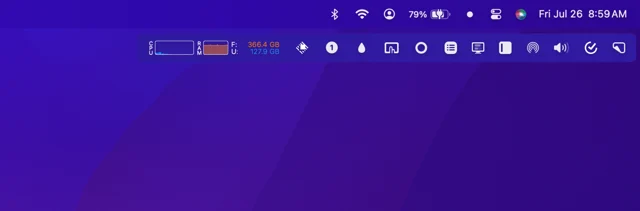
 IceMenu bar manager that hides, reveals and reorganises the icons you do not need.FreeWinding down
 - Spaced
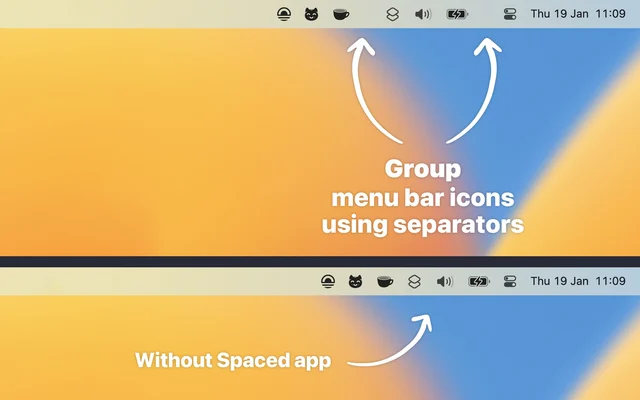
 SpacedGroups menu bar items together and shows or hides them as a set.Free
 - Bartender 6
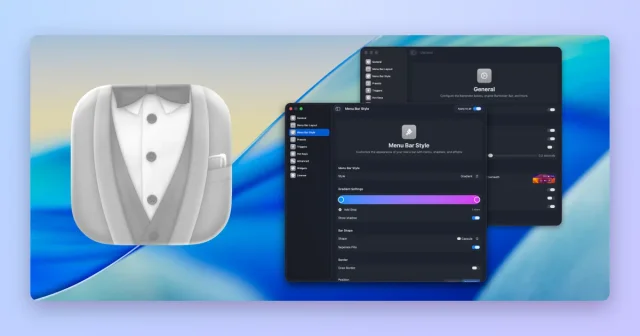
 Bartender 6Hides, groups, and rearranges menu bar items, with triggers and presets.Paid
 - Menu Bar Spacing
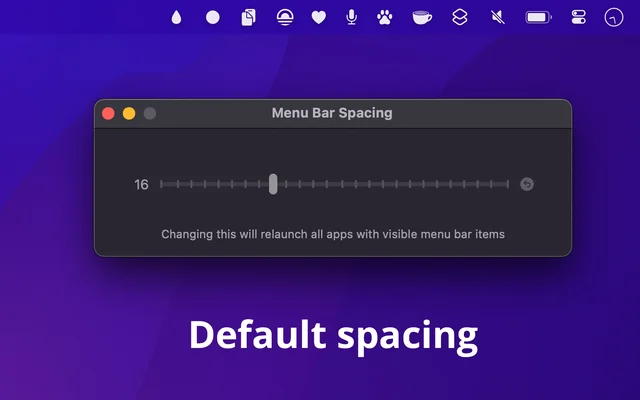
 Menu Bar SpacingChanges the gap between menu bar items, per display.Free
 - ExtraBar

 ExtraBarA second menu bar with its own icons and controls.Paid
 - Folder Peek
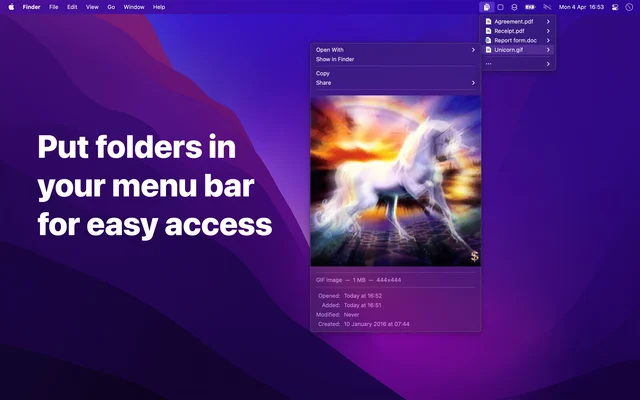
 Folder PeekPuts a folder in the menu bar, opened as a menu.Paid