Keyboard & Input
KeyboardCleanTool
v8.3Locks the keyboard and trackpad so you can wipe them clean.
FreeFree, no paid tiermacOS
By folivora.AI
About
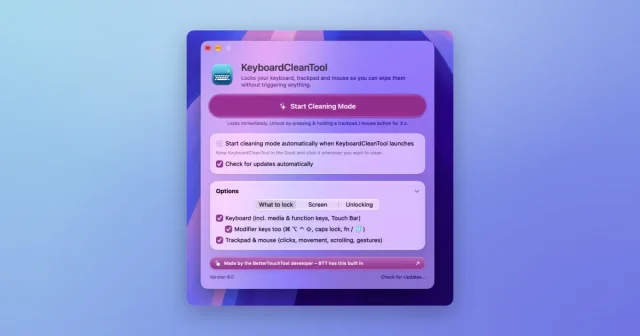
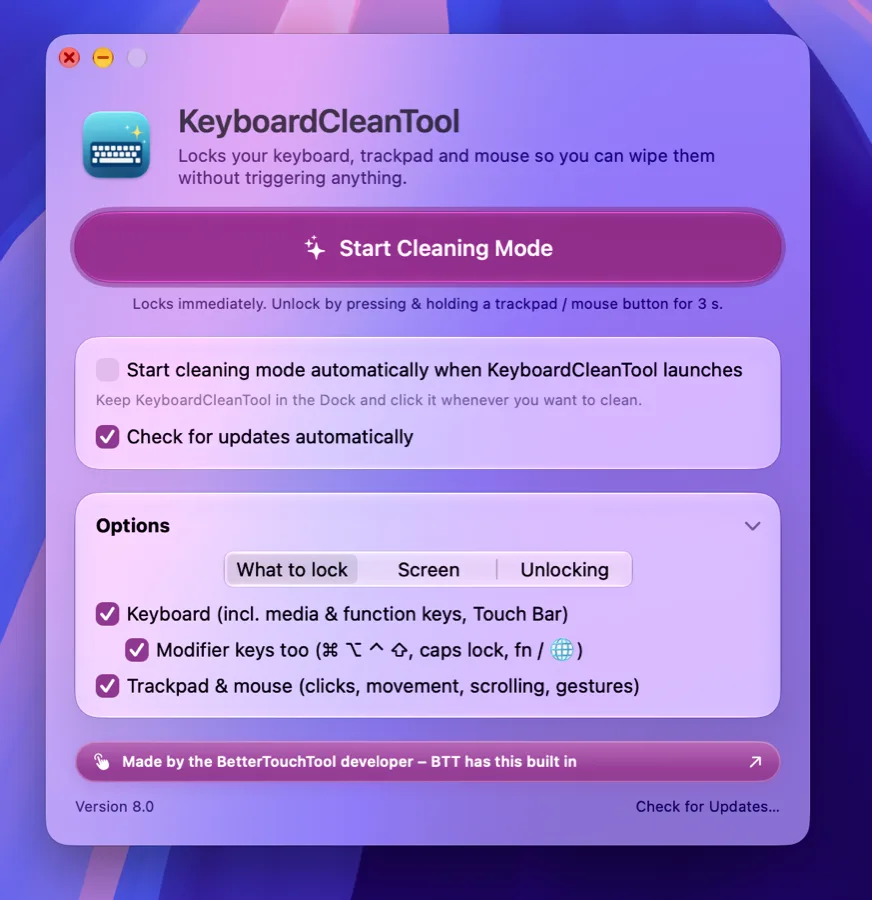
KeyboardCleanTool blocks keyboard, Touch Bar, and optionally trackpad and mouse input while cleaning mode is on, so keys can be wiped without typing into apps. Cleaning mode can start from a single button or automatically when the app launches. It is a free utility from folivora.ai, the developer of BetterTouchTool.
- Price
- Free, Free, no paid tier
- Version
- 8.3
- Platforms
- macOS
- Category
- Keyboard & Input
Featured badge
Make KeyboardCleanTool yours: show the badge on its site and the listing marks itself as linked back.

HTML
<a href="https://macgrove.app/apps/keyboardcleantool">
  <img src="https://macgrove.app/badge/keyboardcleantool.svg" alt="Featured on MacGrove" width="337" height="32" />
</a>
Markdown
[](https://macgrove.app/apps/keyboardcleantool)Similar apps
- Knock
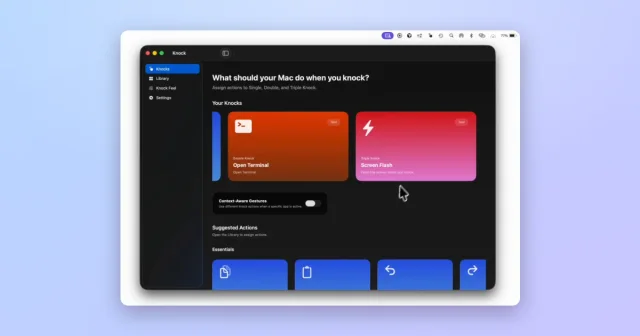
 KnockTurns taps on your MacBook or trackpad into shortcuts and actions.Paid
 - BetterTouchTool
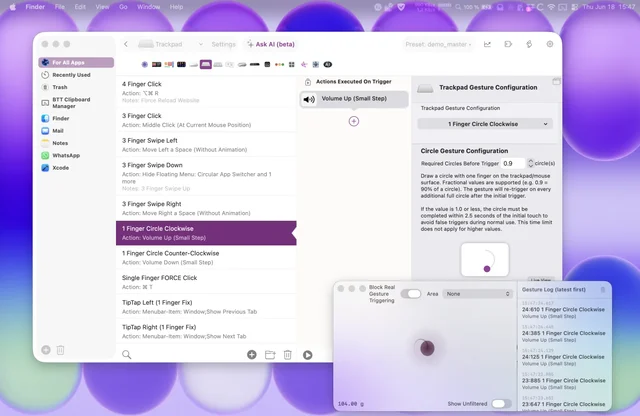
 BetterTouchToolPuts gestures, shortcuts and window snapping under your fingers.Paid
 - PureMac
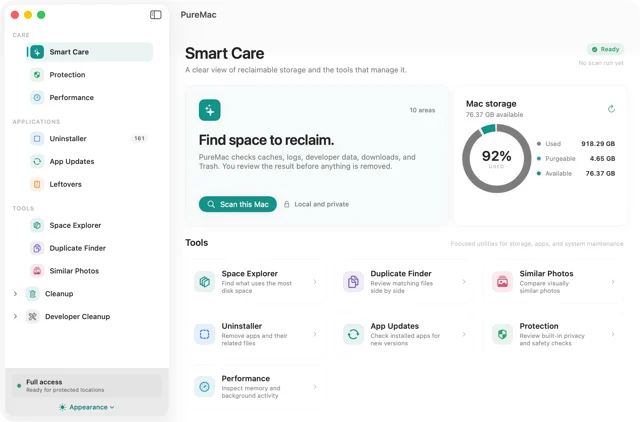
 PureMacMac cleaning without the subscription.Free
 - AppCleaner
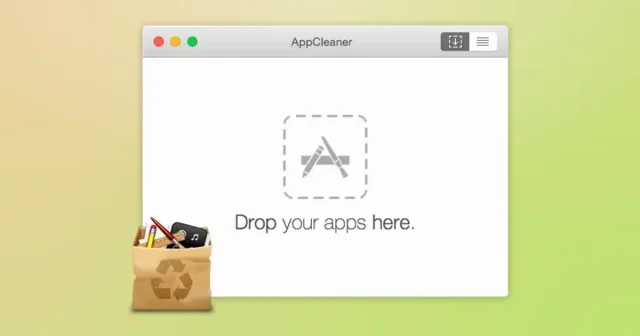
 AppCleanerTop pickDrop an app onto its window to uninstall it along with the files it left behind.Free
 - PearCleaner
 PearCleanerUninstaller that also hunts the files an app leaves behind.Free
 - Shortap
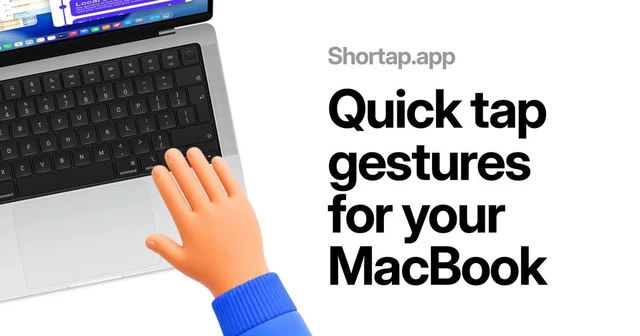
 ShortapTurns taps on the MacBook palm rest into shortcuts.Paid
 - PasteZen
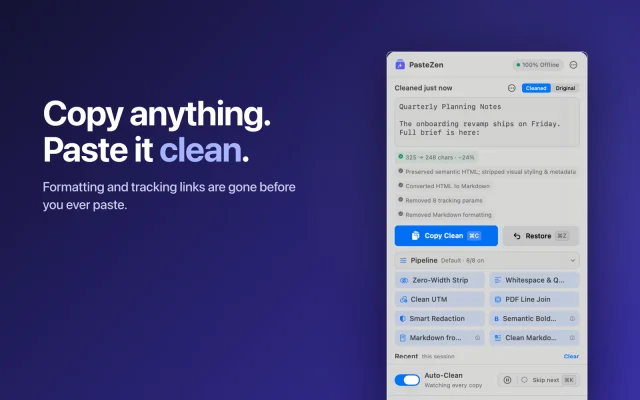
 PasteZenCleans what you copy into plain text, before you paste, fully offline.Freemium
 - Tidy
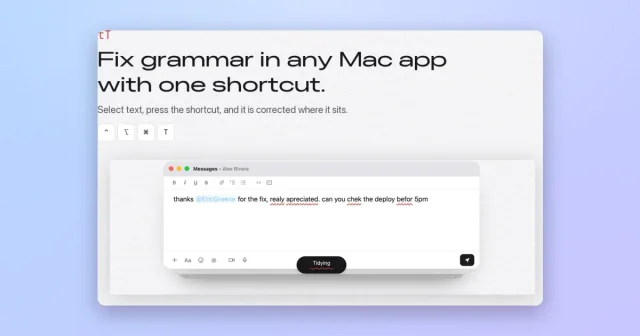
 TidyFix grammar in any Mac app with a hotkey, using Apple's on-device model.Free