
PopGuy
v1.3.2Runs AI actions on any text you select, anywhere on the Mac.
FreeOpen sourceEvery feature is free: built-in and custom actions, plugins, OCR and hotkeys. No paid tier.macOSUpdated 11 days ago

About
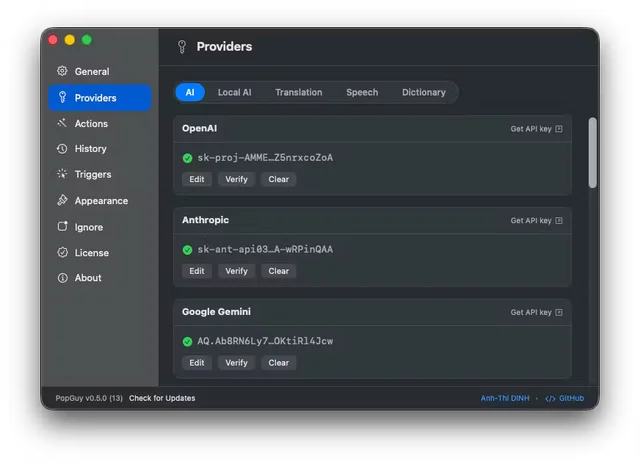
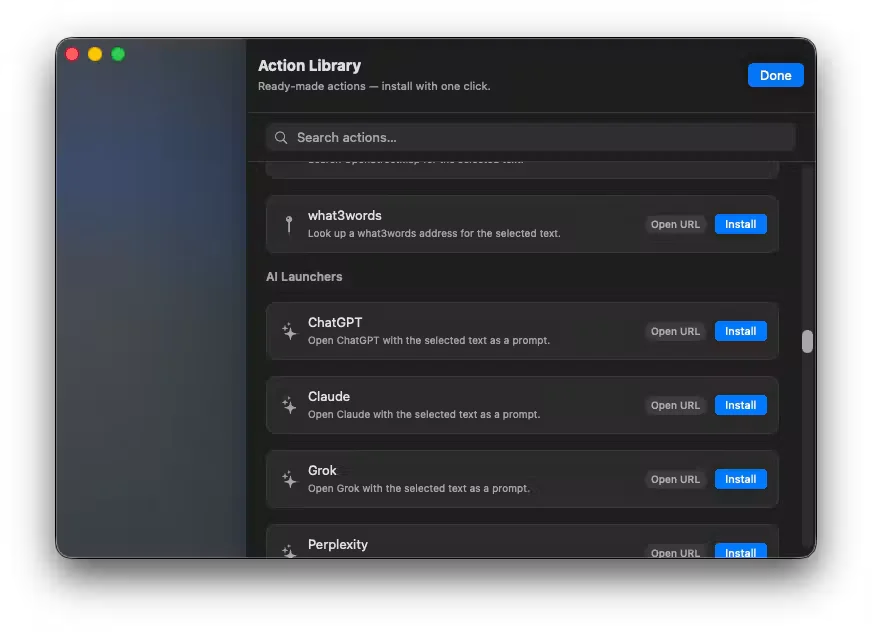
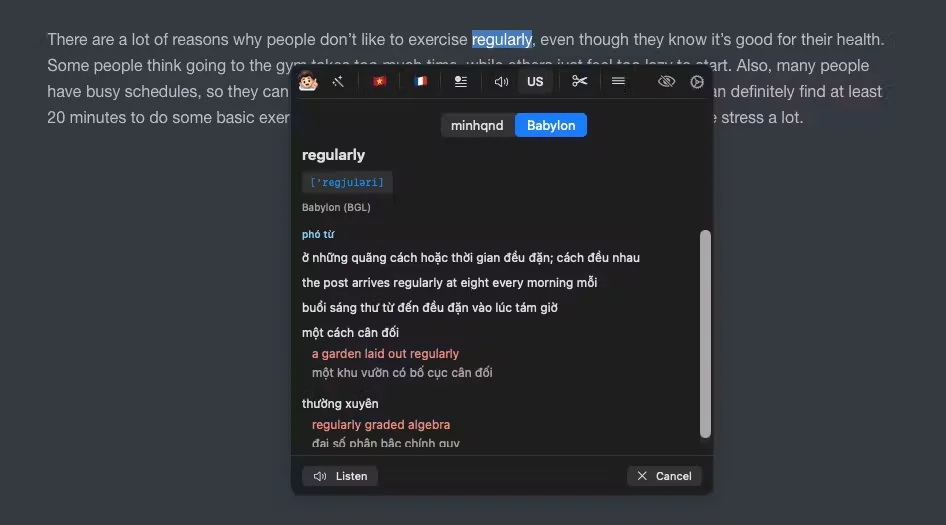
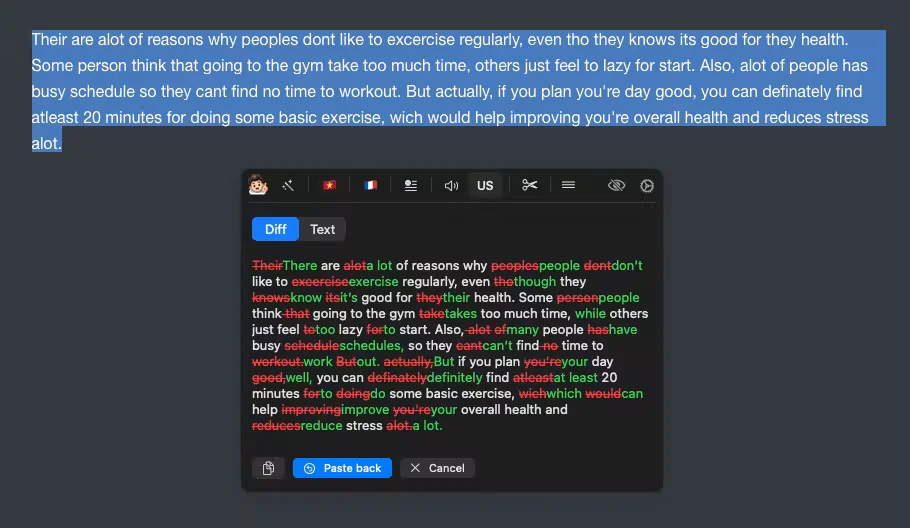
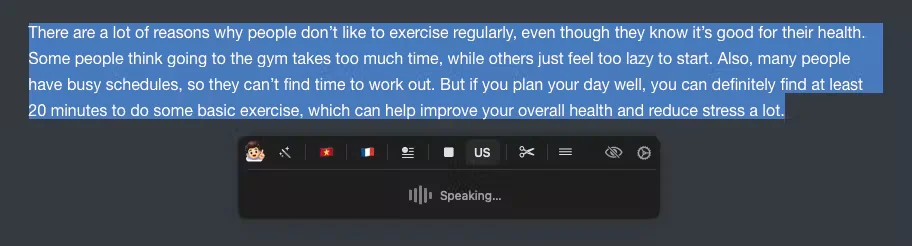
PopGuy puts a small toolbar next to whatever text you select and runs an action on it without leaving the app you are in. The built-in actions cover the everyday cases: fixing grammar, rephrasing, translating, looking a word up, reading text aloud, and pulling text out of a screenshot with OCR. Each one answers in place, with a diff view when a rewrite is involved, so the result can be accepted or pasted back. Custom actions hold your own prompts, and every action can be bound to its own hotkey. It brings its own providers, including OpenAI, Anthropic, Gemini, OpenRouter, DeepL, Google Translate, Google and Azure speech, plus local models through Ollama, LM Studio and MLX, with keys kept in the Keychain. Unusually, it can also drive Claude Code, Codex or Gemini CLI through the subscription you already pay for, so no API key is needed. All of it is free, with no paid tier. It needs macOS 13 or later.
Featured badge
Make PopGuy yours: show the badge on its site and the listing marks itself as linked back.

<a href="https://macgrove.app/apps/popguy">
  <img src="https://macgrove.app/badge/popguy.svg" alt="Featured on MacGrove" width="245" height="32" />
</a>[](https://macgrove.app/apps/popguy)What’s new
All 26 releases1.3.2Latest · 11 days ago
Added
- Settings → Providers → Dictionary: a switch next to "Load" turns all Babylon dictionaries on or off at once.
Changed
- Imported Babylon dictionaries are now stored as a small on-disk database per dictionary and read only when you look up a word. With eight large dictionaries loaded, PopGuy's memory use drops from about 560 MB to about 20 MB, and the first lookup is no longer slow. Existing dictionaries are converted once in the background right after the first launch of this version; your original .bgl files are never modified.
Earlier
1.3.1Humanize action in the Action Library (new AI Writing category): rewrites AI-sounding text so it reads like a person wrote it. Works with every AI provider.
Added
- Humanize action in the Action Library (new AI Writing category): rewrites AI-sounding text so it reads like a person wrote it. Works with every AI provider.
- Local AI: Humanizer 12B, an on-device model built for the Humanize action. It is selectable only for Humanize, and its Local Models entry explains how to set the action up.
1.3.0Local AI: three new on-device models, Qwen3.5 2B, Qwen3.5 9B and Llama 3.2 3B.
Added
- Local AI: three new on-device models, Qwen3.5 2B, Qwen3.5 9B and Llama 3.2 3B.
Changed
- Model pickers now list the latest models: GPT-6.1 Sol, GPT-6 Astra and GPT-6 Luna (OpenAI and Codex CLI), Claude Opus 5.5, Sonnet 5.5, Haiku 5.5 and Fable 5.1, Gemini 4 Argon and Gemini 3.8 Flash, GLM-5.3, plus updated OpenRouter and Gemini CLI suggestions. The default OpenAI model is now GPT-6.1 Sol.
Fixed
- Actions saved with a deprecated or retired model are switched automatically to the provider's recommended replacement, at launch and when you import an action. This also fixes a few model ids PopGuy used to suggest that providers never accepted, such as "gemini-3.1-pro" and "anthropic/claude-opus-4-8".
- OpenAI speech: "tts-1" and "tts-1-hd" (deprecated) now switch to "gpt-4o-mini-tts".
- The custom model field now appears automatically after you switch provider.
1.2.1"Remove gap before system buttons" switch in Settings → Appearance (off by default). When on, the Ignore and Settings buttons sit right after the actions like any other action, with a vertical divider before each, instead of after a gap. The preview in Settings updates as you toggle it.
Added
- "Remove gap before system buttons" switch in Settings → Appearance (off by default). When on, the Ignore and Settings buttons sit right after the actions like any other action, with a vertical divider before each, instead of after a gap. The preview in Settings updates as you toggle it.
- Source
- GitHub releases
- Last checked
Similar apps
- POP Switcher

 POP SwitcherLocal AI for Mac, in one free app.Free
 - PopClip
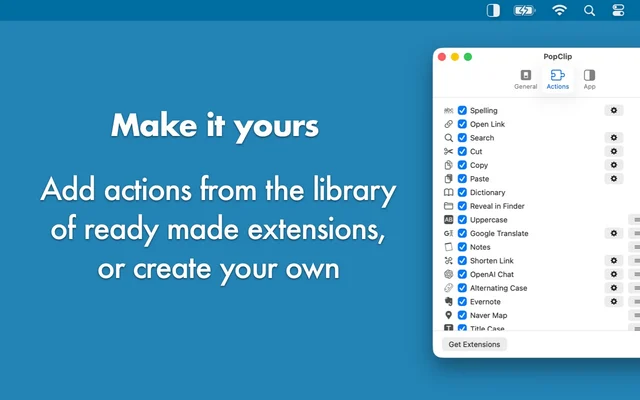
 PopClipActions for any text you select, right where you selected it.Paid
 - AI Actions
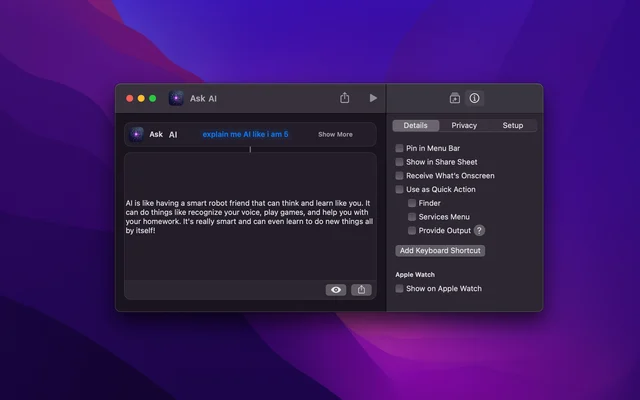
 AI ActionsAdds model-powered actions to the Shortcuts app.Free
 - VoiceInk
 VoiceInkDictation that runs entirely on the Mac.Paid
 - Shortcutie
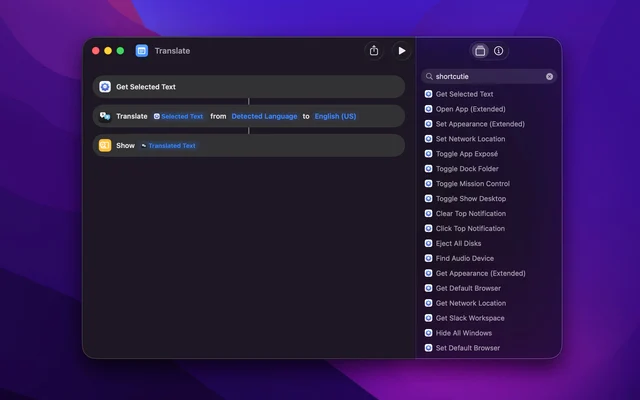
 ShortcutieAdds the triggers and actions the Shortcuts app leaves out on the Mac.Paid
 - Chorus
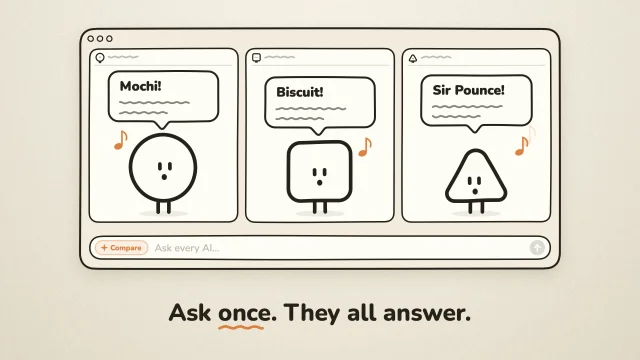
 ChorusAsk ChatGPT, Claude and Gemini at once, side by side on your Mac.Free
 - FluidVoice
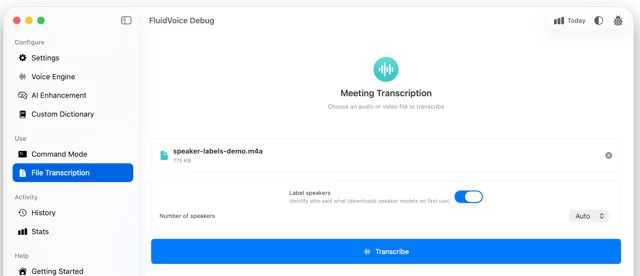
 FluidVoiceFree, open-source dictation that runs on your Mac.Free
 - Muse

 MuseMeta's personal AI agent that gets things done on your Mac.Freemium