
SpaceJump
v2.1.2Name your macOS Spaces and jump between them with a keyboard switcher
Paid$9.99 one-time for up to 3 Macs, with lifetime updates; 14-day free trialmacOS
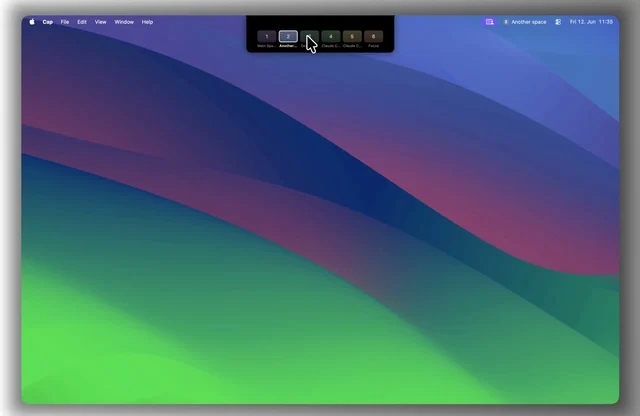
About
SpaceJump gives each macOS Space a name, icon and color, and shows those names in the menu bar, in Mission Control and on external displays. Press a shortcut to open a switcher, type a few letters to jump to a Space, or press it again to go back to where you were. Each Space can have its own notes, checklist and hotkey, and can open apps, folders, Shortcuts or scripts when you enter or leave it. It also tracks time per Space and per app and exports it to CSV. Native Swift with no SIP changes, $9.99 once after a 14-day trial, and it needs macOS 13 or later.
- Price
- Paid, $9.99 one-time for up to 3 Macs, with lifetime updates; 14-day free trial
- Version
- 2.1.2
- Platforms
- macOS
- Category
- Window Management
Featured badge
Make SpaceJump yours: show the badge on its site and the listing marks itself as linked back.

<a href="https://macgrove.app/apps/spacejump">
  <img src="https://macgrove.app/badge/spacejump.svg" alt="Featured on MacGrove" width="275" height="32" />
</a>[](https://macgrove.app/apps/spacejump)Similar apps
- DockDoor
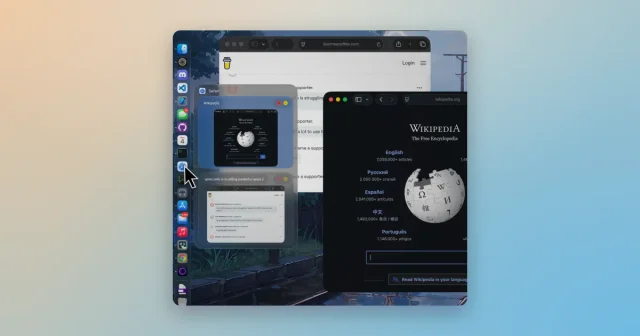
 DockDoorWindow previews and alt-tab switching on the Dock you already use.Free
 - Dockset

 DocksetSave and switch Dock layouts, or add a second Dock with widgets.Paid
 - Spencer
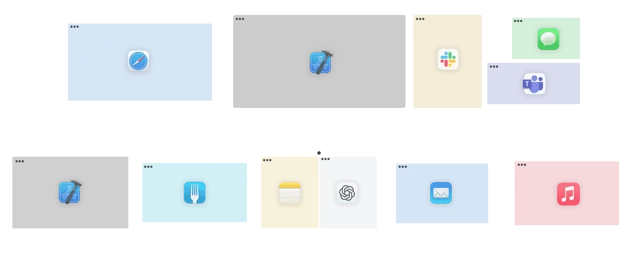
 SpencerSaves a whole workspace layout and brings it back.Paid
 - Rectangle
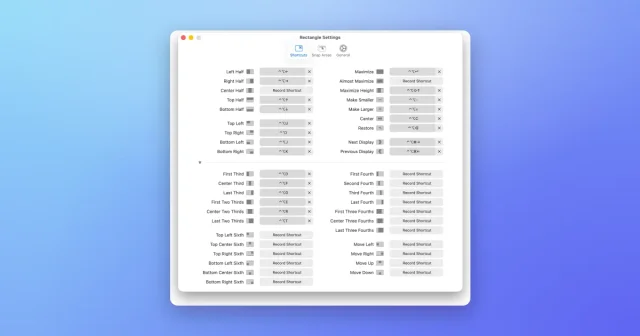
 RectangleMove and resize windows with keyboard shortcuts and snap areas.Free
 - DockFlow
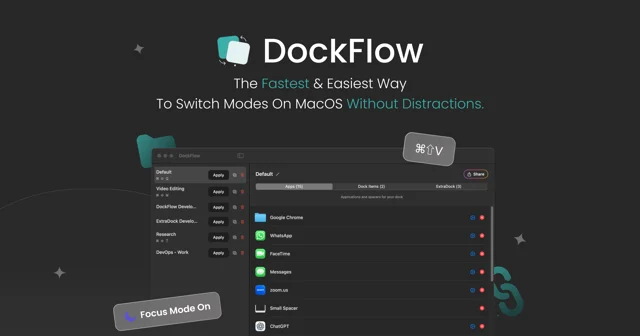
 DockFlowSave sets of Dock apps as presets and switch your whole setup with one hotkeyPaid
 - SpaceWise

 SpaceWiseUnderstand Mac storage before you cleanFree
 - Thaw
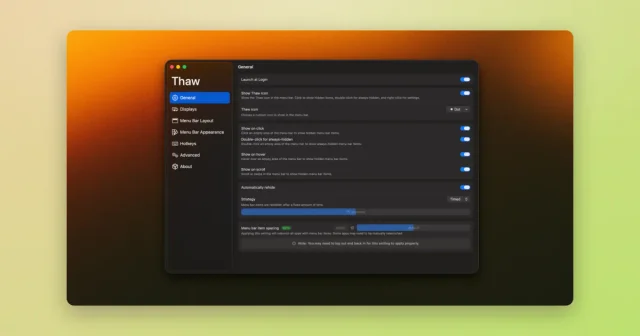
 ThawTop pickHide, reveal, and rearrange your Mac menu bar icons, with profiles and triggers.Free
 - Shortap

 ShortapTurns taps on the MacBook palm rest into shortcuts.Paid