
Rectangle
v2.0.4, released this weekMove and resize windows with keyboard shortcuts and snap areas.
FreeOpen sourceFree, no paid tier; Rectangle Pro is a separate $9.99 app with a 10-day trialmacOSUpdated 5 days ago

About
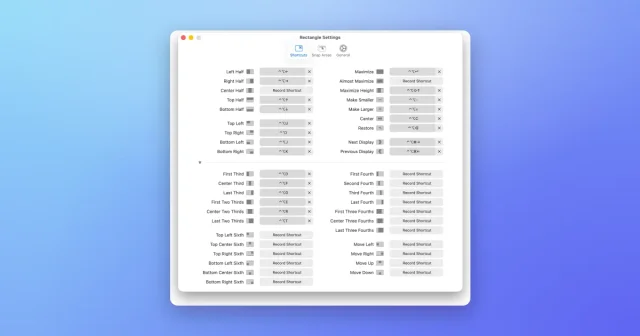
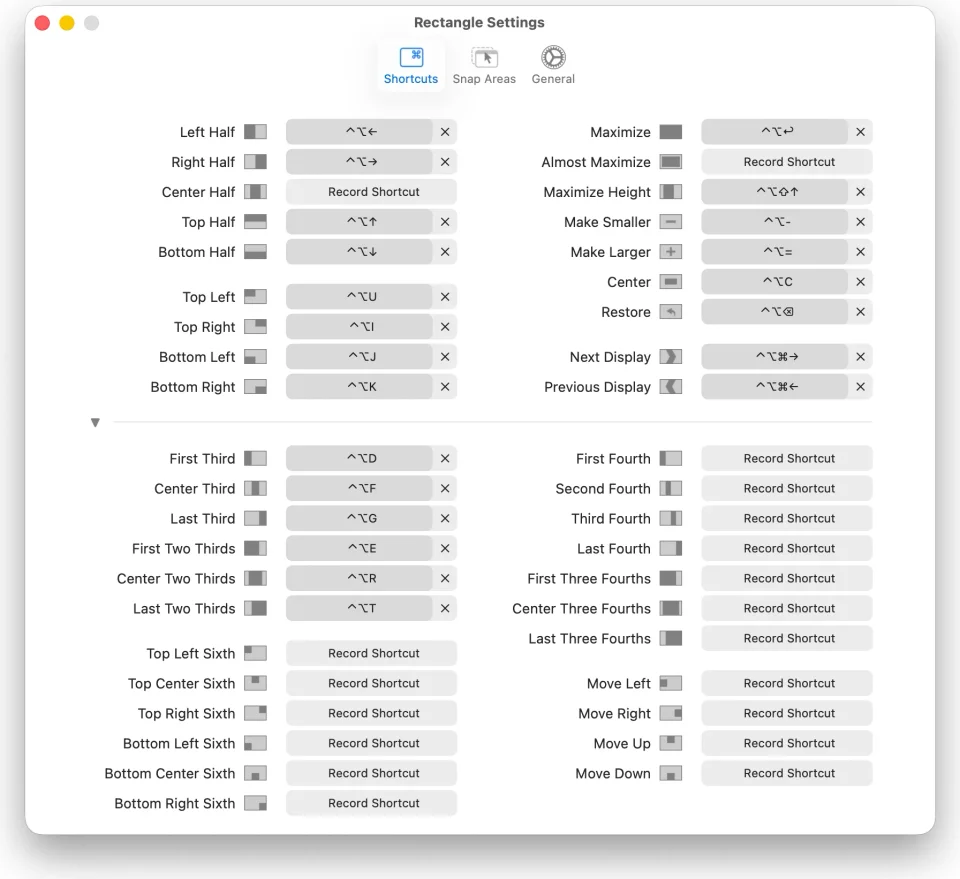
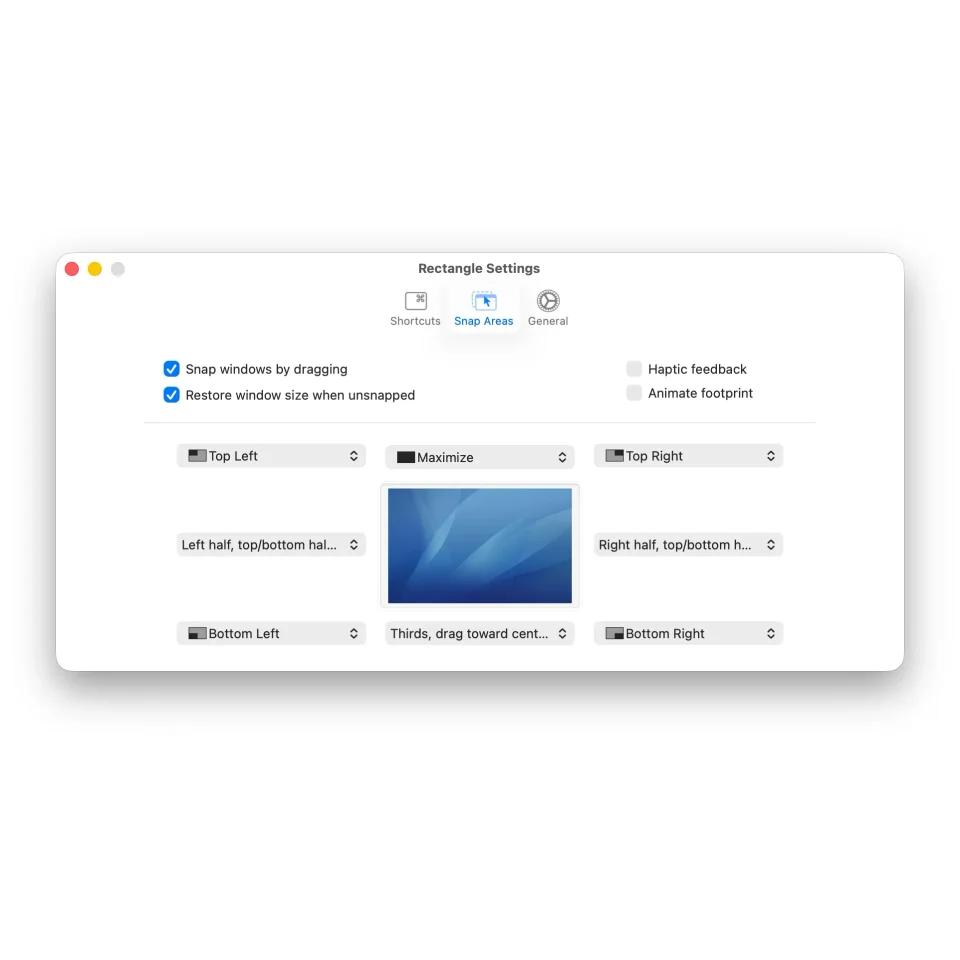
Rectangle is the window manager most Mac users start with. Drag a window to the edge of the screen and it snaps, or bind the moves macOS never shipped — halves, quarters, thirds, centre, maximise, next display — to shortcuts you choose, with a menu bar menu and a searchable list of actions for everything else. It grew out of Spectacle, reads a JSON config you can sync between Macs, and stays quietly in the menu bar. Rectangle itself is free and open source under the MIT licence, and a separate Rectangle Pro adds throw-to-position gestures, custom snap targets and multi-window shortcuts. It supports macOS 10.15 and later.
- Price
- Free, Free, no paid tier; Rectangle Pro is a separate $9.99 app with a 10-day trial
- License
- MIT
- Version
- 2.0.4 · Oct 21, 2026
- Platforms
- macOS
- Category
- Window Management
Featured badge
Make Rectangle yours: show the badge on its site and the listing marks itself as linked back.

<a href="https://macgrove.app/apps/rectangle">
  <img src="https://macgrove.app/badge/rectangle.svg" alt="Featured on MacGrove" width="264" height="32" />
</a>[](https://macgrove.app/apps/rectangle)Similar apps
- Loop

 LoopA radial menu for moving and resizing windows, with live previews.Free
 - Magnet
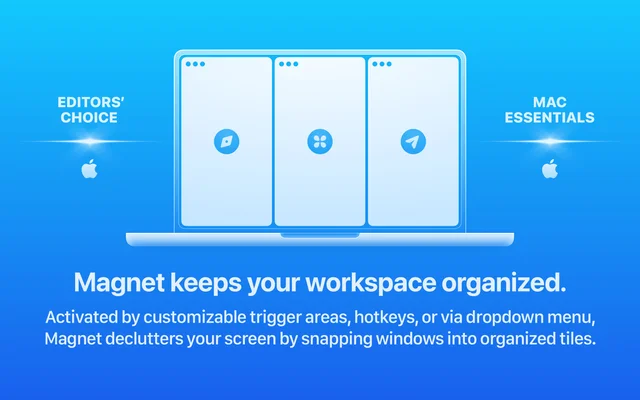
 MagnetSnaps windows into place with a shortcut or a drag.Paid
 - Taskbar
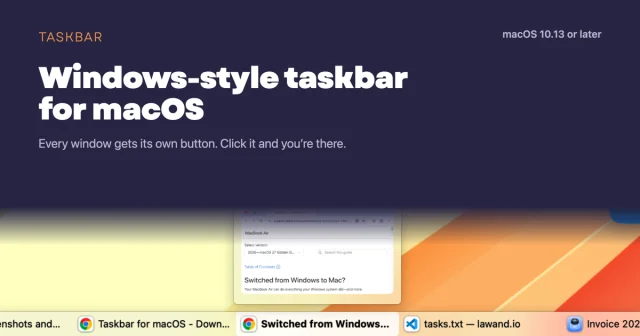
 TaskbarTaskbar for macOS: Windows-style taskbar and Start menuFree
 - ScreenPlace
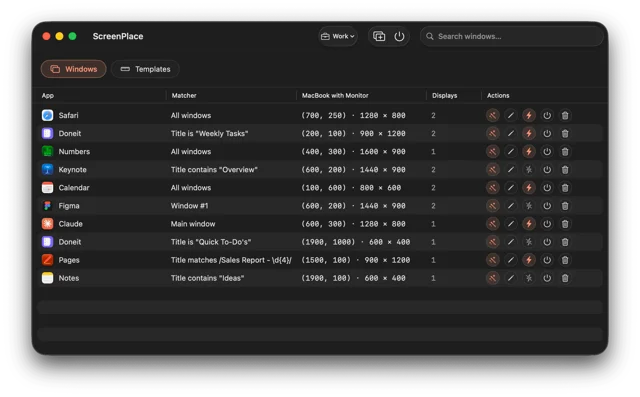
 ScreenPlaceRemembers where every window belongs and puts it back automatically.Freemium
 - Swish
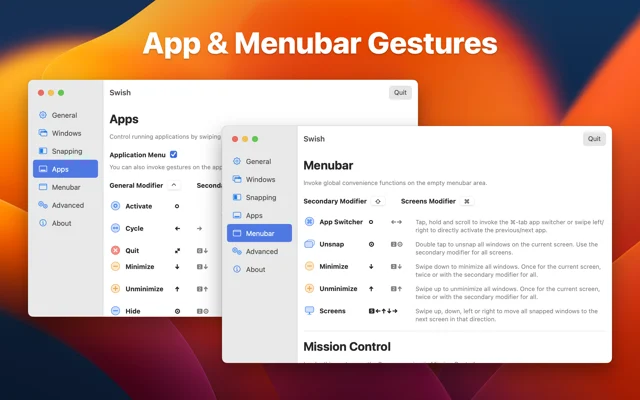
 SwishSnap, close and move windows with trackpad gestures.Paid
 - Moom
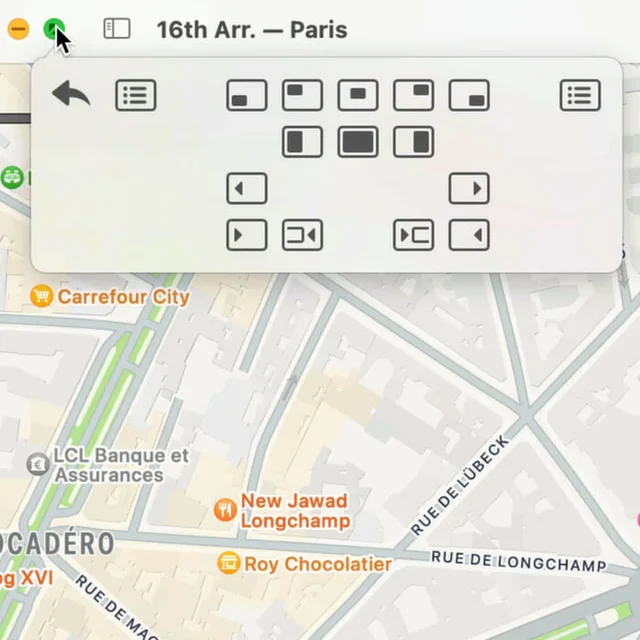
 MoomWindow control from a palette, a shortcut, or the green button.Paid
 - DockDoor
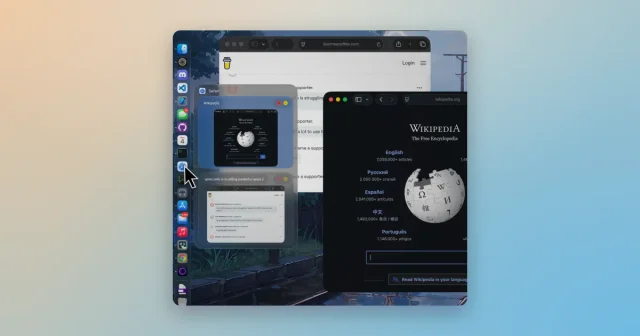
 DockDoorWindow previews and alt-tab switching on the Dock you already use.Free
 - AeroSpace
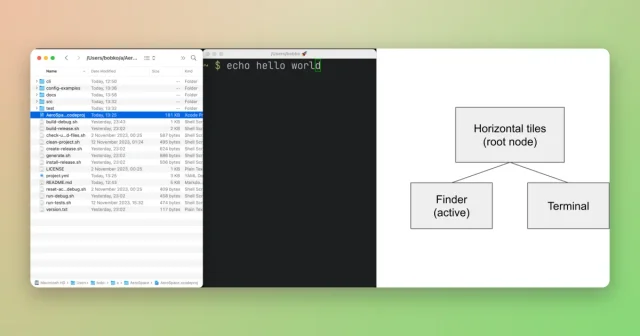
 AeroSpaceAn i3-style tiling window manager for macOS, keyboard-first and scriptable.Free