Keyboard & Input
Tenuo
v1.5.1Layers and shortcuts for the Mac keyboard you already have.
Paid$4 one-time, or $12 for the full licence.macOSUpdated 19 days ago
By Pedro Borges
About
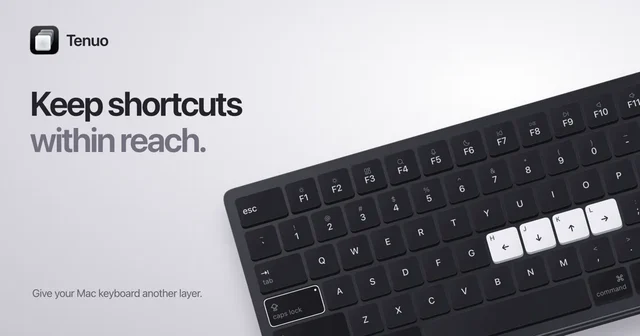
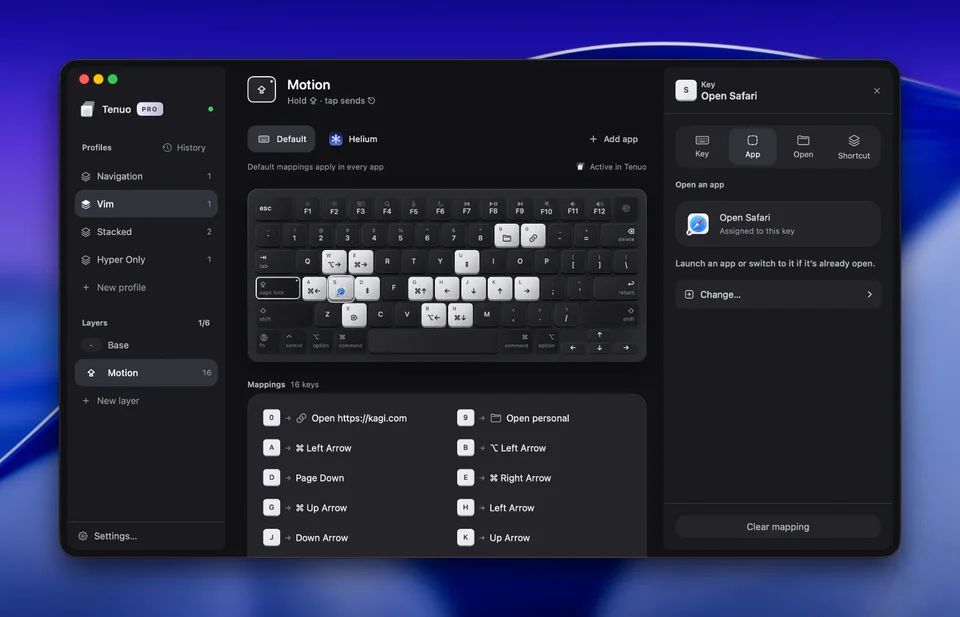
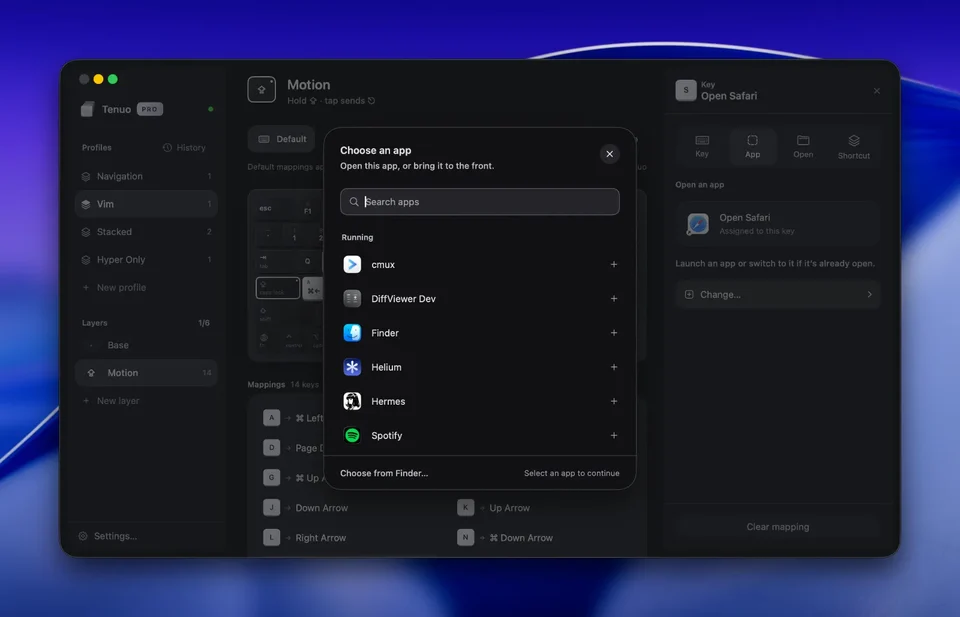
Tenuo gives the keyboard modifier layers, so holding a key turns ordinary letters into a second set of shortcuts instead of requiring a bigger keyboard. The layers are configured in the app rather than a config file, and it works with the built-in keyboard or any external one.
- Price
- Paid, $4 one-time, or $12 for the full licence.
- Payment
- One-time purchase
- Version
- 1.5.1 · Oct 8, 2026
- Platforms
- macOS
- Category
- Keyboard & Input
Featured badge
Make Tenuo yours: show the badge on its site and the listing marks itself as linked back.

HTML
<a href="https://macgrove.app/apps/tenuo">
  <img src="https://macgrove.app/badge/tenuo.svg" alt="Featured on MacGrove" width="234" height="32" />
</a>
Markdown
[](https://macgrove.app/apps/tenuo)What’s new
All 12 releases1.5.1Latest · 19 days ago
- Fixed a crash when using a layer again after a mapped key that adds modifiers.
- Includes 1.5.0: Caps Lock, Fn, and the left and right modifier keys can now be mapped like any other key.
Earlier
1.5.0Caps Lock, Fn, and the left and right modifier keys can now be mapped like any other key. For example, map Caps Lock to Control–Option–Command–R in the Base layer to use it without holding a layer.
- Caps Lock, Fn, and the left and right modifier keys can now be mapped like any other key. For example, map Caps Lock to Control–Option–Command–R in the Base layer to use it without holding a layer.
- Mapped keys now stay pressed until you release the source key, and their modifiers are pressed as real keys.
- When Caps Lock has no mapping in the active layer, it toggles Caps Lock normally, including its light.
- A layer’s trigger key is now reserved within its profile. The editor shows which layer uses it and links to that layer’s trigger.
- The menu bar now shows profiles that only use the Base layer.
1.4.1Fixed high CPU usage after selecting a trackpad gesture, including when the editor window was closed.
- Fixed high CPU usage after selecting a trackpad gesture, including when the editor window was closed.
- Added the trackpad to the menu bar preview. Both the menu and cheat sheet hide it when no swipes are mapped for the current app.
- Aligned swipe arrows along the trackpad edges and improved the trackpad preview shown to free users.
Requires macOS 15.0 or later.
1.4.0Added trackpad gestures to Tenuo Pro. Hold a layer key and swipe with two fingers to run shortcuts or open apps, files, and links.
- Added trackpad gestures to Tenuo Pro. Hold a layer key and swipe with two fingers to run shortcuts or open apps, files, and links.
- Configure up, down, left, and right in the trackpad below the keyboard. Leave a direction unassigned to keep scrolling, or customize its action for a particular app.
- View gesture mappings in the layer cheat sheet and profile history. Export and sync them with the rest of your profile.
- Held layers now stay active when you switch apps, including when a mapped action opens one.
Update your other Macs to 1.4.0 before importing or syncing profiles with gestures. Existing keyboard profiles continue to work.
Requires macOS 15.0 or later.
- Source
- The app's update feed
- Last checked
Similar apps
- Karabiner-Elements
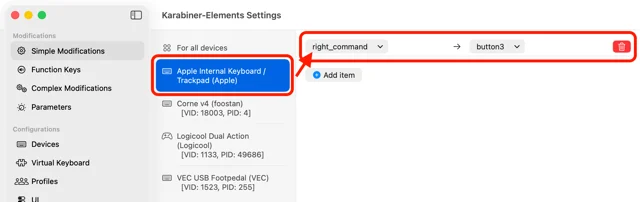
 Karabiner-ElementsRemaps keys, modifiers and whole keyboards on macOS.Free
 - Klack
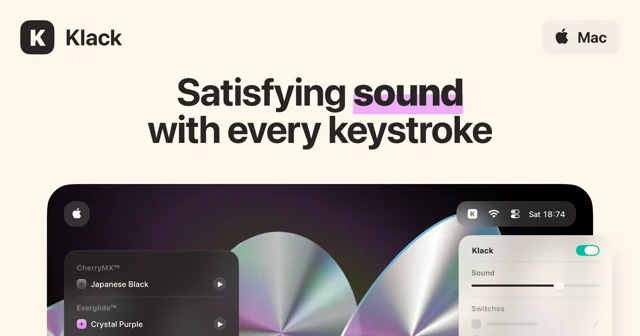
 KlackMakes a Mac keyboard sound like a mechanical one.Paid
 - xKey
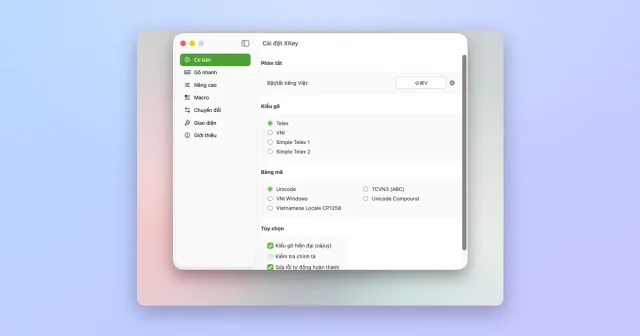
 xKeyTop pickAn open-source Vietnamese input method for macOS, written natively in Swift.Free
 - Shortap
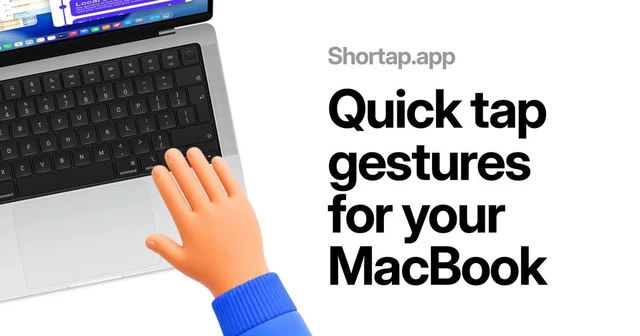
 ShortapTurns taps on the MacBook palm rest into shortcuts.Paid
 - KeyClu
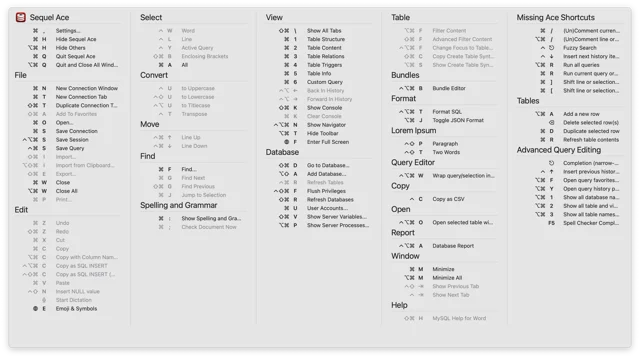
 KeyCluPress Command twice to see every shortcut the current app has.Free
 - Knock
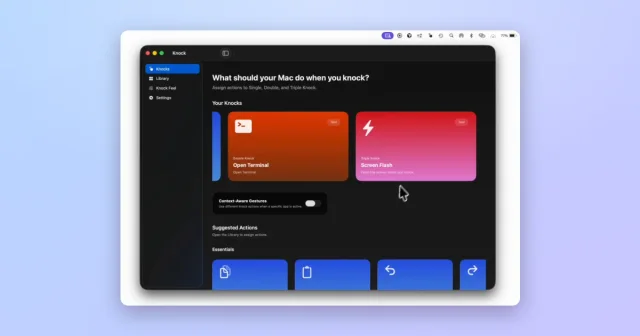
 KnockTurns taps on your MacBook or trackpad into shortcuts and actions.Paid
 - Lumi
 LumiLight Up Your KeyboardFreemium
 - Keyboard Maestro
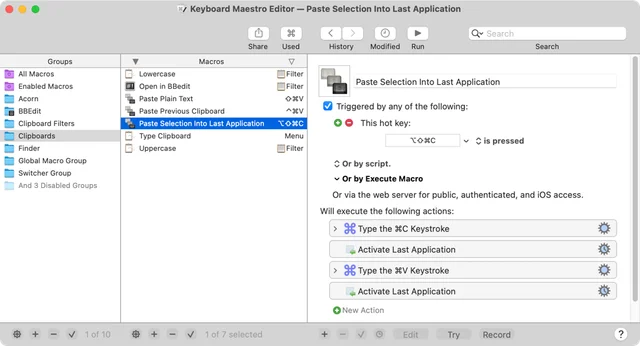
 Keyboard MaestroAutomates the Mac with macros, triggers and a full editor.Paid