Keyboard & Input
Karabiner-Elements
v16.3.0Remaps keys, modifiers and whole keyboards on macOS.
FreeOpen sourceFree, no paid tier; sponsorships welcomemacOS

About
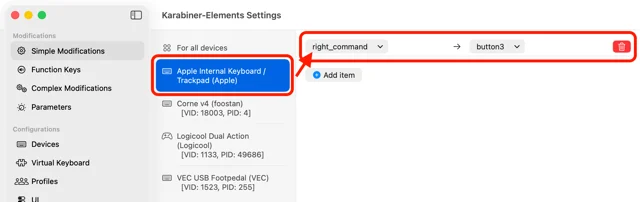
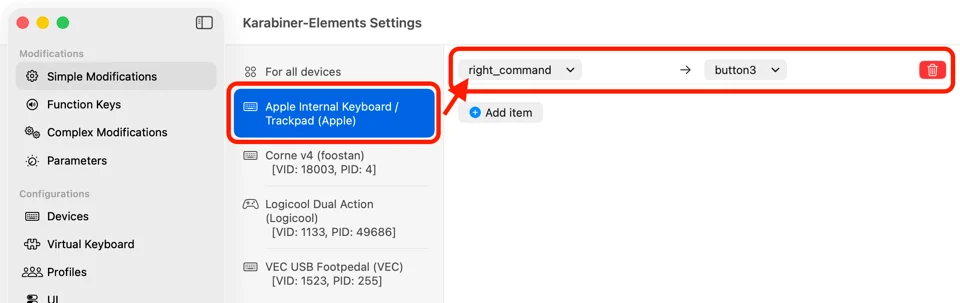
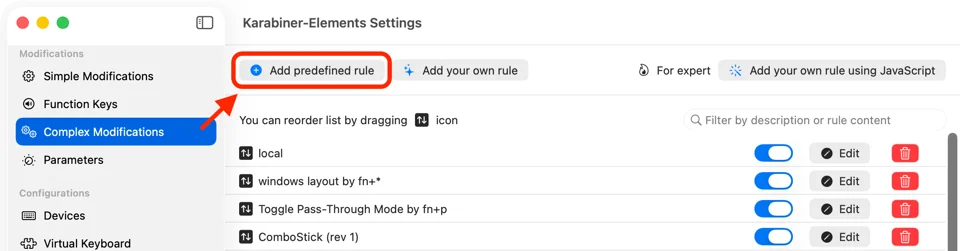
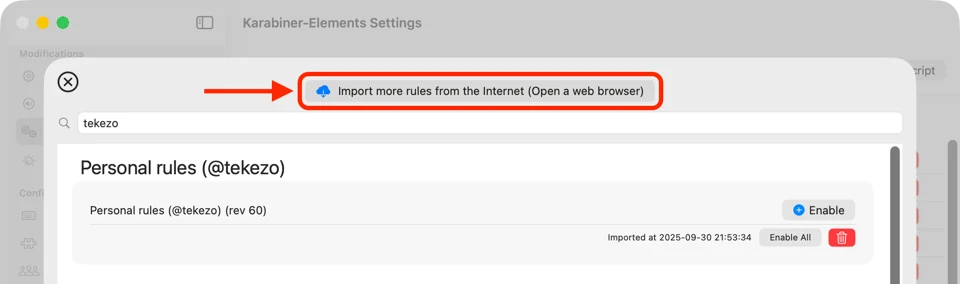
Karabiner-Elements does the keyboard surgery macOS will not: swap the roles of modifier keys, turn Caps Lock into Escape or Control, change the function keys per device, and write complex rules such as hold-to-accent or tap-versus-hold behaviour. Settings can differ for the built-in keyboard and each external one. Free, public domain, and the base most Mac keyboard setups are built on.
- Price
- Free, Free, no paid tier; sponsorships welcome
- License
- Unlicense
- Version
- 16.3.0
- Platforms
- macOS
- Category
- Keyboard & Input
Featured badge
Make Karabiner-Elements yours: show the badge on its site and the listing marks itself as linked back.

HTML
<a href="https://macgrove.app/apps/karabiner-elements">
  <img src="https://macgrove.app/badge/karabiner-elements.svg" alt="Featured on MacGrove" width="340" height="32" />
</a>
Markdown
[](https://macgrove.app/apps/karabiner-elements)Similar apps
- Tenuo
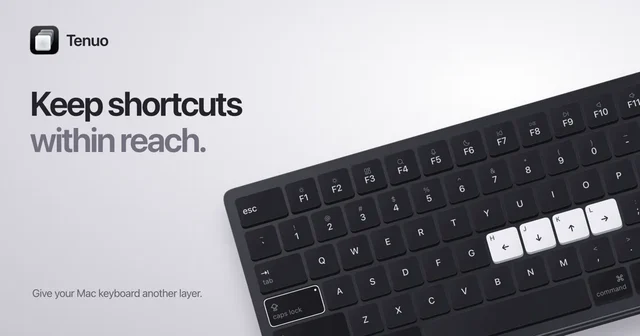
 TenuoLayers and shortcuts for the Mac keyboard you already have.Paid
 - Hyperkey

 HyperkeyTurns Caps Lock into a modifier no app already uses.Free
 - Lumi

 LumiLight Up Your KeyboardFreemium
 - Keyboard Maestro
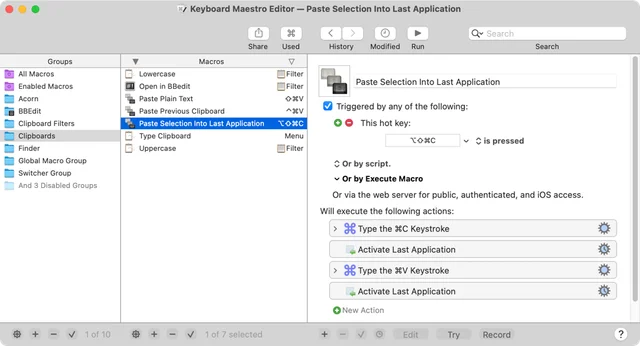
 Keyboard MaestroAutomates the Mac with macros, triggers and a full editor.Paid
 - Klack
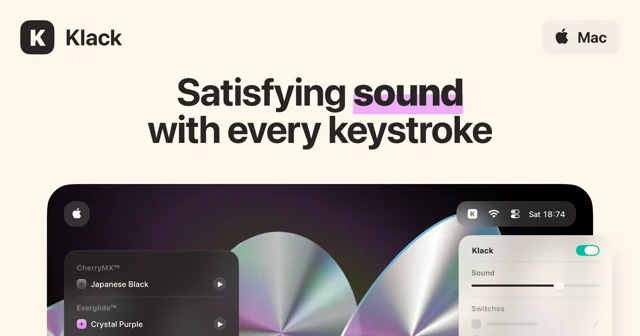
 KlackMakes a Mac keyboard sound like a mechanical one.Paid
 - Unfumble
 UnfumbleFixes words typed in the wrong keyboard layout, as you type.Freemium
 - Keyty
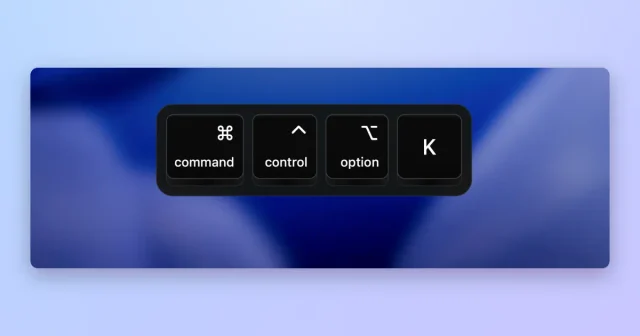
 KeytyShows your keystrokes and clicks on screen for demos and streams.Free
 - Shortap
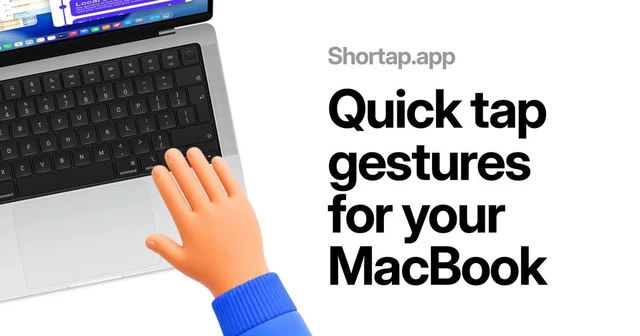
 ShortapTurns taps on the MacBook palm rest into shortcuts.Paid