Boring Notch
v2.7.3Turns the MacBook notch into a music controller.
FreeOpen sourceFree, no paid tiermacOSUpdated on Nov 24, 2025

About
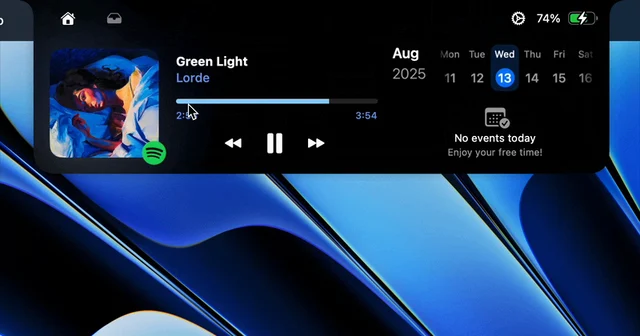
Boring Notch expands the notch on hover into a music control centre with a live visualiser and the usual transport controls, then keeps going: calendar events, a file shelf that accepts AirDrop, and a replacement for the system HUD. It runs on Apple Silicon and Intel from macOS 14 onward. Free and open source, though the team has no Apple Developer account yet, so the first launch needs the quarantine flag cleared by hand.
- Price
- Free, Free, no paid tier
- License
- GPL-3.0
- Version
- 2.7.3 · Nov 24, 2025
- Platforms
- macOS
- Category
- Notch Apps
Featured badge
Make Boring Notch yours: show the badge on its site and the listing marks itself as linked back.

<a href="https://macgrove.app/apps/boring-notch">
  <img src="https://macgrove.app/badge/boring-notch.svg" alt="Featured on MacGrove" width="287" height="32" />
</a>[](https://macgrove.app/apps/boring-notch)What’s new
All 8 releases2.7.3Latest · on Nov 24, 2025
Fixes:
- **Fixed regression in album artwork view
- Fixed HUD for older versions of macOS
- Added volume feedback for HUD when enabled in macOS settings
- Added option to display percentages for HUDs
- Created a new custom HUD for when the notch is open
Earlier
2.7.2**Fixed default sneak peak
Fixes:
- **Fixed default sneak peak
Fixes:
- Fixed update signing**
- Improved animations
- Fixed shadow clipping
Shelf 2.0
Major update with improved stability, enhanced functionality, and a refreshed UI.
- New Context Menu – Right-click in the notch to access various file actions
- Multi-Item Selection – Hold ⇧ for consecutive or ⌘ for non-consecutive
selections
- Double-Click to Open – Double-click on selected files to open them
- Move by Default – Dragging files now moves them; hold ⌥ to copy
- Simplified Removal – Files can be removed after dragging (configurable in Settings)
- Expanded Drag Detection – The shelf opens when files are dragged into the notch area
- Expanded Sharing – More sharing services available in Settings
Complete HUD Replacement
Full support for macOS system controls:
- Screen Brightness, Keyboard Brightness, and System Volume
- Keyboard Brightness Controls: ⌘ + Brightness Down/Up
- Option (⌥) – Triggers alternate action configured in Settings
- Option + Shift (⌥ ⇧) – Adjustments in smaller increments
Music Enhancements
- YouTube Music Support Rewritten – Now powered by WebSocket for better accuracy and performance
Note: Requires version 3.11+ of YouTube Music/Pear Desktop. Updating is strongly recommended.
- Redesigned Music Controls – Fully customizable:
- Skip backward/forward by 15 seconds
- Adjust music app volume
- Mark favorite songs (Apple Music &
YouTube MusiZ
- Rearrange or remove existing controls
- Optimized Spotify Artwork Cache – Significantly reduced storage usage with automatic cleanup
- Lyrics (Beta) – View synchronized lyrics for currently playing songs
Calendar Improvements
- New setting to hide all-day events
- New setting to auto-scroll to next current or upcoming event
- New setting to prevent truncation of long event names
Improved Window Behavior
- Enhanced Fullscreen Detection – Significantly more reliable
- Better Edge Handling – Fixed top edge cursor issues
- Reduced Title Bar Interference – Less intrusive during fullscreen
- Lock Screen Support – Notch now appears on lock screen
- Screenshot Privacy – Hide notch from screenshots and recordings
Advanced Settings
- Cleaner interface with lesser-used settings moved to Advanced
- Accent color override reintroduced
General Enhancements
- Numerous UI fixes and polish
- Localization updates across all supported languages
@azhao4227 · @bueckerlars · @TheMalenia · @Corentin132 · @SupKittyMeow · @M7T5M3P · @charshith · @Decryptu · @EnesCinr · @lambegraham
2.7.1Fixed update signing
Fixes:
- Fixed update signing
- Improved animations
- Fixed shadow clipping
Shelf 2.0
Major update with improved stability, enhanced functionality, and a refreshed UI.
- New Context Menu – Right-click in the notch to access various file actions
- Multi-Item Selection – Hold ⇧ for consecutive or ⌘ for non-consecutive
selections
- Double-Click to Open – Double-click on selected files to open them
- Move by Default – Dragging files now moves them; hold ⌥ to copy
- Simplified Removal – Files can be removed after dragging (configurable in Settings)
- Expanded Drag Detection – The shelf opens when files are dragged into the notch area
- Expanded Sharing – More sharing services available in Settings
Complete HUD Replacement
Full support for macOS system controls:
- Screen Brightness, Keyboard Brightness, and System Volume
- Keyboard Brightness Controls: ⌘ + Brightness Down/Up
- Option (⌥) – Triggers alternate action configured in Settings
- Option + Shift (⌥ ⇧) – Adjustments in smaller increments
Music Enhancements
- YouTube Music Support Rewritten – Now powered by WebSocket for better accuracy and performance
Note: Requires version 3.11+ of YouTube Music/Pear Desktop. Updating is strongly recommended.
- Redesigned Music Controls – Fully customizable:
- Skip backward/forward by 15 seconds
- Adjust music app volume
- Mark favorite songs (Apple Music &
YouTube MusiZ
- Rearrange or remove existing controls
- Optimized Spotify Artwork Cache – Significantly reduced storage usage with automatic cleanup
- Lyrics (Beta) – View synchronized lyrics for currently playing songs
Calendar Improvements
- New setting to hide all-day events
- New setting to auto-scroll to next current or upcoming event
- New setting to prevent truncation of long event names
Improved Window Behavior
- Enhanced Fullscreen Detection – Significantly more reliable
- Better Edge Handling – Fixed top edge cursor issues
- Reduced Title Bar Interference – Less intrusive during fullscreen
- Lock Screen Support – Notch now appears on lock screen
- Screenshot Privacy – Hide notch from screenshots and recordings
Advanced Settings
- Cleaner interface with lesser-used settings moved to Advanced
- Accent color override reintroduced
General Enhancements
- Numerous UI fixes and polish
- Localization updates across all supported languages
@azhao4227 · @bueckerlars · @TheMalenia · @Corentin132 · @SupKittyMeow · @M7T5M3P · @charshith · @Decryptu · @EnesCinr · @lambegraham
2.7Major update with improved stability, enhanced functionality, and a refreshed UI.
Shelf 2.0
Major update with improved stability, enhanced functionality, and a refreshed UI.
- New Context Menu – Right-click in the notch to access various file actions
- Multi-Item Selection – Hold ⇧ for consecutive or ⌘ for non-consecutive
selections
- Double-Click to Open – Double-click on selected files to open them
- Move by Default – Dragging files now moves them; hold ⌥ to copy
- Simplified Removal – Files can be removed after dragging (configurable in Settings)
- Expanded Drag Detection – The shelf opens when files are dragged into the notch area
- Expanded Sharing – More sharing services available in Settings
Complete HUD Replacement
Full support for macOS system controls:
- Screen Brightness, Keyboard Brightness, and System Volume
- Keyboard Brightness Controls: ⌘ + Brightness Down/Up
- Option (⌥) – Triggers alternate action configured in Settings
- Option + Shift (⌥ ⇧) – Adjustments in smaller increments
Music Enhancements
- YouTube Music Support Rewritten – Now powered by WebSocket for better accuracy and performance
Note: Requires version 3.11+ of YouTube Music/Pear Desktop. Updating is strongly recommended.
- Redesigned Music Controls – Fully customizable:
- Skip backward/forward by 15 seconds
- Adjust music app volume
- Mark favorite songs (Apple Music &
YouTube MusiZ
- Rearrange or remove existing controls
- Optimized Spotify Artwork Cache – Significantly reduced storage usage with automatic cleanup
- Lyrics (Beta) – View synchronized lyrics for currently playing songs
Calendar Improvements
- New setting to hide all-day events
- New setting to auto-scroll to next current or upcoming event
- New setting to prevent truncation of long event names
Improved Window Behavior
- Enhanced Fullscreen Detection – Significantly more reliable
- Better Edge Handling – Fixed top edge cursor issues
- Reduced Title Bar Interference – Less intrusive during fullscreen
- Lock Screen Support – Notch now appears on lock screen
- Screenshot Privacy – Hide notch from screenshots and recordings
Advanced Settings
- Cleaner interface with lesser-used settings moved to Advanced
- Accent color override reintroduced
General Enhancements
- Numerous UI fixes and polish
- Localization updates across all supported languages
@azhao4227 · @bueckerlars · @TheMalenia · @Corentin132 · @SupKittyMeow · @M7T5M3P · @charshith · @Decryptu · @EnesCinr · @lambegraham
- Source
- GitHub releases
- Last checked
Similar apps
- NotchNook
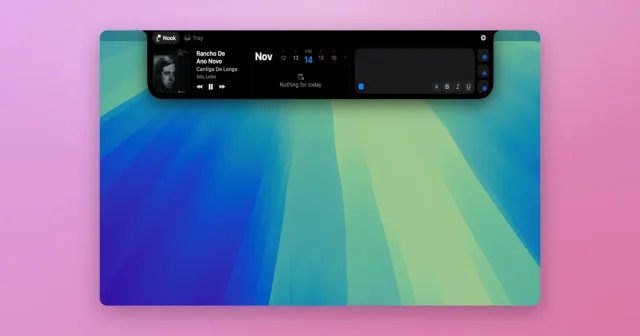
 NotchNookWidgets, a file tray, and live activities tucked into the MacBook notch.Paid
 - Gojo
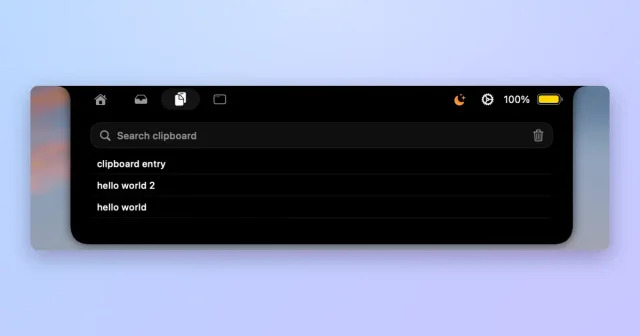
 GojoNotch hub for local dictation, clipboard history, window snapping and files.Paid
 - Seam
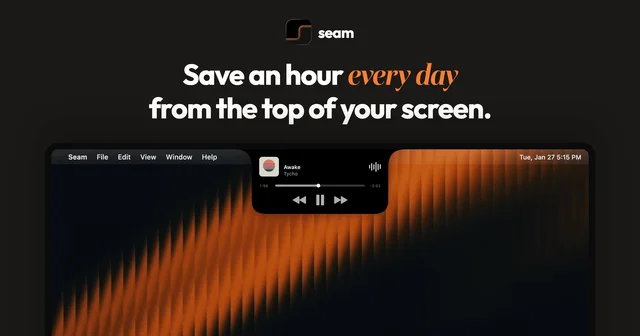
 SeamTurns the MacBook notch into a strip for menus and controls.Paid
 - Notchling
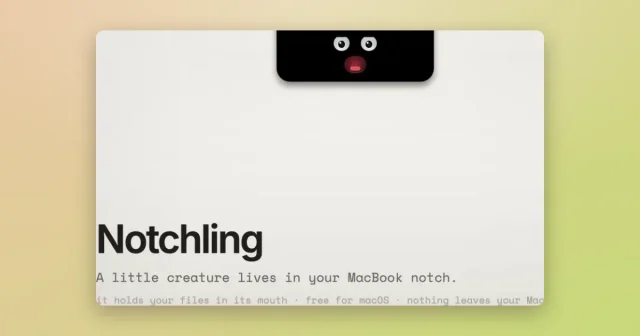
 NotchlingA tiny creature that lives in the notch and holds your files.Freemium
 - Droppy
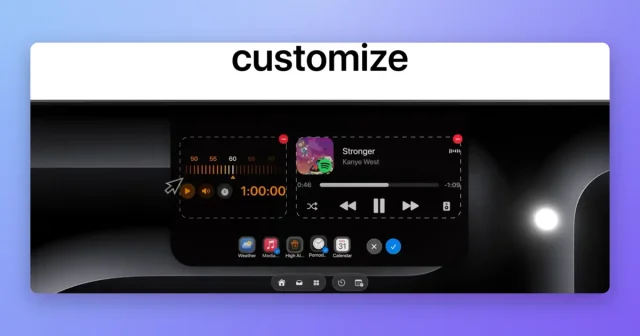
 DroppyA Dynamic Island for your Mac with a file tray, clipboard, and free extensions.Paid
 - Liqoria
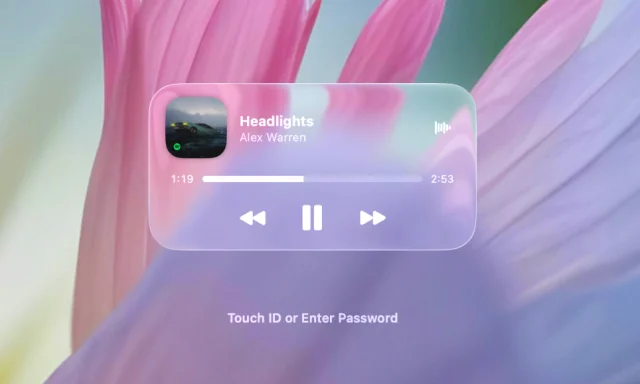
 LiqoriaA Mac music player in the notch, the Dock or the Lock Screen.Paid
 - MediaMate
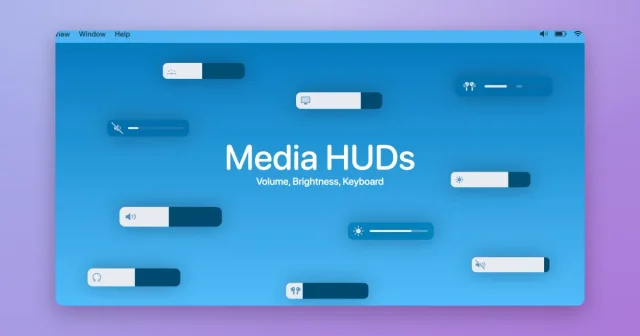
 MediaMateDynamic Island-style HUDs around the MacBook notch for music, volume, and brightness.Paid
 - OneNotch
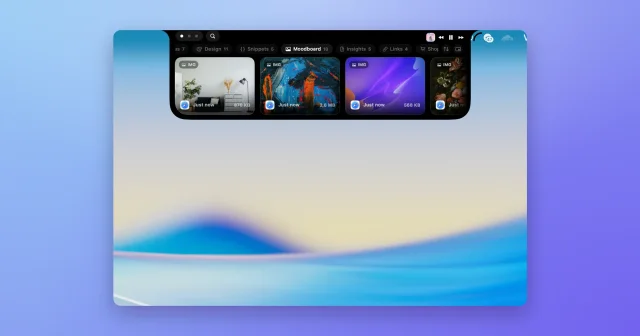
 OneNotchTop pickClipboard history, screenshots and a calendar inside the MacBook notch.Freemium