OneNotch
v2.1.0, released this week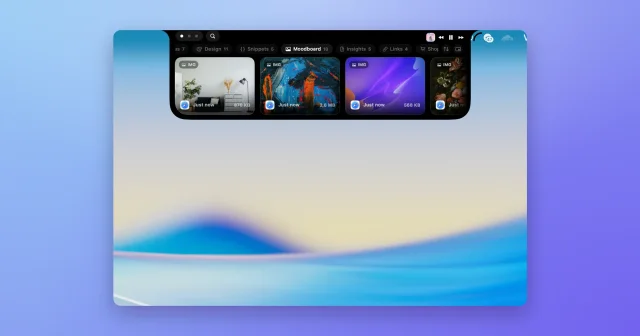
About
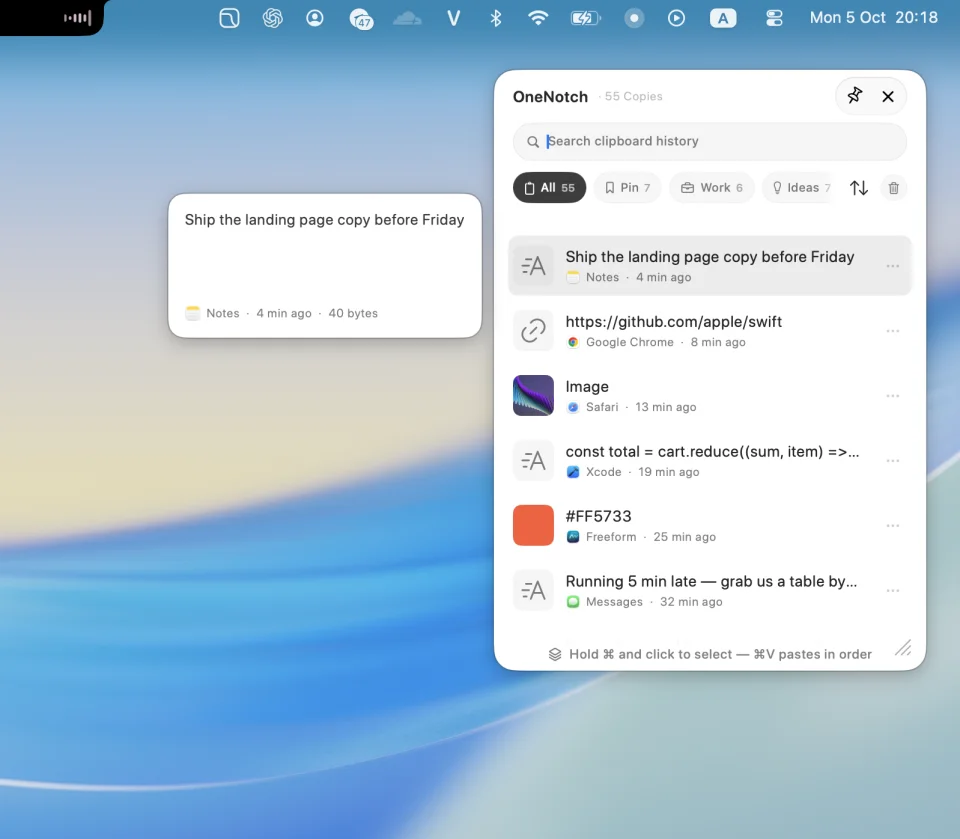
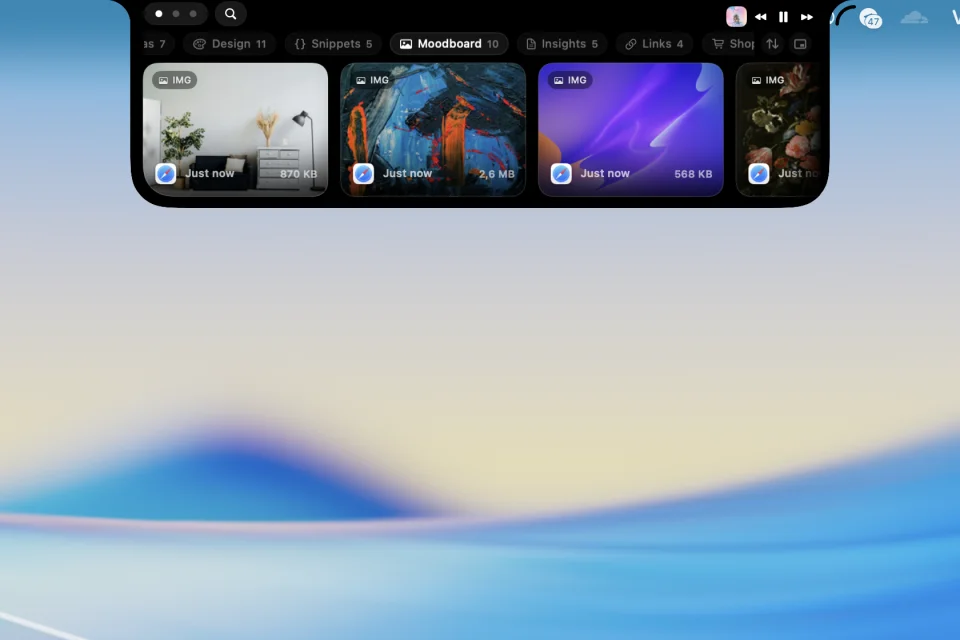
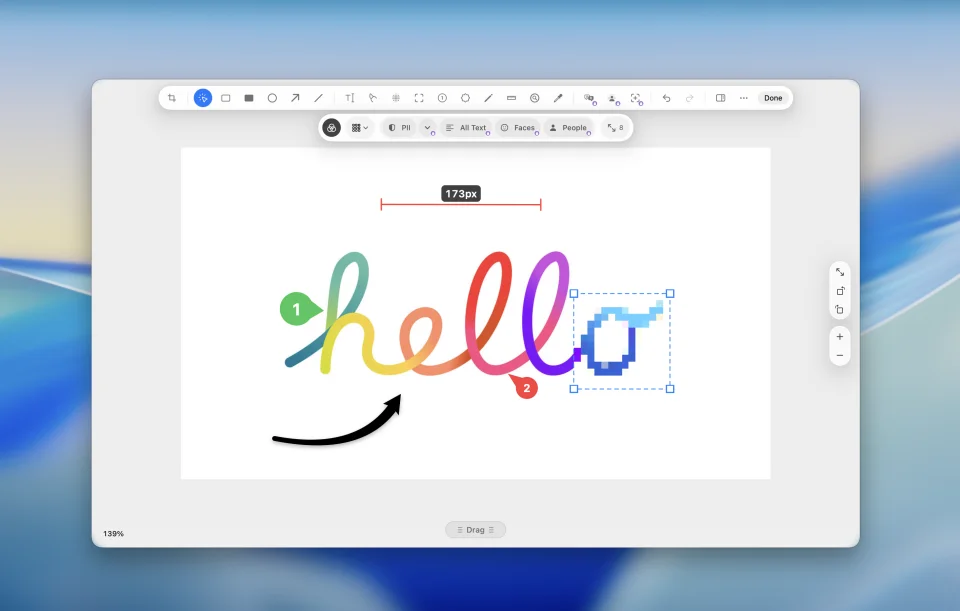
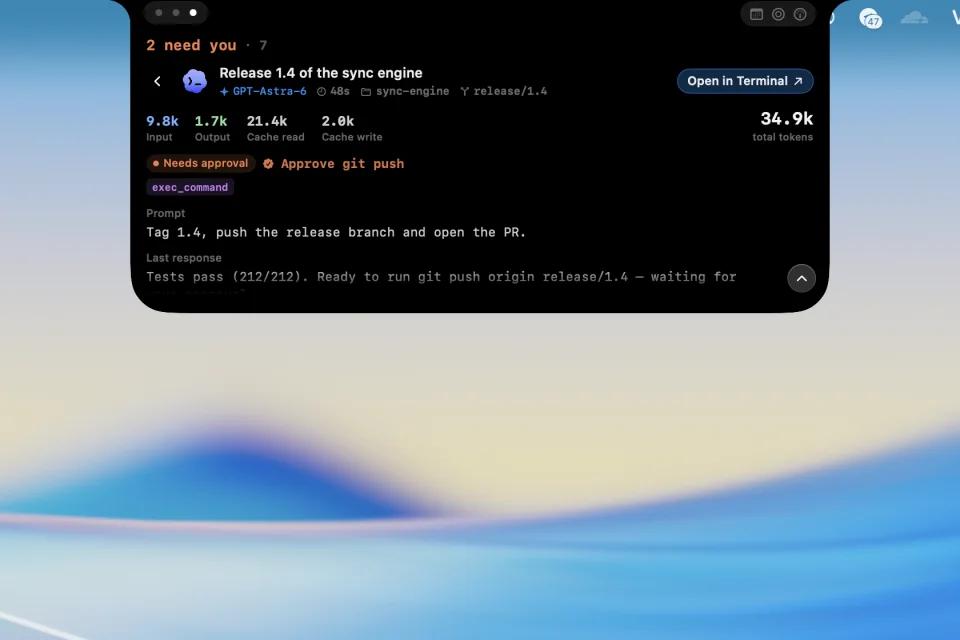
OneNotch turns the MacBook notch into a workspace that opens when the pointer reaches the top of the screen. Clipboard history is the heart of it: search, pin, and file copies into Boards, then paste a stack back in order — Pro keeps up to 1,000 items for as long as you want and syncs them across Macs with iCloud. Screenshots are taken and annotated in place, and the Pro capture tools add scrolling capture, subject cutout, automatic redaction of text, people and faces, image translation and merging. The same panel holds a file shelf, window snapping, now-playing with lyrics and Live Activities, a calendar that can summarize a day and create events, a quick translate shortcut, and the live status of AI coding agents such as Claude Code and Codex. Nothing is uploaded: history and files stay on the Mac, no account is needed, and the panel hides itself when idle. Free covers 50 clipboard items kept for 24 hours, one board, screenshots with annotation, music, calendar and the agent tracker; Pro is $6.99 one-time during the launch offer ($9.99 later) for two Macs, with a 7-day refund. It is Apple Silicon only and needs macOS 15 or later.
- Price
- Freemium, Free: 50 clips kept 24h, one board. Pro $6.99 one-time ($9.99 after 19 Nov) for 2 Macs, Supporter $24.99 for 5 Macs
- Payment
- One-time purchase
- Version
- 2.1.0 · Oct 22, 2026
- Platforms
- macOS
- Categories
- Notch AppsUtilities
Featured badge
Make OneNotch yours: show the badge on its site and the listing marks itself as linked back.

<a href="https://macgrove.app/apps/onenotch">
  <img src="https://macgrove.app/badge/onenotch.svg" alt="Featured on MacGrove" width="261" height="32" />
</a>[](https://macgrove.app/apps/onenotch)What’s new
All 21 releases2.1.0Latest · 4 days ago
The notch now has an orb on each side, bringing Keep Awake, Sound, System Monitor, Cleaning Mode, Presenter and Eye Break one click away. And you choose where every notch button lives.
New
- Tools in the orbs. The open notch now has an orb on each side; each tool opens its own face of the Tools page:
- Keep Awake keeps your Mac (and the screen) awake for 15 minutes up to 8 hours, indefinitely, or until the end of your workday. It turns off when the battery runs low and carries on when OneNotch restarts or updates. A coffee cup on the closed notch, a dot on the menu bar icon and a short "still on" note when you come back remind you it's running. With Pro, keep your Mac awake until an app quits ("Keep awake until Xcode quits") and get a heads-up 2 minutes before a timed session ends.
- Sound: pick the output device, set the system volume, mute every microphone at once, and set the volume of each app that is playing (asks for system audio permission the first time you adjust one). Two-finger swipes on the trackpad adjust the volume.
- System Monitor: CPU, memory, battery and power, network, disk and thermal state. It only measures while the page is open.
Earlier
2.0.5Import clipboard data from other apps, pick colors on screen and work with videos, links and codes in copied content.
Import clipboard data from other apps, pick colors on screen and work with videos, links and codes in copied content.
New
- Import clipboard history and pinned items from Paste, PastePal, PasteNow, Maccy and CopyClip (Pro). Duplicate content is skipped, and pinned items go to the matching Board.
- Videos copied from Finder have a preview and a VIDEO label in the notch, Clipboard Panel and Library. The thumbnail remains when the original file is moved or deleted.
- Type @video to filter videos.
- Links and OTP codes inside copied text can be accessed directly from the right-click menu.
- Pick Color: press ⇧⌘1 to pick a color anywhere on screen. Tab switches HEX/RGB/HSL/HSB; ⌘-click to keep picking colors (Pro). Change the shortcut in Settings.
- Apple Music: the notch shows the next track a few seconds before it changes, with the track name, artist and a countdown animation.
- AI agents have new loading indicator styles.
Improved
- OCR responds faster on the first use.
- The OCR result card below the notch is more compact, previews up to five lines and closes with Esc.
- The Clipboard Panel offers “Copy and close” and “Paste and close” when clicking an item. A pinned panel stays open.
- PNG, JPEG and GIF images keep their format in the clipboard, avoiding larger files or lost animation. Images copied from Finder show their file name and can be searched by name.
- Delete clipboard history from the past 15 minutes, one hour, 24 hours or seven days instead of clearing everything. Items pinned to Boards are kept.
- Smart Select has a new look and sits beside the end of the selected text in supported apps.
- Calendar adjusts its height to the number of events. Click the event name in “Next up” to open its details.
- Swiping between notch pages gives a light haptic tap when the gesture reaches the switching point.
- Drag to add, reorder or remove controls directly on the player preview in Media Settings.
- The live music waveform pauses while Low Power Mode is on to reduce load and save battery.
- Pomodoro now offers more sounds.
- Onboarding lets you enable Screenshot shortcuts, warns about macOS shortcut conflicts and prompts before you skip permissions.
- Screenshot editing handles keep a consistent size at every zoom level, making them easier to use.
- Changing the app language prompts you to restart immediately, in the language you selected.
- Improved compatibility with Codex Auto Review.
Fixed
- Fixed Codex appearing done while it was still running or had unfinished subagents.
- Approval requests no longer stay pending after being answered in the terminal; fixed Claude asking for input when it had already finished.
- Enabling Translation can show the translate button beside selected text without also enabling Smart Select in Utilities.
- Fixed a crash when turning Low Power Mode on or off.
- Fixed dragging files to the notch accidentally opening Mission Control.
- Reduced CPU usage when Settings is open but idle.
- Fixed restarting the app sometimes opening two instances of OneNotch.
- Fixed unnecessary rebuilding of the area capture overlay, making Screenshot, OCR and Pick Color more reliable.
2.0.4Drag several clipboard items at once, switch notch pages with Tab, and enjoy improved stability.
Drag several clipboard items at once, switch notch pages with Tab, and enjoy improved stability.
New
- Drag several clipboard items at once from the notch and the Clipboard Panel. Select items with ⌘-click, or ⇧-click to select a range.
- Drop several items on a Board to pin them all at once.
- Press Tab or Shift-Tab to switch pages while the notch is open and the pointer is over it.
- New "Edges open their own page" option in Interaction zones. When it is off, clicking or hovering anywhere on the notch opens the page set in "When the notch opens".
- Two new clipboard sort options, "By App" and "Name (A–Z)", shared by the notch and the Clipboard Panel.
- The Pin Board can now be renamed and given a new icon.
- New "Floating Panel Preview" option in Settings › Clipboard › Appearance to turn the preview beside the Clipboard Panel on or off.
Improved
- Smart Select translates standalone date words such as "tomorrow" or "Friday" instead of suggesting a new event. Phrases with a time or an event name, such as "Friday 3pm" or "Team sync Friday", still show the calendar card.
- Smart Select cards include a Translate button that switches to the translation right in the card.
- Smaller Smart Select badge. The translation panel shows language codes so language names are no longer cut off.
- The text preview beside the Clipboard Panel shows the full content and supports selecting, scrolling and copying. Moving the pointer toward the preview no longer switches the item being viewed.
- Redesigned passcode and Board create/edit prompts: they now appear in the middle of the Clipboard Panel, with a Cancel button and clear actions.
- Copy Stack: click the count on an item to remove it from the stack; press Esc to clear the search, then filters, then the stack. The stack clears after you drag it out, so the same items are not pasted twice.
- Dragging a stack with both text and images into Notes or TextEdit keeps all of the content, in the order you selected it.
- Images copied from Finder drag out as the original file, keeping their name and format.
- Smoother area capture animation, with no stutter on the first capture.
- The capture preview panel (Quick Access), when placed in a bottom corner, now sits above third-party docks and floating toolbars instead of being covered by them.
- The Send Feedback form fills in the email you used before, with a quick clear button, so we can reply to you. Support contact is now consolidated into Send Feedback and Report a Bug.
- "Enable gestures" is renamed "Swipe down to open". Swiping down to open the notch is available only when "Open notch on hover" is off, to avoid accidental opening while hovering.
Fixed
- Fixed the app freezing for a few seconds when copying or pasting with sound effects on, at launch, and when changing tracks.
- Fixed the app appearing frozen after Check for Updates; the result now always appears in front.
- Fixed the notch showing an old video after switching videos or tabs in Google Chrome.
- Fixed seeking and playback controls for Google Chrome affecting another app, such as Spotify.
- Fixed links in the Clipboard Panel losing their title and favicon after a while.
- Fixed preview text appearing black and hard to read in a dark Clipboard Panel while macOS uses Light appearance.
- Fixed the 100% label sitting off-center in the battery ring when connecting Bluetooth headphones.
- Fixed the "Lock Board…" translation in 15 languages.
2.0.3Open the playing browser tab from its artwork, customize screenshot shortcuts, and enjoy more reliable notch behavior across displays.
Open the playing browser tab from its artwork, customize screenshot shortcuts, and enjoy more reliable notch behavior across displays.
- New · Click the music artwork to open the browser tab that is playing, in supported browsers with permission granted.
- Improved · Screenshot shortcuts now focus on seven main capture actions; other tools are available from the Screenshot menu. Assign your own shortcuts for repeating the last area and capturing an area with markup.
- Improved · OneNotch keeps its Dock icon throughout onboarding so you can return easily after switching apps.
- Improved · With the menu bar icon hidden, reopening OneNotch from Spotlight or Finder opens Settings.
- Improved · Menu bar icon hiding is disabled on macOS 27 due to compatibility issues.
- Fixed · Fixed the notch disappearing when an external display is unplugged. OneNotch moves to the built-in display and returns to the preferred display when reconnected.
- Fixed · Fixed issues that could cause the app to crash on macOS 26.0.0.
- Fixed · Adjusted content spacing on displays with a taller notch so music controls, clipboard content and file drop areas remain visible.
- Fixed · Fixed Facebook artwork remaining visible when switching to YouTube playback in Safari.
- Fixed · Lyrics use the same tint as the track title when artwork-based colors are enabled.
- Fixed · Fixed difficulty interacting with the Screenshot menu in the menu bar.
- Source
- The app's update feed
- Last checked
Similar apps
- Just Copy
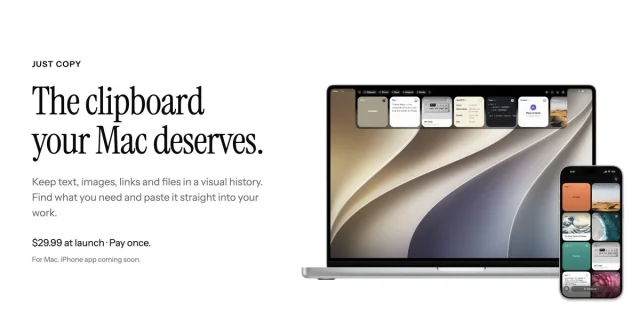
 Just CopyEverything you've copied, always within reach: a clipboard manager in your Mac's notchPaid
 - NotchNook
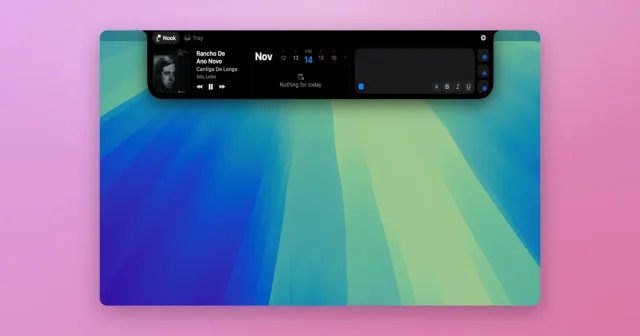
 NotchNookWidgets, a file tray, and live activities tucked into the MacBook notch.Paid
 - Supaste
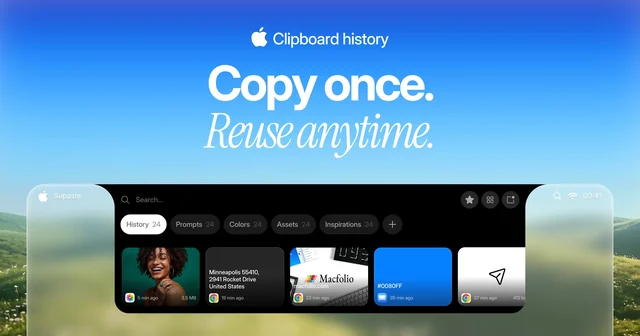
 SupasteClipboard and screenshot history in a panel that drops from the notch.Paid
 - Gojo
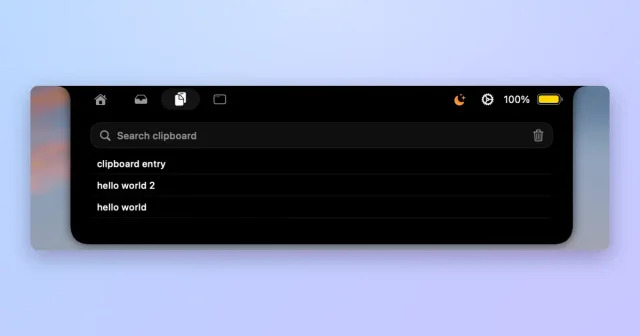
 GojoNotch hub for local dictation, clipboard history, window snapping and files.Paid
 - Pastea
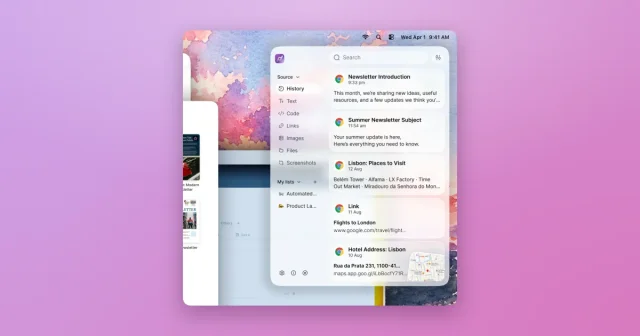
 PasteaSearchable clipboard history for macOS that remembers everything you copy.Paid
 - Assist
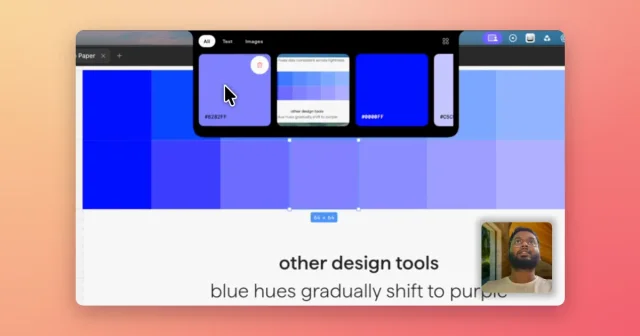
 AssistVoice-annotated screenshots, full-screen captures and clipboard history in the notch.Paid
 - Droppy
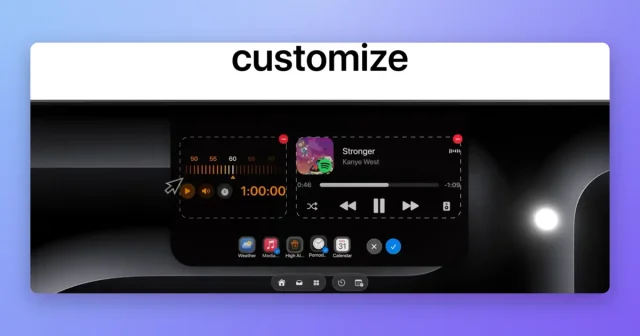
 DroppyA Dynamic Island for your Mac with a file tray, clipboard, and free extensions.Paid
 - Boring Notch
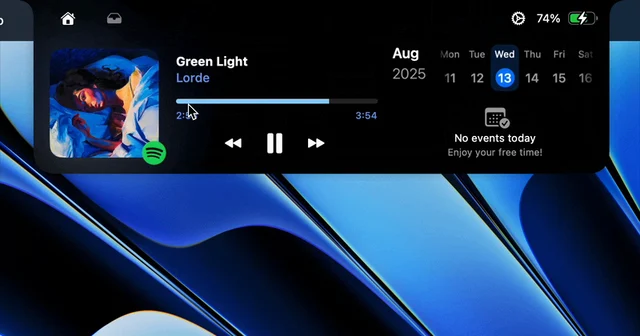
 Boring NotchTurns the MacBook notch into a music controller.Free