
Chronoid
v1.0.104Automatic time tracking that files your hours under client projects.
Paid$49-$99 lifetime (1-3 Macs) after a 7-day trial; from Sep 24: $10/mo, $99/yr or $149 lifetimemacOSUpdated 11 days ago
About
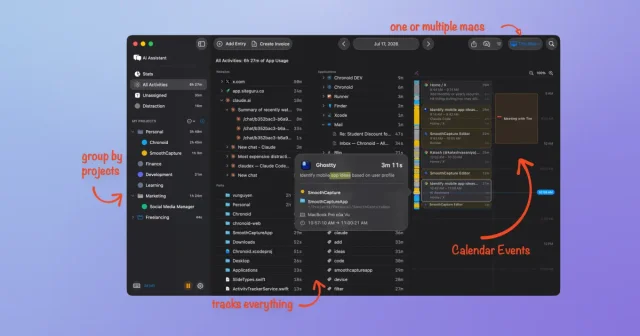
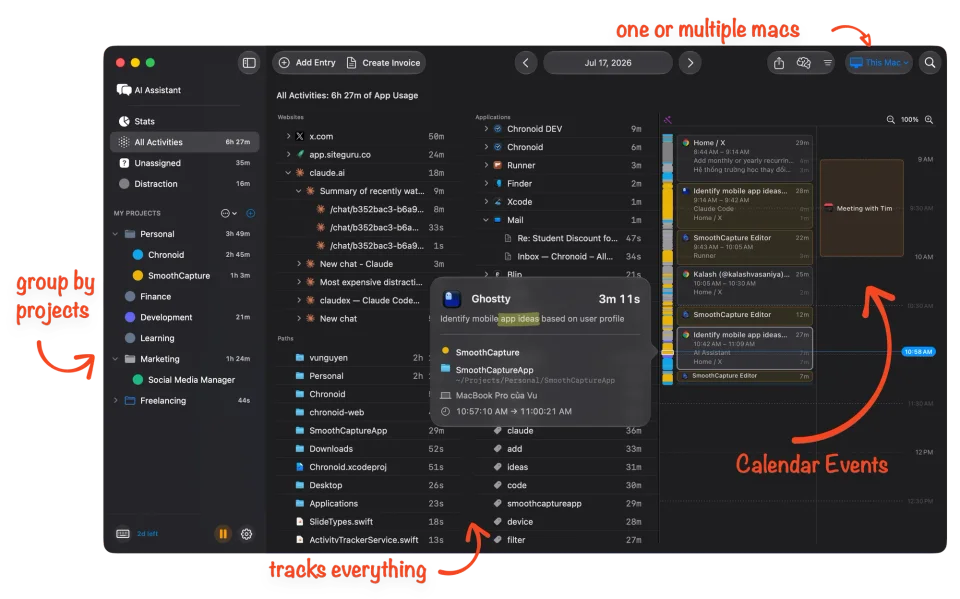
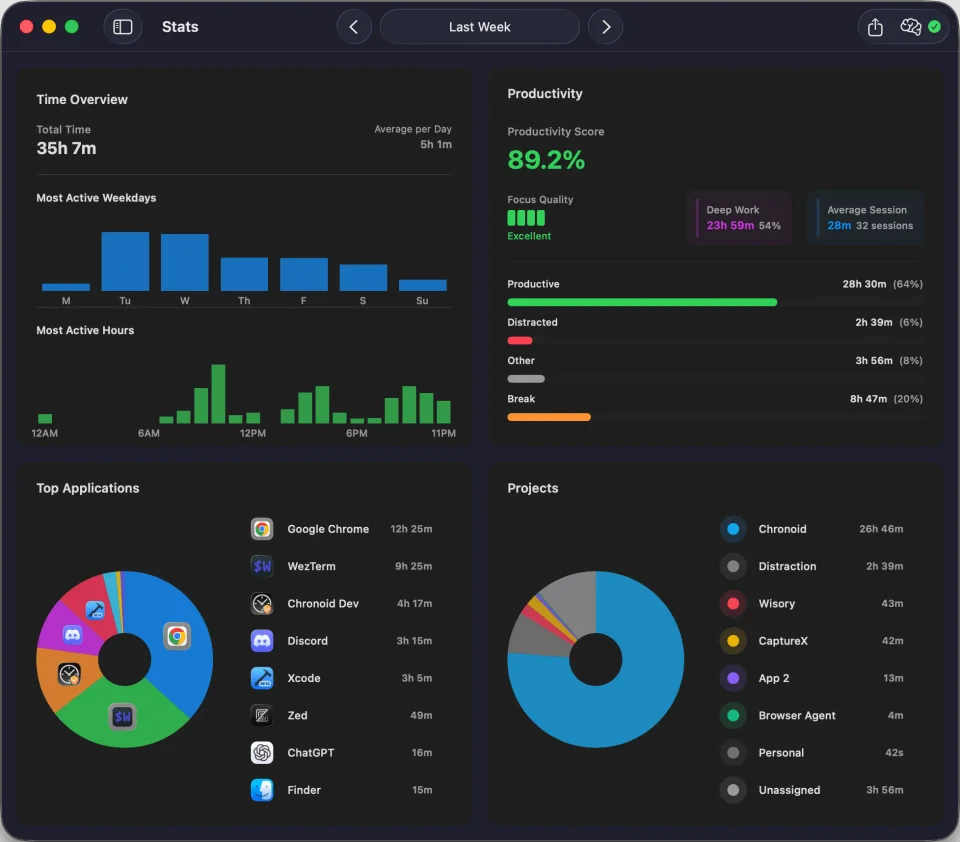
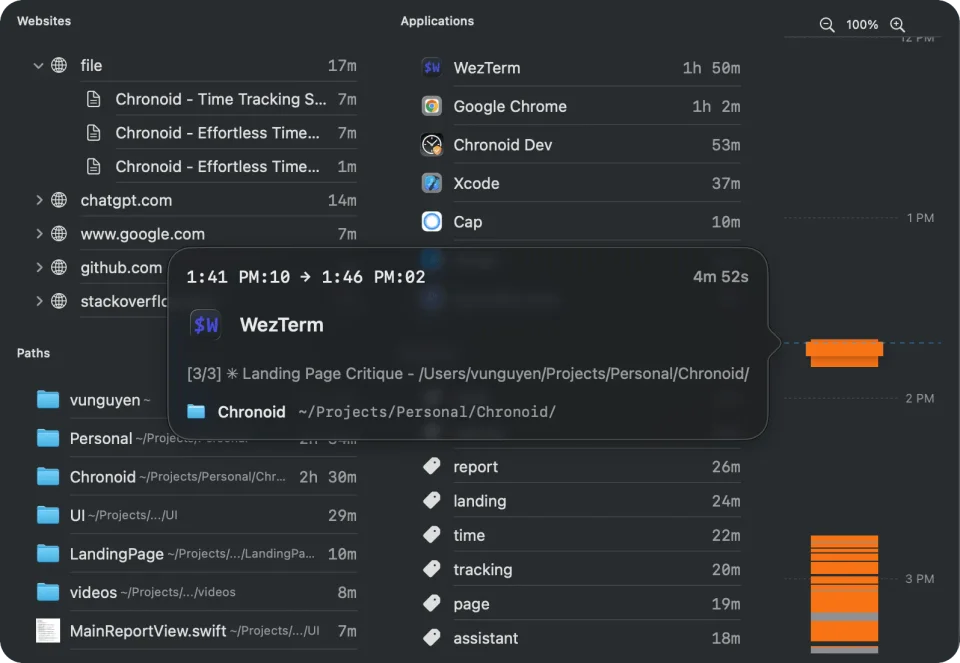
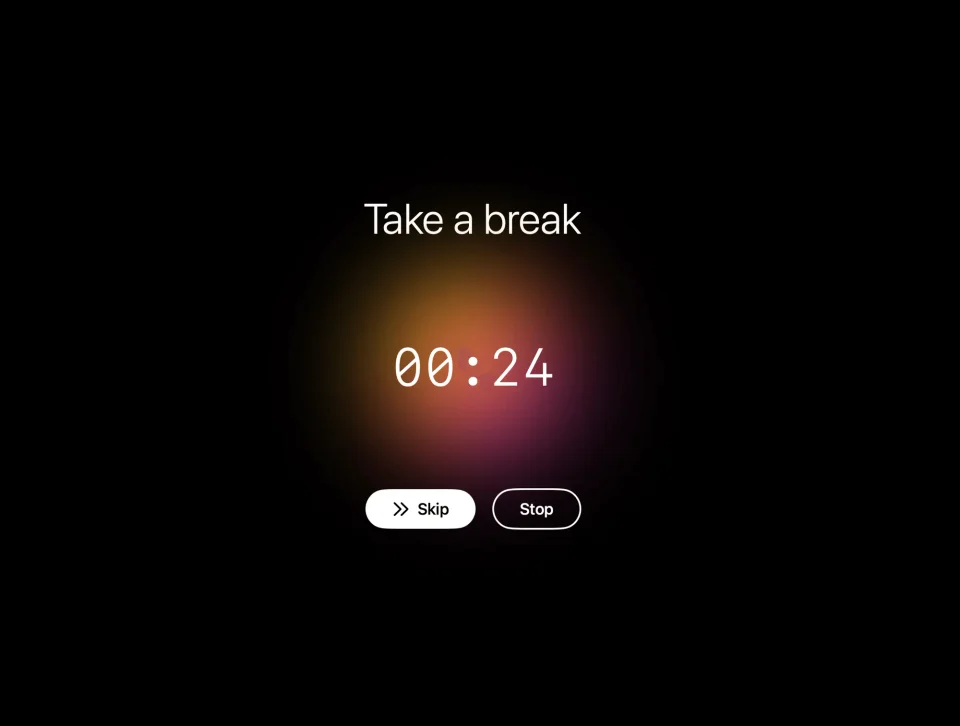
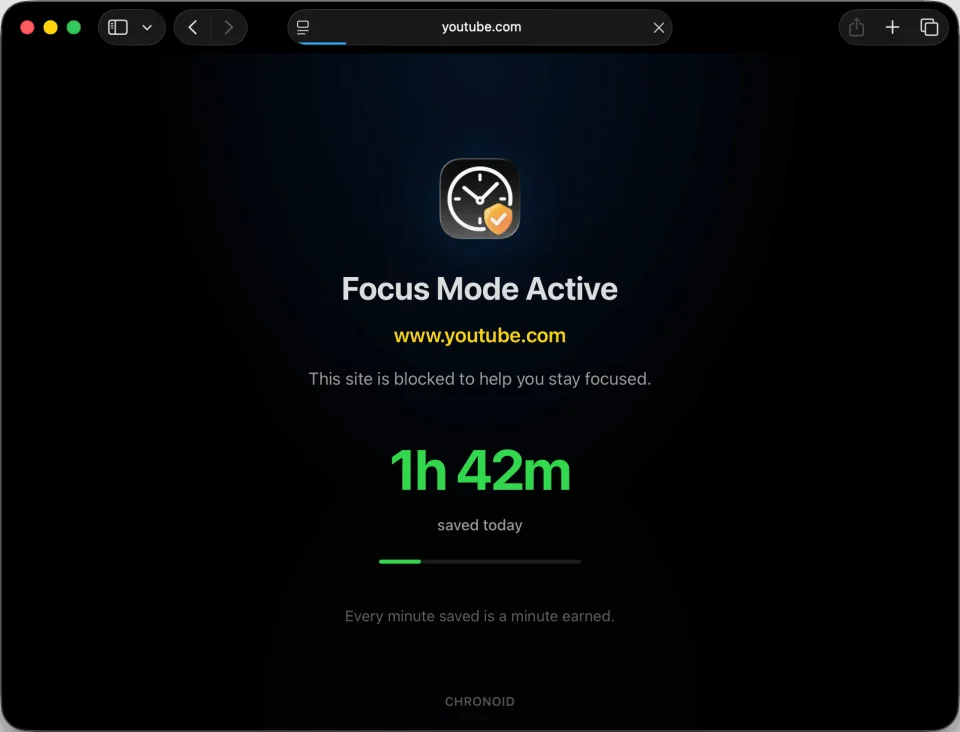
Chronoid watches which app, site and document you are in, notices when you go idle, and files the time under the right client project using rules you set once, so there are no timers to start and stop. The dashboard turns that into hours, profitability and trends by weekday and hour of the day, with per-project breakdowns and PDF invoices built from your hourly rates, plus an AI assistant that can be asked about the data from inside the app or through a local MCP server in Claude and Cursor. It also bundles a Pomodoro timer, a website blocker, scheduled tracking, Screen Time import and task integrations with Linear, ClickUp and monday.com, and keeps everything on the Mac. A free trial comes before the lifetime licences, and it needs macOS 14 or later.
- Price
- Paid, $49-$99 lifetime (1-3 Macs) after a 7-day trial; from Sep 24: $10/mo, $99/yr or $149 lifetime
- Payment
- One-time purchase or subscription
- Version
- 1.0.104 · Oct 15, 2026
- Platforms
- macOS
- Category
- Productivity
Featured badge
Make Chronoid yours: show the badge on its site and the listing marks itself as linked back.

<a href="https://macgrove.app/apps/chronoid">
  <img src="https://macgrove.app/badge/chronoid.svg" alt="Featured on MacGrove" width="257" height="32" />
</a>[](https://macgrove.app/apps/chronoid)Similar apps
- Calerto for Mac

 Calerto for MacFull-screen meeting alerts on your Mac, with prep time and one-click join.Freemium
 - Mongon
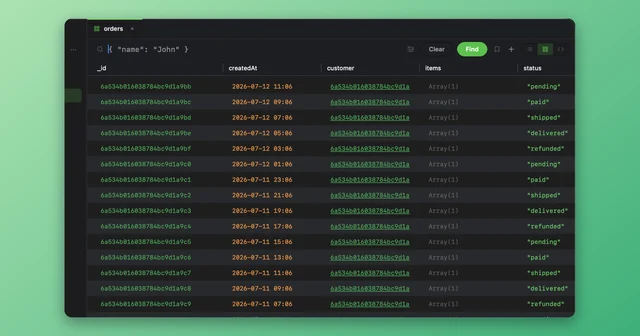
 MongonA native Mac client for MongoDB, PostgreSQL and Redis.Freemium
 - Dato
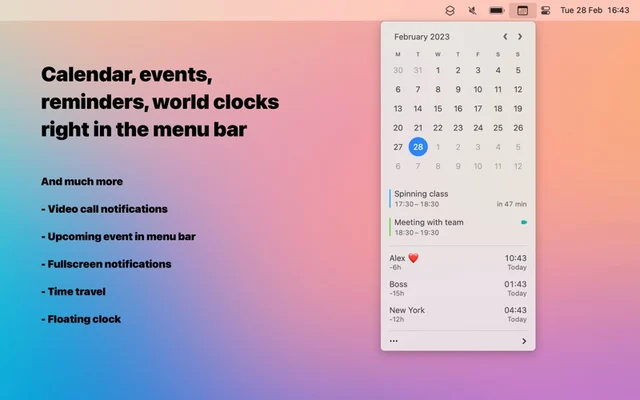
 DatoMenu bar clock and calendar with your next events and world times.Paid
 - Dot

 DotA month calendar and today's agenda in the menu bar, with join buttons.Paid
 - Notion Calendar
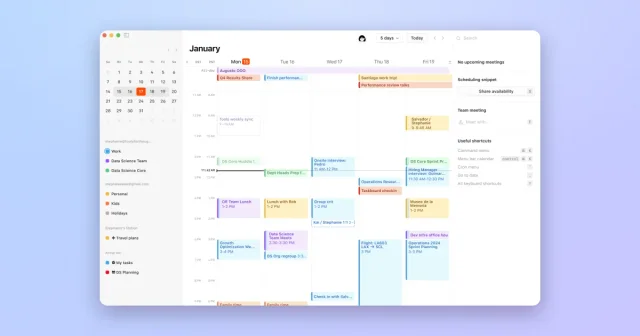
 Notion CalendarKeyboard-friendly calendar that links your schedule to Notion.Free
 - NotePlan
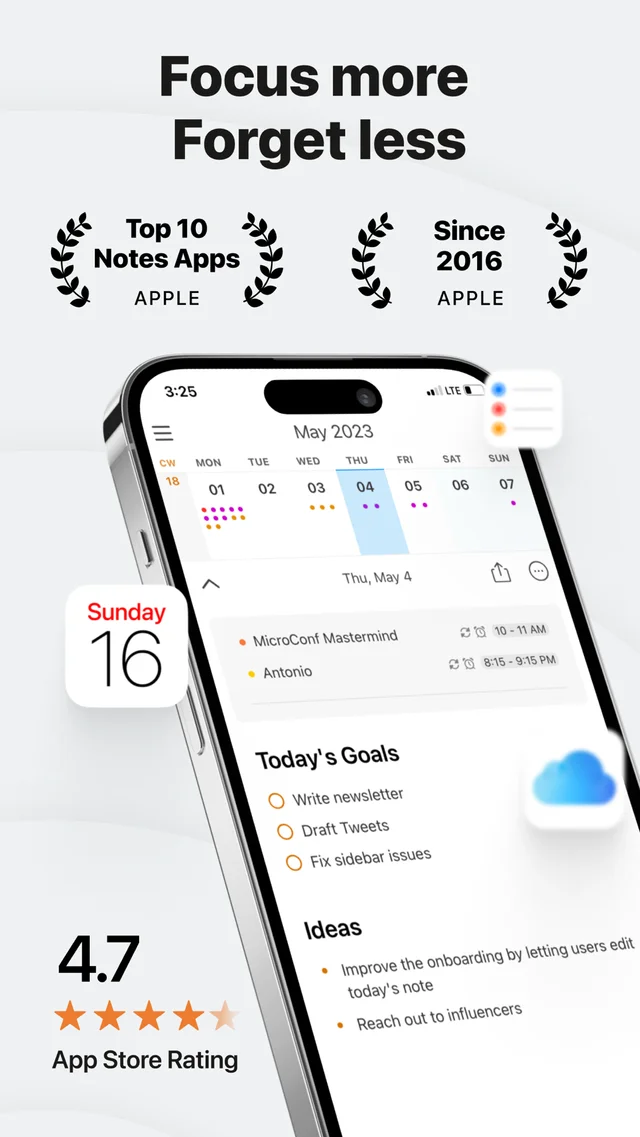
 NotePlanDaily notes and tasks in markdown files you own.Freemium
 - OpenUsage
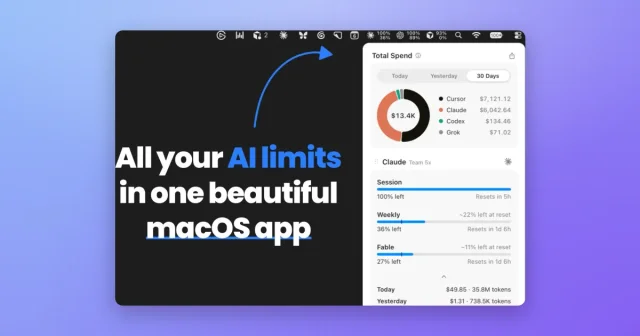
 OpenUsageTop pickTop ratedMenu bar tracker for the usage limits of your AI coding tools.Free
 - Rank
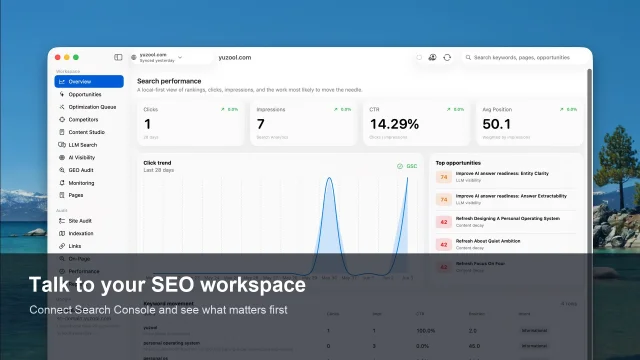
 RankTurn Google Search Console data into a weekly SEO plan, kept on your Mac.Paid