
Menu Bar
OpenUsage
v0.7.15
About
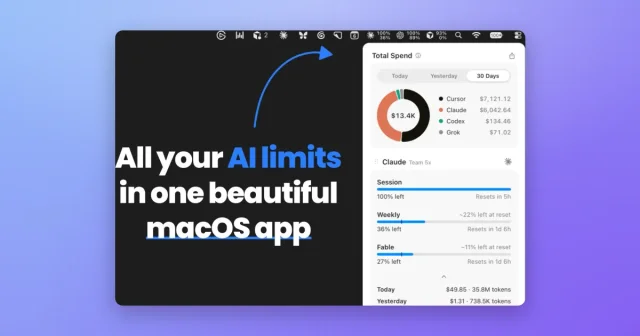
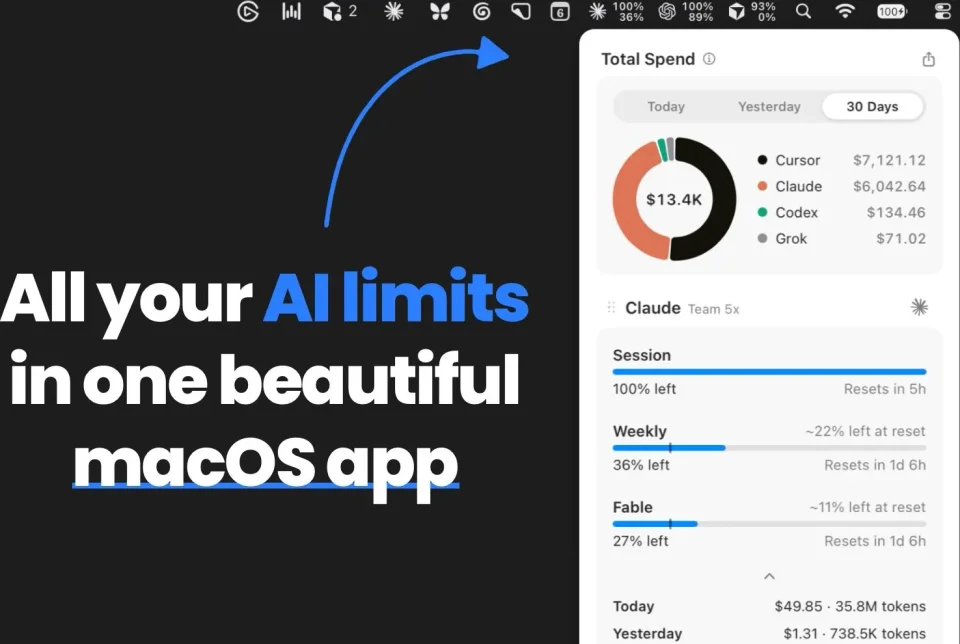
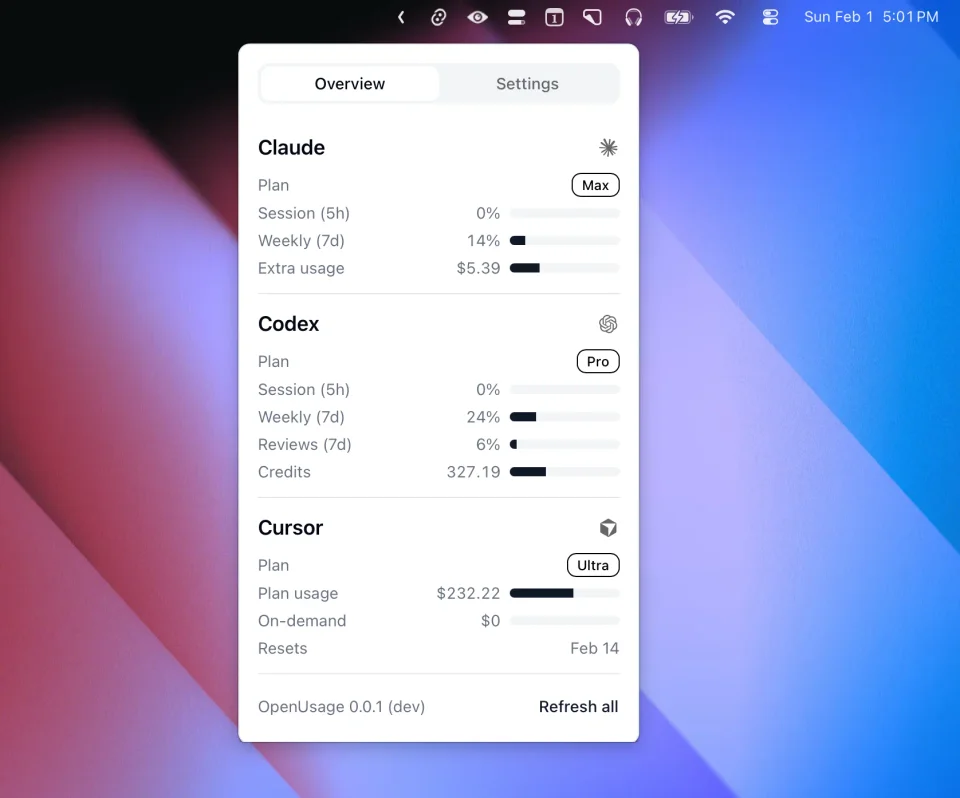
OpenUsage shows in the menu bar how much of each plan limit you have used across AI coding tools such as Claude, Codex, Cursor, and Copilot, including session, weekly, and monthly quotas. Providers are added through plugins, and the same data is available from a local API. It is a free, open-source Swift app for macOS 15 and later.
Featured badge
Make OpenUsage yours: show the badge on its site and the listing marks itself as linked back.

HTML
<a href="https://macgrove.app/apps/openusage">
  <img src="https://macgrove.app/badge/openusage.svg" alt="Featured on MacGrove" width="272" height="32" />
</a>
Markdown
[](https://macgrove.app/apps/openusage)Similar apps
- Code Meter
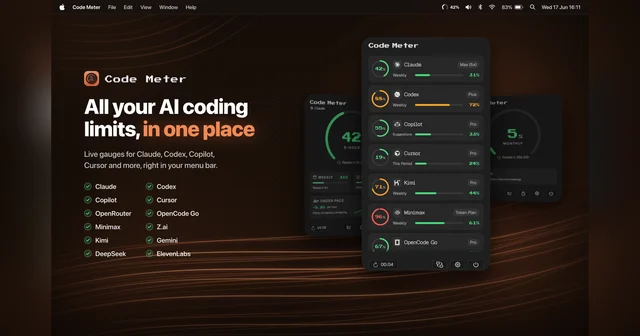
 Code MeterUsage, balances and credits for your AI providers, in the menu bar.Freemium
 - CodexBar
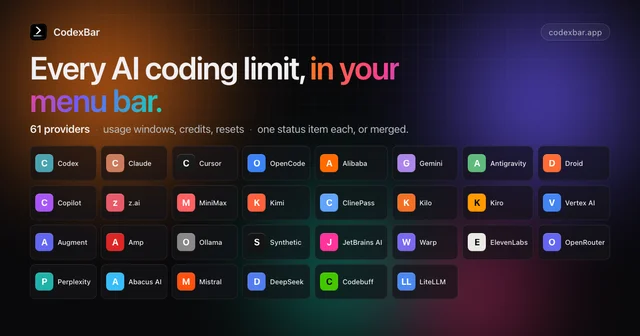
 CodexBarSee how much of your AI coding quota is left.Free
 - Quotio
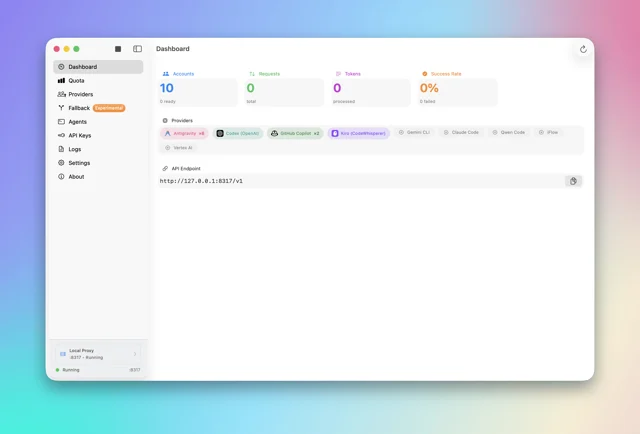
 QuotioTrack AI coding quotas and manage provider accounts from the menu bar.Free
 - Stats
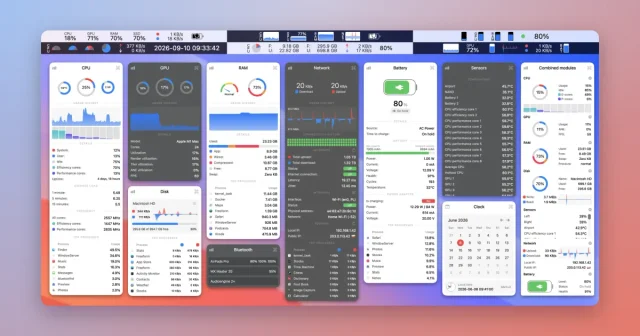
 StatsFree, open-source system monitor for the menu bar.Free
 - Cursor
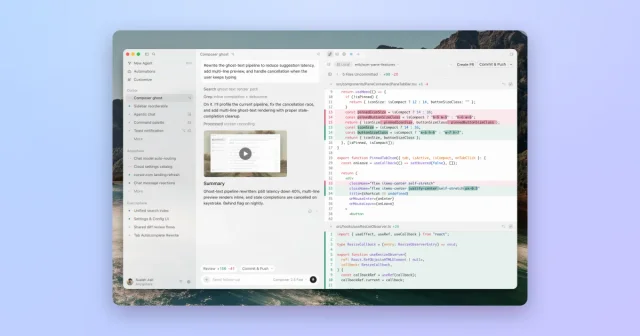
 CursorAn AI code editor where agents write, review and merge the changes.Freemium
 - Codenotch
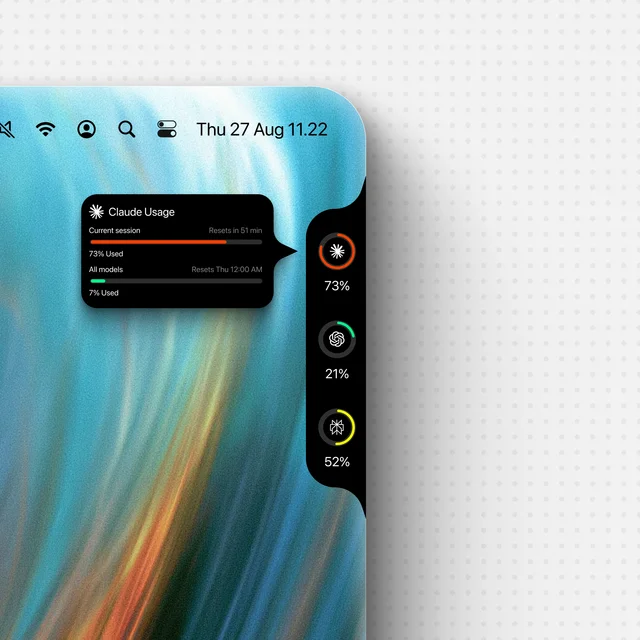
 CodenotchUsage limits for your coding agents, pinned to the screen edge.Free
 - Vorssaint
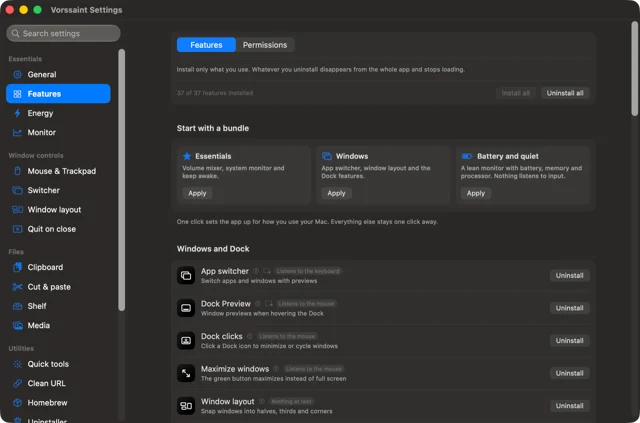
 VorssaintA dozen Mac utilities behind one menu bar icon.Free
 - Codex
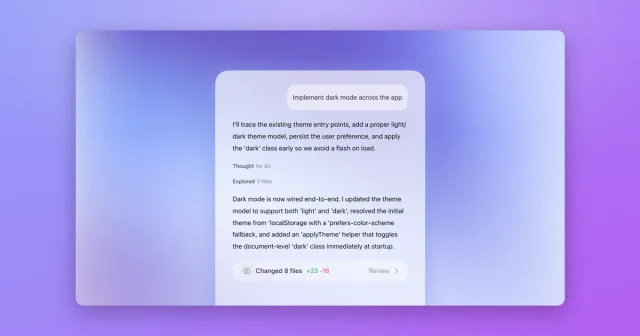
 CodexOpenAI's coding agent, now built into the ChatGPT desktop app.Freemium