
Menu Bar
CodexBar
v0.81.0, released this weekSee how much of your AI coding quota is left.
FreeOpen sourceFree, no paid tiermacOSUpdated yesterday

About
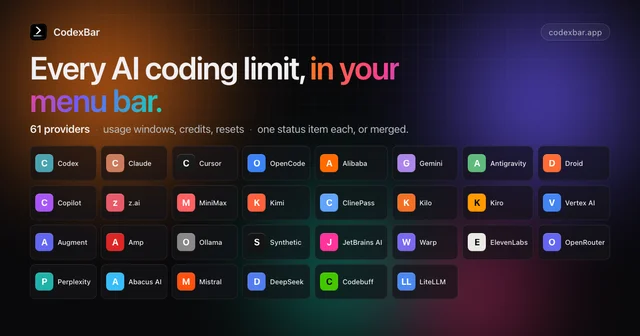
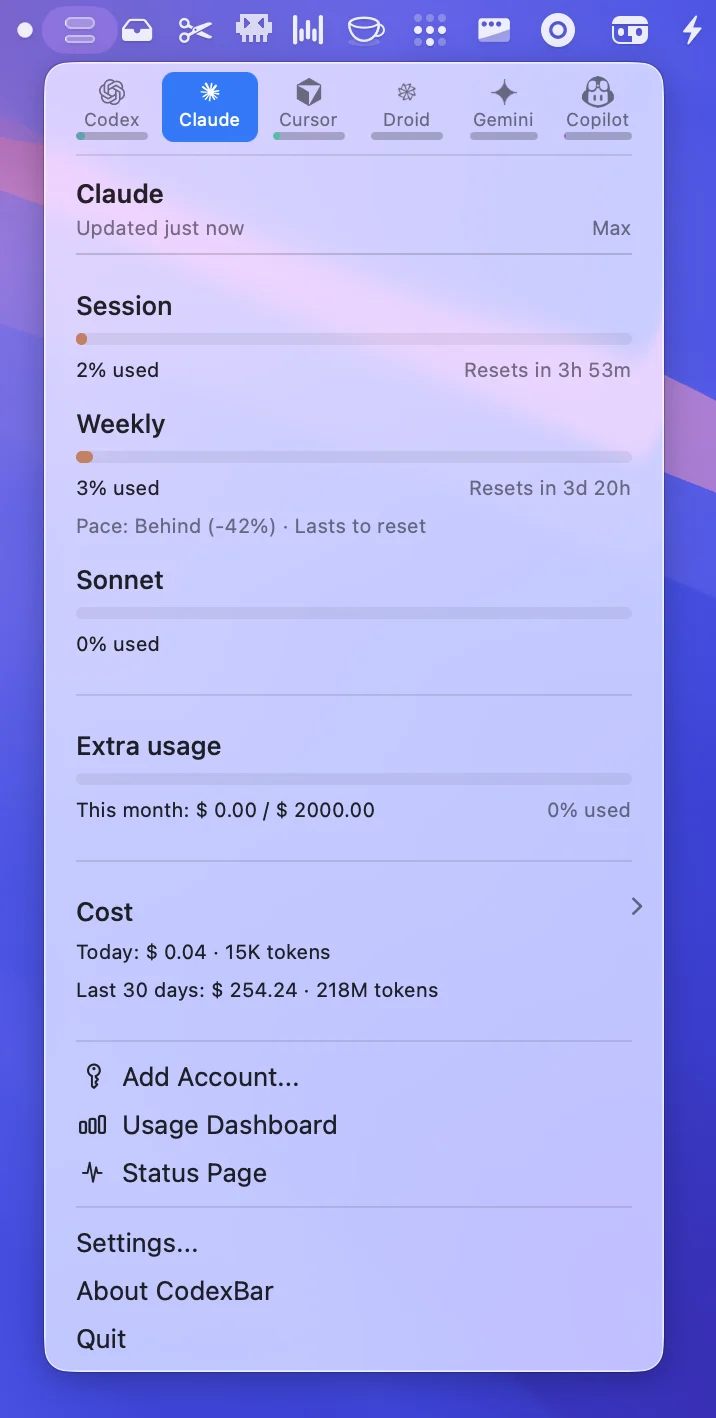
CodexBar sits in the menu bar and shows how much of each AI coding plan you have used, with a countdown to when the session, weekly or monthly window resets. It covers Codex and Claude along with Cursor, Gemini, Copilot and dozens of other providers, and can also show credit balances, spend and live service status. It reuses the sign-ins you already have, such as a CLI login, OAuth or a browser session, so it never stores a password. Free and open source, with a command line version for scripts.
Featured badge
Make CodexBar yours: show the badge on its site and the listing marks itself as linked back.

HTML
<a href="https://macgrove.app/apps/codexbar">
  <img src="https://macgrove.app/badge/codexbar.svg" alt="Featured on MacGrove" width="261" height="32" />
</a>
Markdown
[](https://macgrove.app/apps/codexbar)Similar apps
- Code Meter
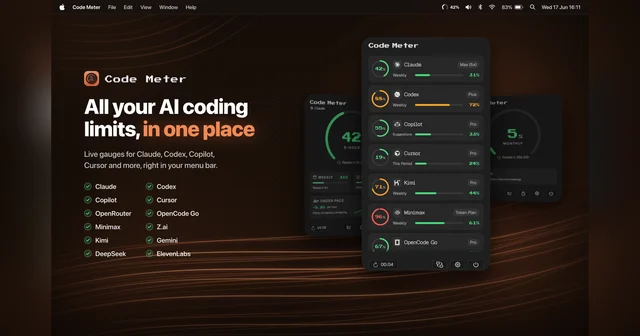
 Code MeterUsage, balances and credits for your AI providers, in the menu bar.Freemium
 - Quotio
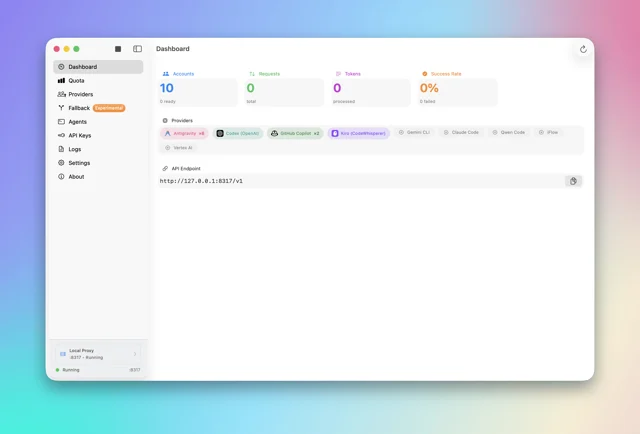
 QuotioTrack AI coding quotas and manage provider accounts from the menu bar.Free
 - OpenUsage
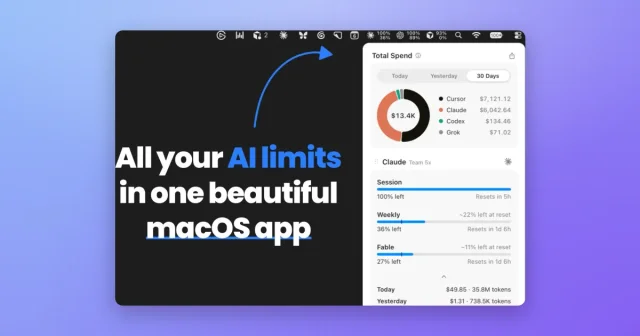
 OpenUsageTop pickTop ratedMenu bar tracker for the usage limits of your AI coding tools.Free
 - Stats
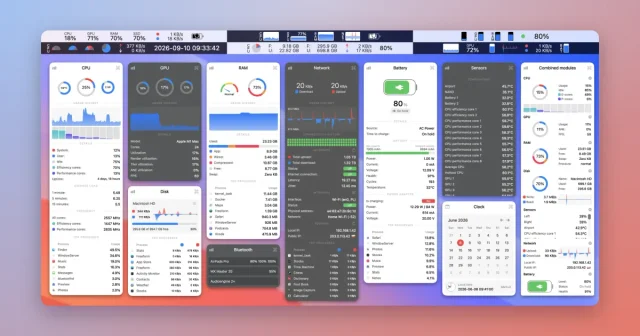
 StatsFree, open-source system monitor for the menu bar.Free
 - Codex
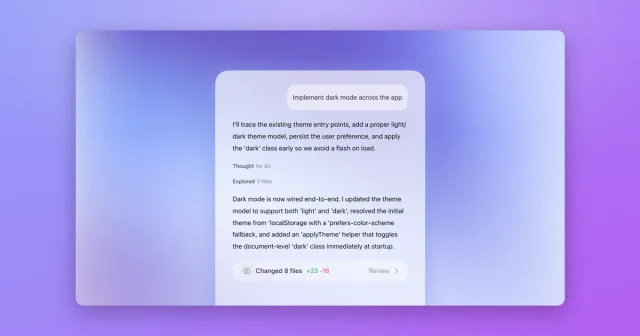
 CodexOpenAI's coding agent, now built into the ChatGPT desktop app.Freemium
 - Harp
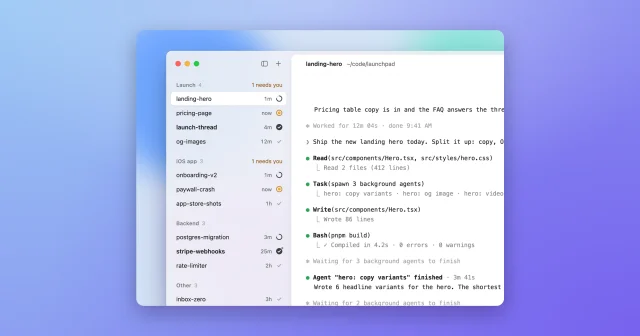
 HarpRun many Claude Code and Codex agents side by side, in one calm sidebar.Free
 - Pandan
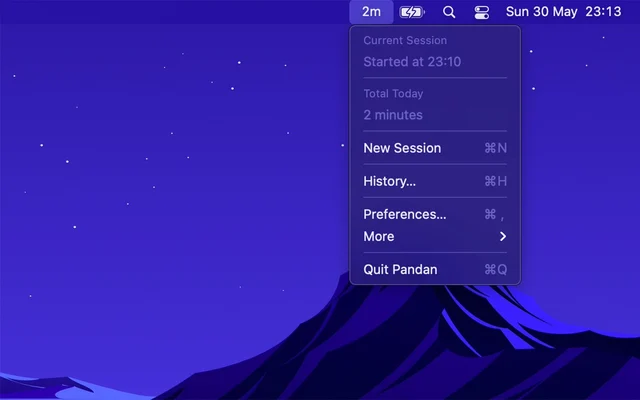
 PandanA bar in the menu bar that shows how long you have been working.Free
 - Week Number

 Week NumberThe current week number, always visible in the menu bar.Free