
DiskBuddy
v3.0.1, released this weekShows where your disk space went and clears it out safely, one review at a time.
Paid$19 one-time launch price (later $49); one key covers Mac and WindowsmacOSUpdated 2 days ago
About
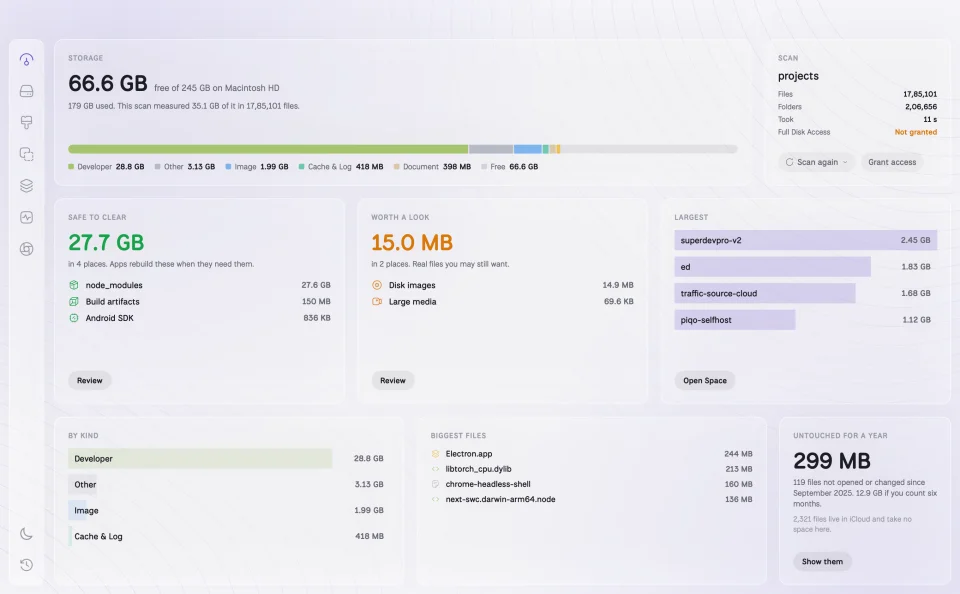
DiskBuddy scans a whole disk, a folder or an external or network volume, and sorts what it finds into what is safe to clear, such as caches, logs and app leftovers, what is worth a look, like developer files, old downloads and duplicates, and what to keep. It finds byte-identical duplicates, searches every folder including hidden ones as you type, and its uninstaller shows each app together with its caches, containers, preferences, logs and login items. Videos and photos can be compressed instead of deleted, saved scans can be compared to see what grew, and a live monitor covers CPU, memory, ports and battery. Cleanup is staged for review and only moves files to the Trash. Needs macOS 14 or later; also available for Windows.
- Price
- Paid, $19 one-time launch price (later $49); one key covers Mac and Windows
- Payment
- One-time purchase
- Version
- 3.0.1 · Oct 24, 2026
- Platforms
- macOS
- Category
- Storage & Cleanup
Featured badge
Make DiskBuddy yours: show the badge on its site and the listing marks itself as linked back.

<a href="https://macgrove.app/apps/diskbuddy">
  <img src="https://macgrove.app/badge/diskbuddy.svg" alt="Featured on MacGrove" width="270" height="32" />
</a>[](https://macgrove.app/apps/diskbuddy)What’s new
All 5 releases3.0.1Latest · 2 days ago
- Cleanup shows its progress. While it clears your files, the footer shows what is being moved or deleted right now, how many items are done, how much space that covers, and a progress bar, instead of just a greyed-out button.
- The button now says "Deleting…" during a permanent delete, not "Moving to Trash…".
Earlier
3.0.0All-new design. A cleaner, calmer DiskBuddy: tabs along the top, the native system font, and light and dark themes throughout. Things you keep are grey; things you can clear are coloured, the same colour on every screen.
- All-new design. A cleaner, calmer DiskBuddy: tabs along the top, the native system font, and light and dark themes throughout. Things you keep are grey; things you can clear are coloured, the same colour on every screen.
- Overview is one ring for your whole disk. A scan sweeps round it, then shows what is safe to clear, what is worth a look, and what you keep, with counts and each item's share of the disk. Ticked items drain out of the ring when they go to the Trash.
- New: Local AI models. Cleanup now finds models from Ollama, LM Studio, Hugging Face, Jan, GPT4All and Draw Things, plus big model files anywhere in your home folder, in a list of their own.
- Cleanup opens each group on its own screen with every file, a filter and sorting. Unstage everything at once, and staging thousands of items no longer slows the app down.
- Find has a new look and can add any file or folder it finds to Cleanup, even ones the last scan did not reach.
- Compress is cleaner, videos now actually get smaller (most were being kept as is), and compressed copies can go into a subfolder you name.
- Monitor shows CPU and GPU temperature, GPU use, fan speed, charger watts and per-app power, with processes and listening ports side by side.
- Activity shows what DiskBuddy has given back over time, a day-by-day history, and snapshot comparisons.
- New Settings window (⌘,): appearance, open at login, what Scan Mac scans, cleanup behaviour, Compress defaults, Find, Duplicates, updates and your licence.
- The menu bar panel is compact and shows more: live stats, the busiest processes, listening ports you can stop, and what you've freed.
- Applications has a search field, and the app has a new icon.
2.2.0New: Treemap in Space. See every folder at once as nested boxes sized by space, each with its name and size. Boxes are coloured by kind (code, build output, git, toolchains, caches, media and more), and anything that is safe to clear is hatched.
- New: Treemap in Space. See every folder at once as nested boxes sized by space, each with its name and size. Boxes are coloured by kind (code, build output, git, toolchains, caches, media and more), and anything that is safe to clear is hatched.
- Switch between Size, Files and Age, and choose how many folder levels to open inside each box.
- Hover a box for its path, size and last change; click to select, double-click to open, right-click for Reveal, Quick Look, Compress and Add to Cleanup. Press ⌘3 to jump straight to it.
2.1.1Safer cleanup: DiskBuddy now only offers things it can recognise for certain: caches in their known places, and build folders sitting next to the project that makes them. It never offers apps, developer tools, system files, cloud-synced folders or anything inside a git repository.
- Safer cleanup: DiskBuddy now only offers things it can recognise for certain: caches in their known places, and build folders sitting next to the project that makes them. It never offers apps, developer tools, system files, cloud-synced folders or anything inside a git repository.
- Undo any cleanup: press Undo right after a cleanup, or open Activity later and choose Put back, and everything returns to where it was.
- Your own files are never ticked for you: items in Worth a look are ticked one by one.
- Cleaning now runs in the background with progress, so a big cleanup never freezes the window.
- Source
- The app's update feed
- Last checked
Similar apps
- DaisyDisk
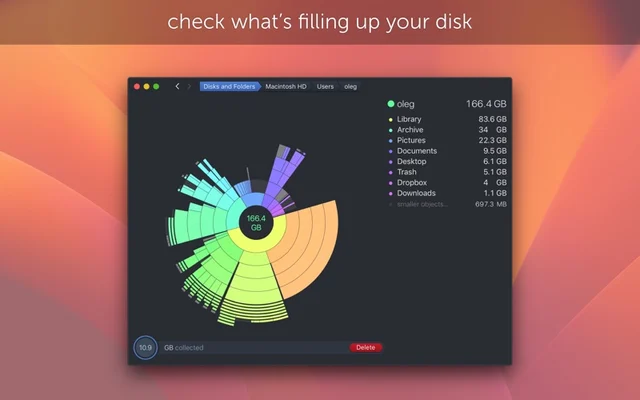
 DaisyDiskShows what is using your disk, as a map you can actually read.Paid
 - SpaceWise

 SpaceWiseUnderstand Mac storage before you cleanFree
 - PearCleaner

 PearCleanerUninstaller that also hunts the files an app leaves behind.Free
 - DiskPress
 DiskPressShrink the space your files take with native APFS compression and deduplicationPaid
 - Radix
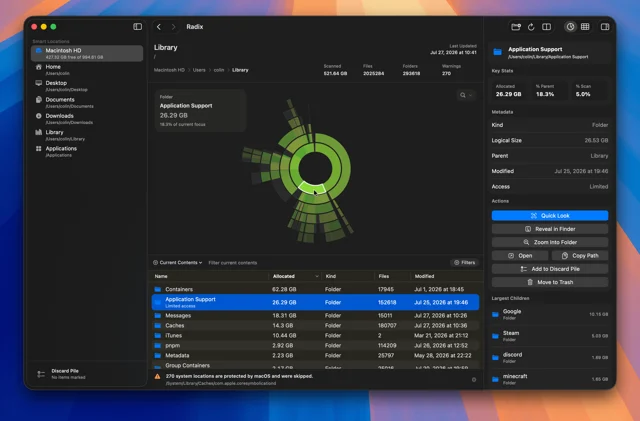
 RadixA fast disk space analyzer with sunburst and treemap views.Free
 - MClean
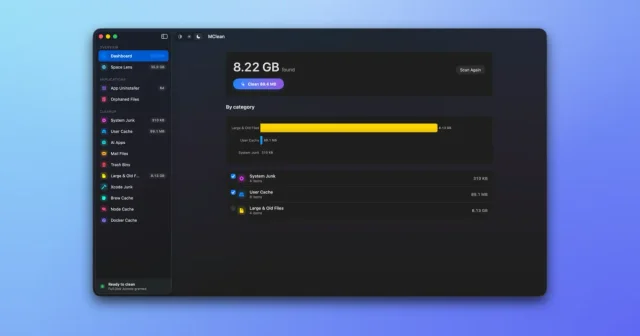
 MCleanA free, open-source Mac cleaner, app uninstaller, and disk space visualizer.Free
 - OpenDisk
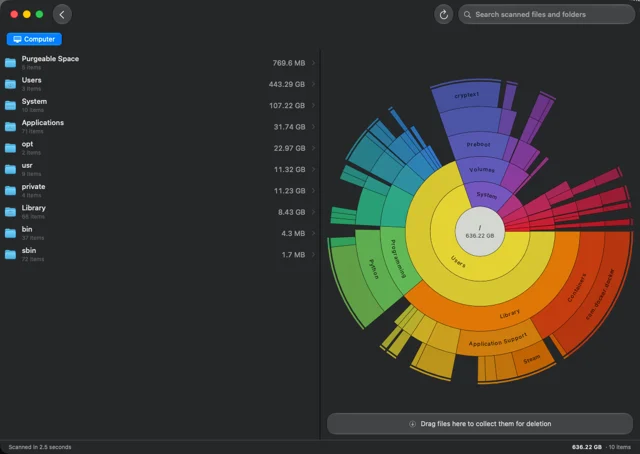
 OpenDiskReads a whole drive in seconds, as a sunburst.Free
 - AppCleaner
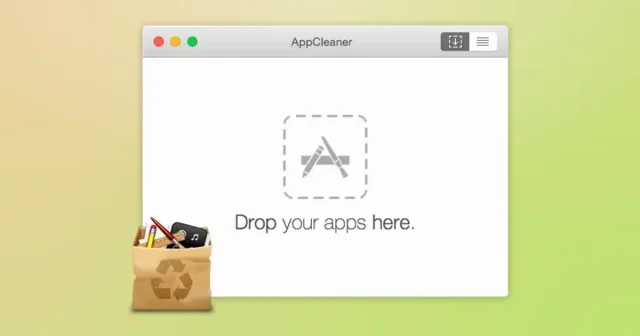
 AppCleanerTop pickDrop an app onto its window to uninstall it along with the files it left behind.Free