
Storage & Cleanup
OpenDisk
v1.4, released this weekReads a whole drive in seconds, as a sunburst.
FreeOpen sourceFree, no paid tiermacOSUpdated 3 days ago

About
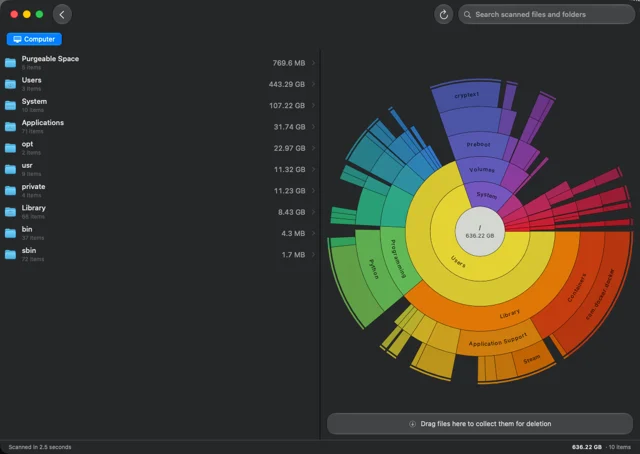
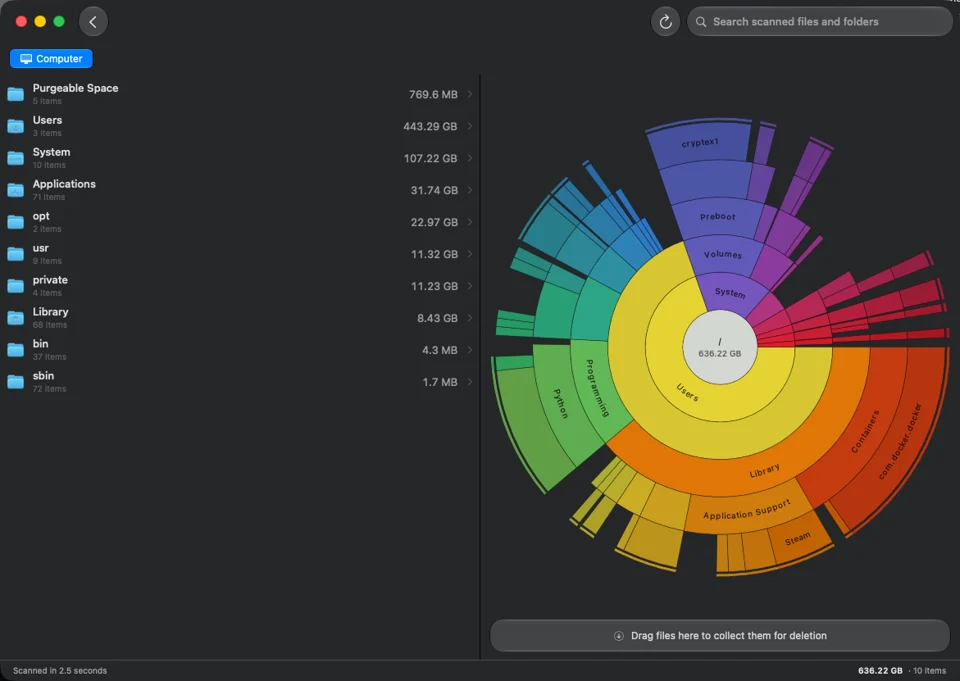
OpenDisk scans a full drive and draws it as an interactive sunburst chart, so the folder quietly holding forty gigabytes is one glance away instead of several levels down. Clicking a segment walks into it, and the scan keeps pace as you go. Free and open source, which is the whole argument against paying for a disk analyser.
- Price
- Free, Free, no paid tier
- License
- MIT
- Version
- 1.4 · Oct 24, 2026
- Platforms
- macOS
- Category
- Storage & Cleanup
Featured badge
Make OpenDisk yours: show the badge on its site and the listing marks itself as linked back.

HTML
<a href="https://macgrove.app/apps/opendisk">
  <img src="https://macgrove.app/badge/opendisk.svg" alt="Featured on MacGrove" width="260" height="32" />
</a>
Markdown
[](https://macgrove.app/apps/opendisk)What’s new
All 15 releases1.4Latest · 3 days ago
- A redesigned window built like a native Mac app: your disks and folders live in a sidebar, the list looks like Finder's with Name, Size and Kind columns, and the sunburst sits beside it.
- OpenDisk reopens the disk or folder you last looked at. External and network drives fall back to your Mac's own disk, so launching never wakes a sleeping drive.
- Rescans keep your previous results on screen while they run, and skip the slow change check for scans more than a few hours old. Progress shows how many changed folders are left.
- Opening folders is instant, and the sunburst builds up to 300 times faster in big folders like Library.
- Make the list text bigger or smaller with ⌘+ and ⌘−, and reset it with ⌘0.
- Folders sort like Finder (file-2 before file-10), sizes under 1 GB show in MB, and long scans read "1 hr 2 min".
Earlier
1.3.1OpenDisk now runs on macOS 14 Sonoma.
- OpenDisk now runs on macOS 14 Sonoma.
- When you empty the Collector you can now choose Move to Trash instead of deleting permanently, so you can put things back later.
- New Back and Forward buttons, like Finder. Back goes up one level and Forward returns to the folder you just left. Use ⌘[ and ⌘], your mouse's side buttons, or a trackpad swipe. Unmount moves to ⌘E.
- Rows in the list highlight on hover again, and the Collector popup no longer stays open, after a quick drop onto the Collector.
- The saved scan no longer keeps growing after repeated rescans, and saving it is faster.
1.3.0The Select a Disk window now updates on its own when you mount, eject or rename a volume. Network shares, external drives and disk images appear without restarting OpenDisk.
- The Select a Disk window now updates on its own when you mount, eject or rename a volume. Network shares, external drives and disk images appear without restarting OpenDisk.
1.2.9Breadcrumbs at the top of the window now respond to clicks on macOS 15 Sequoia. Long paths collapse the middle folders instead of scrolling sideways.
- Breadcrumbs at the top of the window now respond to clicks on macOS 15 Sequoia. Long paths collapse the middle folders instead of scrolling sideways.
- Keyboard shortcuts for moving through the list, opening folders, Quick Look, Show in Finder and adding items to the Collector. Change any of them in Settings.
- Refresh now returns to the top level and rescans the whole disk.
- A new setting in Settings > Chart turns off the free space wedge, so scanned folders fill the chart on large, mostly empty drives.
- Source
- GitHub releases
- Last checked
Similar apps
- DaisyDisk
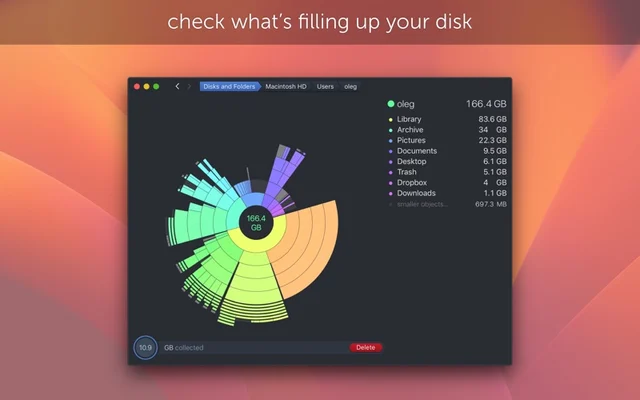
 DaisyDiskShows what is using your disk, as a map you can actually read.Paid
 - Radix
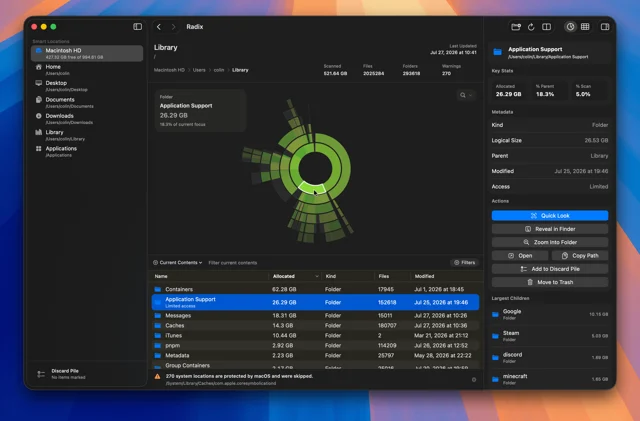
 RadixA fast disk space analyzer with sunburst and treemap views.Free
 - DiskBuddy
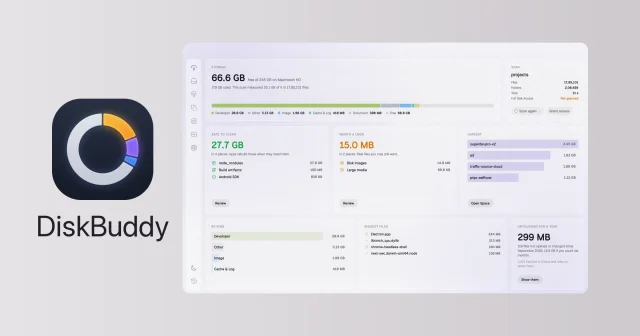
 DiskBuddyShows where your disk space went and clears it out safely, one review at a time.Paid
 - balenaEtcher
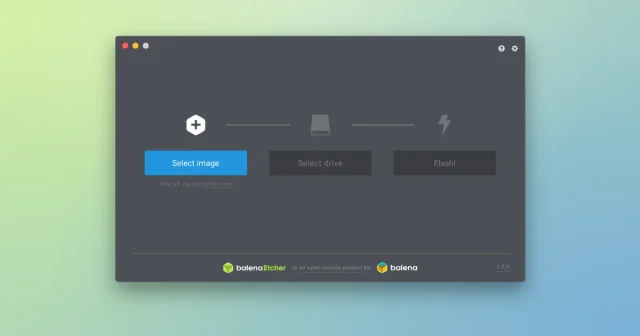
 balenaEtcherFlash OS images to SD cards and USB drives in three steps.Free
 - DS_Store Inspector
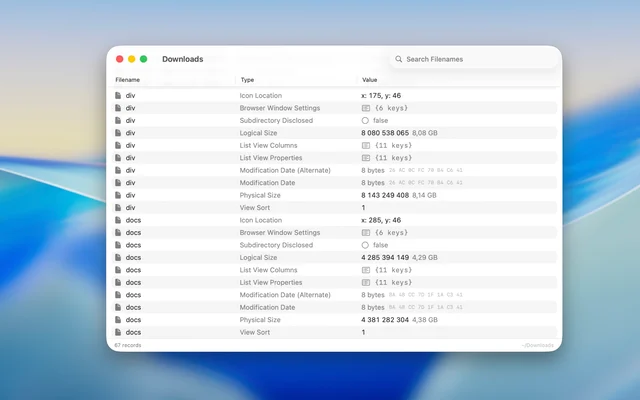
 DS_Store InspectorOpens the .DS_Store files macOS hides in every folder.Free
 - Parall
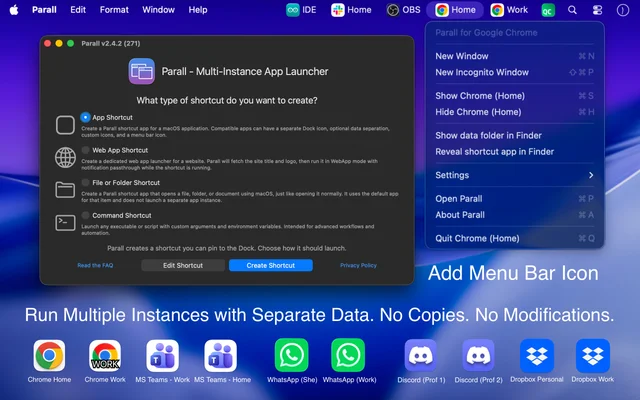
 ParallMounts cloud storage as real disks in Finder.Paid
 - Folder Hub
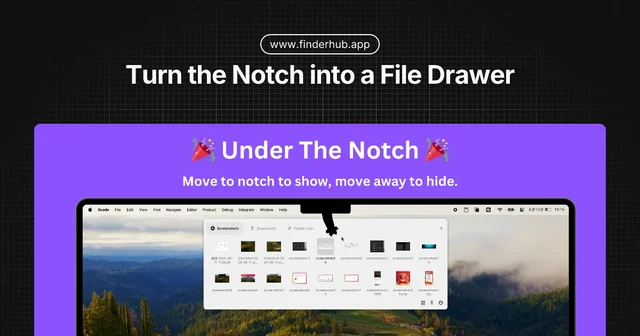
 Folder HubOpens a file browser right where your pointer already is.Freemium
 - Phiewer
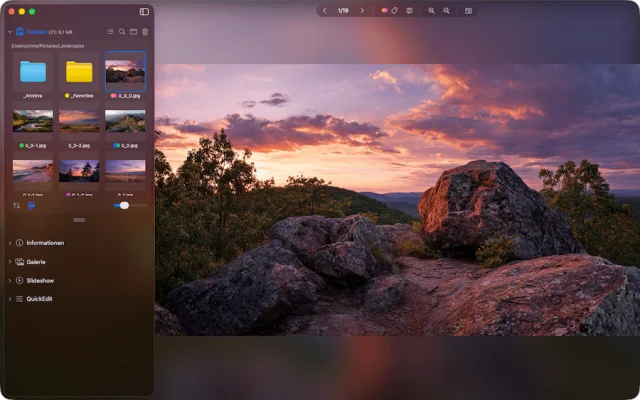
 PhiewerA fast photo and image viewer that browses folders instead of libraries.Freemium