
Productivity
Easydict
v2.24.0, released this weekDictionary and translation in a floating window, with screenshot OCR.
FreeOpen sourceFree, no paid tier; sponsorships welcomemacOSUpdated 6 days ago

About
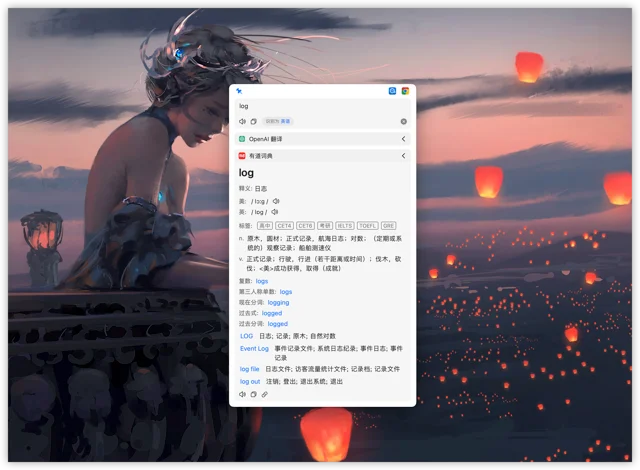
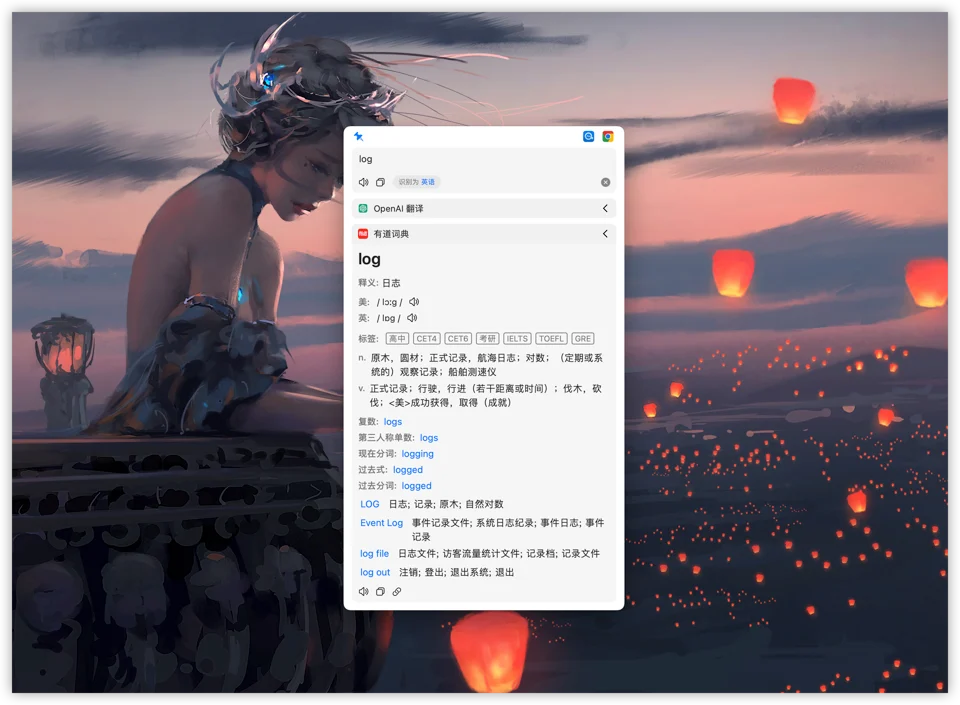
Easydict translates selected text, something you type, or a screenshot, without making you leave the app you are in: a shortcut opens a small window with the result. It queries many services — Apple's own dictionary and translation, DeepL, Google, OpenAI and others — and shows dictionary entries as well as machine translations. Free and open source, and it handles Chinese and English especially well.
- Price
- Free, Free, no paid tier; sponsorships welcome
- License
- GPL-3.0
- Version
- 2.24.0 · Oct 20, 2026
- Platforms
- macOS
- Category
- Productivity
Featured badge
Make Easydict yours: show the badge on its site and the listing marks itself as linked back.

HTML
<a href="https://macgrove.app/apps/easydict">
  <img src="https://macgrove.app/badge/easydict.svg" alt="Featured on MacGrove" width="254" height="32" />
</a>
Markdown
[](https://macgrove.app/apps/easydict)Similar apps
- xKey
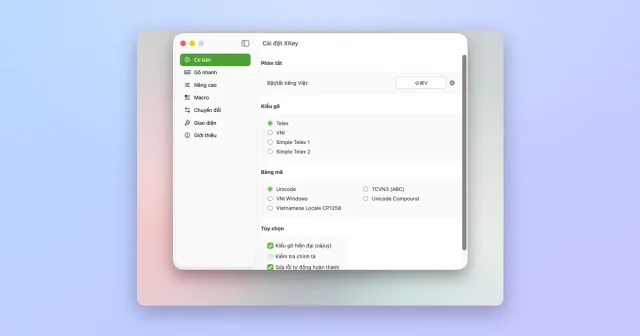
 xKeyTop pickAn open-source Vietnamese input method for macOS, written natively in Swift.Free
 - PopClip
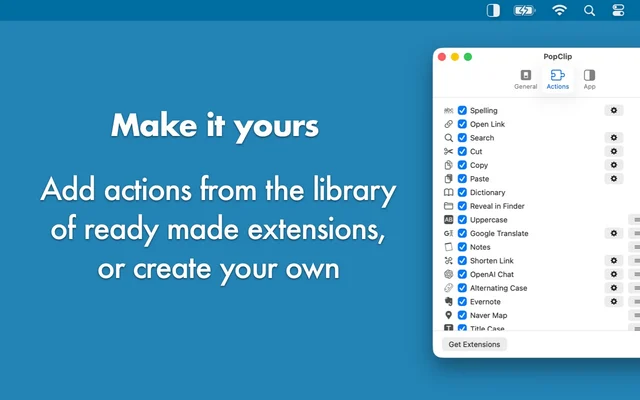
 PopClipActions for any text you select, right where you selected it.Paid
 - Pastea
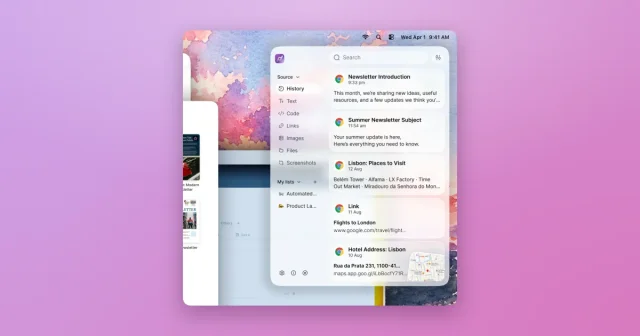
 PasteaSearchable clipboard history for macOS that remembers everything you copy.Paid
 - Maccy
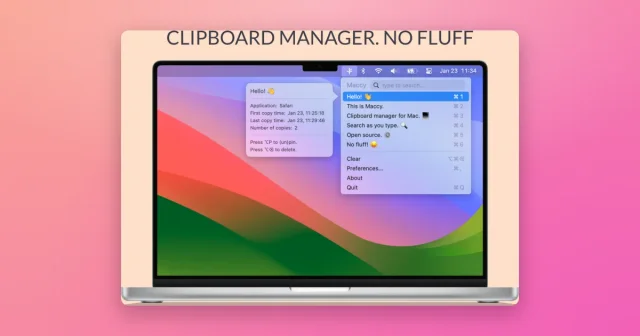
 MaccyTop pickLightweight, keyboard-first clipboard history with instant search.Freemium
 - Pasteboard Viewer

 Pasteboard ViewerShows everything currently sitting on the system pasteboards.Free
 - Klipto
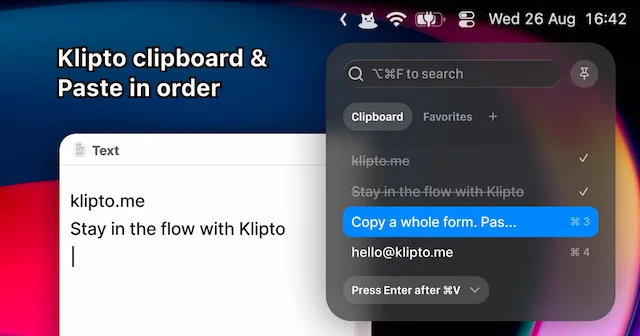
 KliptoFast, private clipboard manager for Mac with on-device AIFreemium
 - OpenScreen
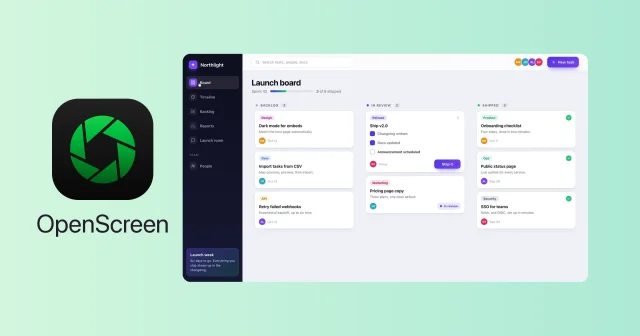
 OpenScreenFree, open-source screen recorder with auto zooms, captions and smooth cursors.Free
 - Open Contexts
 Open ContextsA free window switcher that lists every window, not just every app.Free