
Window Management
Open Contexts
A free window switcher that lists every window, not just every app.
FreeOpen sourceFree and open source, every feature, no accountmacOS
By zshnb



About
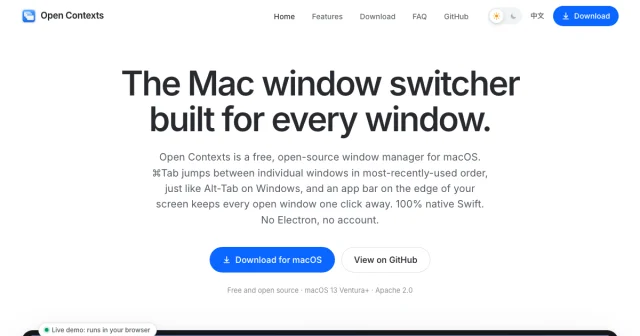
Open Contexts replaces Command-Tab with a list of individual windows in most-recently-used order: a sidebar holds the current app's windows, a dock runs along the bottom, and Command-backtick limits the list to the app you are in. Windows can be saved into groups by task, so a project's editor, browser and terminal come back with one shortcut. Free and open source, macOS 13 or later.
- Price
- Free, Free and open source, every feature, no account
- License
- Apache-2.0
- Platforms
- macOS
- Category
- Window Management
Featured badge
Make Open Contexts yours: show the badge on its site and the listing marks itself as linked back.

HTML
<a href="https://macgrove.app/apps/open-contexts">
  <img src="https://macgrove.app/badge/open-contexts.svg" alt="Featured on MacGrove" width="299" height="32" />
</a>
Markdown
[](https://macgrove.app/apps/open-contexts)Similar apps
- Contexts
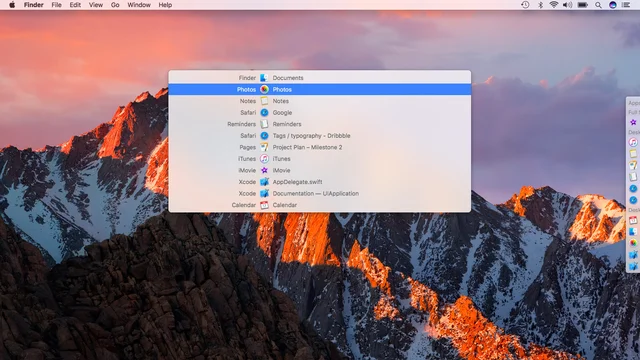
 ContextsWindow switching with a searchable panel instead of a cycle.Paid
 - Taskbar
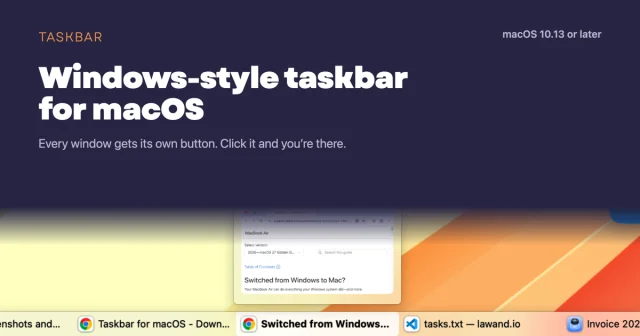
 TaskbarTaskbar for macOS: Windows-style taskbar and Start menuFree
 - DockDoor
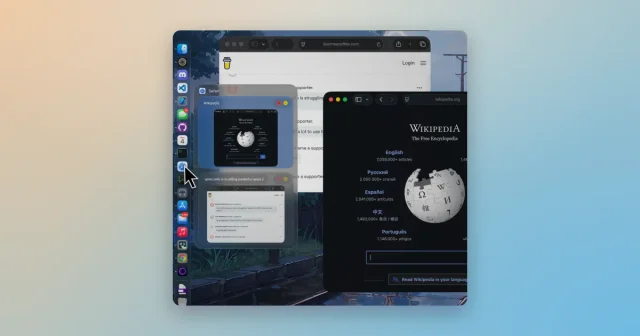
 DockDoorWindow previews and alt-tab switching on the Dock you already use.Free
 - AltTab
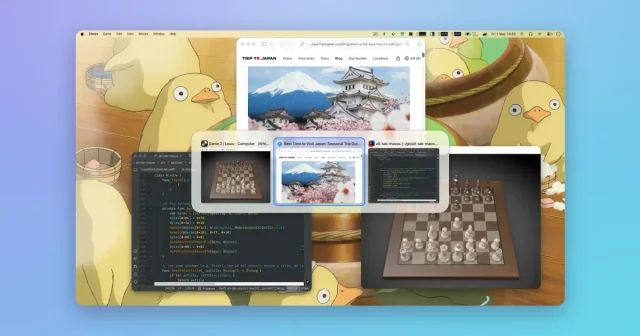
 AltTabA Windows-style window switcher for every window on your Mac.Freemium
 - Loop

 LoopA radial menu for moving and resizing windows, with live previews.Free
 - Spencer

 SpencerSaves a whole workspace layout and brings it back.Paid
 - Moom
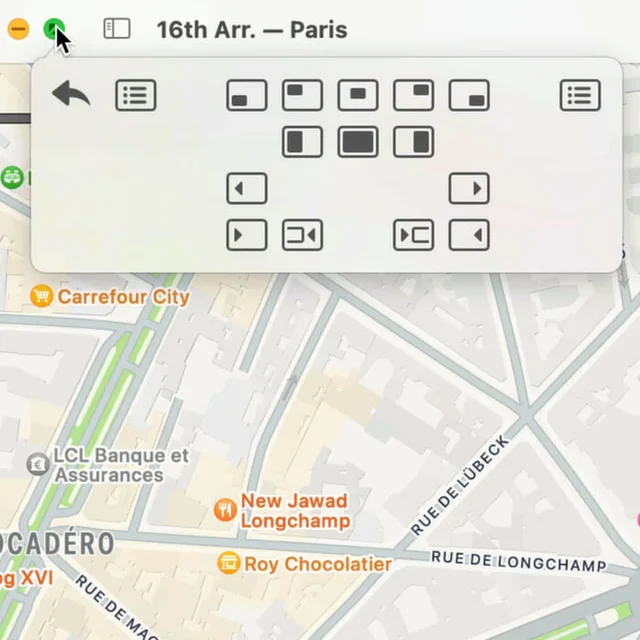
 MoomWindow control from a palette, a shortcut, or the green button.Paid
 - Rectangle
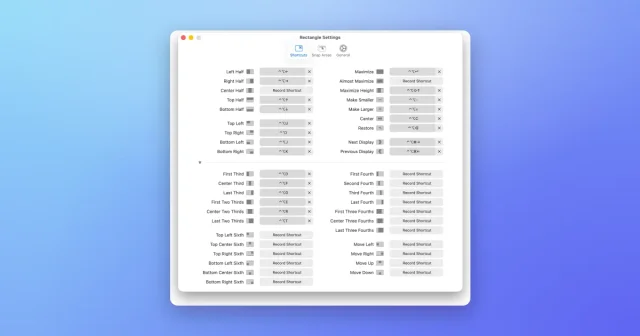
 RectangleMove and resize windows with keyboard shortcuts and snap areas.Free