Productivity
Fantastical
v4.2.4, released this weekA calendar you can type into, plus a menu bar companion.
FreemiumFree; Premium billed monthly or yearly per person.macOSUpdated 2 days ago
By Flexibits
About
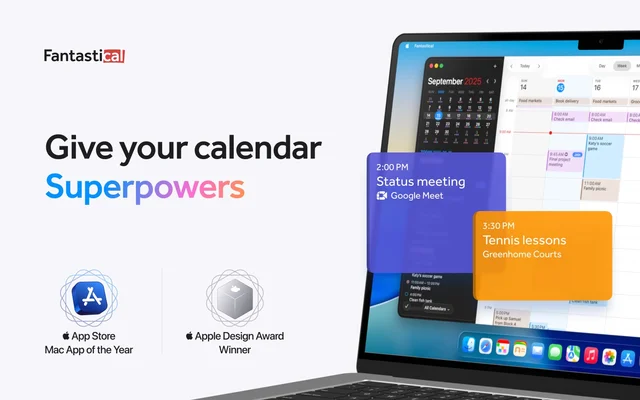
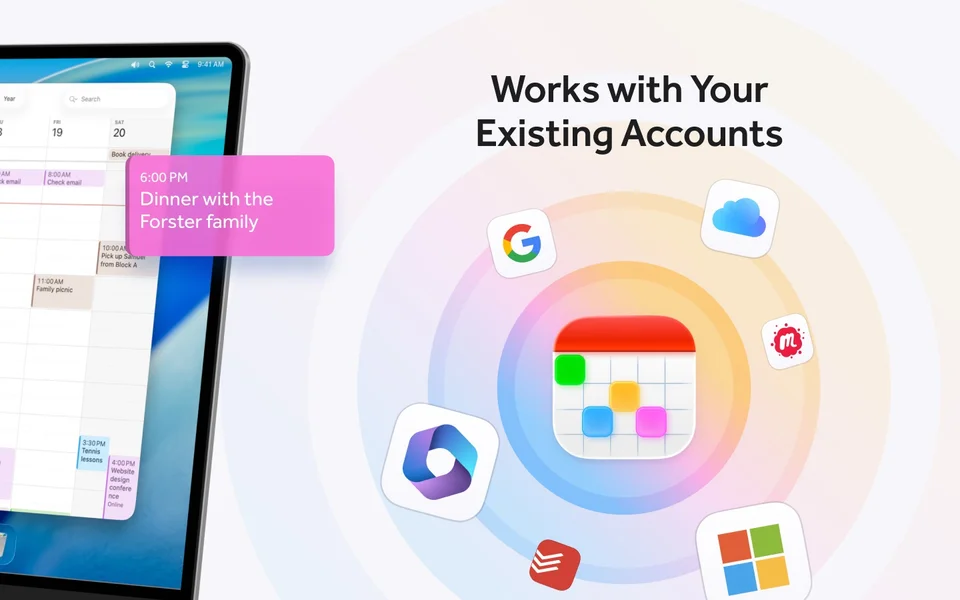
Fantastical turns a sentence into an event: type lunch with Anna thursday 1pm and the details fill themselves in. Around that it has a proper week and month view, weather on the days, conference call detection with join buttons, and a menu bar item that shows the next thing. It handles several accounts at once, including Google and iCloud.
- Price
- Freemium, Free; Premium billed monthly or yearly per person.
- Payment
- Subscription
- Version
- 4.2.4 · Oct 24, 2026
- Platforms
- macOS
- Category
- Productivity
Featured badge
Make Fantastical yours: show the badge on its site and the listing marks itself as linked back.

HTML
<a href="https://macgrove.app/apps/fantastical">
  <img src="https://macgrove.app/badge/fantastical.svg" alt="Featured on MacGrove" width="274" height="32" />
</a>
Markdown
[](https://macgrove.app/apps/fantastical)Similar apps
- Today
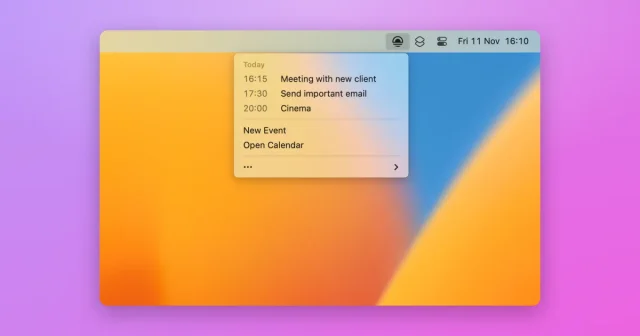
 TodayToday's calendar events in the menu bar, with one-click call joining.Free
 - Dot

 DotA month calendar and today's agenda in the menu bar, with join buttons.Paid
 - Itsycal
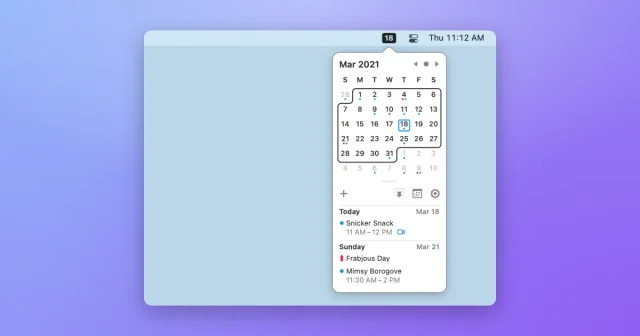
 ItsycalTop pickA tiny menu bar calendar with your upcoming events a click away.Free
 - Menu Bar Calendar
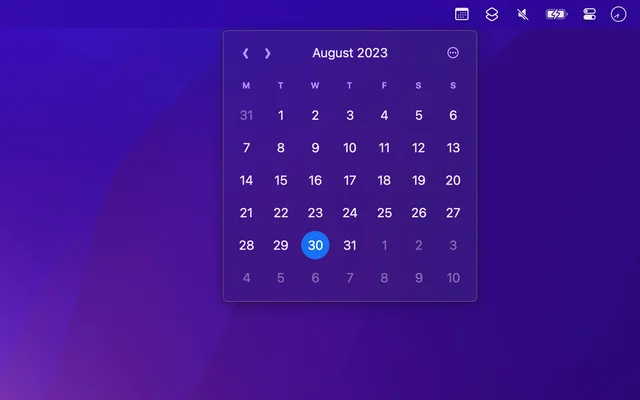
 Menu Bar CalendarA month at a glance, one click from the menu bar.Free
 - Notion Calendar
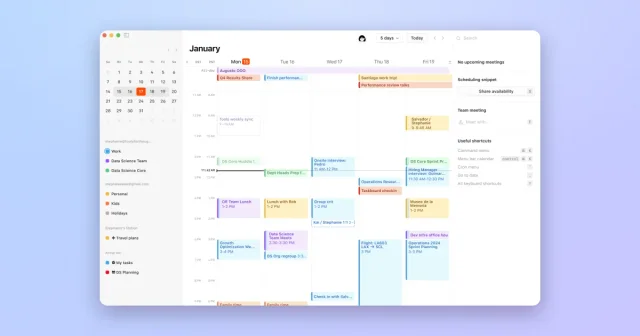
 Notion CalendarKeyboard-friendly calendar that links your schedule to Notion.Free
 - MeetingPad
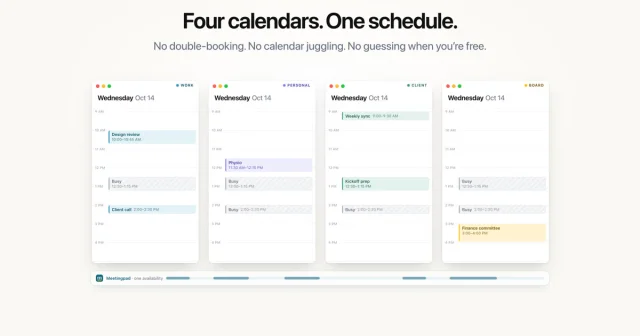
 MeetingPadBrings every Google Calendar account into one Mac scheduling app.Freemium
 - Dato
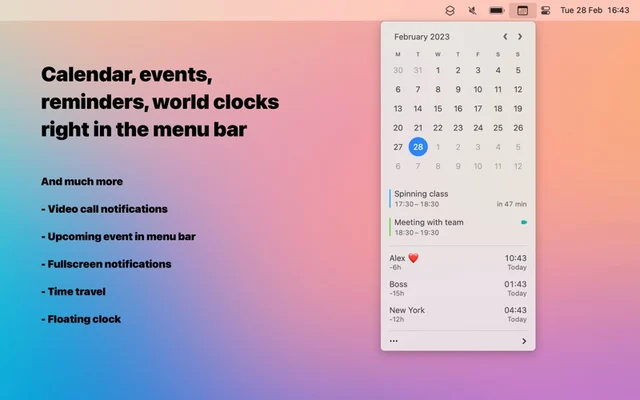
 DatoMenu bar clock and calendar with your next events and world times.Paid
 - Calerto for Mac

 Calerto for MacFull-screen meeting alerts on your Mac, with prep time and one-click join.Freemium