
Glance Face Unlock
v1.2.0Unlocks your Mac when it recognises your face, with nothing leaving the machine.
FreeOpen sourceFree, no paid tiermacOSUpdated 26 days ago
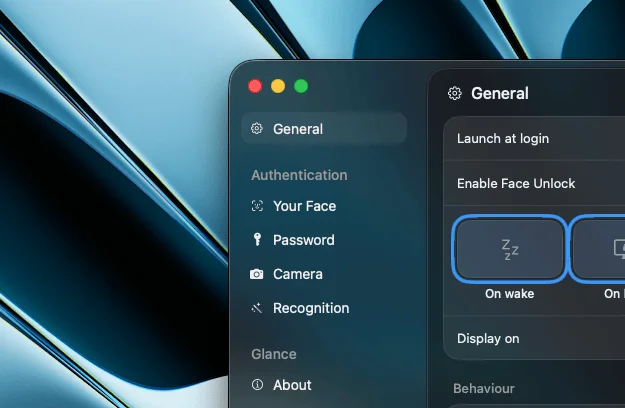
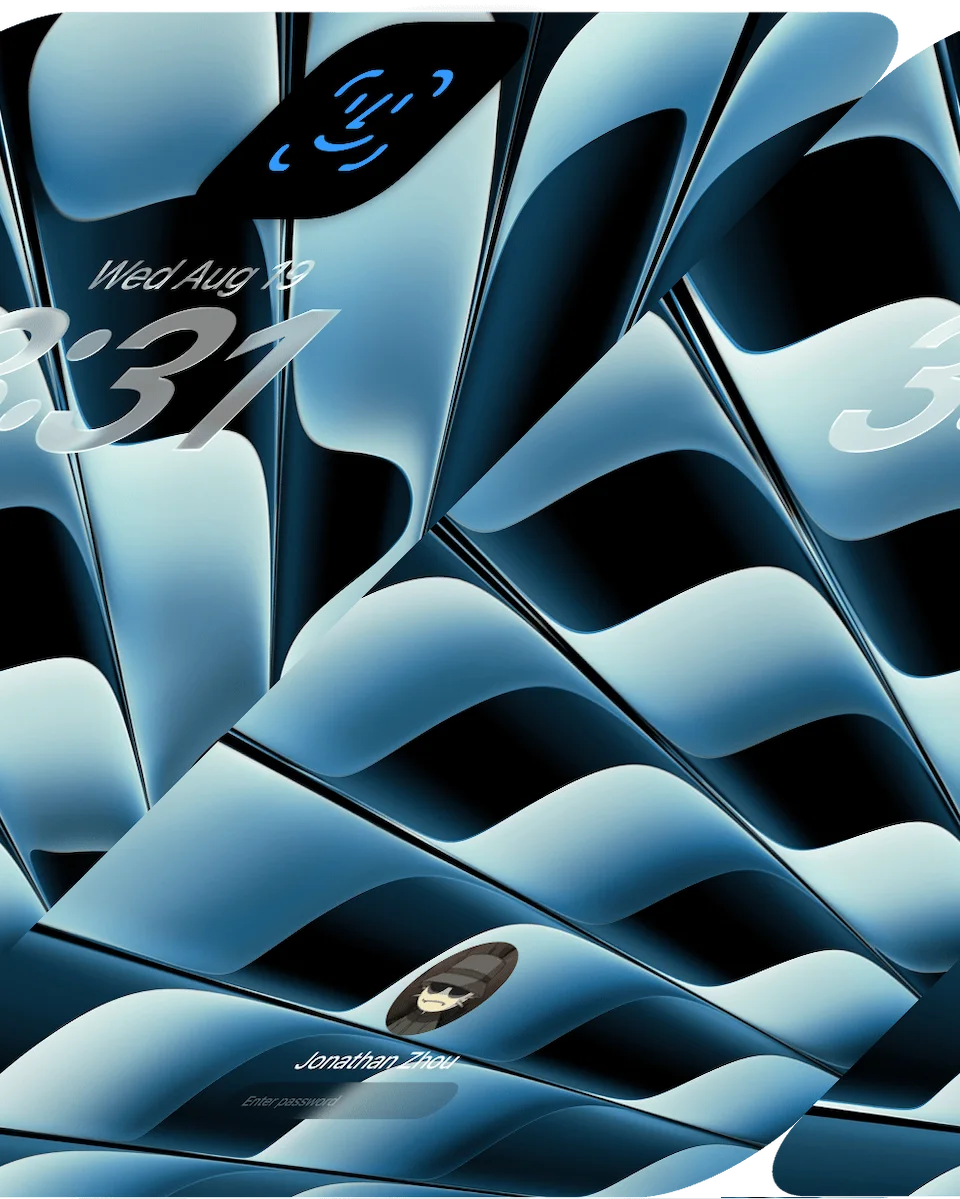
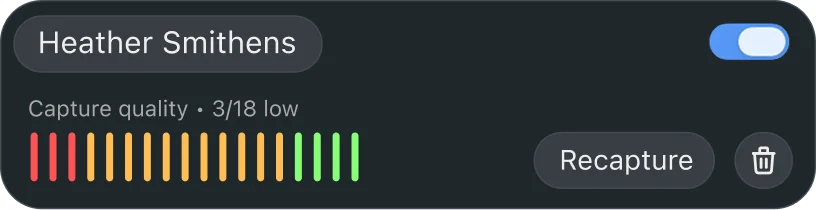
About
Glance unlocks a Mac by recognising whoever sits down in front of it, so the password does not have to be typed every time the screen wakes. Recognition runs on device with Apple's Vision and Core ML frameworks: a face becomes an encrypted embedding, the frame itself is thrown away, and the key that opens it lives in the Keychain behind Touch ID or the device password. It can trigger on wake, on lock or on a keypress at the lock screen, watches for head movement and screen glare to reject a photo, re-locks itself after an idle period you choose, and shows the scan in the MacBook notch. The author is explicit that this is convenience rather than a security upgrade: a Mac camera sees a flat 2D image, so a video of the owner is not reliably rejected, and a stored password is what actually gets typed. It needs macOS 15 or later.
- Price
- Free, Free, no paid tier
- License
- MIT
- Version
- 1.2.0 · Sep 30, 2026
- Platforms
- macOS
- Category
- Security & Privacy
Featured badge
Make Glance Face Unlock yours: show the badge on its site and the listing marks itself as linked back.

<a href="https://macgrove.app/apps/glance-face-unlock">
  <img src="https://macgrove.app/badge/glance-face-unlock.svg" alt="Featured on MacGrove" width="341" height="32" />
</a>[](https://macgrove.app/apps/glance-face-unlock)What’s new
All 4 releases1.2.0Latest · 26 days ago
- Added swipe navigation between Settings pages.
- Added a “Show in menu bar” option.
- Added a “Never” session auto-lock option, with 30 days as the new default.
- Face enrollment now gives directional feedback when a head turn goes too far.
- Improved notch/pill sizing across different Mac notch sizes and made its disappearance cleaner.
- Glance now appears above other notch-style apps.
Earlier
1.1.0Redesigned settings window
- Redesigned settings window
- Camera selection during onboarding
- Capture quality now shown as a percentage instead of a raw count
- Increased default face-detection distance
- Notch could resize to the wrong position/size after use
- Clicks near the onboarding notch window could be blocked by an invisible area
- Password field is now cleared before glance types your password on the lock screen
- Settings window briefly flashed the wrong size on first launch
- Accessibility permission issue in onboarding
Installation
- Download Glance-1.0.0.dmg
- Open the DMG
- Drag Glance into Applications
- Launch Glance and complete the onboarding
> [!important] > Glance will never be as secure as Apple's TouchID or FaceID. > > Macs don't have the dedicated depth sensors used by Apple's Face ID, so Glance cannot provide the same level of security. Glance is designed for convenience, not as a replacement for Apple's biometric security. Please understand this tradeoff before using Glance.
1.0.1Fixes bugs and adds warnings.
Fixes bugs and adds warnings.
> [!important] > Glance will never be as secure as Apple's TouchID or FaceID. > > Macs don't have the dedicated depth sensors used by Apple's Face ID, so Glance cannot provide the same level of security. Glance is designed for convenience, not as a replacement for Apple's biometric security. Please understand this tradeoff before using Glance.
Face enrollment:
- Clearer "turn" instructions
- Live on-screen indicator showing your head position as you turn
- Easier to complete the bottom-facing poses
Other:
- Additional warnings added before Glance can be used
- Can now be used on macOS 15+. Was limited to 26.4+ previously.
Installation
- Download Glance-1.0.0.dmg
- Open the DMG
- Drag Glance into Applications
- Launch Glance and complete the onboarding
1.0.0The first public release of Glance, Face Unlock for your Mac.
The first public release of Glance, Face Unlock for your Mac.
> [!important] > Glance will never be as secure as Apple's TouchID or FaceID. > > Macs don't have the dedicated depth sensors used by Apple's Face ID, so Glance cannot provide the same level of security. Glance is designed for convenience, not as a replacement for Apple's biometric security. Please understand this tradeoff before using Glance.
Features
- Unlock your Mac using on-device face recognition
- Liveness detection to help prevent photo-based unlocks
- Face recognition runs entirely on-device
- Face data is stored as encrypted embeddings, not photos
- Mac password protected with AES-GCM encryption
- Automatic app updates
Installation
- Download Glance-1.0.0.dmg
- Open the DMG
- Drag Glance into Applications
- Launch Glance and complete the onboarding
Requires macOS 15+ and a Mac with apple silicon and a camera.
- Source
- GitHub releases
- Last checked
Similar apps
- Knock
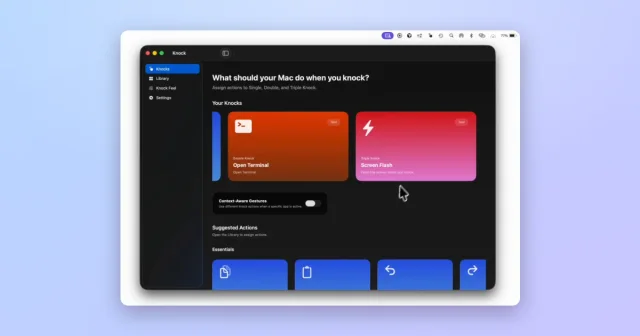
 KnockTurns taps on your MacBook or trackpad into shortcuts and actions.Paid
 - Sensitivity
 SensitivityFind explicit photos and videos you forgot about, scanned privately on your Mac.Freemium
 - Ajar
 AjarScreen brightness that follows the lid angle, and Awake that follows your agents.Paid
 - Thaw
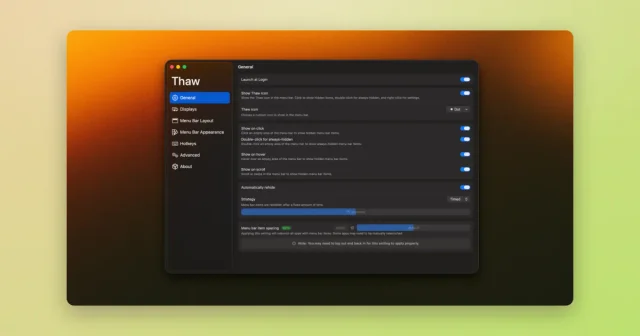
 ThawTop pickHide, reveal, and rearrange your Mac menu bar icons, with profiles and triggers.Free
 - Dorso
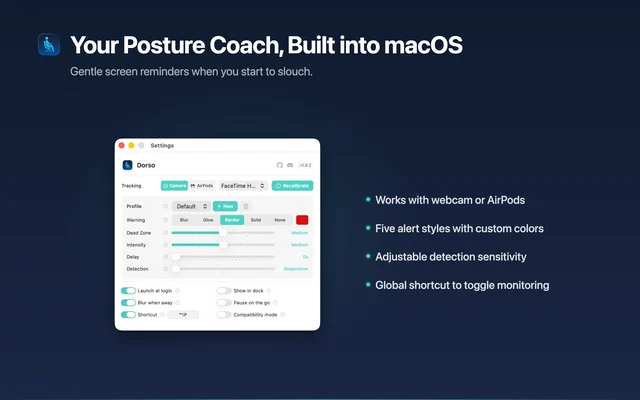
 DorsoBlurs your screen when you slouch.Freemium
 - Any Text
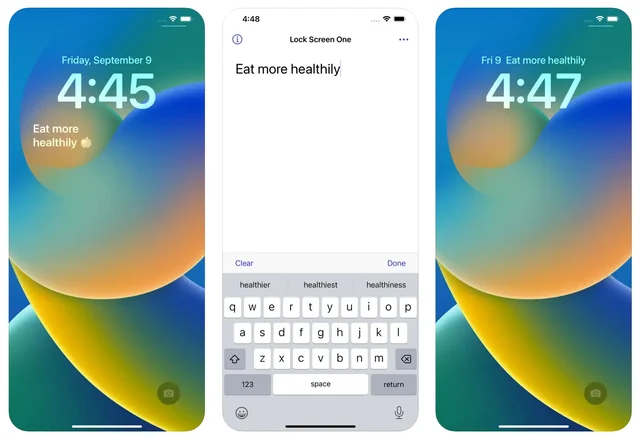
 Any TextPuts a line of text on your desktop and Lock Screen.Paid
 - DeskMinder
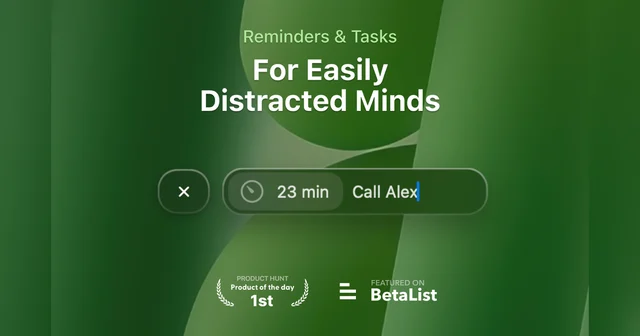
 DeskMinderQuick desktop reminders that are hard to miss.Freemium
 - Supaste
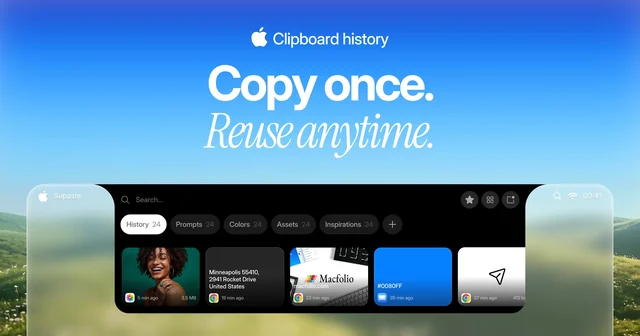
 SupasteClipboard and screenshot history in a panel that drops from the notch.Paid