
Highball
v0.10.22, released this weekFree, open-source way to play Windows games on Apple Silicon.
FreeOpen sourceFree, no paid tiermacOSUpdated 6 days ago

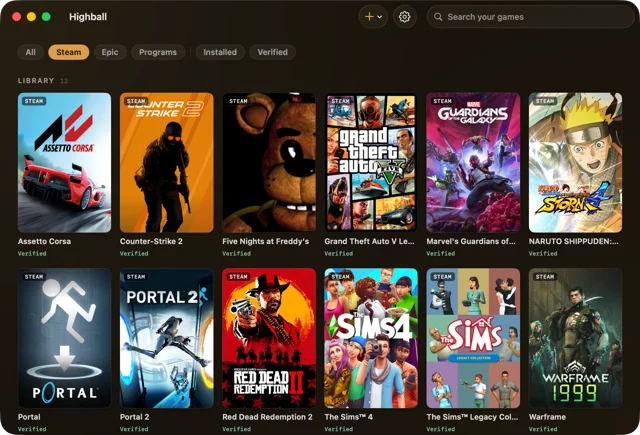
About
Highball prepares a Wine based environment for you, installs Windows Steam in one click or connects your Epic library, and picks the right graphics layer (D3DMetal, DXMT or DXVK) for each game. Every title in your library shows a verdict from an open compatibility database, so you know whether it is verified, reported, predicted or blocked by kernel anti-cheat before you download it. Known fixes can be applied automatically, and everything stays in one folder in your user Library with no account or telemetry. It is developed in the open on GitHub under the GPL-3.0 license, with a command line tool alongside the app. Needs macOS 14 or later on Apple Silicon.
Featured badge
Make Highball yours: show the badge on its site and the listing marks itself as linked back.

<a href="https://macgrove.app/apps/highball">
  <img src="https://macgrove.app/badge/highball.svg" alt="Featured on MacGrove" width="254" height="32" />
</a>[](https://macgrove.app/apps/highball)What’s new
All 24 releases0.10.22Latest · 6 days ago
Controllers now reach games on the native arm64 preview engine. On engines r1 to r5, Wine's controller support never finished starting, so Microsoft Flight Simulator 2024 saw no joystick, yoke, throttle or pedals, only mouse and keyboard. Engine r6 fixes it, and when you press Play, Highball offers to move the game's environment to r6. Thanks @CaptMoore for the report. If your controls still don't show up in the game, tell us in #397.
Also in this version:
- A new app icon in Icon Composer's format, so macOS 26 and later draw it as a Liquid Glass icon. It's the work of @hayden9002, thank you Hayden!
Earlier
0.10.21Play now says when a game's fix needs a newer macOS, before any question or download. Microsoft Flight Simulator 2024's engine needs macOS 26.5 or later, and 0.10.20 offered it on any macOS, where it then could not start. Forza Horizon 6's engine needs macOS 27, and Play says that too. You can still play without the fix, as before.
Play now says when a game's fix needs a newer macOS, before any question or download. Microsoft Flight Simulator 2024's engine needs macOS 26.5 or later, and 0.10.20 offered it on any macOS, where it then could not start. Forza Horizon 6's engine needs macOS 27, and Play says that too. You can still play without the fix, as before.
Also in this version:
- A game Steam has marked for an update now comes along to a new environment as a clone, and the new environment's Steam downloads only the update. Before, such a game was downloaded again in full.
- The memory note in Play's questions says what a game was tested with, 32 GB for Flight Simulator 2024, since smaller Macs are untested rather than ruled out.
- An engine is never installed on a macOS older than the one it needs, whatever asks for it.
0.10.20Microsoft Flight Simulator 2024 stutters far less on the native arm64 preview engine. Play now offers its new revision, r5. The game keeps rewriting small pieces of its own code while it runs, and each rewrite made the x86 emulator throw away its translation of that code and translate it again, on the game's main thread, which showed up as long frames. r5 steps over writes that put back the bytes already in memory, translates freshly rewritten code in small pieces for a few seconds, and reuses an earlier translation when the same code comes back. In test flights on a base M4 at Gibraltar, frames over 100 ms fell from 59 to 5 in two minutes parked on the runway and from 55 to 23 per minute of take-off roll, and the frame rate went from 19 to 22.5 fps parked. The game's recipe turns these switches on for Flight Simulator 2024 only, so other games are not affected.
Microsoft Flight Simulator 2024 stutters far less on the native arm64 preview engine. Play now offers its new revision, r5. The game keeps rewriting small pieces of its own code while it runs, and each rewrite made the x86 emulator throw away its translation of that code and translate it again, on the game's main thread, which showed up as long frames. r5 steps over writes that put back the bytes already in memory, translates freshly rewritten code in small pieces for a few seconds, and reuses an earlier translation when the same code comes back. In test flights on a base M4 at Gibraltar, frames over 100 ms fell from 59 to 5 in two minutes parked on the runway and from 55 to 23 per minute of take-off roll, and the frame rate went from 19 to 22.5 fps parked. The game's recipe turns these switches on for Flight Simulator 2024 only, so other games are not affected.
To try it, press Play on Flight Simulator 2024, choose Use the preview engine, then New environment. Highball sets up an environment on r5 with a Steam of its own that you sign in to once, and the copy of the game you already installed comes along without a new download. If you already set the game up on an earlier preview revision, Play offers once to move that environment to r5. The tested configuration is a Mac with 32 GB of memory, and smaller Macs have not been tested enough to say how they do. The first launch takes about 13 minutes to reach the cockpit, and the take-off can still hitch when one of the game's pop-ups opens.
Also in this version:
- Read more on a game page opens when you click the words, not only the small arrow beside them. Thanks to Hayden on Discord.
Coming from 0.10.15? Everything from the 0.10.16 to 0.10.19 betas is in this version too:
- Forza Horizon 6's dialogue, navigator and engine sound play on the Wine 11 engines r24 and later. Pick one in your Forza environment's settings, under Advanced, Engine. Thanks to @TxCsOffc, who found the cause and wrote the fix (highball#313).
- Games on the native arm64 preview engine can get macOS Game Mode, since its helper now declares itself a game. The Intel engines don't get it yet (highball#338). Thanks to @dtacci (highball#339). (Corrected on 2026-10-19, this line first said every Wine game.)
- A game can open on the display you pick, from the Display choice in its Advanced section. Thanks to @tuandinh0801, who built it (highball#360).
- Steep starts on Apple silicon, on the new default engine r28. Thanks to @Sean-Shmulevich, who found the cause and wrote the fix (highball-db#465).
- Red Dead Redemption 2 no longer stops with Rockstar launcher error 113 in an environment moved off the default engine. Thanks to crêpe on Discord.
- Stop really stops an Epic download and keeps its progress. Thanks to udance4ever (highball#323), who also asked why a 32-bit Mac game gets its Windows version, which Highball now explains (highball#316).
- A Steam install that finishes while the game's page is open turns its button into Play. Thanks to @NorseGaud (highball#286).
- A Highball folder on an exFAT drive no longer hands Wine the hidden ._ files macOS writes there. Thanks to akki on Discord.
- BeamNG.drive starts with -gfx dx11 by itself. Thanks to DJTheron (highball-db#474).
- Apple's D3DMetal from Game Porting Toolkit 4.0 beta 3 on the r26 engine, vkd3d's shader pipeline cache kept between starts, and a warning before a download when your Mac has less memory than the game needs.
0.10.15Game pages show the game's screenshots and its Steam description, genres, developer, publisher and release date, and a Steam button in the toolbar opens Steam in one click. Thanks to @matiasmg-ok for both (highball#279, highball#292), and to udance4ever for asking for the button (highball#285).
Game pages show the game's screenshots and its Steam description, genres, developer, publisher and release date, and a Steam button in the toolbar opens Steam in one click. Thanks to @matiasmg-ok for both (highball#279, highball#292), and to udance4ever for asking for the button (highball#285).
Loud game sound no longer crackles. Windows quietly turns a game's mix down when it goes over full scale, and Wine on a Mac sent it to the speakers clipped instead. Highball's audio library now does what Windows does, and sound below full scale passes exactly as before. Environments on the default engine get it by themselves (engine r26). On a Wine 11 engine, pick r23 in the environment's settings under Advanced, Engine, or r22 if you use D3DMetal 4. HB_AUDIOLIMIT=0 in an environment's variables turns it off. Thanks to udance4ever for the report (highball-db#349).
The EA app's repair works again. Highball used to put a Mac link next to the folder link the EA installer makes, and a repair could then delete part of the app, so it crashed on its next start. Highball now leaves the installer's own link to Wine and removes the old one the next time you start the EA app. If yours already crashes, install the EA app again from Highball. Thanks to udance4ever for the logs (highball-db#318, highball-db#418).
Also in this version:
- A game the Windows Steam client installed no longer shows as installed in Steam for Mac. A Steam library both clients use, such as one on an external drive, made Play go to Steam for Mac with none of the game's fix. Thanks to Okami on Discord.
- Highball reads Steam's own data to tell whether a game has a Mac version, the way Steam for Mac does. Mac ports whose store page leaves macOS out, such as LEGO Jurassic World, LEGO The Incredibles and Batman: Arkham City, now offer Install on Mac, and 32-bit Mac builds no current Mac can run, such as Stacking or Mafia II Classic, are no longer offered first. Thanks to udance4ever (highball#310, highball#316).
- Installing an Epic game shows its size, a progress bar and the download speed at the bottom of the window. Thanks to udance4ever (highball#287).
- A game's first window comes to the front when it opens while Highball is in front. Thanks to NorseGaud (highball#286).
- Discord activity works with Vesktop and other clients that serve Discord's local socket, not only Discord's own app. Thanks to Nico on Discord.
- GTA V bought on Epic starts through the Rockstar launcher, since Highball now recognizes the Epic copies. Thanks to udance4ever (highball-db#415).
- A frame cap also holds for games that bring their own DXMT settings.
- Steam's setup note no longer tells you to turn off GPU accelerated rendering in web views, which leaves Steam's window black on the Wine 11 engine. Thanks to w8079 (highball#282).
Coming from 0.10.10, this update also brings everything from 0.10.11 to 0.10.14: Steam's window in environments set to D3DMetal, a new environment for a game getting its own Steam, external drives as drive letters, Retina mode no longer doubling the screen size Windows programs see, per-game launch arguments, disc images, Portal and Portal 2 with HDR, and The Sims Legacy Collection's thumbnails. Thanks to @matiasmg-ok, @NorseGaud and @athei for their code, and to Hayden and natalie on Discord. The notes for each are on the releases page.
The database gained many games from your reports, among them Wayfinder, which now starts with -dx11 by itself. Thanks to everyone who sent one.
- Source
- GitHub releases
- Last checked
Similar apps
- Whisky
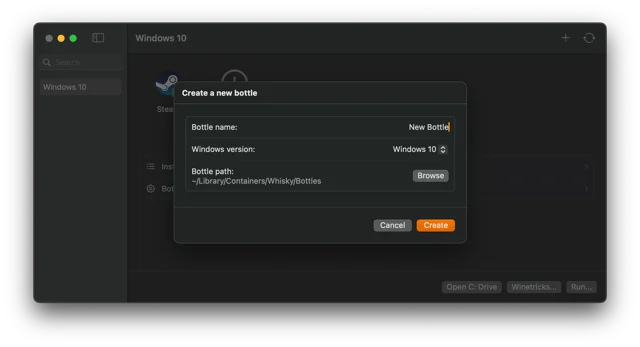
 WhiskyWindows apps and games on Apple Silicon, no Terminal.Free
 - GameHub
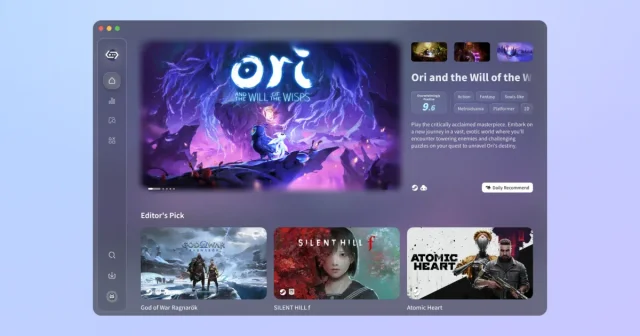
 GameHubPlay Windows and Steam games on a Mac through a compatibility layer.Free
 - Ghostty
 GhosttyTop pickTop ratedA fast, GPU-accelerated terminal with a native Mac interface.Free
 - PlayCover
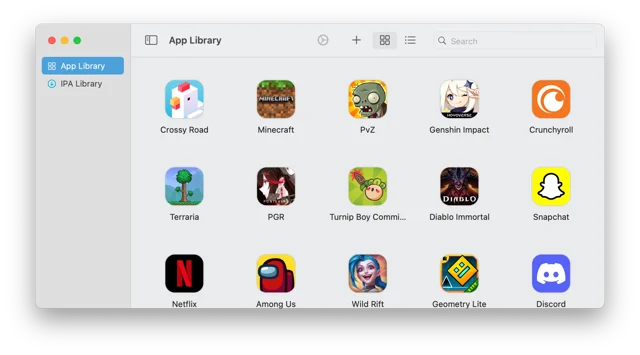
 PlayCoverPlay iPhone and iPad games on an Apple Silicon Mac.Free
 - Ollama
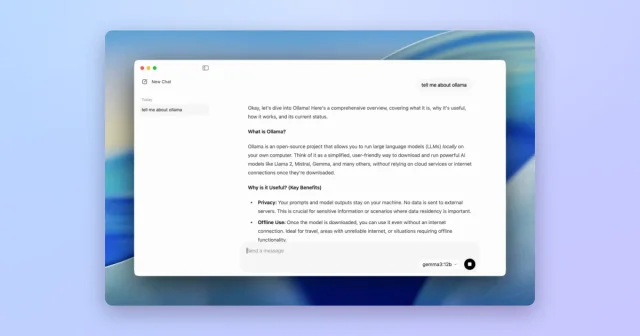
 OllamaTop pickRun open language models locally on your Mac.Freemium
 - Hammerspoon
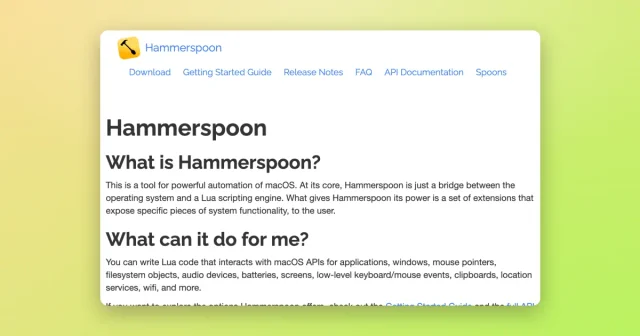
 HammerspoonAutomate your Mac with Lua scripts that react to windows, keys, Wi-Fi, and more.Free
 - Glaze

 GlazeBuilds small Mac apps by describing them, using AI agents.Freemium
 - Muxy
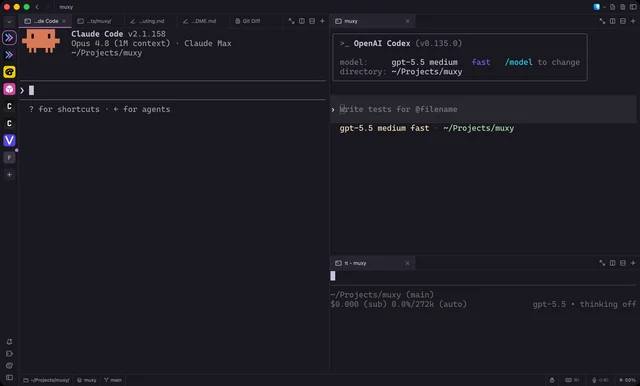
 MuxyLightweight, project-based terminal for the Mac built on libghostty.Free