
Developer Tools
Muxy
v2.2.0
About
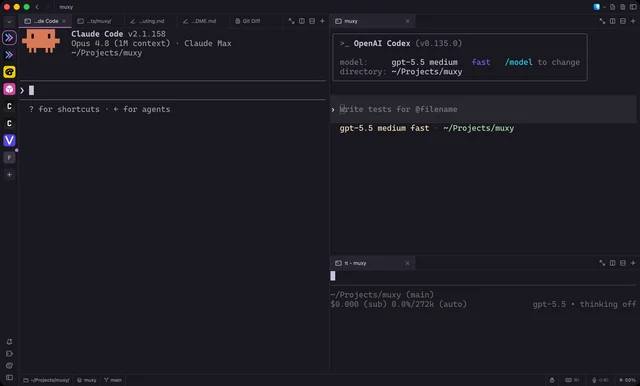
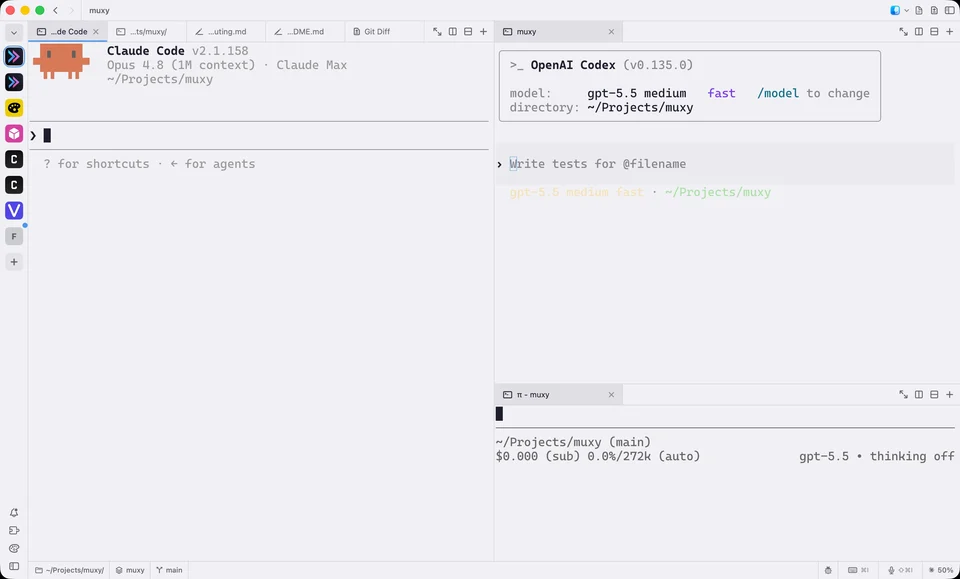
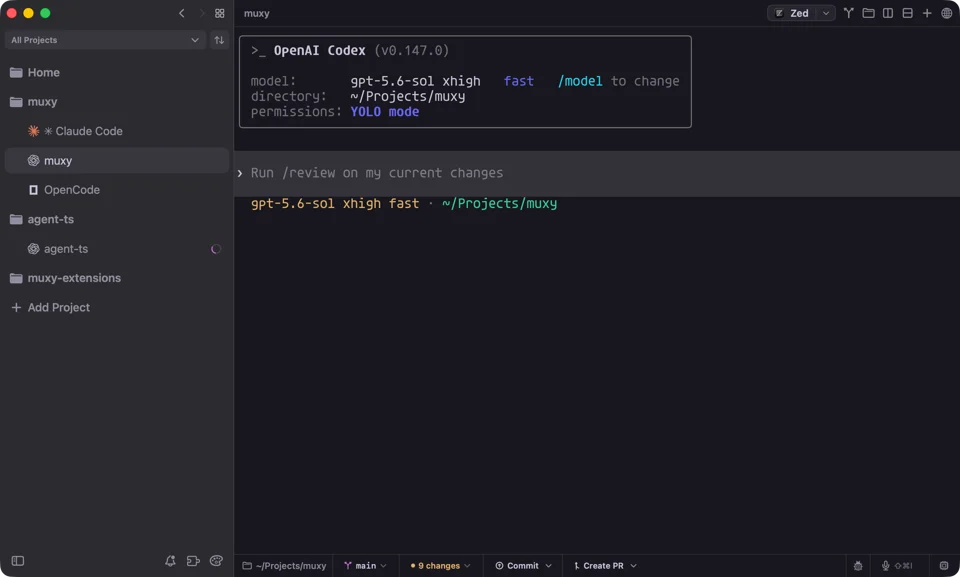
Muxy is a native SwiftUI terminal that uses libghostty for rendering and groups your shells around projects instead of loose sessions. Each project gets vertical tabs, split panes and Git worktree support, plus a quick open palette, a text editor with syntax highlighting, and Markdown, HTML and image previews. It offers more than 490 themes, over 50 customizable shortcuts, native notifications, and restores your workspaces between launches. Extras include an extension API, a quick terminal that drops down from the notch, and iOS and Android companion apps for checking sessions remotely. Needs macOS 14 or later.
- Price
- Free, Free, no paid tier; iOS companion app $2.99
- License
- MIT
- Version
- 2.2.0 · Oct 17, 2026
- Platforms
- macOS
- Category
- Developer Tools
Featured badge
Make Muxy yours: show the badge on its site and the listing marks itself as linked back.

HTML
<a href="https://macgrove.app/apps/muxy">
  <img src="https://macgrove.app/badge/muxy.svg" alt="Featured on MacGrove" width="230" height="32" />
</a>
Markdown
[](https://macgrove.app/apps/muxy)What’s new
All 4 releases2.2.0Latest · 10 days ago
- Update installation docs for stable Muxy 2 releases
- Add native terminal preferences and migrate legacy Ghostty settings
- Report terminal pixel size in TIOCGWINSZ
- Import projects and workspaces from 1.x
- Fix terminal options and add reset button
- Align Muxy 2 documentation and extension manifest schema
Earlier
2.1.0Decouple Muxy configuration and themes from Ghostty
- Decouple Muxy configuration and themes from Ghostty
- Trim workspace tests and clarify testing guidelines
- Fix terminal rendering for some Ghostty configs
- Add project tab picker and Remote Servers workspace
- Migrate 1.x data on upgrade and make 1.x import merge
- Start worker threads and compile detection rules on demand
- Show Git progress in the UI, track worktree creation in the sidebar, and add an option to remove a worktree after merging
- Remove the attachment and PTY relay threads from the server
- Keep Local Network access in terminals after the app quits
- Add 1.x parity commands to the muxy CLI
2.0.0Rewritten from scratch in Rust, faster and lighter
- Rewritten from scratch in Rust, faster and lighter
- Terminals keep running after you quit, crash, or update the app
- Terminal history is saved to disk and restored
- Several apps can show the same terminal at once
- Detach terminals and reopen them from any app
- New terminal UI: run muxy in any terminal
- New CLI for projects, sessions, and worktrees
- CLI and server now run on Linux
- Install the CLI and server with brew install muxy-app/tap/muxy-cli
- Remote terminals survive SSH disconnects
- Muxy can install itself on remote servers
- Use another computer's server with muxy --host
- Phones connect directly to the server, no desktop app needed
- Phones can also connect over SSH
- AI agents are detected automatically, no hooks needed
- AI agents are tracked even when no app is open
- Find searches the full terminal history
- Jump between prompts and select command output
- Rearrange panes by Cmd-dragging them
- Server settings for default shell and history size
- Import 1.x settings and projects from Settings → Backup & Restore
- Settings now live in settings.toml and ghostty.conf
1.6.1Separate Muxy 2 Beta from in-app update channels
- Separate Muxy 2 Beta from in-app update channels
- Add Muxy 2 Beta sidebar card and tip
- Source
- GitHub releases
- Last checked
Similar apps
- cmux
 cmuxA terminal built for running many coding agents at once.Freemium
 - Ghostty
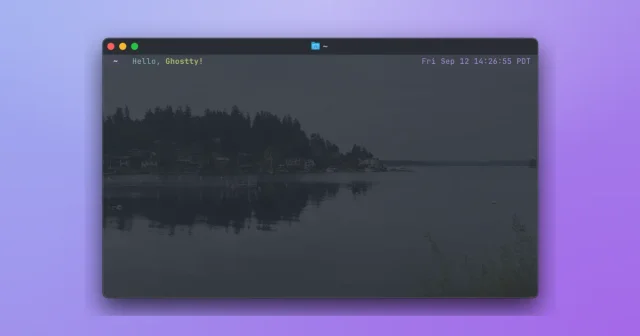
 GhosttyTop pickTop ratedA fast, GPU-accelerated terminal with a native Mac interface.Free
 - Commit+
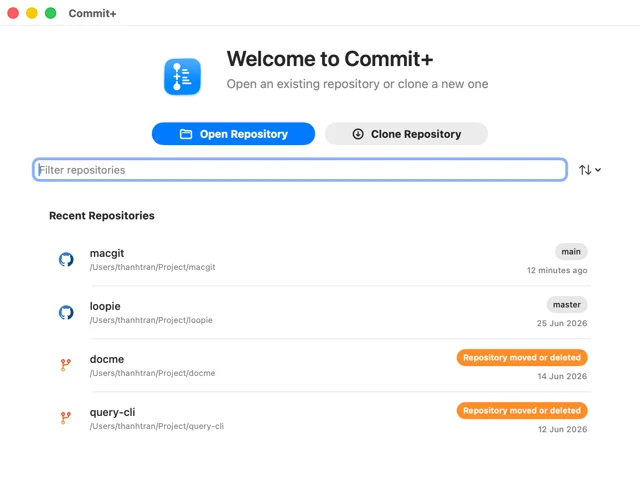
 Commit+A native macOS Git client with drag-and-drop workflows and undo for anything.Free
 - Postquel
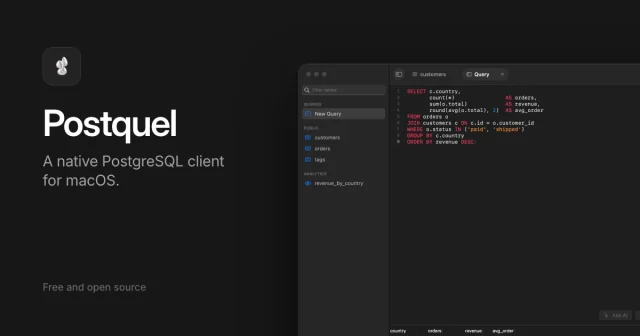
 PostquelA free, native PostgreSQL client for macOS with bring-your-own AIFree
 - CodeLook
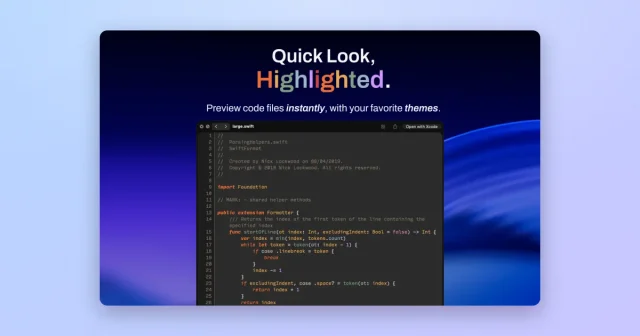
 CodeLookSyntax-highlighted Quick Look previews for code, themed like your editor.Paid
 - Xcode
 XcodeApple's IDE for building apps for Mac, iPhone, iPad, Watch, and Vision Pro.Free
 - Tuple
 TupleRemote pair programming with crisp screen sharing and shared control.Paid
 - Tinycast
 TinycastTop pickA launcher that runs Raycast extensions natively.Free