
Developer Tools
Icon Preview
v1.1.1Previews an app icon in every size macOS will ask for.
FreeFree on the Mac App Store.macOSUpdated on Jun 13, 2024

About
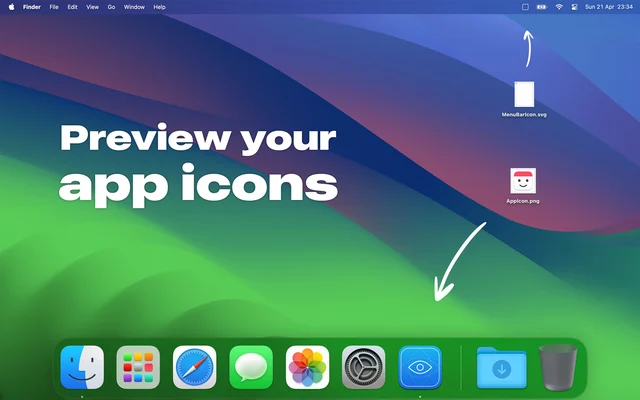
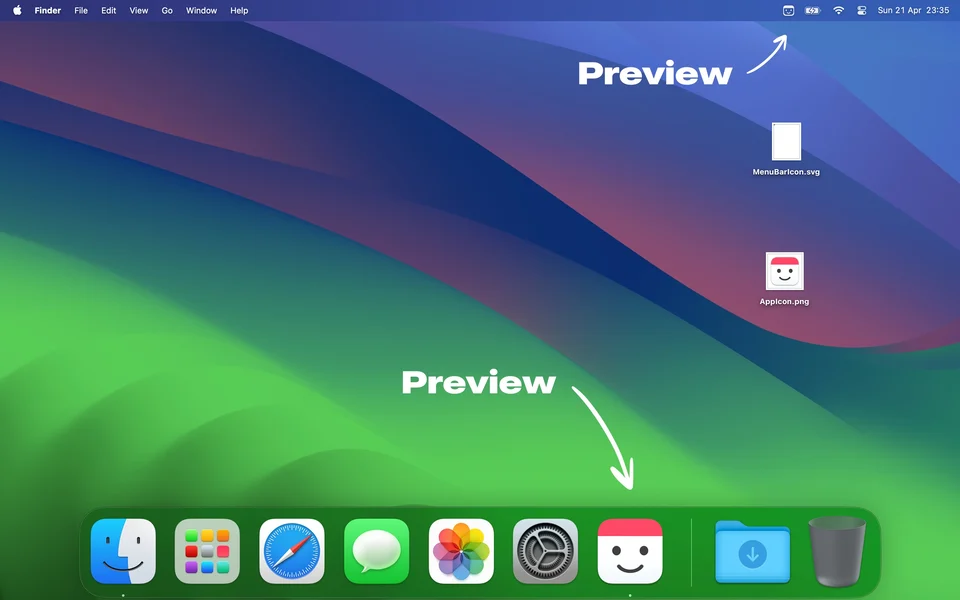
Icon Preview shows an app icon at the sizes and shapes macOS actually uses, including the menu bar template rendering, so a design that looks right at 1024 pixels can be checked at 16 before it ships. It is a small tool for people building Mac apps.
- Price
- Free, Free on the Mac App Store.
- Version
- 1.1.1 · Jun 13, 2024
- Platforms
- macOS
- Category
- Developer Tools
Featured badge
Make Icon Preview yours: show the badge on its site and the listing marks itself as linked back.

HTML
<a href="https://macgrove.app/apps/icon-preview">
  <img src="https://macgrove.app/badge/icon-preview.svg" alt="Featured on MacGrove" width="288" height="32" />
</a>
Markdown
[](https://macgrove.app/apps/icon-preview)Similar apps
- Pictogram
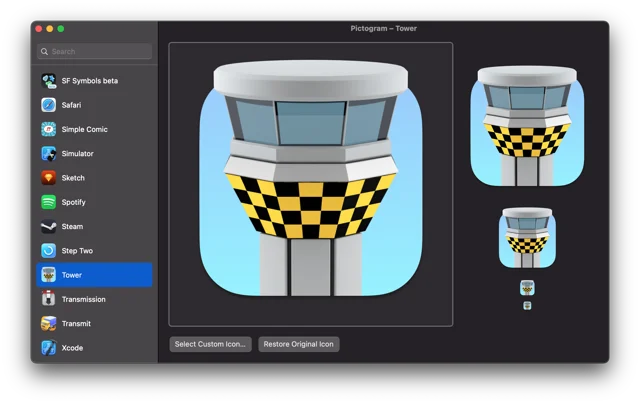
 PictogramCustom app icons that survive the next app update.Free
 - DS_Store Inspector
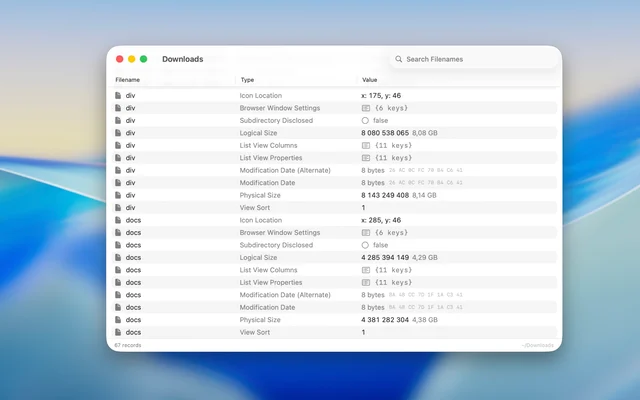
 DS_Store InspectorOpens the .DS_Store files macOS hides in every folder.Free
 - Waterlemon

 WaterlemonDesigns app icons and web favicons in one window.Paid
 - Dimble
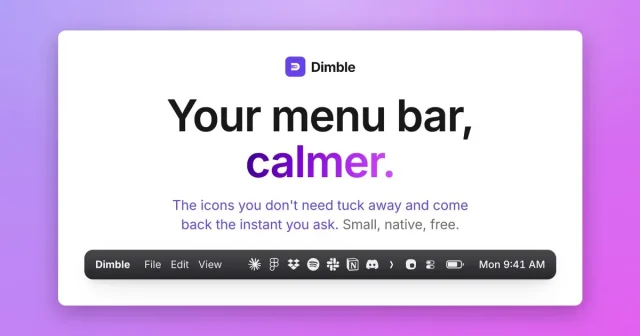
 DimbleTop pickHides the menu bar icons you do not need until you ask for them.Free
 - Sketch
 SketchThe Mac-native tool for designing interfaces and symbols.Paid
 - Thaw
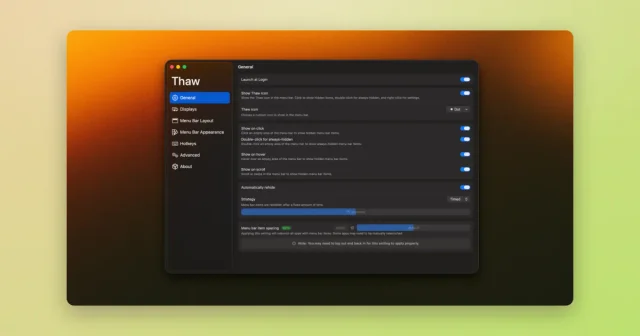
 ThawTop pickHide, reveal, and rearrange your Mac menu bar icons, with profiles and triggers.Free
 - Xcode
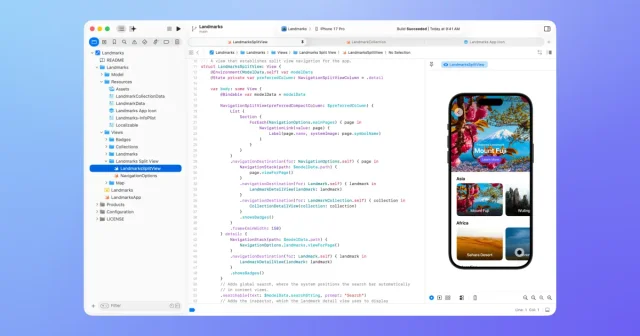
 XcodeApple's IDE for building apps for Mac, iPhone, iPad, Watch, and Vision Pro.Free
 - Codeshot
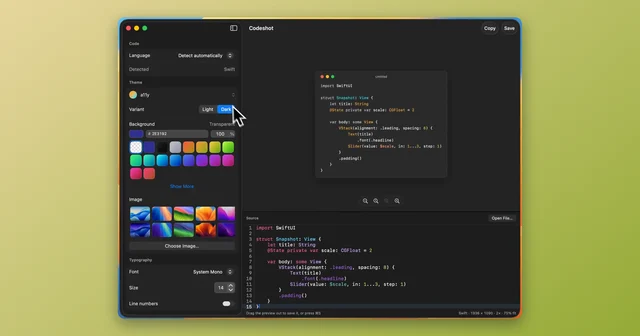
 CodeshotTurn a code snippet into a clean image, ready to share.Paid