Screenshots & Recording
Keyty
v1.8.0
About
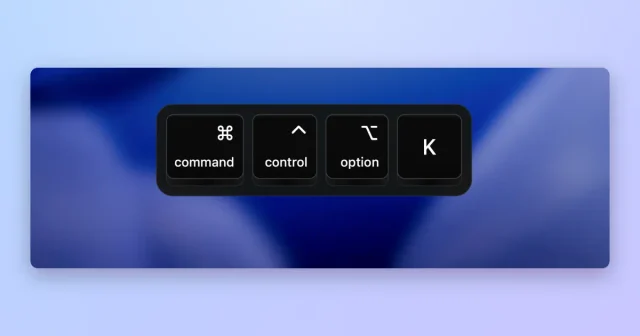
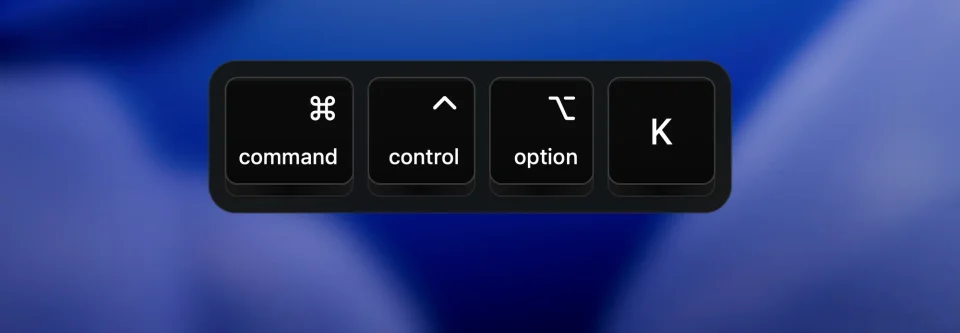
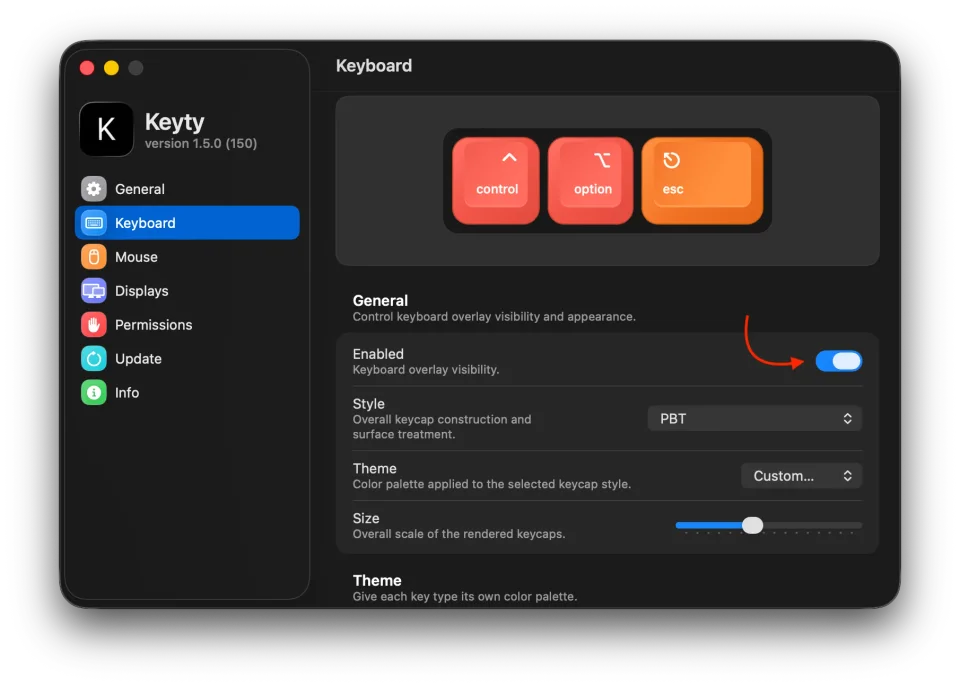
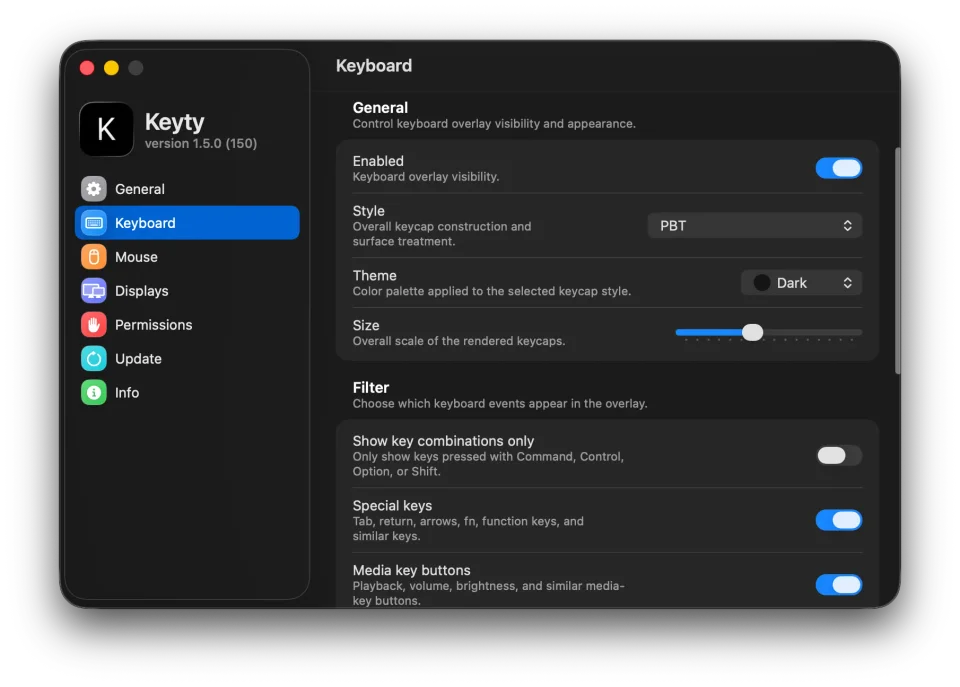
Keyty draws what you are pressing and clicking into the corner of the screen, so a tutorial, demo or livestream can be followed without the viewer guessing at shortcuts. Keycaps render combinations as they happen, four styles cover Apple, retro and minimal looks, and size, position, colours and fade timing are all adjustable, while mouse clicks and scrolling can appear as pointer rings and ripples. Filters keep the noise down by showing only modified shortcuts, special keys or media keys, and the input is used for the overlay alone — nothing is recorded or uploaded. It is free and open source under BSD-3-Clause, and it needs macOS 11 or later.
- Price
- Free, Free, no paid tier
- License
- BSD-3-Clause
- Version
- 1.8.0
- Platforms
- macOS
- Category
- Screenshots & Recording
Featured badge
Make Keyty yours: show the badge on its site and the listing marks itself as linked back.

HTML
<a href="https://macgrove.app/apps/keyty">
  <img src="https://macgrove.app/badge/keyty.svg" alt="Featured on MacGrove" width="231" height="32" />
</a>
Markdown
[](https://macgrove.app/apps/keyty)Similar apps
- Pokey
 PokeyAn animated hand cursor that taps on every click in screen shares and recordings.Paid
 - Screenflick
 ScreenflickMac screen recorder with audioPaid
 - Klack
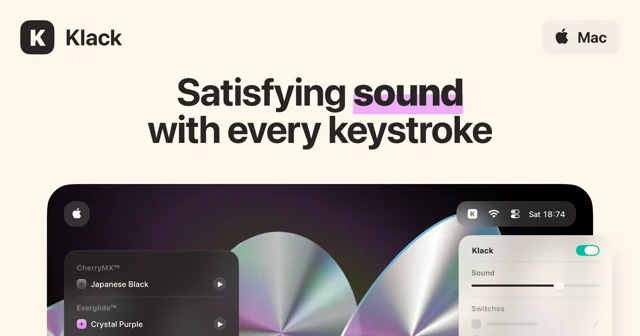
 KlackMakes a Mac keyboard sound like a mechanical one.Paid
 - Knock
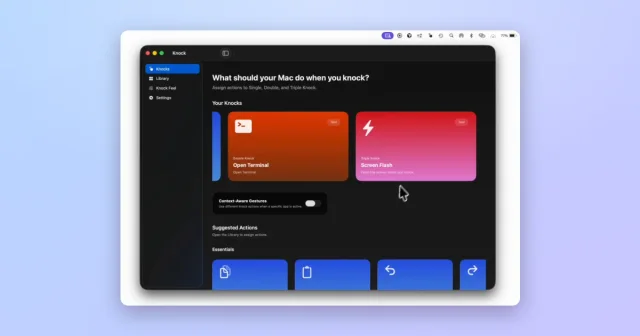
 KnockTurns taps on your MacBook or trackpad into shortcuts and actions.Paid
 - Screen Charm
 Screen CharmA Mac screen recorder for videos that look finished.Paid
 - TrailPoint
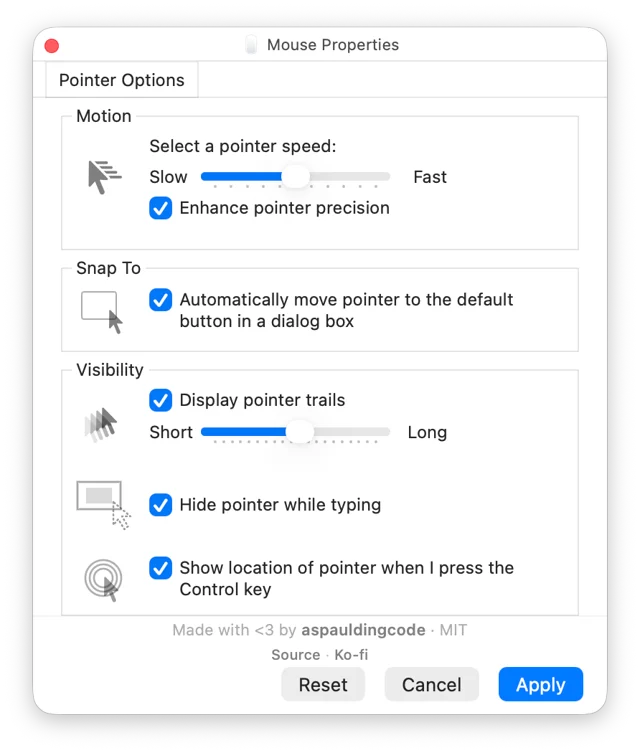
 TrailPointWindows-style pointer trails and pointer options for the Mac.Free
 - KeyClu
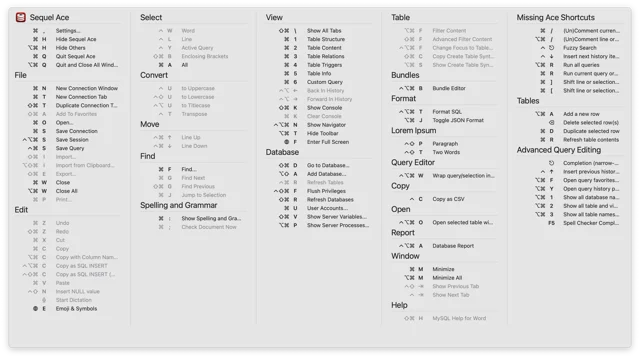
 KeyCluPress Command twice to see every shortcut the current app has.Free
 - Maccy
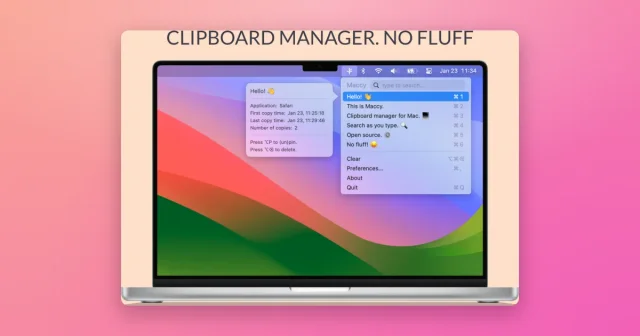
 MaccyTop pickLightweight, keyboard-first clipboard history with instant search.Freemium