
TrailPoint
v1.0.8Windows-style pointer trails and pointer options for the Mac.
FreeOpen sourceFree; DMG on GitHub releases or build from source, no paid tiermacOSUpdated 25 days ago

About
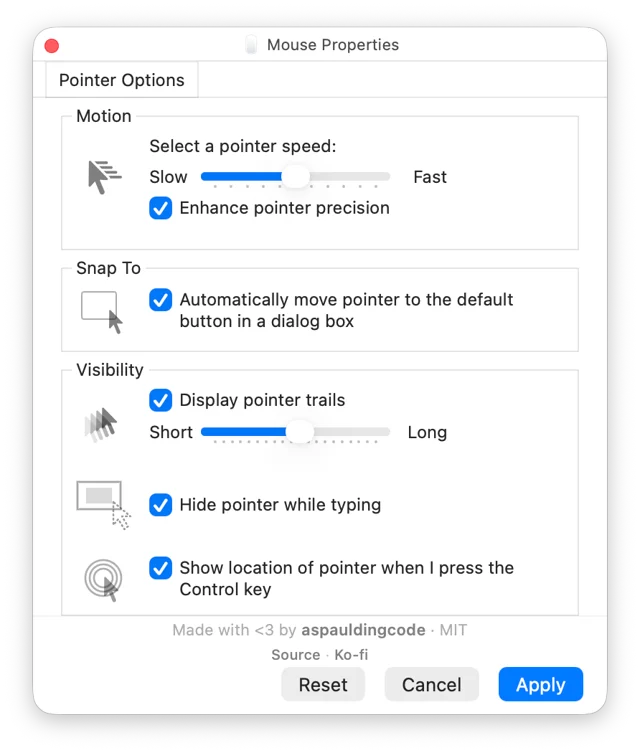
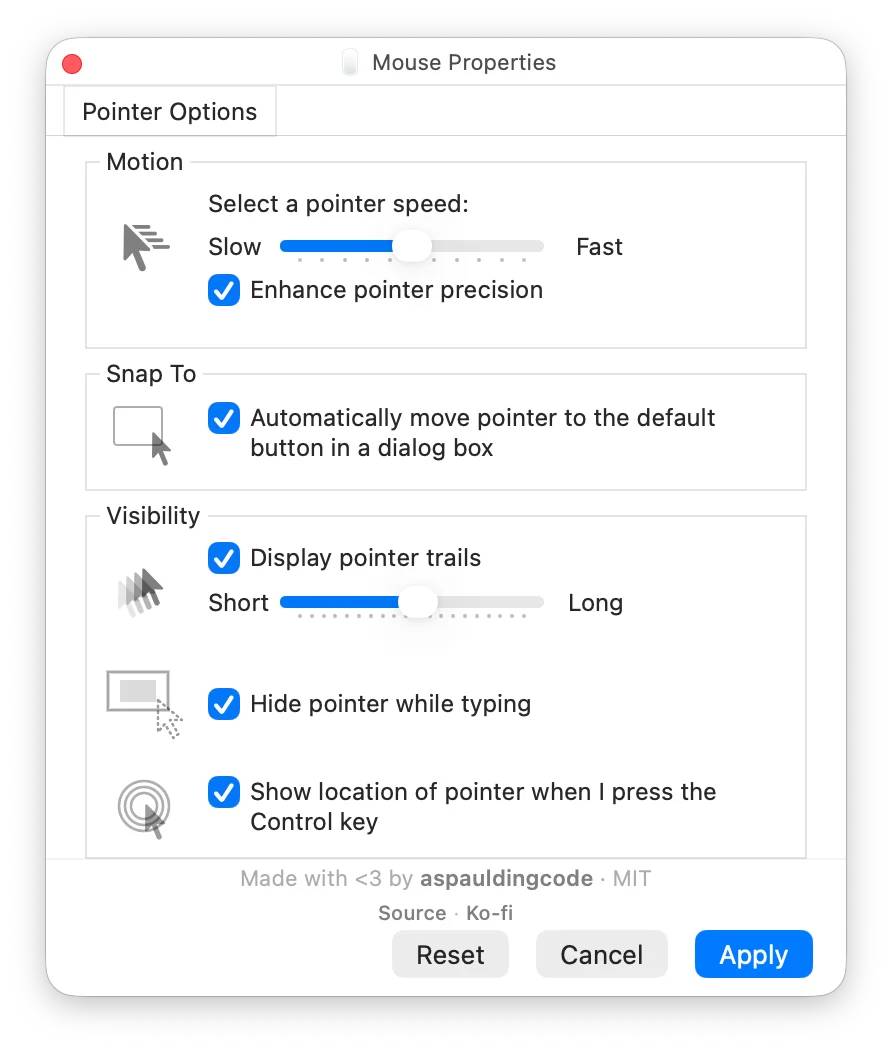
TrailPoint brings the Windows pointer tweaks that macOS never had, in a settings window that looks just like the old Mouse Properties panel. Pointer trails leave a short or long tail of cursors behind as you move, holding Control draws rings around the pointer so you can spot where it went, and the pointer can jump to the default button of a dialog or hide itself while you type. Pointer speed and precision are adjustable for a mouse, and a menu bar item pauses or restarts the trail whenever you want quiet. It is a small Swift app that needs Input Monitoring permission in System Settings to watch the cursor.
- Price
- Free, Free; DMG on GitHub releases or build from source, no paid tier
- License
- MIT
- Version
- 1.0.8 · Oct 1, 2026
- Platforms
- macOS
- Category
- Keyboard & Input
Featured badge
Make TrailPoint yours: show the badge on its site and the listing marks itself as linked back.

<a href="https://macgrove.app/apps/trailpoint">
  <img src="https://macgrove.app/badge/trailpoint.svg" alt="Featured on MacGrove" width="265" height="32" />
</a>[](https://macgrove.app/apps/trailpoint)What’s new
All 9 releases1.0.8Latest · 25 days ago
Download the DMG to install TrailPoint.
Earlier
1.0.7Developer ID–signed and notarized TrailPoint for macOS.
Developer ID–signed and notarized TrailPoint for macOS.
Signed with Alex Spaulding’s Apple Developer identity. Open the .dmg and double-click TrailPointAgent.pkg to install the app and automatically configure it to start at login.
1.0.6Developer ID–signed and notarized TrailPoint for macOS.
Developer ID–signed and notarized TrailPoint for macOS.
Signed with Alex Spaulding’s Apple Developer identity. Open the .dmg and double-click TrailPointAgent.pkg to install the app and automatically configure it to start at login.
1.0.5Developer ID–signed and notarized TrailPoint for macOS.
Developer ID–signed and notarized TrailPoint for macOS.
Signed with Alex Spaulding’s Apple Developer identity. Open the .dmg and double-click TrailPointAgent.pkg to install the app and automatically configure it to start at login.
- Source
- GitHub releases
- Last checked
Similar apps
- Shortap
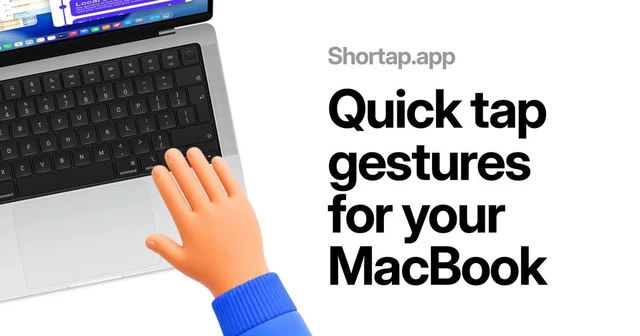
 ShortapTurns taps on the MacBook palm rest into shortcuts.Paid
 - Keyty
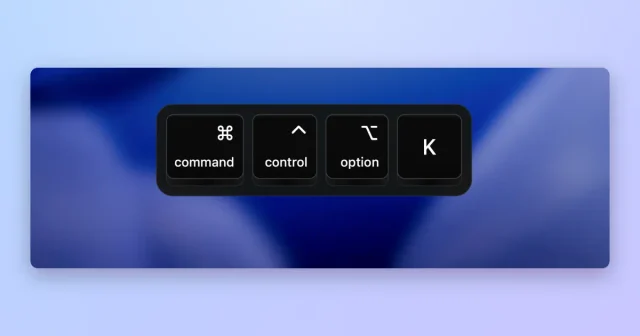
 KeytyShows your keystrokes and clicks on screen for demos and streams.Free
 - Pokey
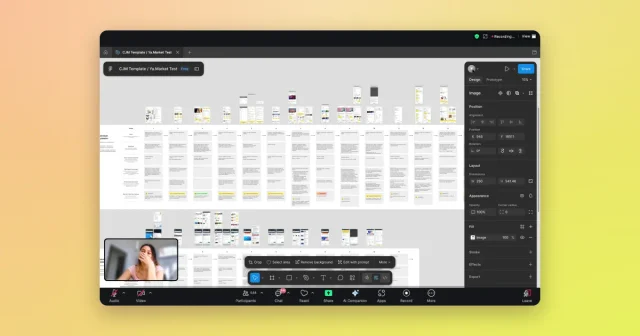
 PokeyAn animated hand cursor that taps on every click in screen shares and recordings.Paid
 - Knock
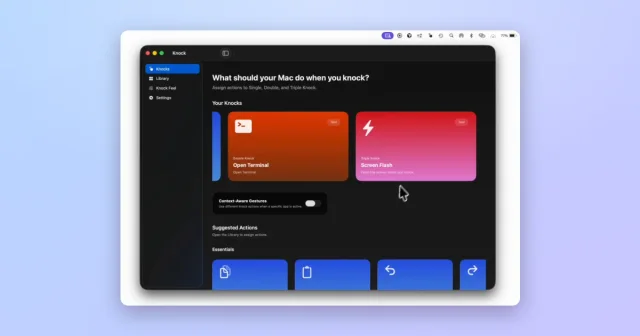
 KnockTurns taps on your MacBook or trackpad into shortcuts and actions.Paid
 - Pie Menu

 Pie MenuA wheel of shortcuts that appears under the pointer.Freemium
 - Taskbar
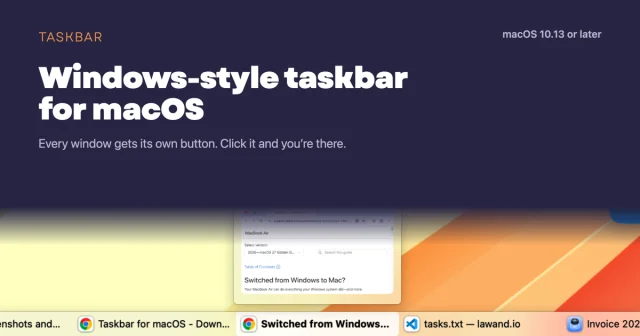
 TaskbarTaskbar for macOS: Windows-style taskbar and Start menuFree
 - Rectangle
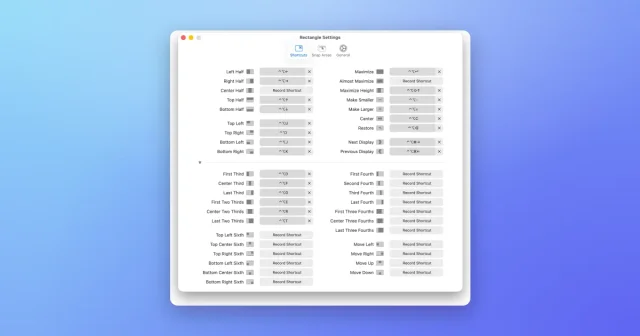
 RectangleMove and resize windows with keyboard shortcuts and snap areas.Free
 - SpaceJump
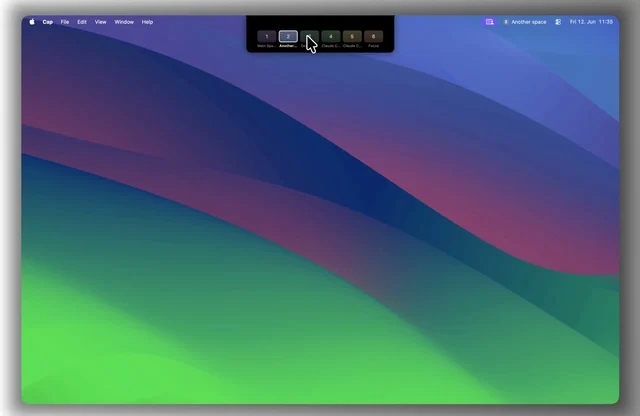
 SpaceJumpName your macOS Spaces and jump between them with a keyboard switcherPaid