Screenflick
v3.3.3Mac screen recorder with audio
Paid$35 one-time for a full license; free to try; no subscriptionmacOS
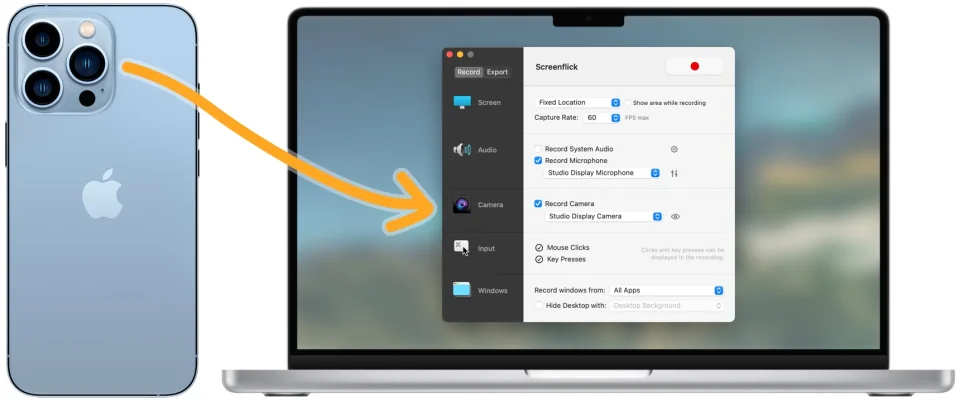
About
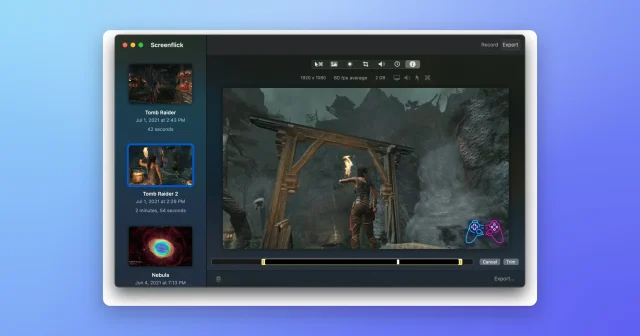
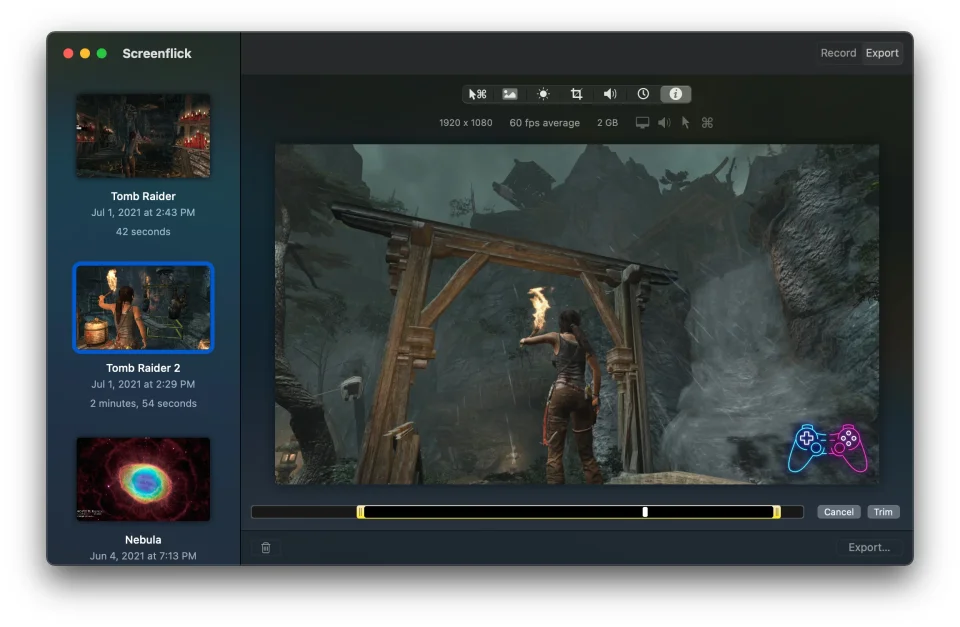
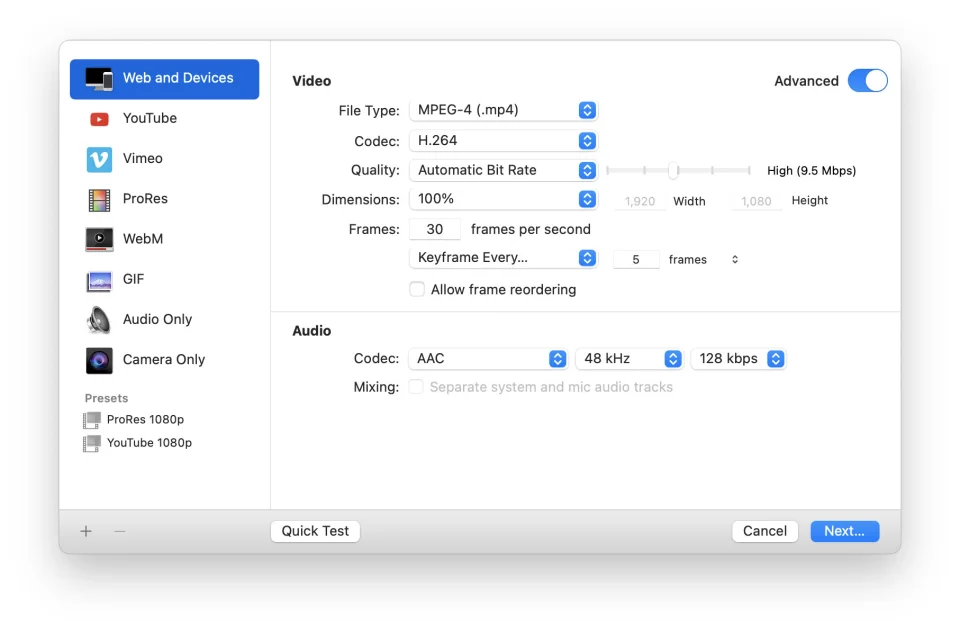
Screenflick records the screen, system audio, microphone and camera together, at up to 60 fps and 5K, with a custom recording engine that stays light on the CPU. It can show keystrokes and mouse clicks, draw on the screen while recording, add a picture-in-picture webcam, run timelapse captures and schedule recordings in advance. Exports cover H.264, HEVC, ProRes, WebM and GIF, and recordings can be trimmed and re-exported from disk without recording again. Native and optimised for Apple silicon, made by Araelium and updated continuously since 2007. It needs macOS 12 or later.
- Price
- Paid, $35 one-time for a full license; free to try; no subscription
- Payment
- One-time purchase
- Version
- 3.3.3
- Platforms
- macOS
- Category
- Screenshots & Recording
Featured badge
Make Screenflick yours: show the badge on its site and the listing marks itself as linked back.

<a href="https://macgrove.app/apps/screenflick">
  <img src="https://macgrove.app/badge/screenflick.svg" alt="Featured on MacGrove" width="276" height="32" />
</a>[](https://macgrove.app/apps/screenflick)Similar apps
- Screen Movie
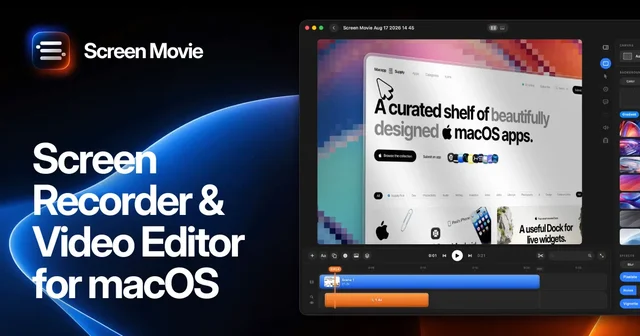
 Screen MovieRecords the screen, then edits the recording as motion.Paid
 - OpenScreen
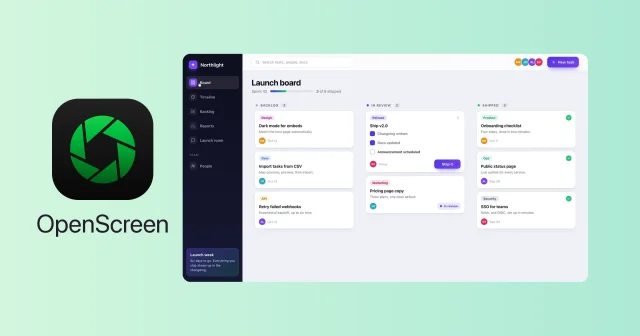
 OpenScreenFree, open-source screen recorder with auto zooms, captions and smooth cursors.Free
 - Screen Charm
 Screen CharmA Mac screen recorder for videos that look finished.Paid
 - Screendrop
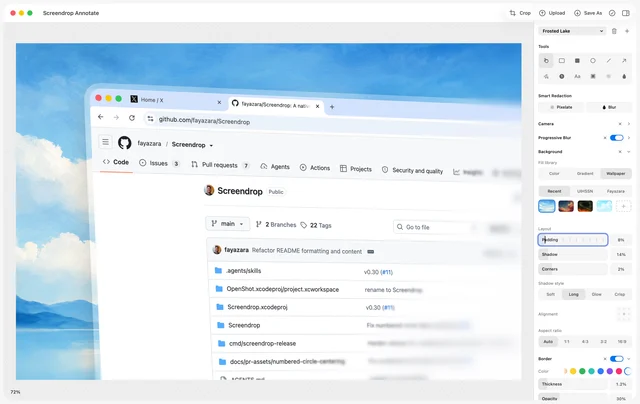
 ScreendropNative screenshots, recordings and self-hosted sharing.Free
 - BetterCapture
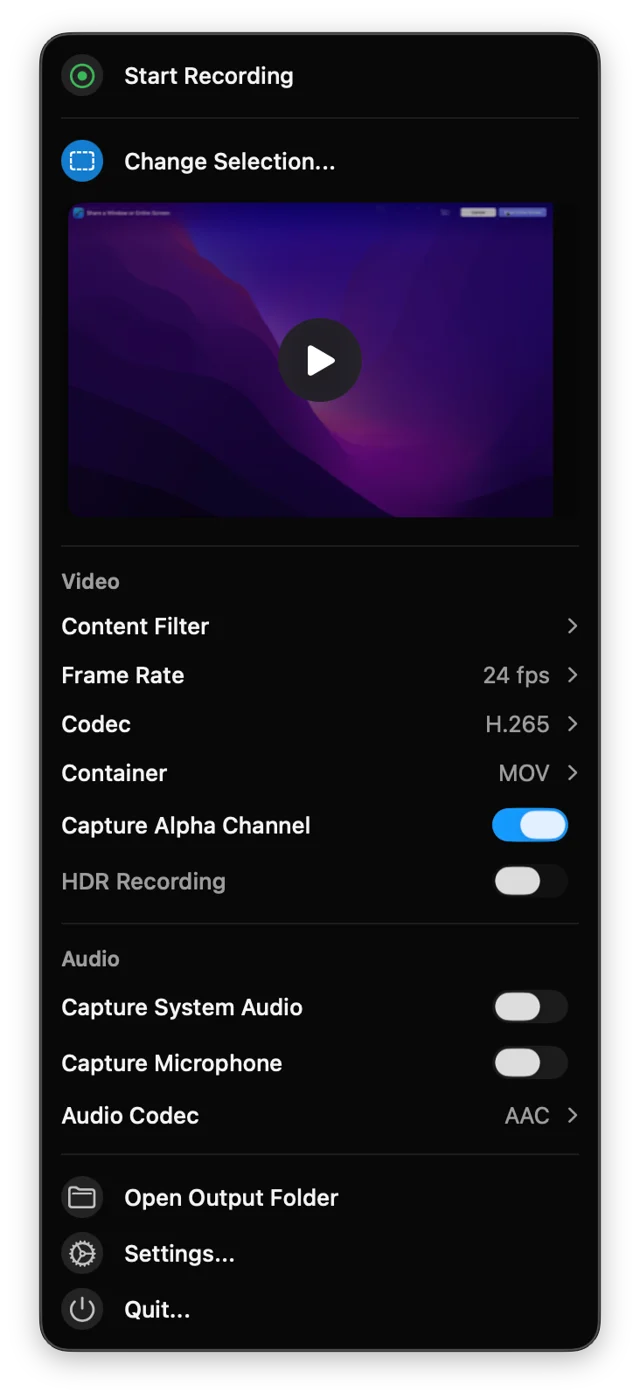
 BetterCaptureFree, open-source screen recorder for the menu bar.Free
 - Frameclip
 FrameclipCapture, mark up, and paste a screenshot into your agent.Free
 - Screen Studio
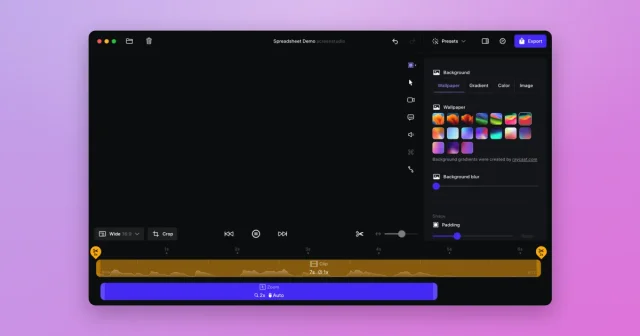
 Screen StudioTop pickScreen recordings that look professionally edited, with automatic zoom and smooth cursor.Paid
 - Cap
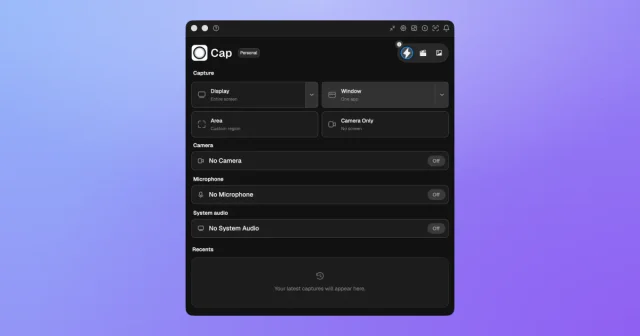
 CapTop pickAn open-source screen recorder with a studio editor and shareable links.Freemium