
LM Studio
v0.4.26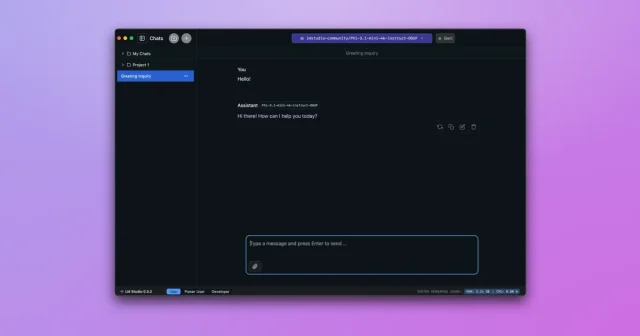
About
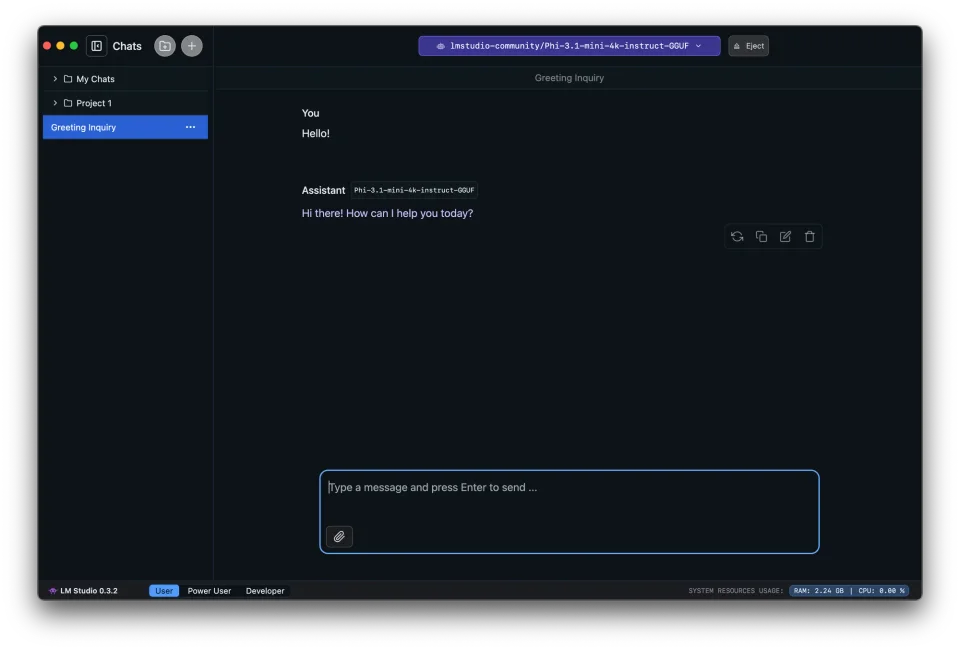
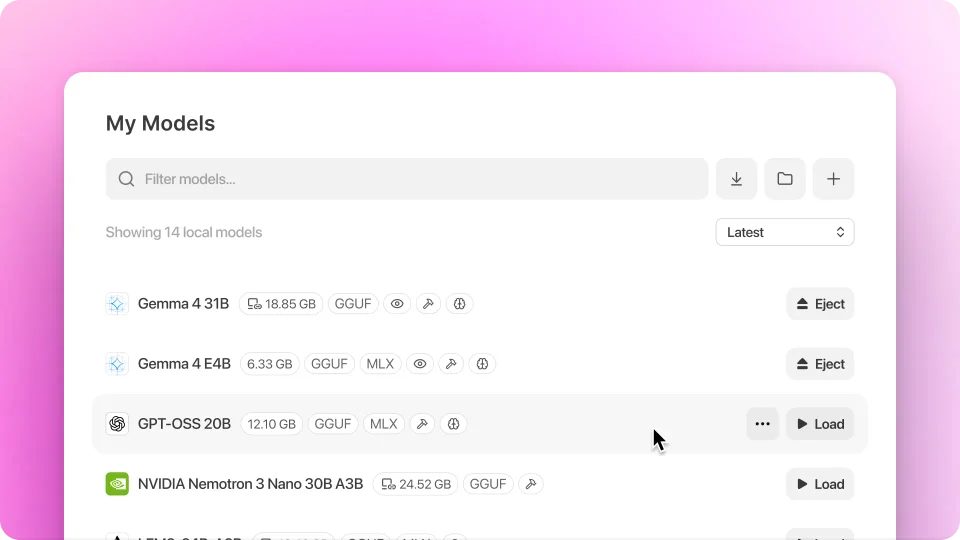
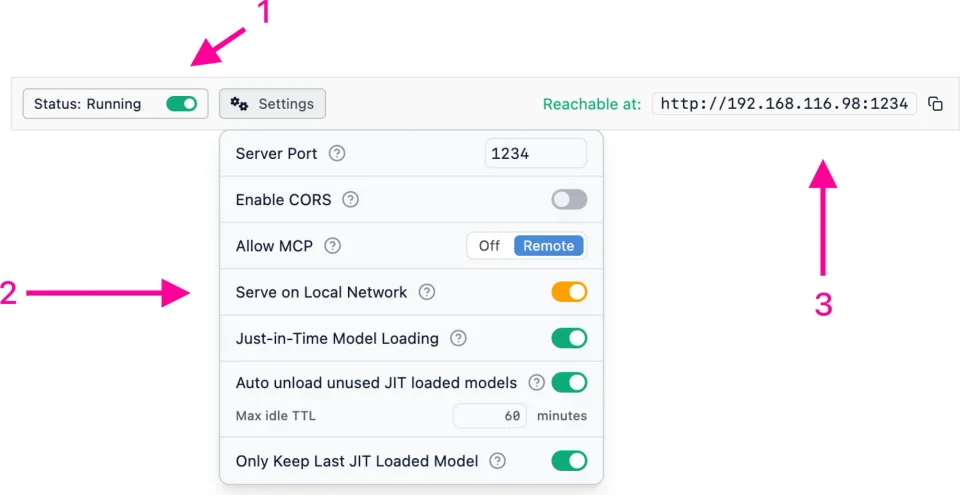
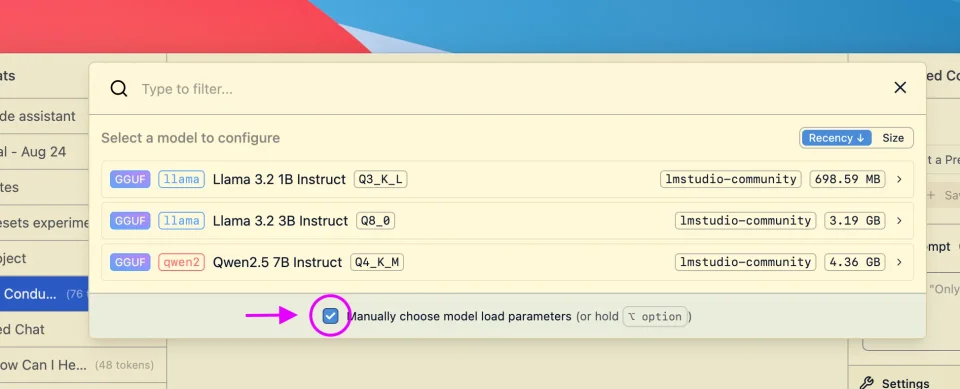
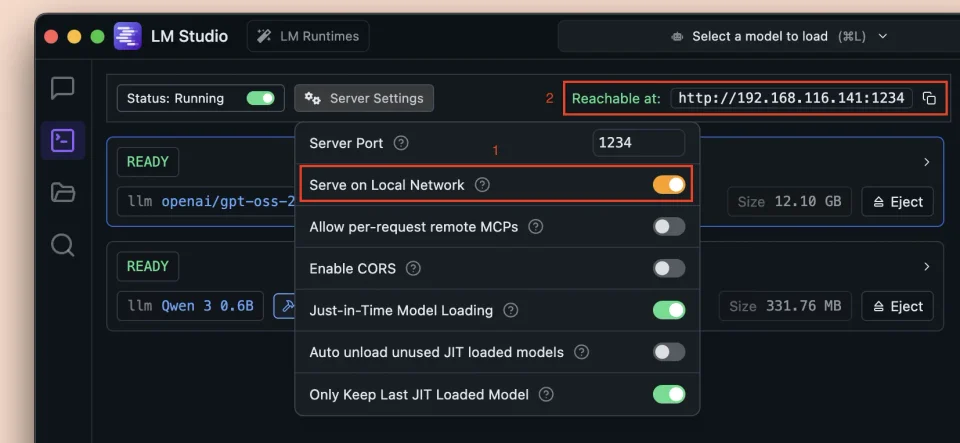
LM Studio turns running a language model on a Mac into a few clicks: search a catalog of GGUF and MLX models, see which ones suit the machine's memory, download one and start chatting without a terminal or a cloud key. Everything runs locally, so prompts never leave the computer, and the bundled runtime picks a backend for the hardware. The Developer tab can serve the loaded model on an OpenAI-compatible endpoint, with port, context length and model chosen by hand, which is how editors, scripts and agents get pointed at it. Chat histories and presets are kept per model, and the app is free for personal and commercial use even though the desktop app itself is closed source. It needs macOS 12 or later.
- Price
- Free, Free for home and work use, no paid tier; cloud plans apply to the separate Bionic app
- Version
- 0.4.26 · Oct 9, 2026
- Platforms
- macOS
- Category
- AI
Featured badge
Make LM Studio yours: show the badge on its site and the listing marks itself as linked back.

<a href="https://macgrove.app/apps/lm-studio">
  <img src="https://macgrove.app/badge/lm-studio.svg" alt="Featured on MacGrove" width="267" height="32" />
</a>[](https://macgrove.app/apps/lm-studio)Similar apps
- Ollama
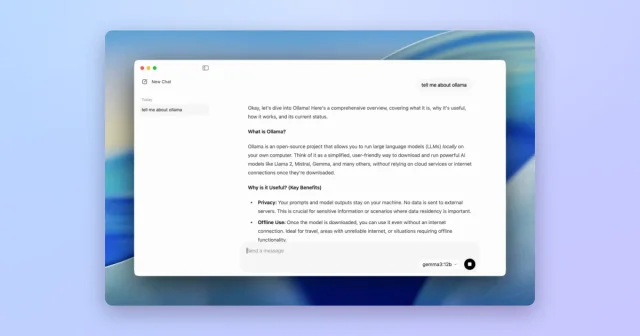
 OllamaTop pickRun open language models locally on your Mac.Freemium
 - SongForge
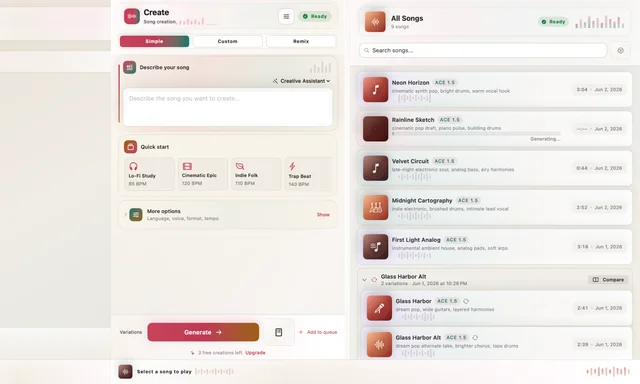
 SongForgeGenerate a track from lyrics and rework it locally on your MacFreemium
 - Glaze

 GlazeBuilds small Mac apps by describing them, using AI agents.Freemium
 - BoltAI
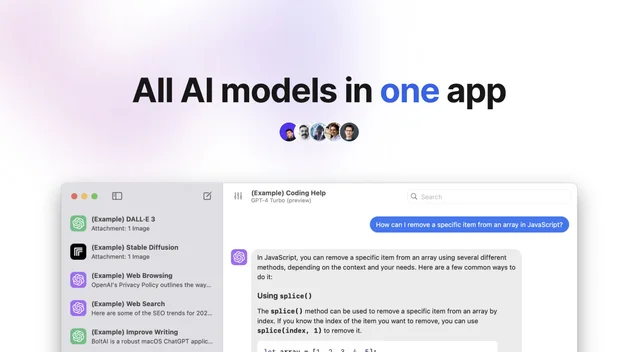
 BoltAIOne Mac app for several AI models, with your own keys.Freemium
 - VoiceInk

 VoiceInkDictation that runs entirely on the Mac.Paid
 - AI Actions
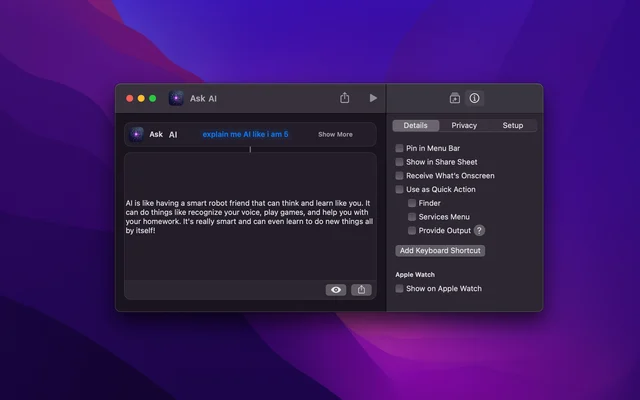
 AI ActionsAdds model-powered actions to the Shortcuts app.Free
 - PopGuy
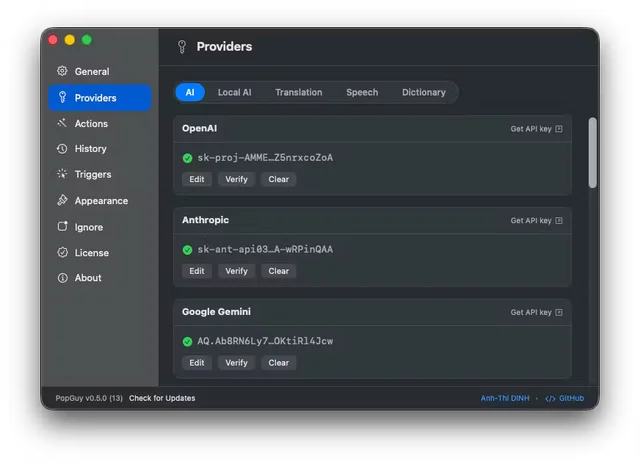
 PopGuyRuns AI actions on any text you select, anywhere on the Mac.Free
 - MumbleFlow
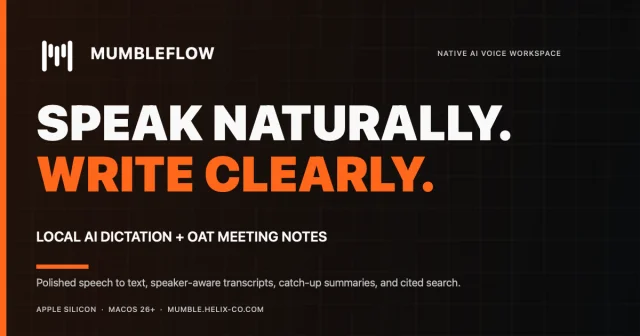
 MumbleFlowLocal Mac dictation with Oat meeting notes and cited searchPaid