
Commit+
v1.1.21, released this weekA native macOS Git client with drag-and-drop workflows and undo for anything.
FreeOpen sourceFree: every core Git feature, unlimited public and private repositories, no account required.macOSUpdated 2 days ago

About
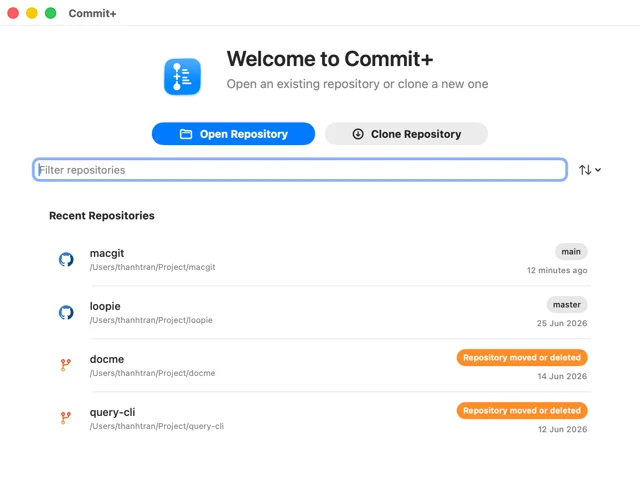
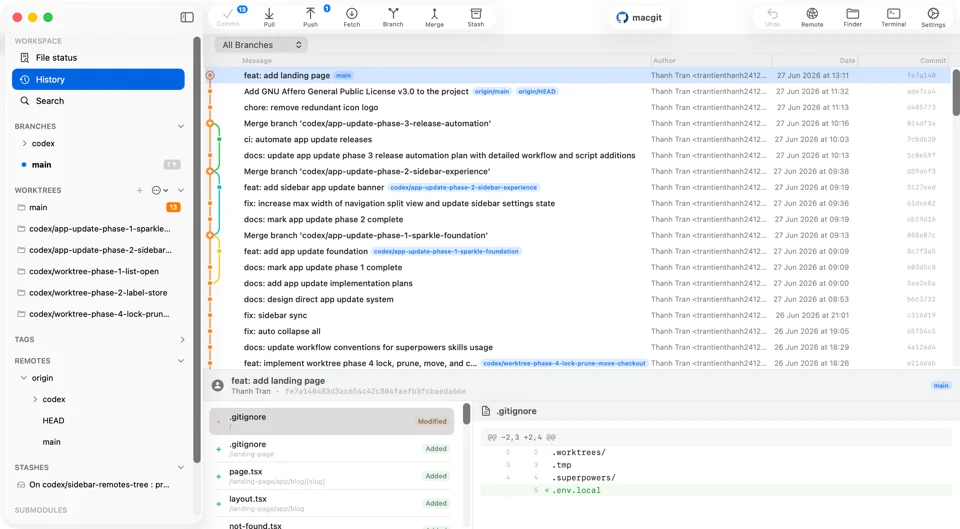
Commit+ is a Git client written in Swift and SwiftUI, so it launches in about a second and sits at roughly 90 MB of memory instead of carrying a web runtime around. You reorder commits, cherry-pick, merge and push by dragging them, and a Tower-style undo covers commits, stashes, branches, discards and remote operations, so trying something out costs nothing. It handles the full set of Git work — commit, pull, push, fetch, branch, merge, rebase, stash, revert — plus worktrees for parallel features, inline conflict resolution, and a Spotlight-style bar for finding commits, files, branches and tags. It connects to GitHub, GitLab and Bitbucket, and can write commit messages and suggest conflict resolutions with AI when you want that. The app is AGPLv3 and developed in the open on GitHub. It needs macOS 26.2 or later.
- Price
- Free, Free: every core Git feature, unlimited public and private repositories, no account required.
- License
- AGPL-3.0
- Version
- 1.1.21 · Oct 24, 2026
- Platforms
- macOS
- Category
- Developer Tools
Featured badge
Make Commit+ yours: show the badge on its site and the listing marks itself as linked back.

<a href="https://macgrove.app/apps/commitplus">
  <img src="https://macgrove.app/badge/commitplus.svg" alt="Featured on MacGrove" width="259" height="32" />
</a>[](https://macgrove.app/apps/commitplus)What’s new
All 25 releases1.1.21Latest · 2 days ago
Changes since v1.1.20.
Added
- Jira issues — Connect a Jira Cloud site in Settings → Integrations to see the issues assigned to you in the sidebar's Workspace section, filter them by sprint, status, project, and type, and start a branch or Git Flow topic from an issue. Requires Pro.
- ChatGPT provider — Sign in with a ChatGPT Plus or Pro plan instead of an API key.
- ChatGPT (Codex) provider — An unofficial connection that signs in with any ChatGPT account, including Free, to use its Codex usage.
- GitHub Copilot provider — Sign in with GitHub to use your Copilot plan, including Copilot Free, and choose from the models it includes.
Earlier
1.1.20Changes since v1.1.19.
Changes since v1.1.19.
Added
- Groq provider — Use Llama and GPT-OSS models hosted on Groq with your own API key.
- Thinking setting — One toggle in Settings → AI Providers controls model reasoning for every configured cloud provider.
- Branch pull requests — Right-click a branch to view its pull request in a dedicated window, or create one when none is open. Works with GitHub and GitLab.
- Repository action audit — Review the Git commands that changed a repository during the session, with origin, status, and redacted output, in the Audit tab of the activity popover.
- Repository Summary — Repository details add a Summary tab with recent branches, tags, and commits alongside README and Statistics.
- About Commit+ — A new About window, plus Help menu links to social updates, the issue tracker, and the website.
- A welcome sheet appears after signing in to a new account.
- Delete all app notifications at once.
Improved
- Commit and pull request editors use separate title and description fields, and AI generates pull request titles and descriptions together.
- Settings use a toolbar layout, with list-detail Git provider accounts, a dedicated AI provider configuration sheet, and a custom action detail editor.
- Open in Editor opens files at the first changed line when the editor supports it.
- Branch rows show a worktree indicator, and selecting a worktree reveals its history.
- Undo, Open in, Settings, and AI actions share a single toolbar group.
- File Status reuses diffs of unchanged files and asks for confirmation before discarding changes.
- Interactive rebase shows inline progress and blocks other repository actions while it runs.
- Repositories default to the origin remote, and linked worktrees inherit the main worktree's default remote.
- The appearance setting now applies to pull request, comparison, and other AppKit windows.
- Automatic fetch runs every 30 seconds and recovers cleanly from cancellation.
Fixed
- Commit+ Cloud sync of settings, bookmarks, custom actions, Git Flow configuration, commit rules, and provider accounts requires Pro and respects the settings-sync toggle.
- Staging a renamed file keeps the staged rename.
- Unstaged moves appear as a deletion and a new file, matching git status.
- Interactive rebase actions are available for commits brought in by merges.
- Claude repository-agent turns keep tools and thinking consistent across tool use.
1.1.19Changes since v1.1.18.
Changes since v1.1.18.
Added
- Background Git activity — Push, fetch, and remote branch deletion run in the background. Click the repository name to review queued actions and error details.
https://github.com/user-attachments/assets/bf7f6a84-3c35-491c-89c8-c1f9995cc95d
- App notifications — Switch between GitHub and app notifications, view release notes, and open daily merged-branch cleanup reminders.
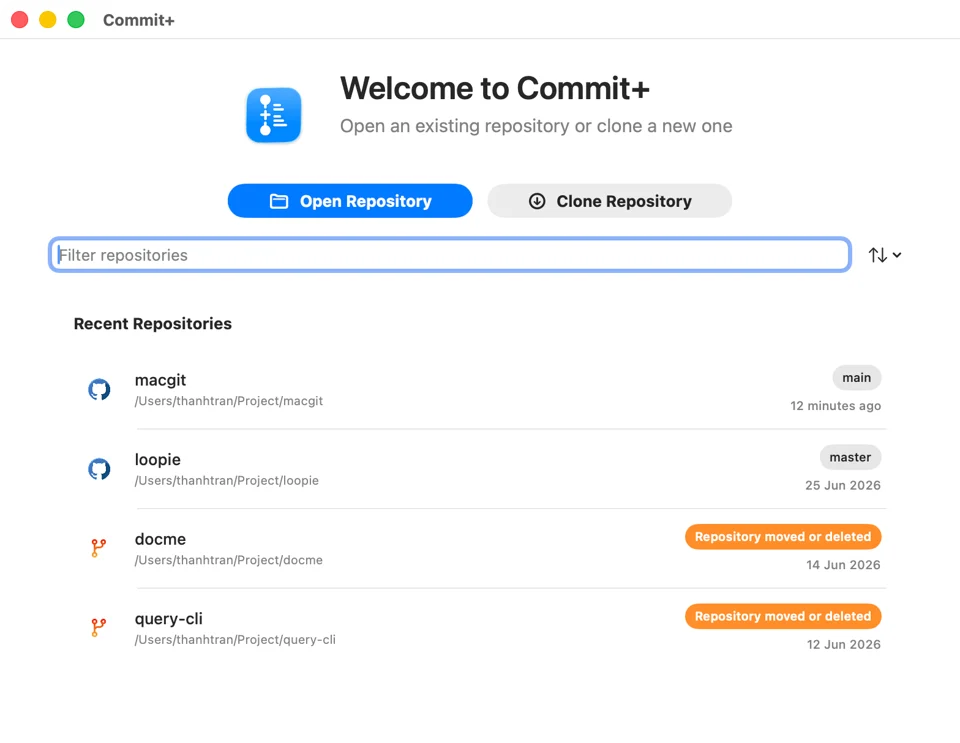
- Repository recovery — Locate a moved repository folder, retry access, or close an unavailable repository.
Improved
- File Status shows separate staged and changed file counts in the sidebar.
- History caches commit details and file diffs for faster repeat navigation.
- Pull request descriptions and comments support richer Markdown and GitHub review diff context, with branch-name and link copy controls and a more adaptable header.
- Automatic fetch backs off after failures and coordinates with queued remote actions.
Fixed
- Batch branch deletion continues after individual failures and reports the affected branches.
- Pull request notification clicks reuse an existing repository window when available.
1.1.18Changes since v1.1.17.
Changes since v1.1.17.
Added
- Merged branch detection — Commit+ Pro can mark local branches whose current tip was included in a merged GitHub pull request or GitLab merge request, show the provider evidence, and safely clean up confirmed branches after revalidation.
Improved
- Selecting a branch while viewing all History now loads older pages until its tip is found instead of switching to a branch-only filter.
- Repository rows respond reliably to a single click for details and a double-click to open the repository.
Fixed
- Opening a repository with uncommitted changes from Welcome now goes directly to File Status.
- Source
- GitHub releases
- Last checked
Similar apps
- Fork
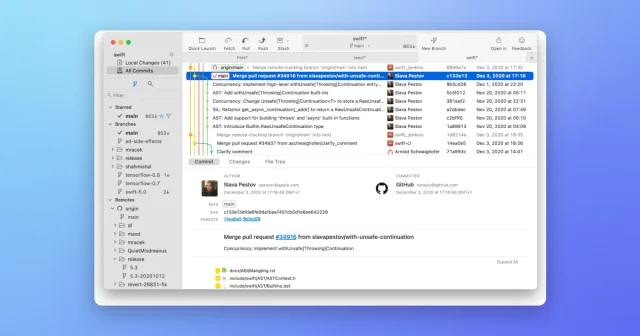
 ForkA fast Git client with a readable commit graph, diffs and merge tools.Paid
 - GitUp
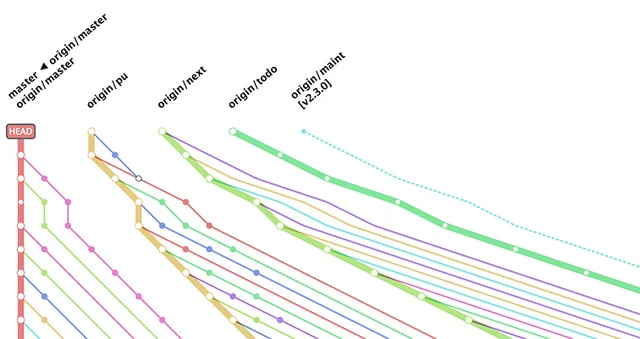
 GitUpA Git client that draws the whole repository graph.Free
 - Tower
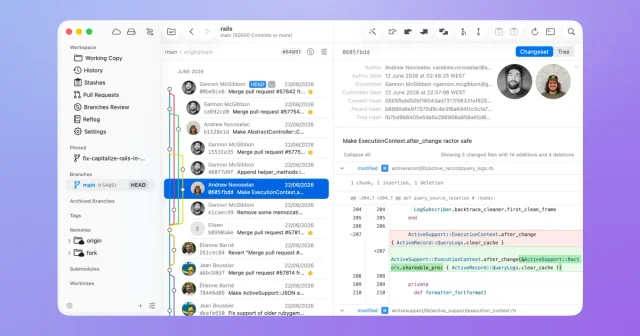
 TowerA Git client that makes the commit graph, diffs and pull requests readable.Paid
 - FinderGit
 FinderGitA Finder-style browser for your git repos, with a dashboard across all of them.Free
 - Muxy
 MuxyLightweight, project-based terminal for the Mac built on libghostty.Free
 - Bloom
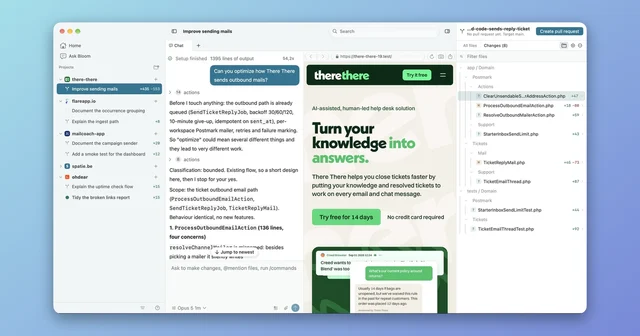
 BloomRun Claude Code and Codex in parallel worktrees, from one window.Free
 - Xcode
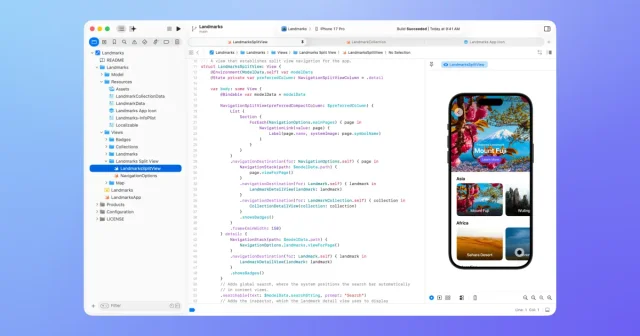
 XcodeApple's IDE for building apps for Mac, iPhone, iPad, Watch, and Vision Pro.Free
 - GitButler

 GitButlerA Git client built around stacked branches.Free