
OpenDisplay
v1.28.0, released this weekYour iPhone or iPad as a second Mac display.
FreeOpen sourceFree, no subscription or account; tips welcome on Ko-fimacOSUpdated yesterday

About
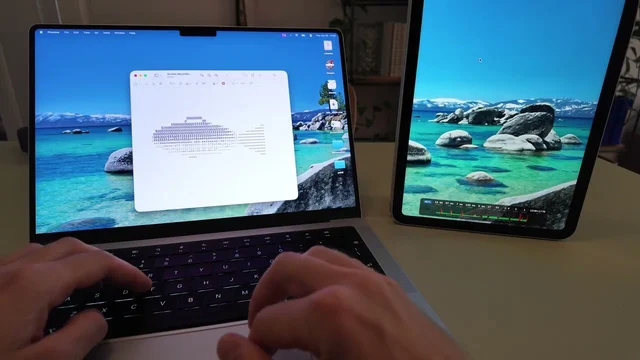
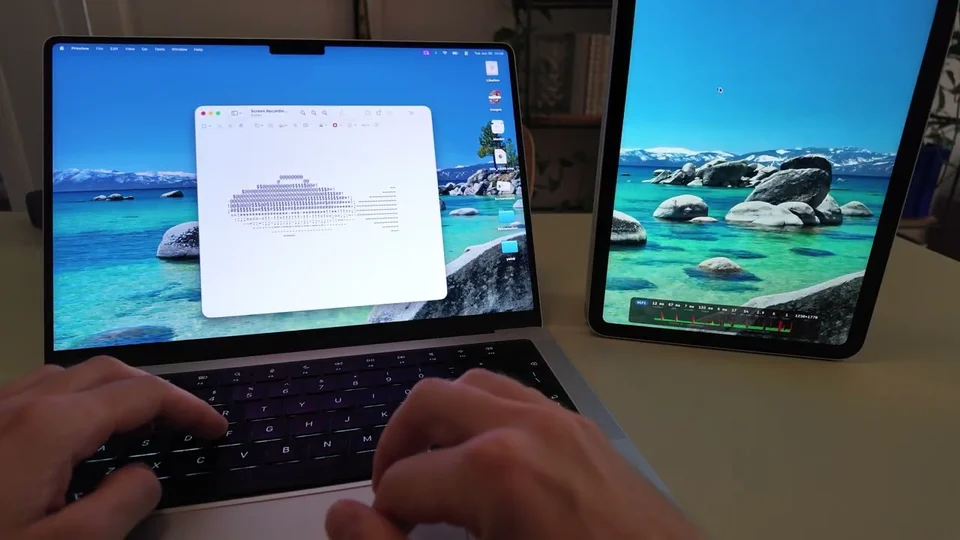
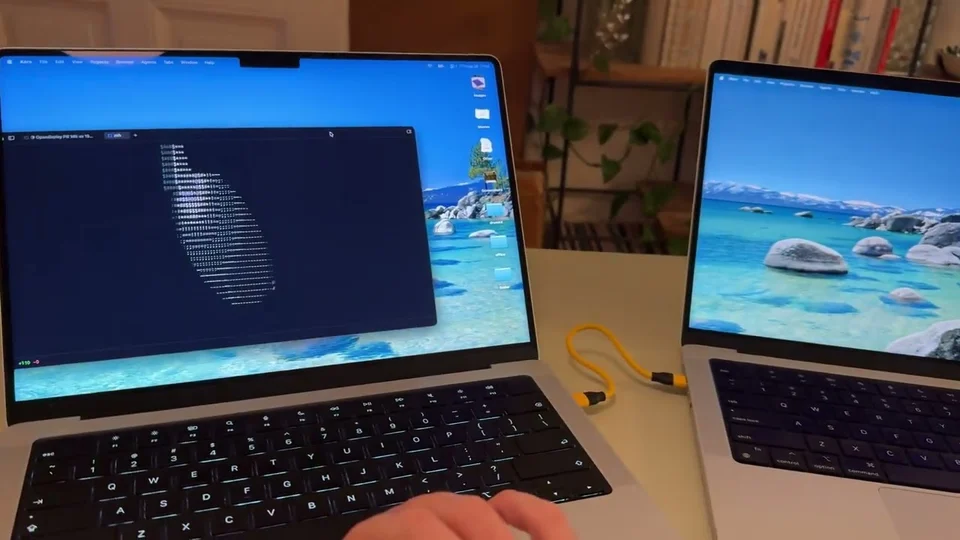
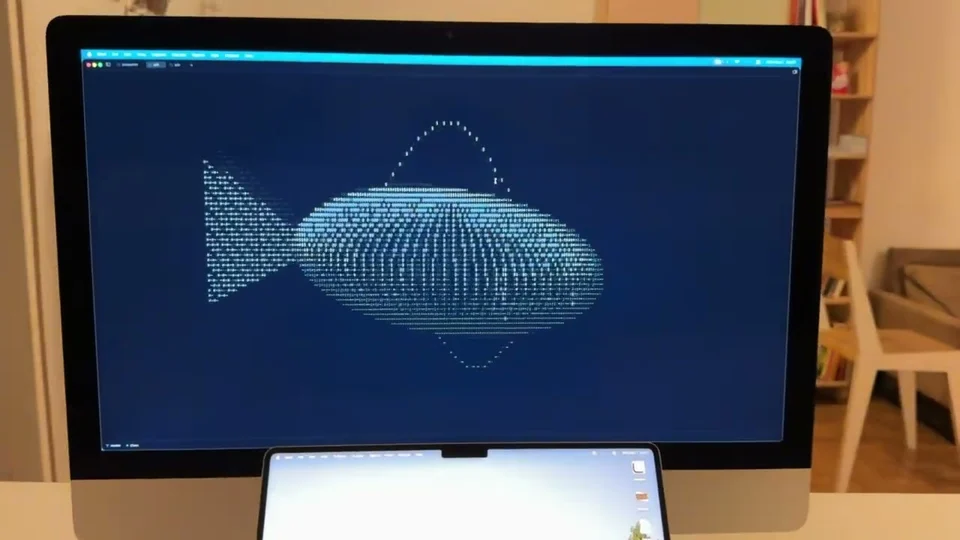
OpenDisplay turns an iPhone, iPad or spare Mac into a true extended monitor that macOS arranges like any other screen, not a mirror. It streams over a USB cable for the lowest latency or over Wi-Fi with no setup, matches the device's Retina resolution, and lets you tap, drag and scroll on the touchscreen. There is no account, no subscription and no dongle, and the picture never leaves your own cable or network. The Mac app needs macOS 14, and the iPhone and iPad receiver is in public beta on TestFlight. Free and open source.
Featured badge
Make OpenDisplay yours: show the badge on its site and the listing marks itself as linked back.

<a href="https://macgrove.app/apps/opendisplay">
  <img src="https://macgrove.app/badge/opendisplay.svg" alt="Featured on MacGrove" width="284" height="32" />
</a>[](https://macgrove.app/apps/opendisplay)Similar apps
- Maccess
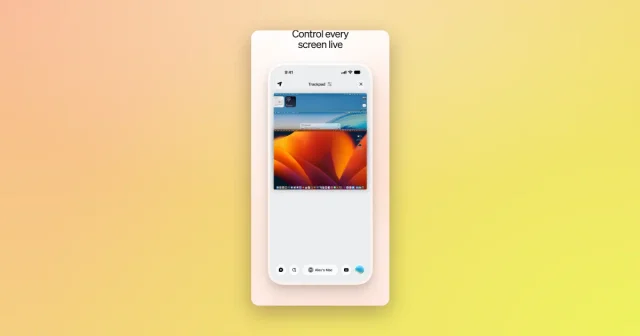
 MaccessDrive your Mac from an iPhone: trackpad, mirroring, files and AI.Freemium
 - Sill
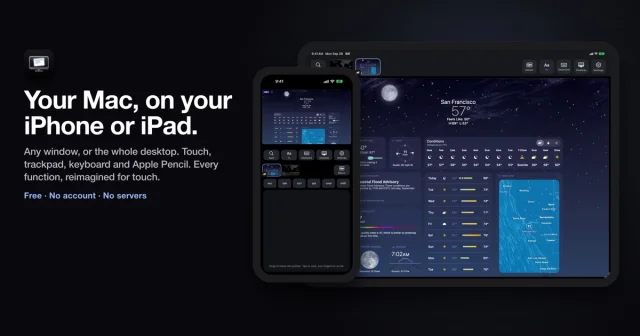
 SillTop pickPut any Mac window on your iPhone or iPad over your own network.Free
 - Hyperduck
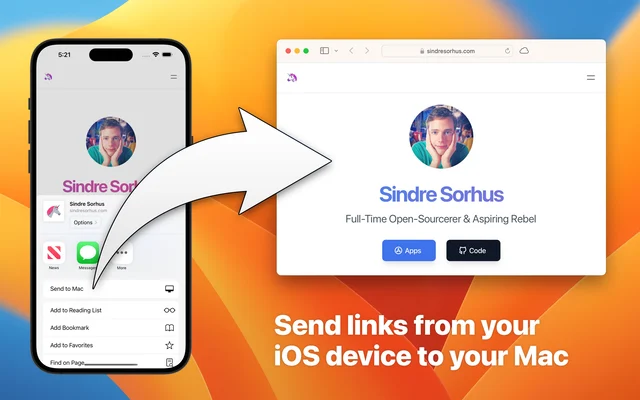
 HyperduckSends a link from an iPhone or iPad straight to the Mac.Paid
 - OpenScreen
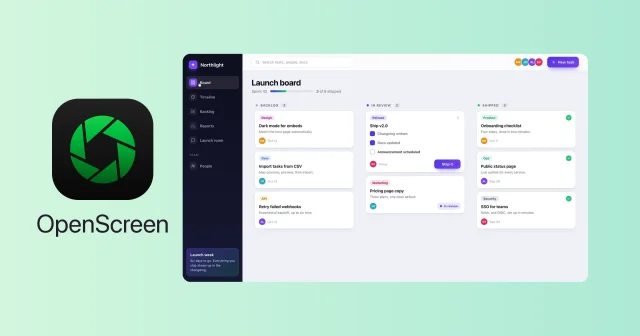
 OpenScreenFree, open-source screen recorder with auto zooms, captions and smooth cursors.Free
 - Phosphene
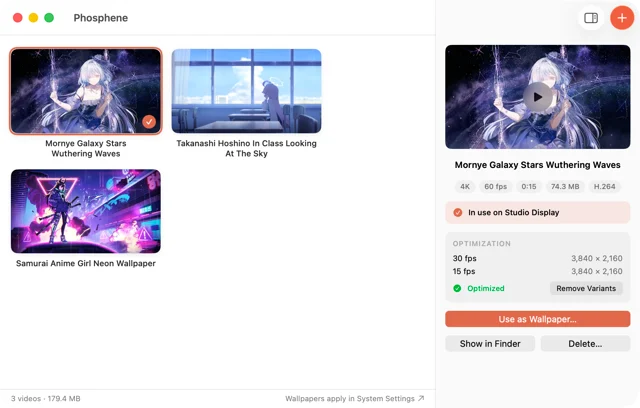
 PhospheneAny video as your desktop and lock screen wallpaper.Free
 - Bloop
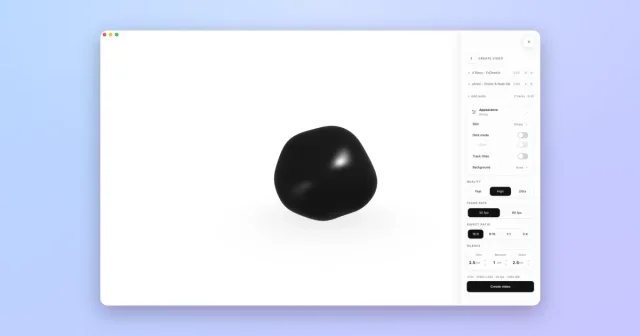
 BloopTurns anything playing on your Mac into a live visual you can export as video.Freemium
 - CoolDock
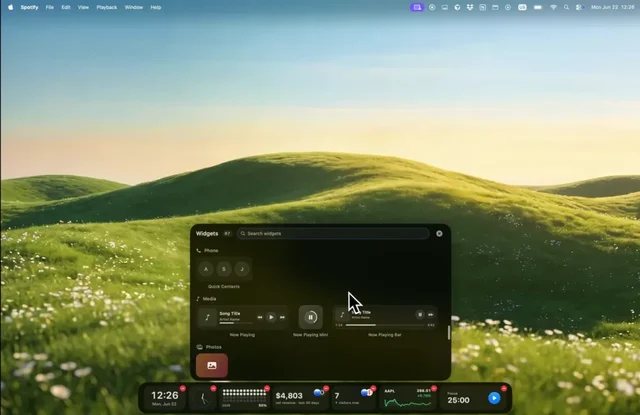
 CoolDockA second Dock beside the real one, filled with live widgets.Paid
 - PlayCover
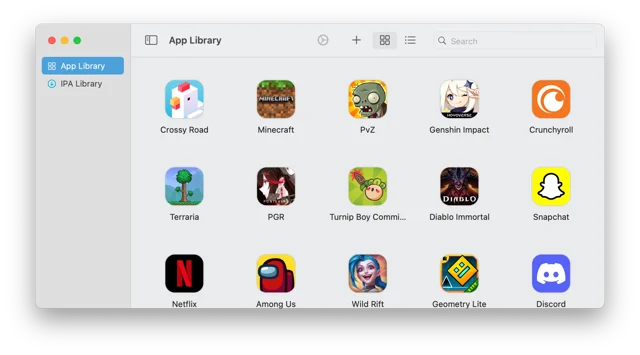
 PlayCoverPlay iPhone and iPad games on an Apple Silicon Mac.Free