
Utilities
Photo Widget
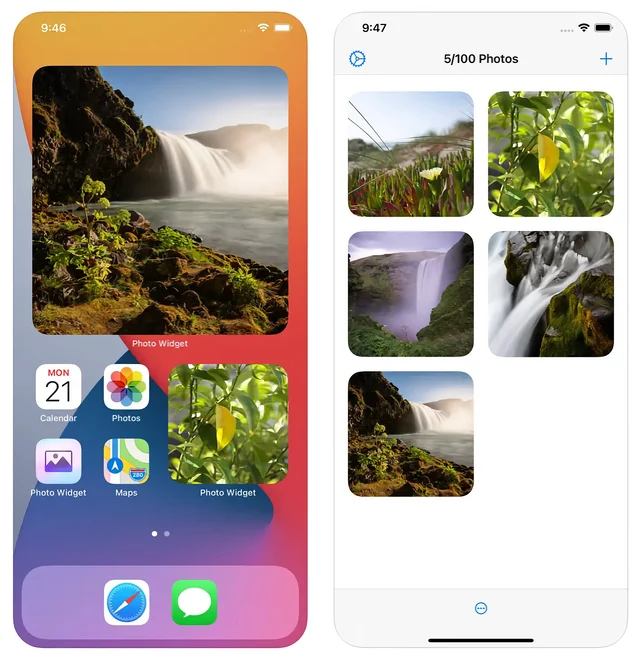
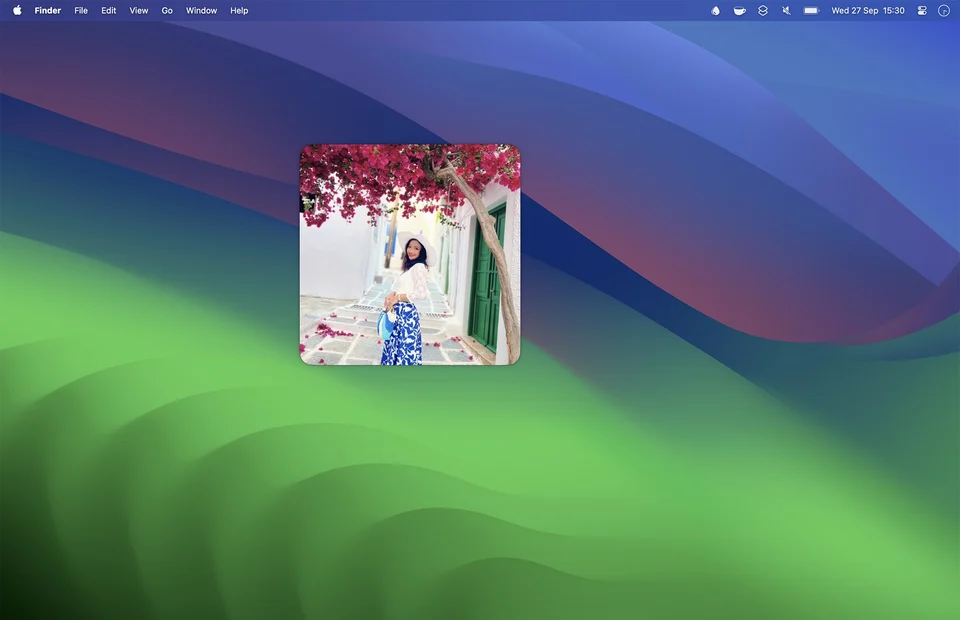
Puts chosen photos on the desktop and Home Screen.
Paid$6 one-time on the Mac App Store.macOS

About
Photo Widget shows specific photographs where you will see them: on the Mac desktop, or on the Home and Lock Screen of a phone or tablet. Rather than shuffling an entire library, it lets you pick the images, which makes it useful for a mood board or for the same few pictures you actually want in view.
- Price
- Paid, $6 one-time on the Mac App Store.
- Payment
- One-time purchase
- Platforms
- macOS
- Category
- Utilities
Featured badge
Make Photo Widget yours: show the badge on its site and the listing marks itself as linked back.

HTML
<a href="https://macgrove.app/apps/photo-widget">
  <img src="https://macgrove.app/badge/photo-widget.svg" alt="Featured on MacGrove" width="291" height="32" />
</a>
Markdown
[](https://macgrove.app/apps/photo-widget)Similar apps
- Memo Widget
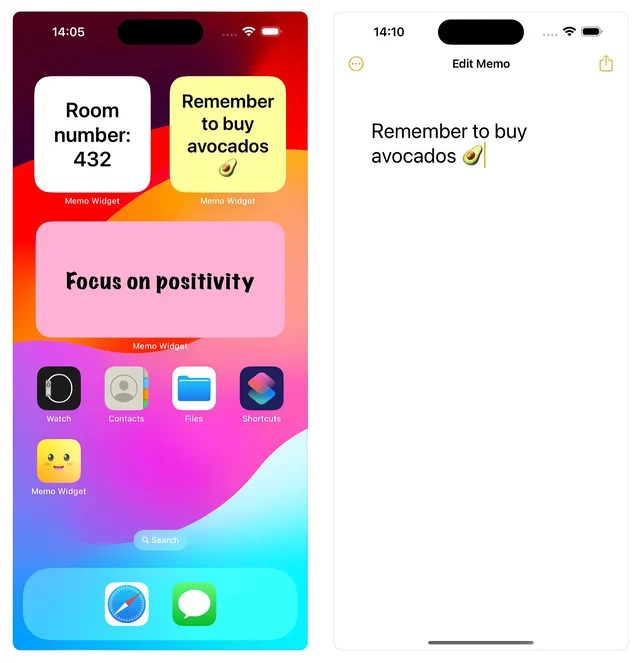
 Memo WidgetSticky notes for the desktop, the Lock Screen and the Home Screen.Paid
 - Camera Preview

 Camera PreviewChecks your webcam and takes a photo without opening an app.Paid
 - Unsplash Wallpapers

 Unsplash WallpapersFresh desktop wallpapers from Unsplash's curated photo library, changed on a schedule.Free
 - Phosphene
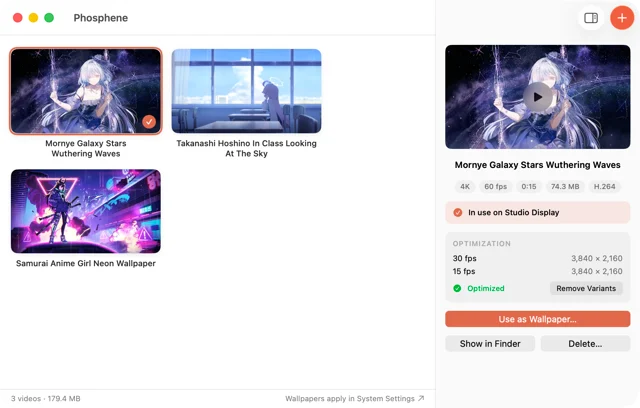
 PhospheneAny video as your desktop and lock screen wallpaper.Free
 - Any Text
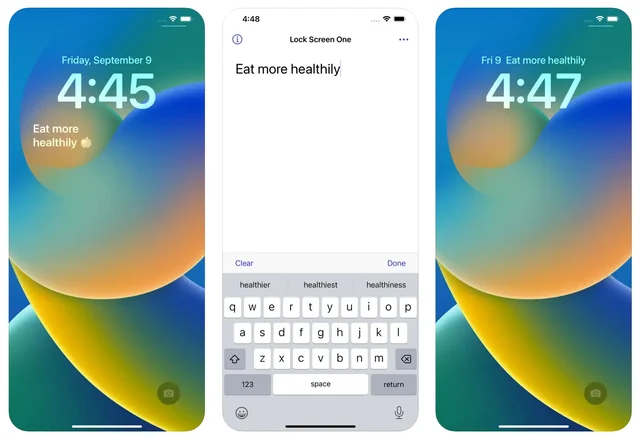
 Any TextPuts a line of text on your desktop and Lock Screen.Paid
 - NotchNook
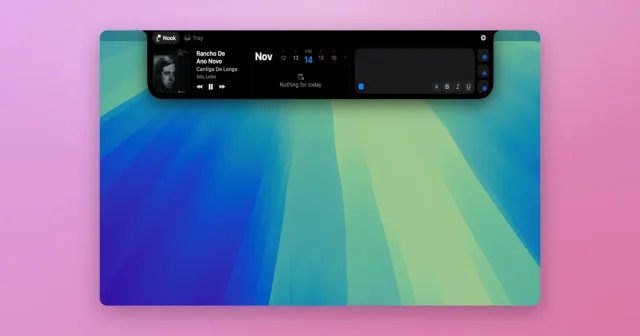
 NotchNookWidgets, a file tray, and live activities tucked into the MacBook notch.Paid
 - Sensitivity
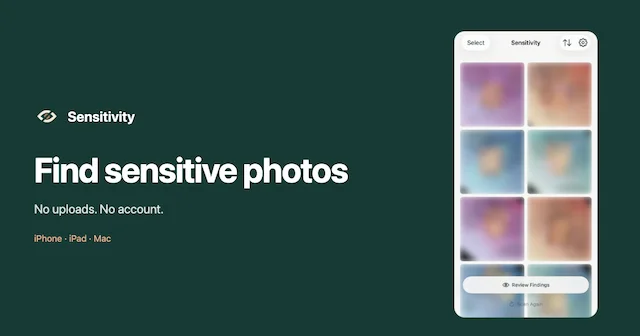
 SensitivityFind explicit photos and videos you forgot about, scanned privately on your Mac.Freemium
 - Backdrop
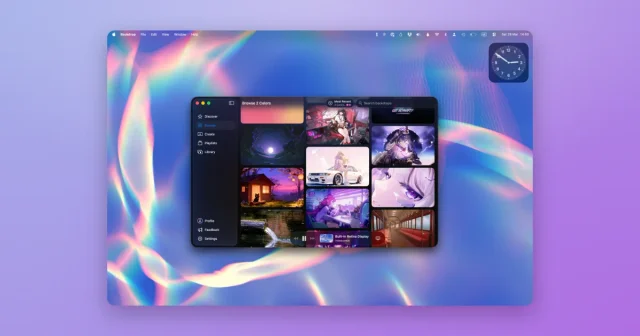
 BackdropVideo and animated wallpapers for the desktop and the lock screen.Freemium