Wokyintosh
v1.0.0Turns a spare display into a retro Macintosh-style system dashboard.
FreeOpen sourceFree, no paid tiermacOSUpdated on Sep 9, 2026

About
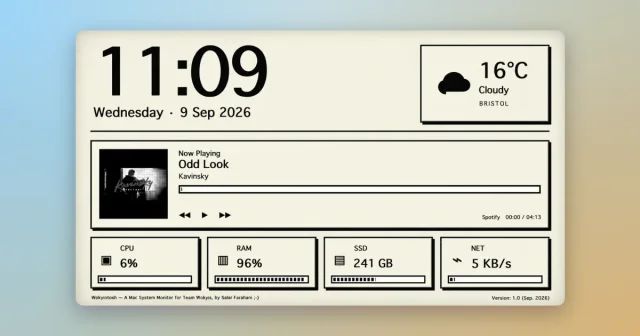
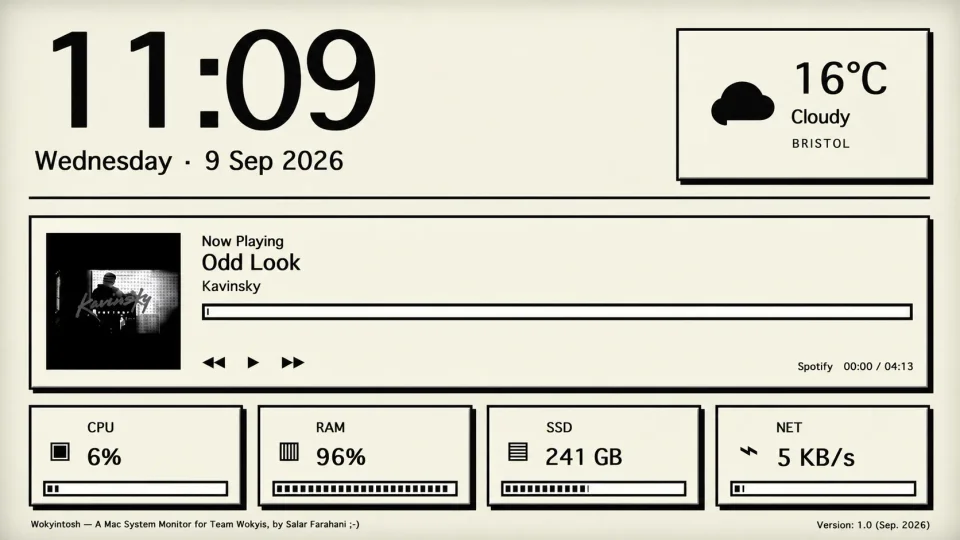
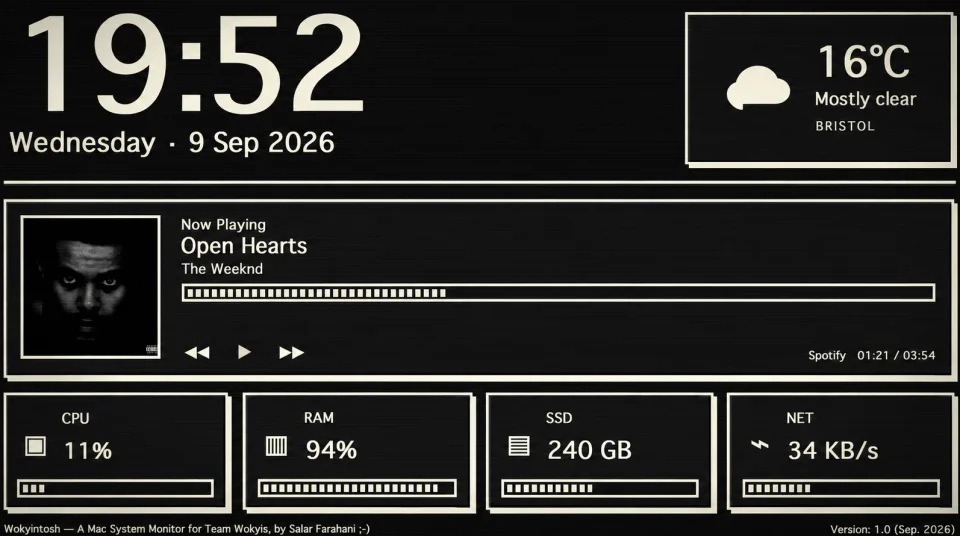
Wokyintosh is a small native macOS dashboard built to live permanently on a secondary or spare display, styled after the classic Macintosh. It shows a large clock and date, local weather from Core Location, and Now Playing information with album artwork for both Apple Music and Spotify, alongside live CPU, RAM, SSD and network activity. Appearance follows macOS automatically in light or dark mode, and it opens with a short classic-Mac-inspired startup screen. It is written in Swift with AppKit and renders its interface in a WebKit view, and the author built it for a Wokyis M5 Retro Dock Station after failing to find a suitable dashboard elsewhere. It is free and open source, and it is aimed at people assembling a retro-looking desk setup rather than at users who want a full monitoring suite.
Featured badge
Make Wokyintosh yours: show the badge on its site and the listing marks itself as linked back.

<a href="https://macgrove.app/apps/wokyintosh">
  <img src="https://macgrove.app/badge/wokyintosh.svg" alt="Featured on MacGrove" width="276" height="32" />
</a>[](https://macgrove.app/apps/wokyintosh)What’s new
1.0.0Latest · on Sep 9, 2026
The first public release of Wokyintosh — a retro Macintosh-inspired system monitor for macOS.
- Live CPU, RAM, SSD and network information
- Apple Music and Spotify Now Playing
- Album artwork
- Local weather
- Automatic light/dark appearance that follows macOS
- Source
- GitHub releases
- Last checked
Similar apps
- CoolDock
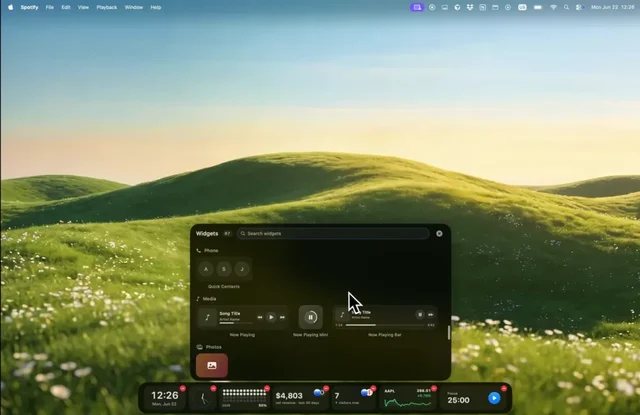
 CoolDockA second Dock beside the real one, filled with live widgets.Paid
 - DockFix
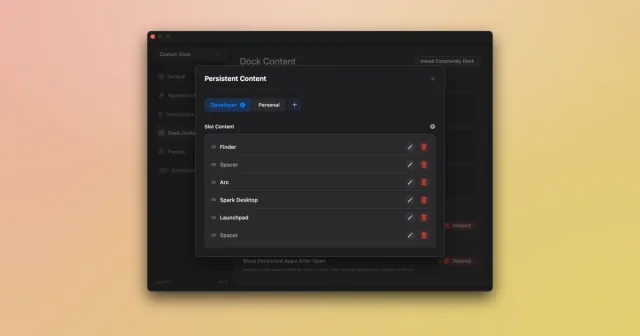
 DockFixA fully customizable replacement Dock for macOSPaid
 - Dockset
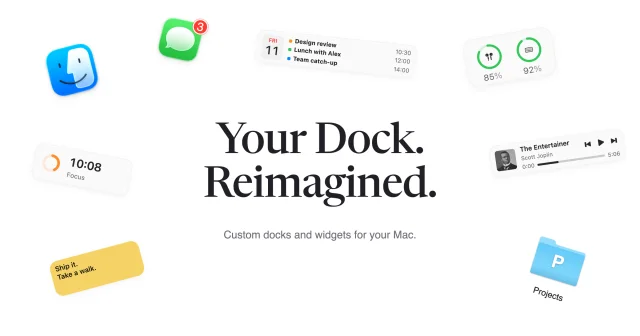
 DocksetSave and switch Dock layouts, or add a second Dock with widgets.Paid
 - SigmaOS
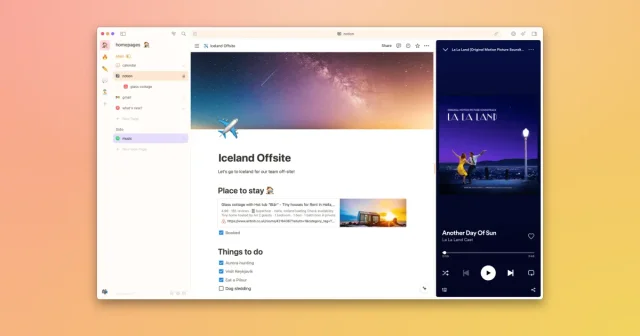
 SigmaOSA WebKit browser built around workspaces and tabs that behave like tasks.Freemium
 - OpenDisplay
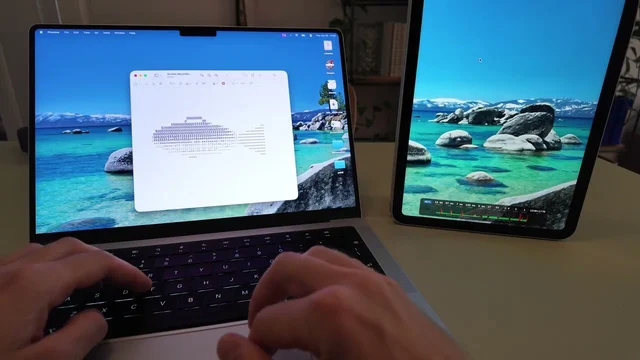
 OpenDisplayYour iPhone or iPad as a second Mac display.Free
 - Notsy
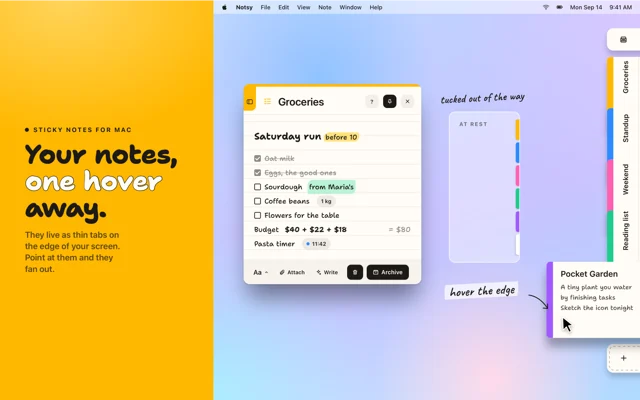
 NotsySticky notes that tuck into the edge of your screen and fan out when you point thereFree
 - Kaset
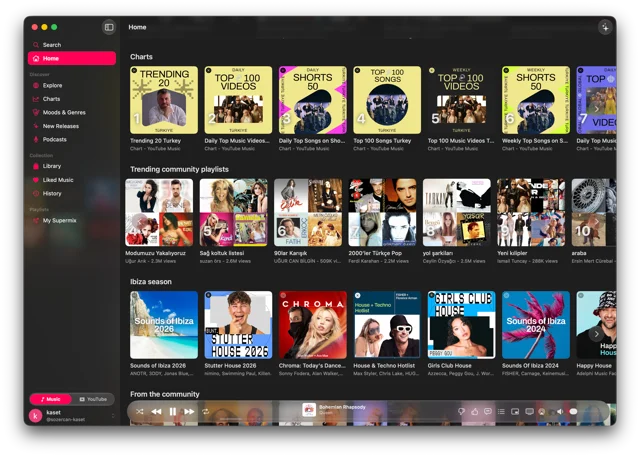
 KasetNative Mac app for YouTube Music and YouTube.Free
 - Rectangle
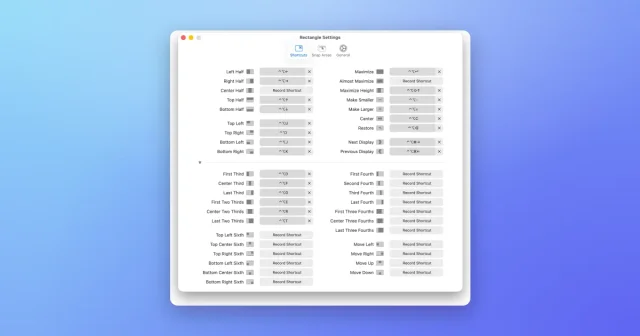
 RectangleMove and resize windows with keyboard shortcuts and snap areas.Free