
Bloom
v1.39.5, released this week
About
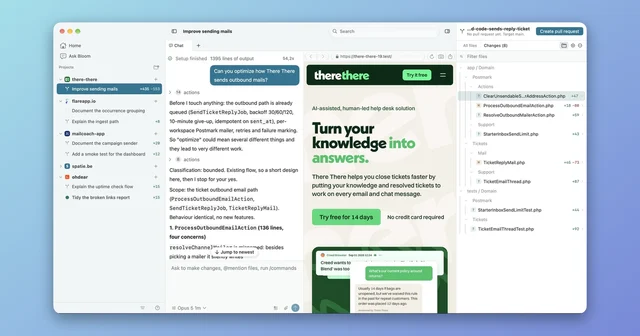
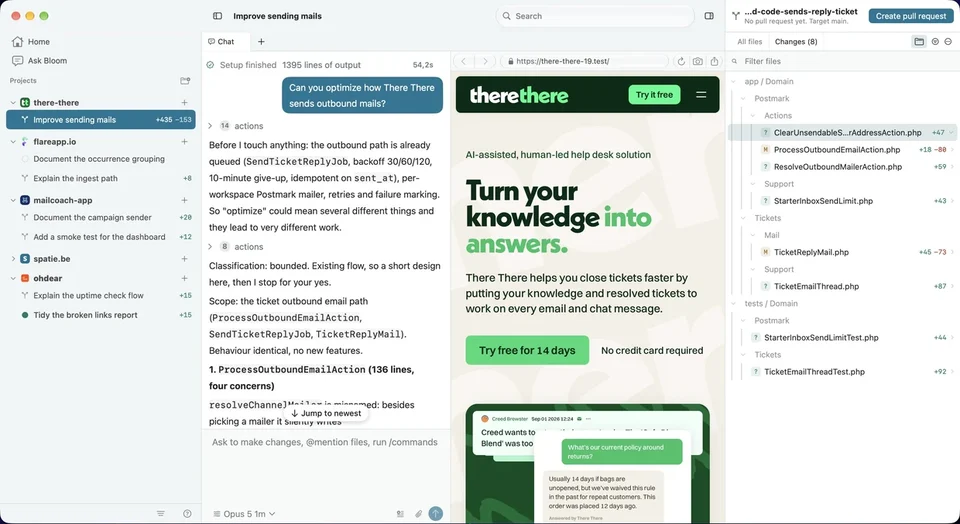
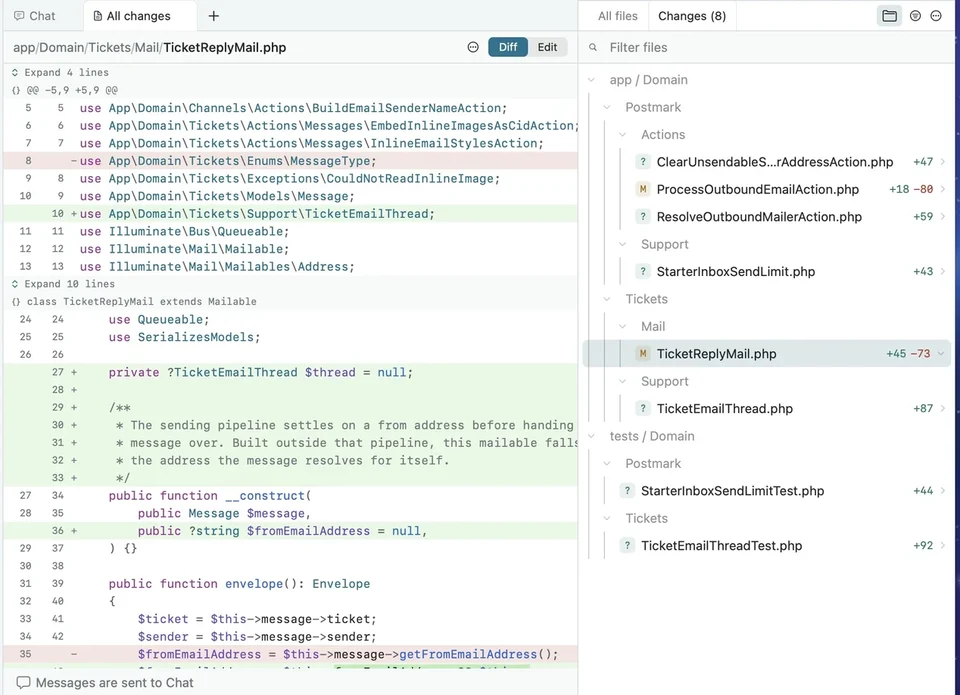
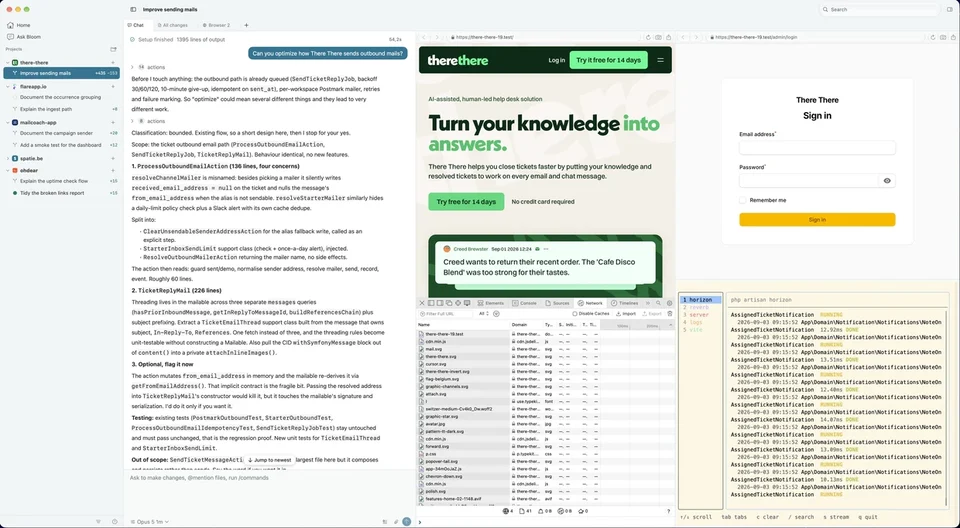
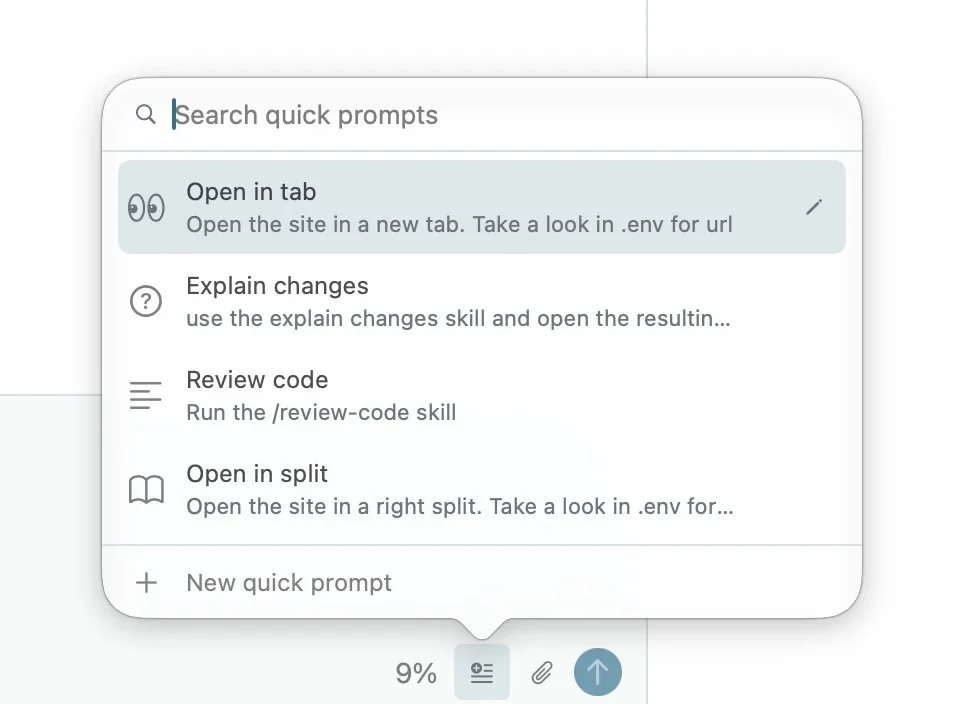
Bloom gives every task its own git worktree and branch, so Claude Code and Codex can work on the same repository without saving over each other while your own checkout stays untouched. Each workspace keeps the agent chat, the diff and optional terminal and browser panes in one window, and agents can open and arrange those panes themselves through MCP. Read the changed files in a tree, comment on a line, and open a pull request without leaving the window. It needs an Apple Silicon Mac on macOS 26 or later.
- Price
- Free, Free, no paid tier
- License
- MIT
- Version
- 1.39.5 · Oct 20, 2026
- Platforms
- macOS
- Category
- Developer Tools
Featured badge
Make Bloom yours: show the badge on its site and the listing marks itself as linked back.

<a href="https://macgrove.app/apps/bloom">
  <img src="https://macgrove.app/badge/bloom.svg" alt="Featured on MacGrove" width="237" height="32" />
</a>[](https://macgrove.app/apps/bloom)What’s new
All 6 releases1.39.5Latest · 6 days ago
Agent replies now transition smoothly from streaming text to the finished Markdown layout, avoiding a flash when the response completes. Long chats prepare transcript text ahead of scrolling for smoother navigation. Codex agent names appear in readable casing.
Earlier
1.39.4Agent replies now show formatted Markdown while they stream. Headings, lists, emphasis, links and code appear as the response arrives, with full code block and table controls available once it finishes.
Agent replies now show formatted Markdown while they stream. Headings, lists, emphasis, links and code appear as the response arrives, with full code block and table controls available once it finishes.
1.39.3Commands, file activity and tool calls now collapse into readable summaries. Completed turns keep their interim work under “Worked for” beneath the prompt, with the final answer left visible.
- Commands, file activity and tool calls now collapse into readable summaries. Completed turns keep their interim work under “Worked for” beneath the prompt, with the final answer left visible.
- Opening long command output keeps the clicked row in place. Activity groups have more balanced spacing and steadier disclosure controls.
- Removed the session start line and transcript turn minimap.
- Improved the Incoming mails list with clearer typography, clock times, more padding and stronger dividers.
- Fixed merge instructions appearing as blank bubbles.
- The terminal context menu can now close its enclosing pane in a split column.
1.39.2Incoming mails is enabled by default on SMTP port 2255. Bloom Dev uses port 2256. Saved Off and custom port settings stay in place.
- Incoming mails is enabled by default on SMTP port 2255. Bloom Dev uses port 2256. Saved Off and custom port settings stay in place.
- Source
- GitHub releases
- Last checked
Similar apps
- Claude Code
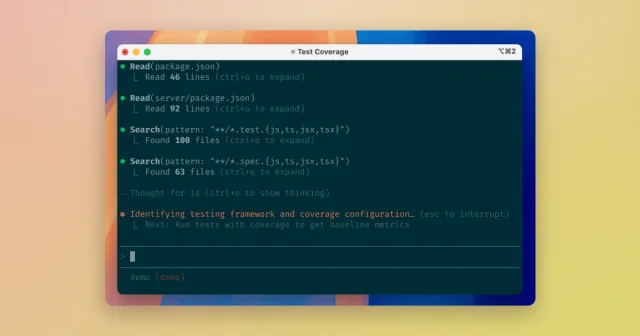
 Claude CodeAnthropic's agentic coding tool for the terminal, IDE, desktop, and web.Paid
 - Orca
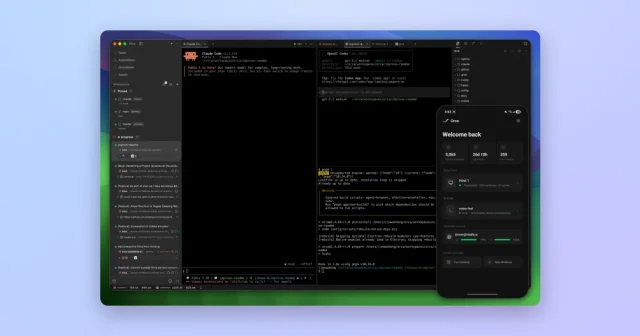
 OrcaTop pickRun several AI coding agents in parallel, each in its own git worktree.Free
 - Harp
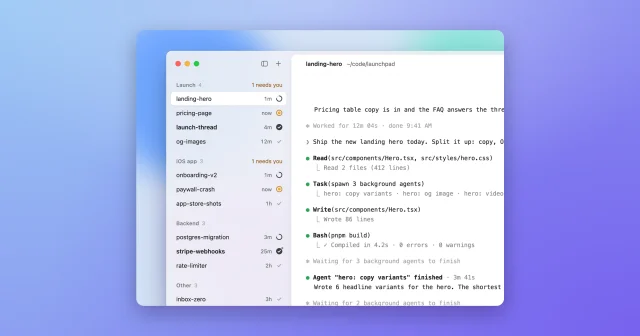
 HarpRun many Claude Code and Codex agents side by side, in one calm sidebar.Free
 - cmux
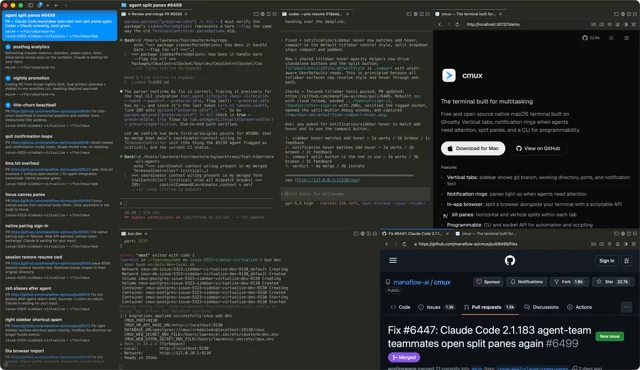
 cmuxA terminal built for running many coding agents at once.Freemium
 - Claude
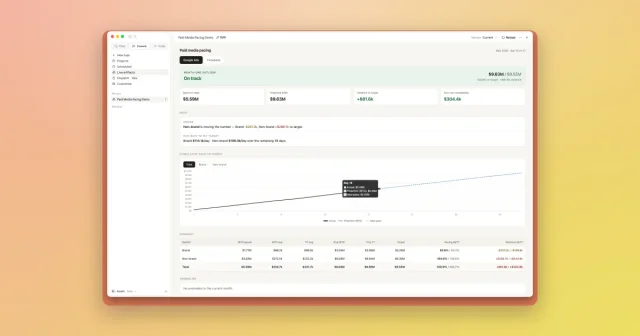
 ClaudeAnthropic's desktop app for chat, Claude Code, and Claude Cowork.Freemium
 - Commit+
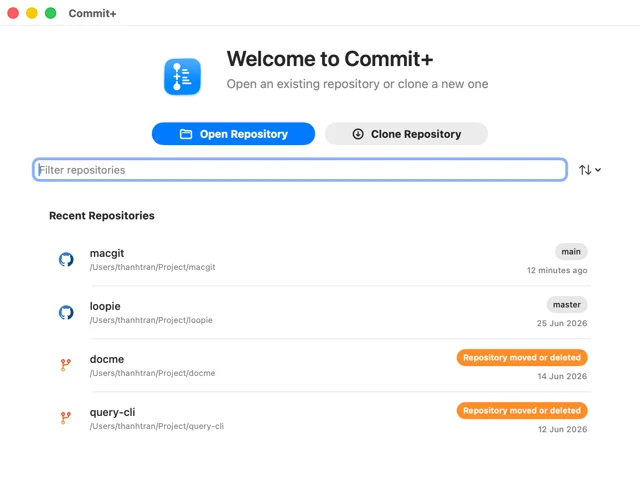
 Commit+A native macOS Git client with drag-and-drop workflows and undo for anything.Free
 - Codex
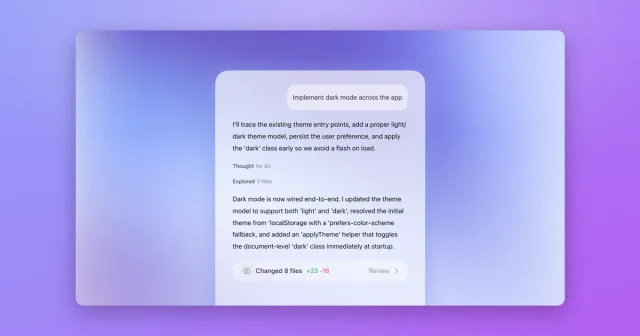
 CodexOpenAI's coding agent, now built into the ChatGPT desktop app.Freemium
 - Chops
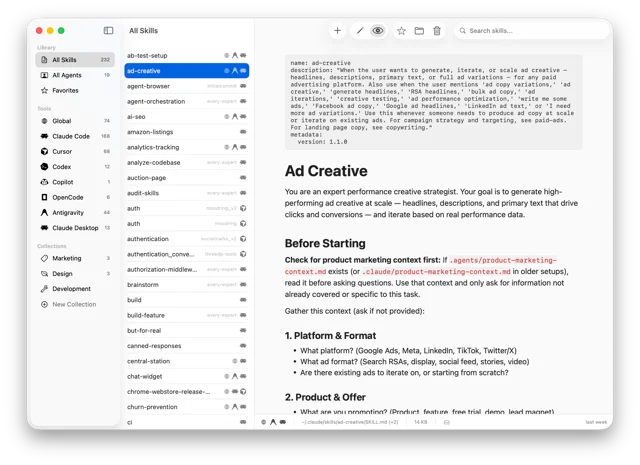
 ChopsBrowse, edit, and organize AI agent skills in one Mac app.Free