
Buffer
v3.0.0Free, open-source clipboard history that also reads the text in copied images.
FreeOpen sourceFree, no paid tiermacOSUpdated 25 days ago
About
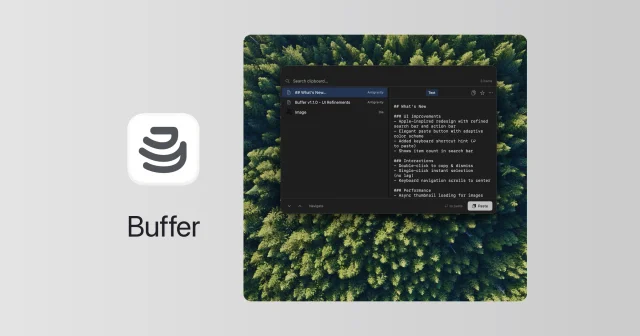
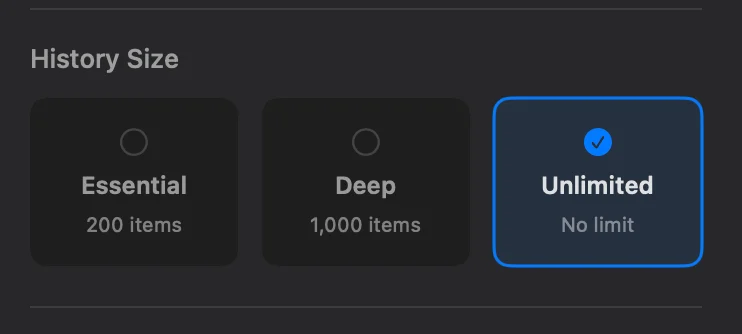
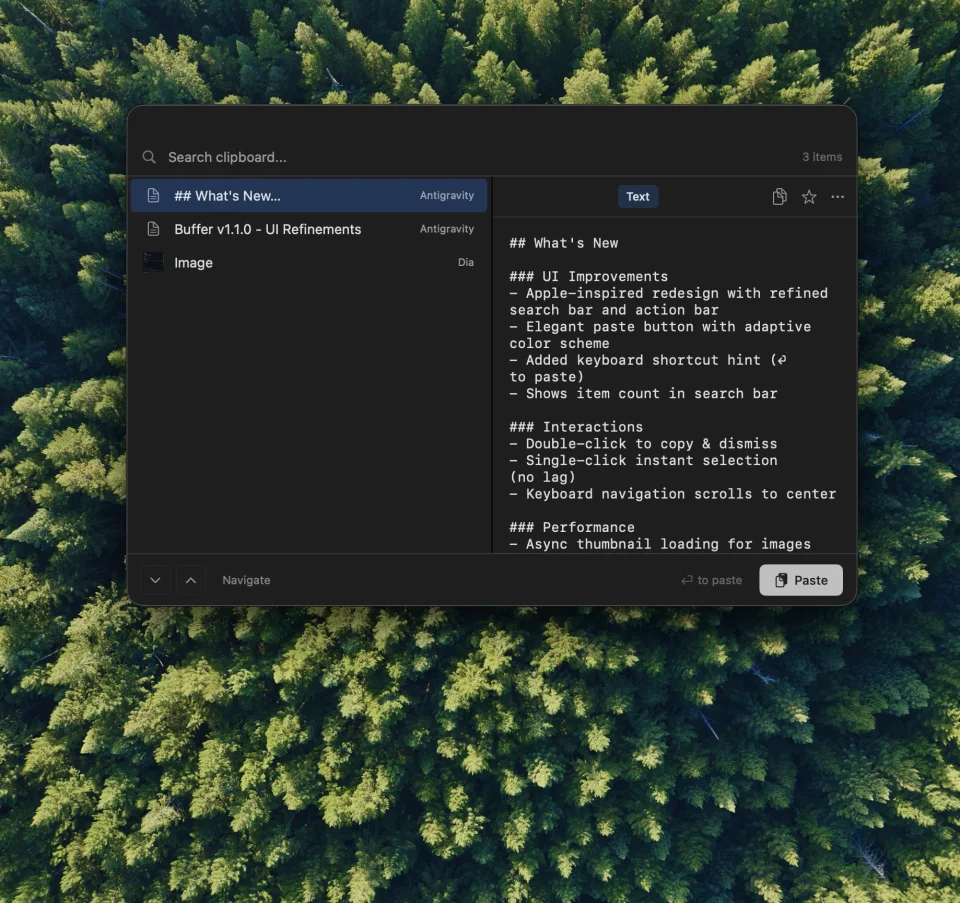
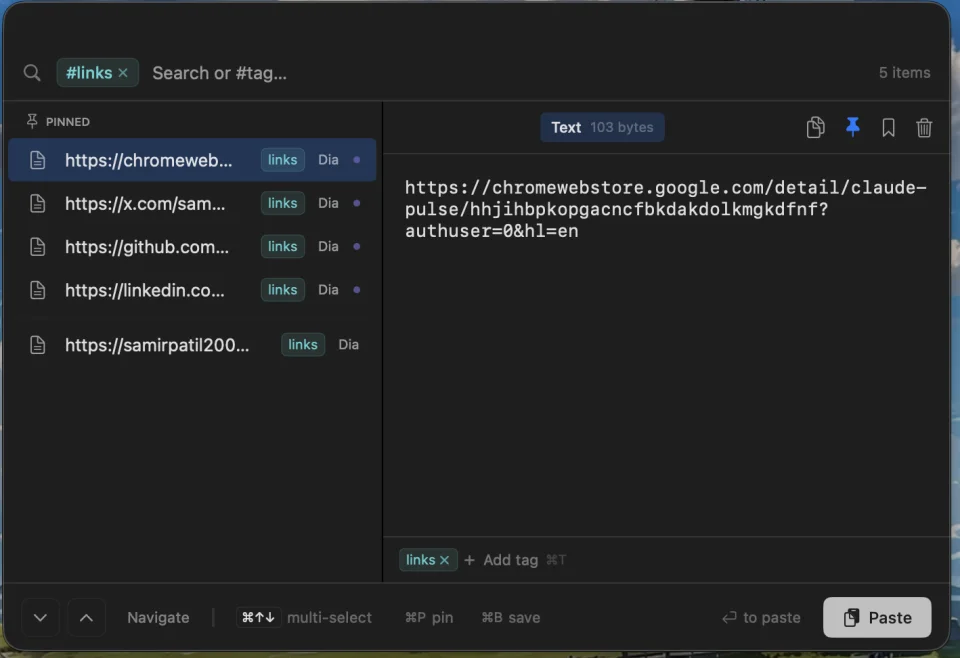
Buffer keeps a searchable history of the text and images you copy, opened from the menu bar or with Shift-Command-V. It runs Apple's Vision framework on the Mac to pull text out of copied images, so screenshots show up in search too. Items can be pinned, bookmarked and given color tags you filter with a #tag search, text items can be edited in place, and several items can be pasted or deleted at once. You choose how much history to keep, from 200 items to unlimited, and it skips rapid duplicates and tiny fragments. It is about a 2 MB download, works fully offline with no tracking, and updates itself. Needs macOS 13 or later.
Featured badge
Make Buffer yours: show the badge on its site and the listing marks itself as linked back.

<a href="https://macgrove.app/apps/buffer">
  <img src="https://macgrove.app/badge/buffer.svg" alt="Featured on MacGrove" width="234" height="32" />
</a>[](https://macgrove.app/apps/buffer)What’s new
All 17 releases3.0.0LatestBig update · 25 days ago
Buffer v3.0.0 brings major enhancements to visual inspection, update workflows, clipboard history controls, and interface polish!
🔍 Interactive Image Canvas
- Pinch, Pan & Zoom: Seamlessly inspect copied images and screenshots with pinch-to-zoom, two-finger pan, and drag gestures.
- Shortcut & Click Controls: Double-click to toggle fit/reset, or use ⌘+ / ⌘- to zoom in and out.
🔄 In-App Updates & Release Highlights
- Smart Update Notifications: Discretely notifies you with an update chip in the header whenever a new version is released.
Earlier
2.6.0Hide Menu Bar Icon: Added an option to hide the menu bar icon for users preferring an ultra-minimal setup.
✨ Features & Enhancements
- Hide Menu Bar Icon: Added an option to hide the menu bar icon for users preferring an ultra-minimal setup.
- Copy & Dismiss with ⌘C: Pressing ⌘C on a selected item copies it to the clipboard and cleanly closes the history window.
- Edit Mode Polish: Fixed exit behavior to cleanly discard unsaved changes when cancelling edit mode.
- Shortcut Hints: Clarified multi-select navigation shortcuts to Shift+↑↓.
📥 Downloads
- Apple Silicon (arm64): Buffer_Silicon.dmg / Buffer_Silicon.zip
- Intel (x86_64): Buffer_Intel.dmg / Buffer_Intel.zip
2.5.0Inline Text Editing: Edit any copied text or code snippet directly within the preview pane with auto-save and seamless macOS pasteboard synchronization.
✨ Features & Enhancements
- Inline Text Editing: Edit any copied text or code snippet directly within the preview pane with auto-save and seamless macOS pasteboard synchronization.
- Cmd+E Edit Shortcut: Quickly jump into edit mode for selected text items using Cmd+E.
- Contextual Action Button: Dynamic footer hints and primary button that seamlessly transforms between Edit, Save, and Paste based on current mode and selection.
- Focus Loss Auto-Save: Auto-save text edits when navigating away or switching window focus.
- Scroll & Keyboard Focus Polish: Enhanced keyboard navigation and focus management when toggling edit mode.
📥 Downloads
- Apple Silicon (arm64): Buffer_Silicon.dmg / Buffer_Silicon.zip
- Intel (x86_64): Buffer_Intel.dmg / Buffer_Intel.zip
2.4.0👋 Hello everyone!
👋 Hello everyone!
A new stable update of Buffer is out — v2.4.0 🚀
This release introduces an enhanced "Clear History" functionality to keep your pinned, bookmarked, and tagged items safe, along with critical fixes to OCR and real-time list updates!
🧹 Smart Clear History
The clear history functionality has been supercharged to prevent accidental loss of important data.
- Retain Favorites: Pinned, bookmarked, and tagged clipboard items are now safely kept when clearing history.
- Clean the Rest: Automatically purges only unannotated items, keeping your history organized yet functional.
⚡ OCR & List UI Real-time Refresh Fixes
We resolved issues where clipboard items (specifically OCR-extracted text and list updates) would not refresh in real-time.
- ClipboardItem Equatable: Fixed the custom Equatable implementation to correctly identify when items are mutated.
- Main-Thread UI Updates: Ensured list mutations and OCR results dispatch properly on the main thread, resulting in instantaneous UI response.
🧪 Unit Testing & Build Improvements
- Unit Tests: Added robust unit tests verifying the correctness of ClipboardItem properties, equality comparisons, and store mutations.
- DMG Notarization Script: Improved the notarization submission step within build_dmg.sh with improved error handling.
Thanks to everyone using Buffer, starring the repo, and reporting bugs! ❤️
- Source
- GitHub releases
- Last checked
Similar apps
- Pastea
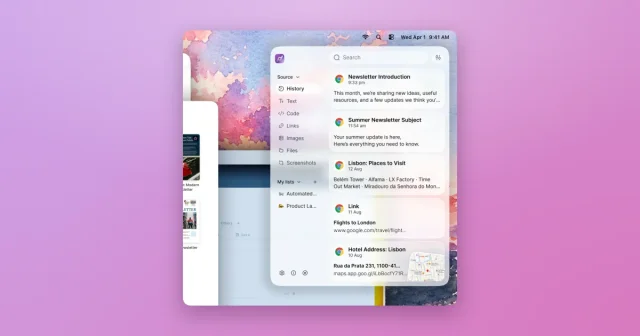
 PasteaSearchable clipboard history for macOS that remembers everything you copy.Paid
 - Maccy
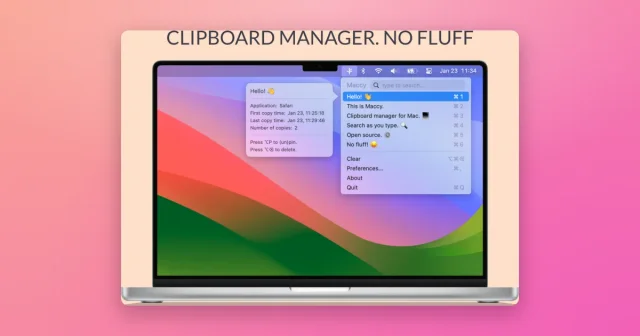
 MaccyTop pickLightweight, keyboard-first clipboard history with instant search.Freemium
 - Clipster

 ClipsterLightweight clipboard manager with pins and instant searchFreemium
 - Supaste
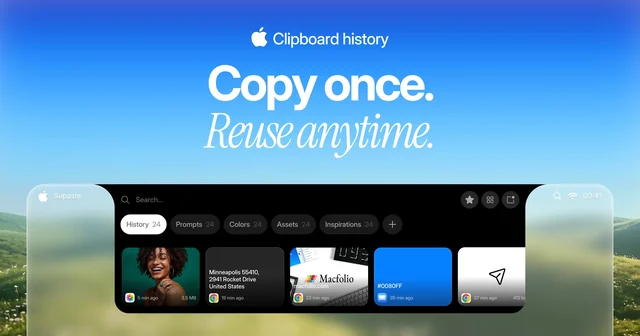
 SupasteClipboard and screenshot history in a panel that drops from the notch.Paid
 - Pasteboard Viewer
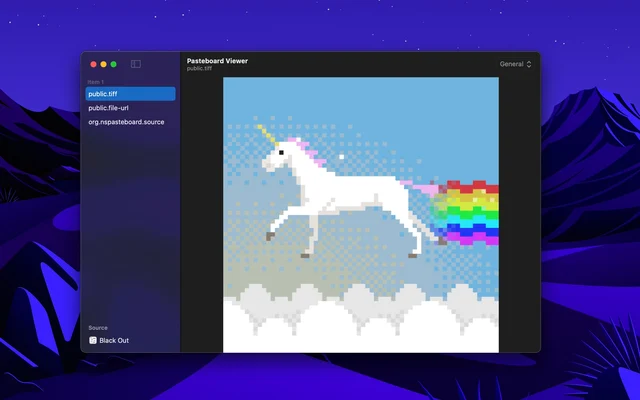
 Pasteboard ViewerShows everything currently sitting on the system pasteboards.Free
 - PasteZen
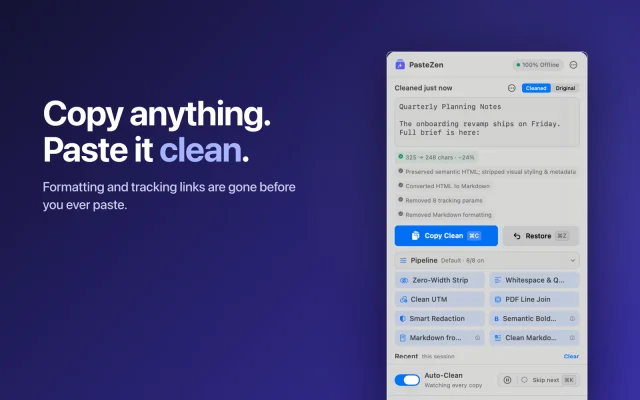
 PasteZenCleans what you copy into plain text, before you paste, fully offline.Freemium
 - Just Copy
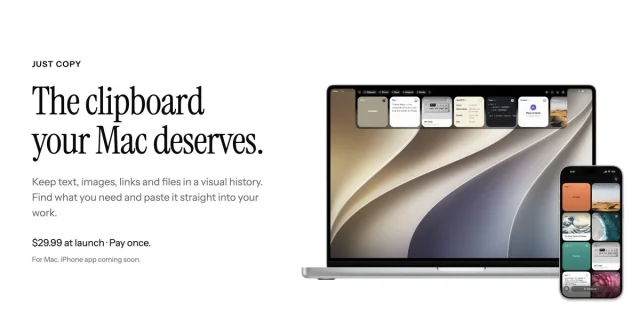
 Just CopyEverything you've copied, always within reach: a clipboard manager in your Mac's notchPaid
 - Klipto
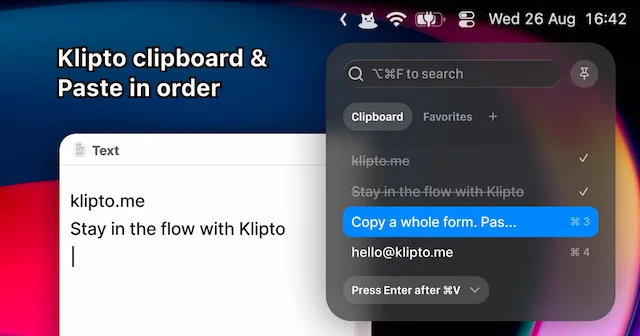
 KliptoFast, private clipboard manager for Mac with on-device AIFreemium