
Just Copy
v1.1.10, released this weekEverything you've copied, always within reach: a clipboard manager in your Mac's notch
Paid$29.99 one-time for the Mac, iPhone app includedmacOSUpdated 6 days ago
About
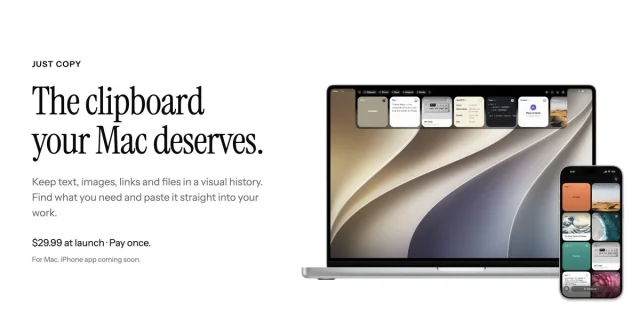
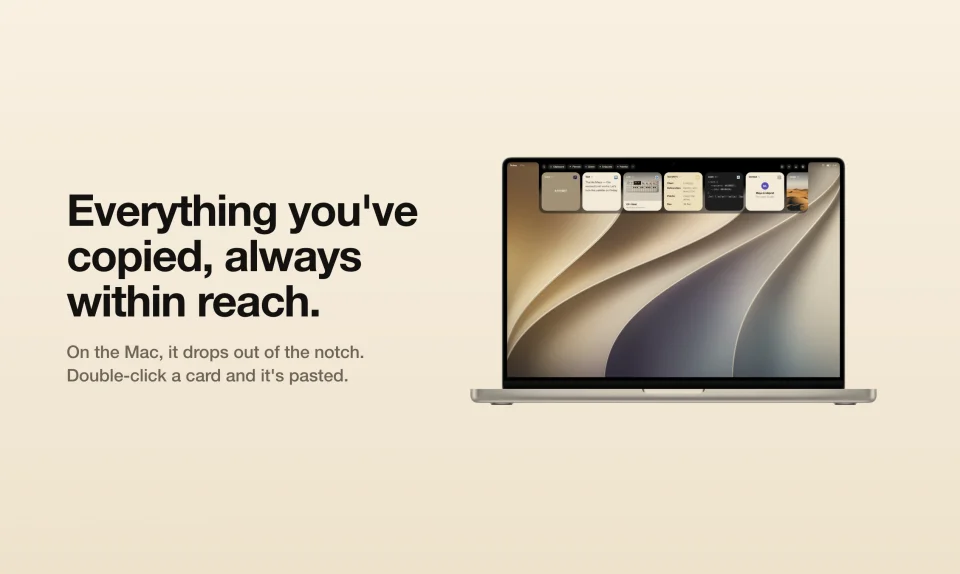
Everything you've copied, always within reach. Just Copy is a clipboard manager for Mac and iPhone that never forgets. On the Mac, it lives in the notch. Reach for the top of the screen and everything you've copied drops down as cards, each drawn as what it is: text, links with their picture, images, screenshots, code, colors and files. Double-click a card and it's pasted where you were typing. Search reads the words inside screenshots, screenshots you take land in the tray, folders fill themselves by rule, and Paste Stack pastes several copies in order. An optional local MCP server lets Claude, Cursor and Codex search your history. On the iPhone, the same clipboard is in your pocket: a keyboard pastes any clip into any app, and what you copy syncs both ways through your own iCloud. No account, no subscription, no tracking. US$29.99 once for the Mac, with the iPhone app included.
- Price
- Paid, $29.99 one-time for the Mac, iPhone app included
- Payment
- One-time purchase
- Version
- 1.1.10 · Oct 20, 2026
- Platforms
- macOS
- Category
- Notch Apps
Featured badge
Make Just Copy yours: show the badge on its site and the listing marks itself as linked back.

<a href="https://macgrove.app/apps/just-copy">
  <img src="https://macgrove.app/badge/just-copy.svg" alt="Featured on MacGrove" width="264" height="32" />
</a>[](https://macgrove.app/apps/just-copy)What’s new
All 6 releases1.1.10Latest · 6 days ago
New
- Reminders before your free trial ends: a notification a week in and on each of the last three days, with a link to buy a license at justcopy.app.
Improved
- The menu bar's "Purchase a License at justcopy.app…" now also shows after the trial has ended.
Earlier
1.1.9Try JustCopy free for 14 days: everything works from the start, no key needed. Then US$29.99 once — no subscription, no account. Settings → License shows the days left, and the menu bar reminds you in the last three.
New
- Try JustCopy free for 14 days: everything works from the start, no key needed. Then US$29.99 once — no subscription, no account. Settings → License shows the days left, and the menu bar reminds you in the last three.
Fixed
- Hovering the notch now opens the tray whatever app is in front. With Terminal in front, it didn't respond.
1.1.8Screenshots collected from your Desktop or screenshot folder now show their file name on the tile and in the preview.
Improved
- Screenshots collected from your Desktop or screenshot folder now show their file name on the tile and in the preview.
- Erase History now tells you which smart folders, like Screenshots, it would empty before you confirm.
Fixed
- Images in your folders are never trimmed from iCloud to save space, so your iPhone and other Macs always get them in full. The iCloud limit now only trims images outside folders.
- In a narrow tray, the Rows and Tiles picker stays on one line.
1.1.7A code now works after you fix a typo with Backspace: type #linkdn, delete back and finish #linkedin, and a space still turns it into the tile.
Fixed
- A code now works after you fix a typo with Backspace: type #linkdn, delete back and finish #linkedin, and a space still turns it into the tile.
- Source
- The app's update feed
- Last checked
Similar apps
- OneNotch
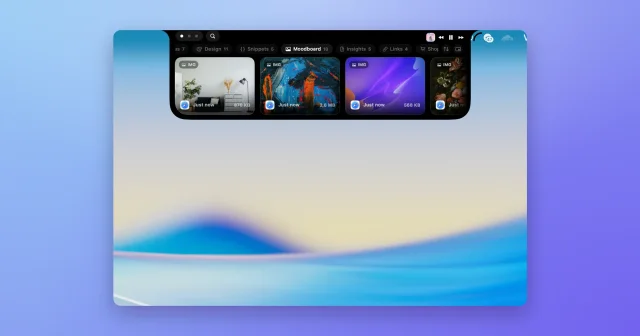
 OneNotchTop pickClipboard history, screenshots and a calendar inside the MacBook notch.Freemium
 - Supaste
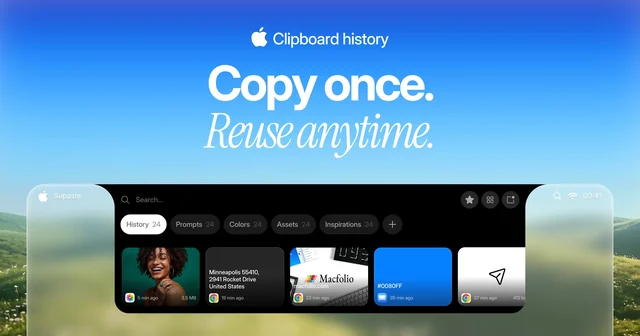
 SupasteClipboard and screenshot history in a panel that drops from the notch.Paid
 - Pastea
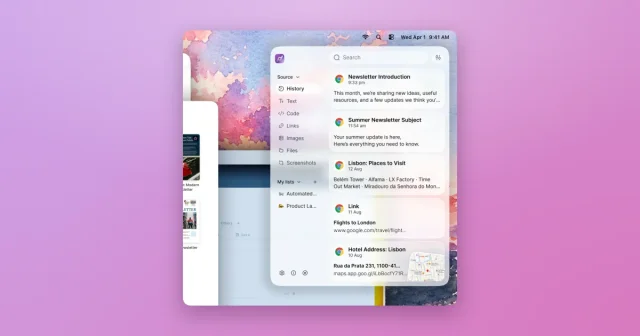
 PasteaSearchable clipboard history for macOS that remembers everything you copy.Paid
 - Clipster
 ClipsterLightweight clipboard manager with pins and instant searchFreemium
 - Gojo
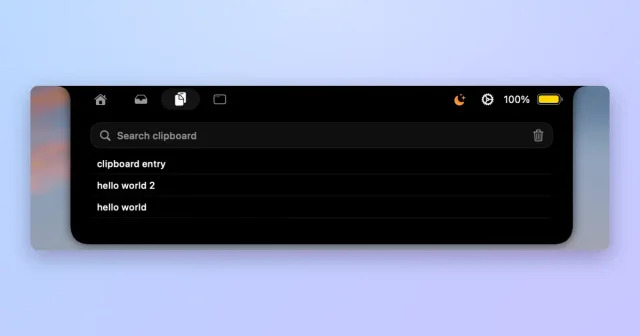
 GojoNotch hub for local dictation, clipboard history, window snapping and files.Paid
 - Klipto
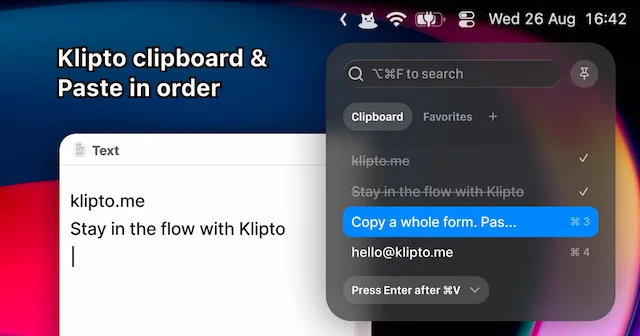
 KliptoFast, private clipboard manager for Mac with on-device AIFreemium
 - NotchNook
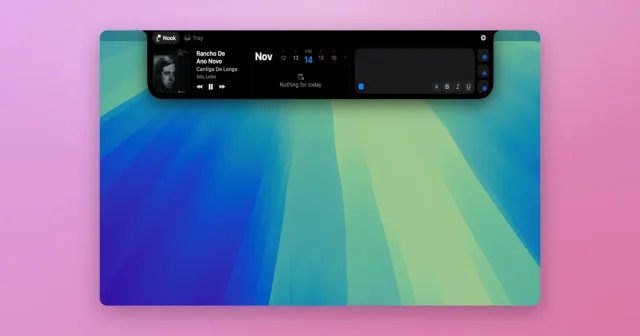
 NotchNookWidgets, a file tray, and live activities tucked into the MacBook notch.Paid
 - Assist
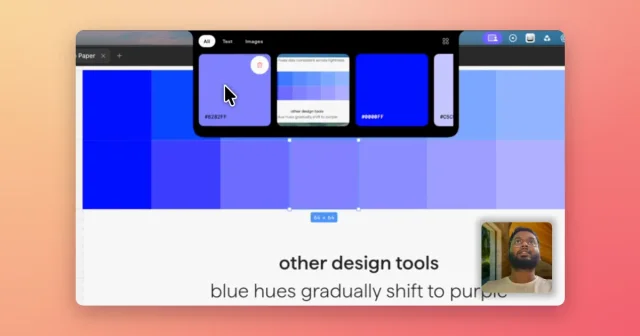
 AssistVoice-annotated screenshots, full-screen captures and clipboard history in the notch.Paid