Clop
v3.6.3, released this weekShrinks images, video, PDFs and clipboard content the moment you copy them.
FreemiumOpen sourceFree with 5 optimizations per session; Pro €15 one-time after a 14-day trialmacOSUpdated today

About
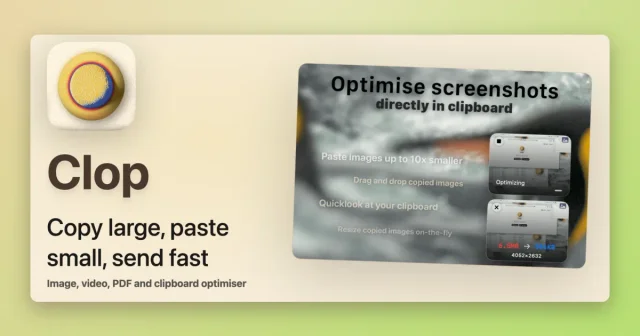
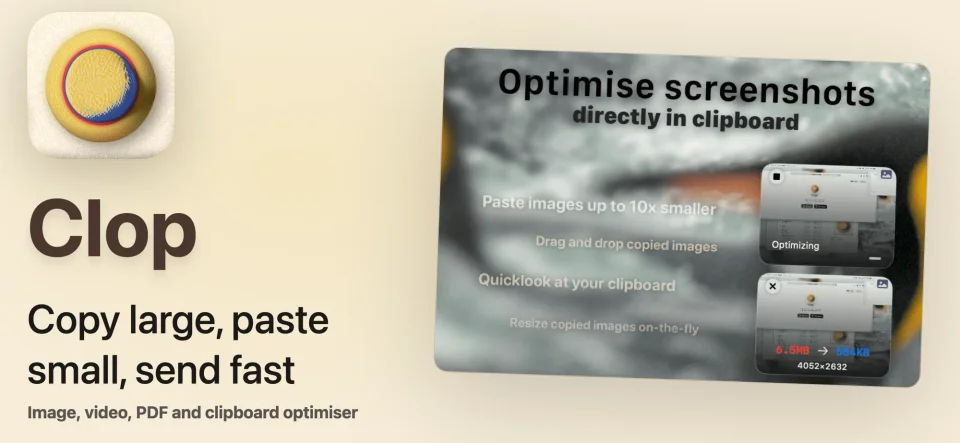
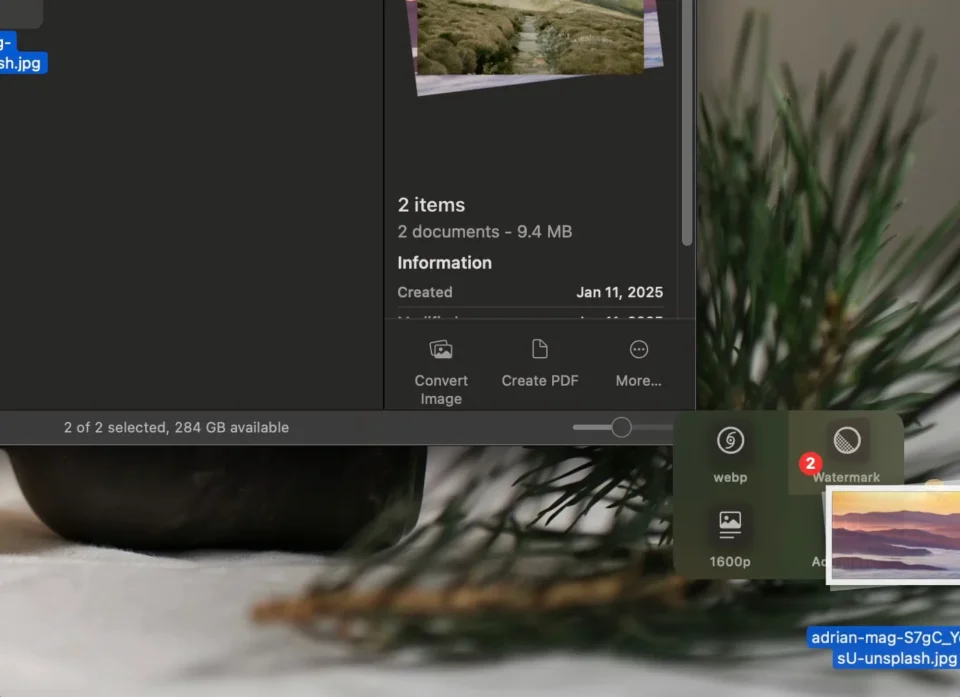
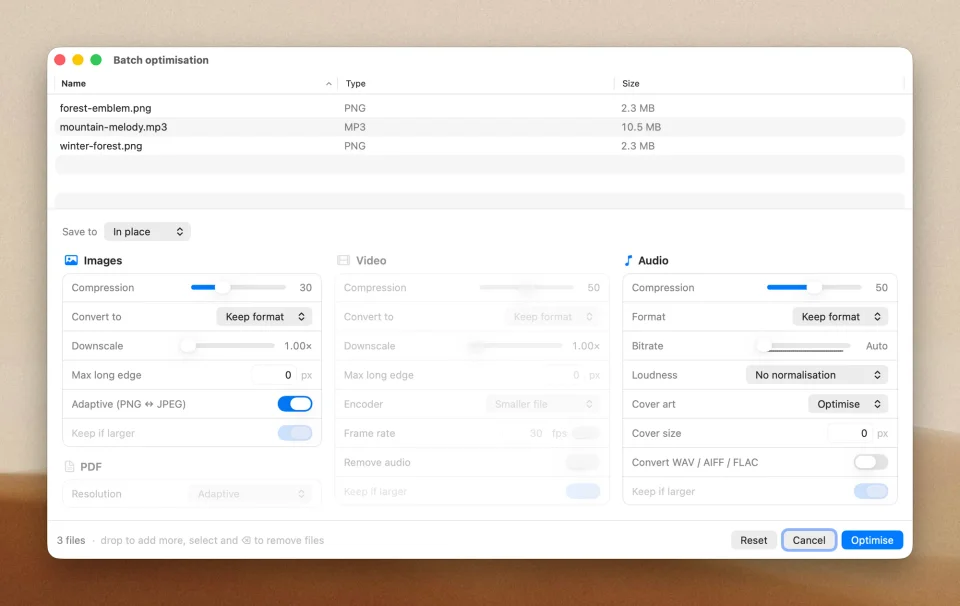
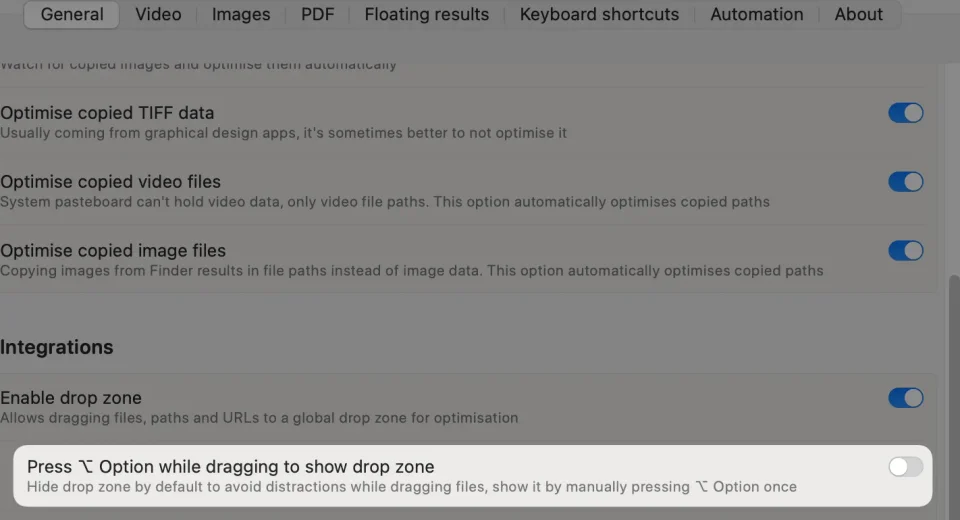
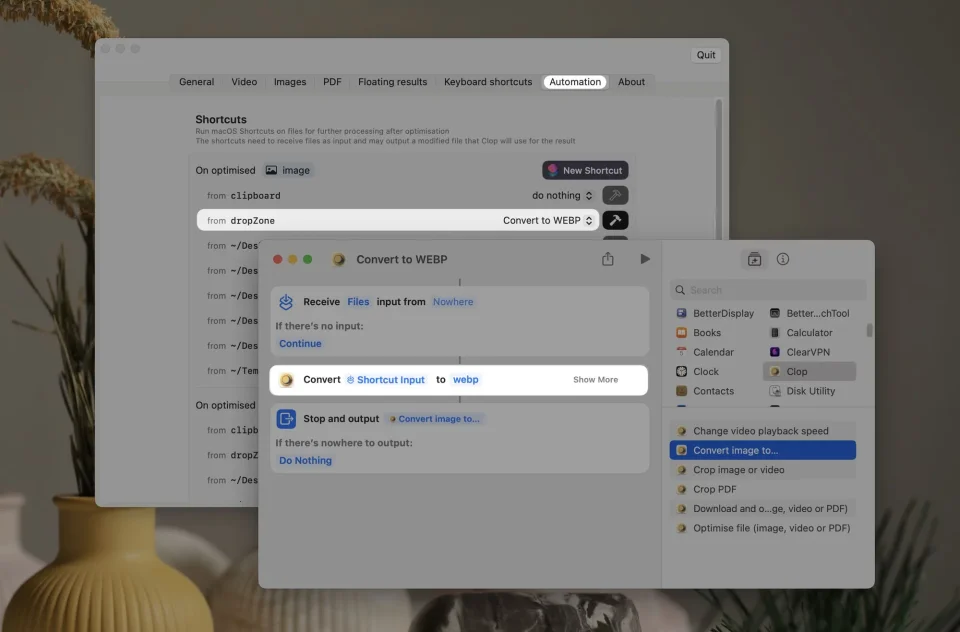
Clop watches what you copy and what you drop on it, then makes it smaller before it goes anywhere: screenshots and images are resized, cropped or converted, videos are re-encoded with a sensible preset, and PDFs lose their weight. The floating result card shows what changed and how much was saved, profiles and keyboard shortcuts decide how aggressive each optimisation is, and the same actions can be run on demand, from Finder or through a Shortcut. It is built for people who paste screenshots into chats and tickets all day and would rather not think about file size. The free tier keeps optimising the clipboard; a one-time Pro licence unlocks video, PDF and on-demand work for good. It needs macOS 13 or later.
Featured badge
Make Clop yours: show the badge on its site and the listing marks itself as linked back.

<a href="https://macgrove.app/apps/clop">
  <img src="https://macgrove.app/badge/clop.svg" alt="Featured on MacGrove" width="223" height="32" />
</a>[](https://macgrove.app/apps/clop)Similar apps
- Compresto
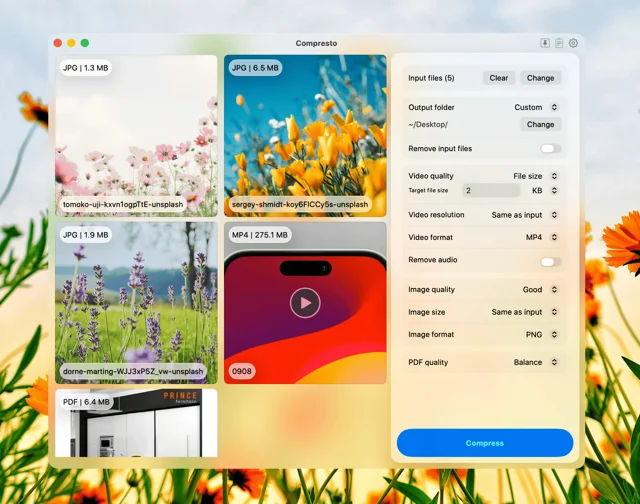
 ComprestoMakes video, image, GIF and PDF files smaller, offline and in batches.Paid
 - Buffer
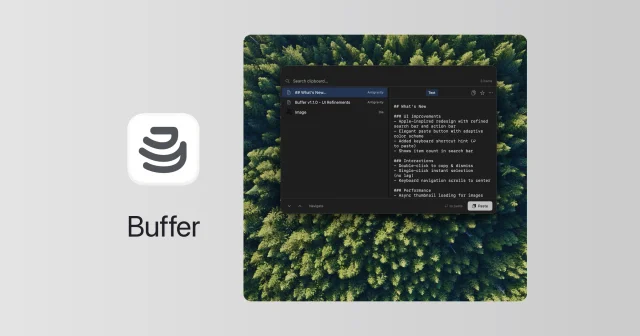
 BufferFree, open-source clipboard history that also reads the text in copied images.Free
 - ClearCut
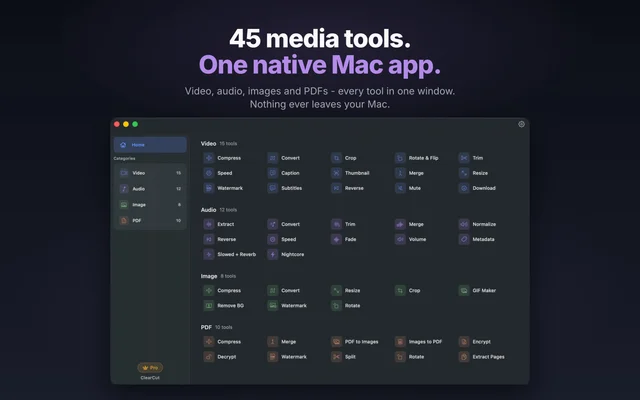
 ClearCutA local toolkit of media conversions behind one window.Freemium
 - Squint

 SquintShrinks photos and PDFs from the Finder right-click menu.Free
 - OpenScreen
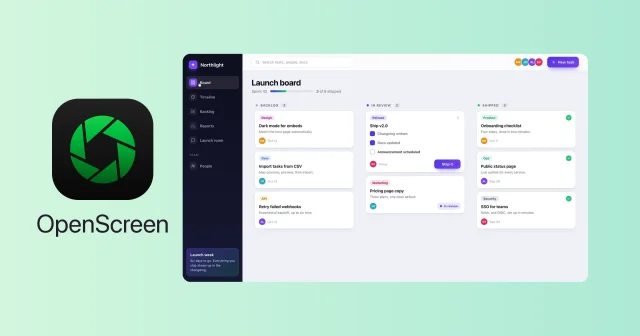
 OpenScreenFree, open-source screen recorder with auto zooms, captions and smooth cursors.Free
 - Pastea
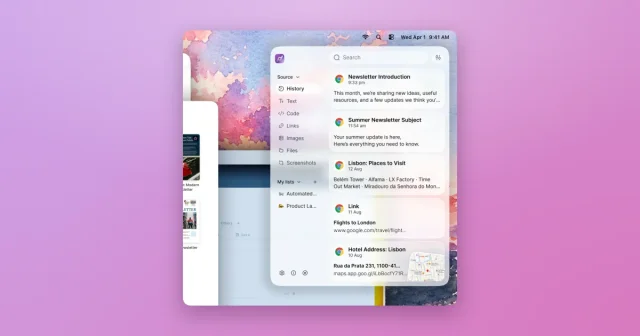
 PasteaSearchable clipboard history for macOS that remembers everything you copy.Paid
 - Codeshot
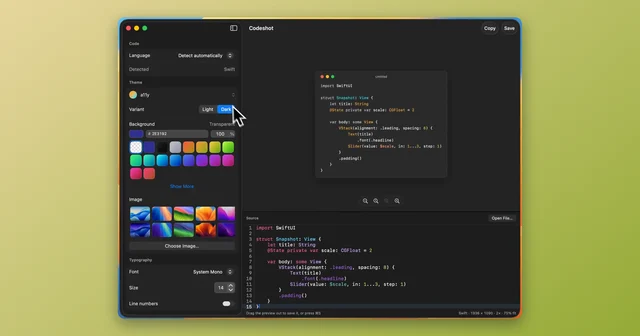
 CodeshotTurn a code snippet into a clean image, ready to share.Paid
 - Supaste
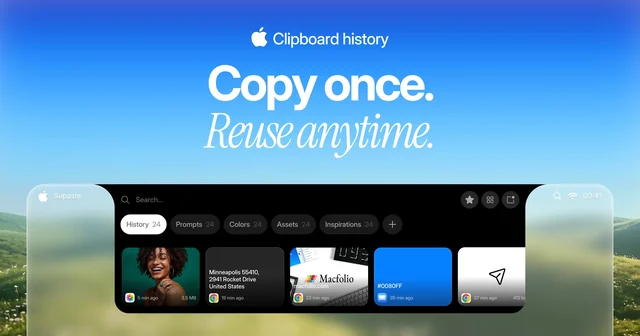
 SupasteClipboard and screenshot history in a panel that drops from the notch.Paid