
Utilities
Squint
Shrinks photos and PDFs from the Finder right-click menu.
FreeOpen sourceFree, with every format, quality setting and batch size included.macOS

About
Squint shrinks photos and PDFs from the Finder right-click menu, replacing the file or leaving a copy beside it. There are six treatments, including sizes meant for email attachments and for posting, and it keeps the display profile and the HDR from iPhone photos. It can strip the location before you post, too.
Featured badge
Make Squint yours: show the badge on its site and the listing marks itself as linked back.

HTML
<a href="https://macgrove.app/apps/squint">
  <img src="https://macgrove.app/badge/squint.svg" alt="Featured on MacGrove" width="237" height="32" />
</a>
Markdown
[](https://macgrove.app/apps/squint)Similar apps
- Clop
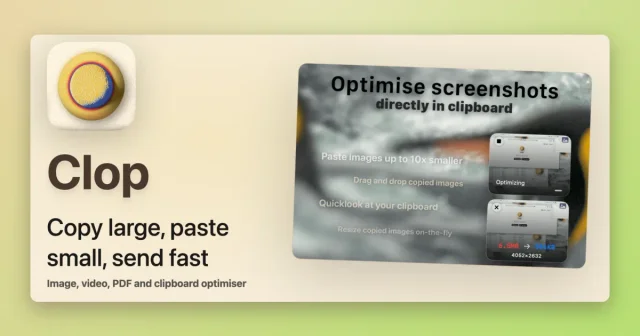
 ClopShrinks images, video, PDFs and clipboard content the moment you copy them.Freemium
 - Fovea
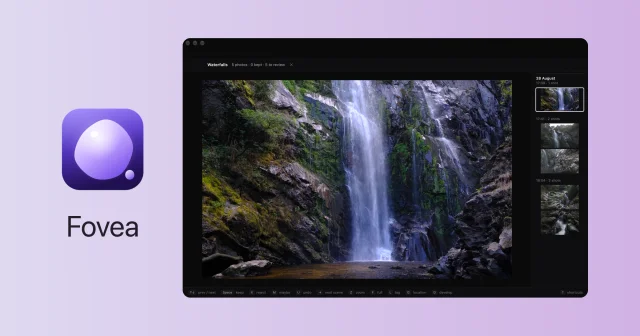
 FoveaCull a whole shoot from the SD card with the keyboard, fast and fully local.Paid
 - PDFgear

 PDFgearFree PDF editor that also reads, merges and converts documents.Free
 - Photo Widget
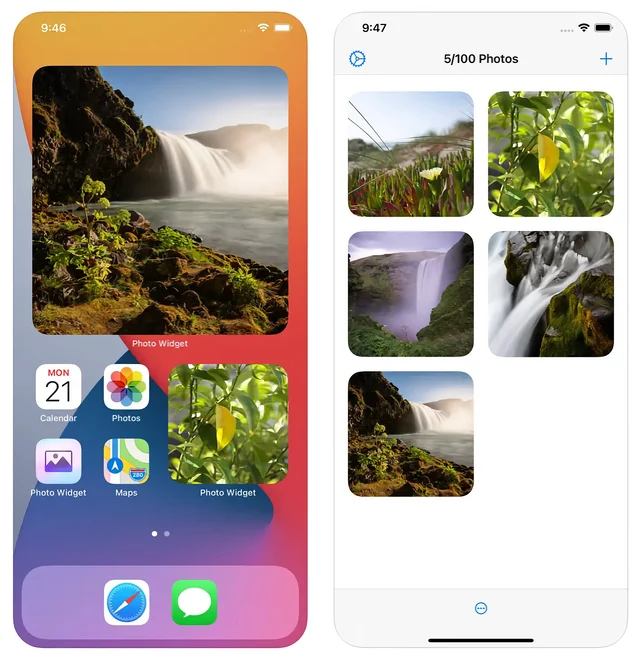
 Photo WidgetPuts chosen photos on the desktop and Home Screen.Paid
 - Sensitivity
 SensitivityFind explicit photos and videos you forgot about, scanned privately on your Mac.Freemium
 - DiskPress

 DiskPressShrink the space your files take with native APFS compression and deduplicationPaid
 - Text Lens
 Text LensSelects an area of the screen and returns the text inside it.Paid
 - Katami
 KatamiBrowse, search and cull photos where they already live, then hand picks to your editor.Paid