Deadline Bar
About
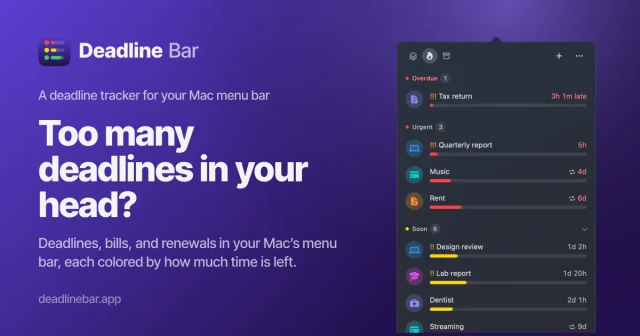
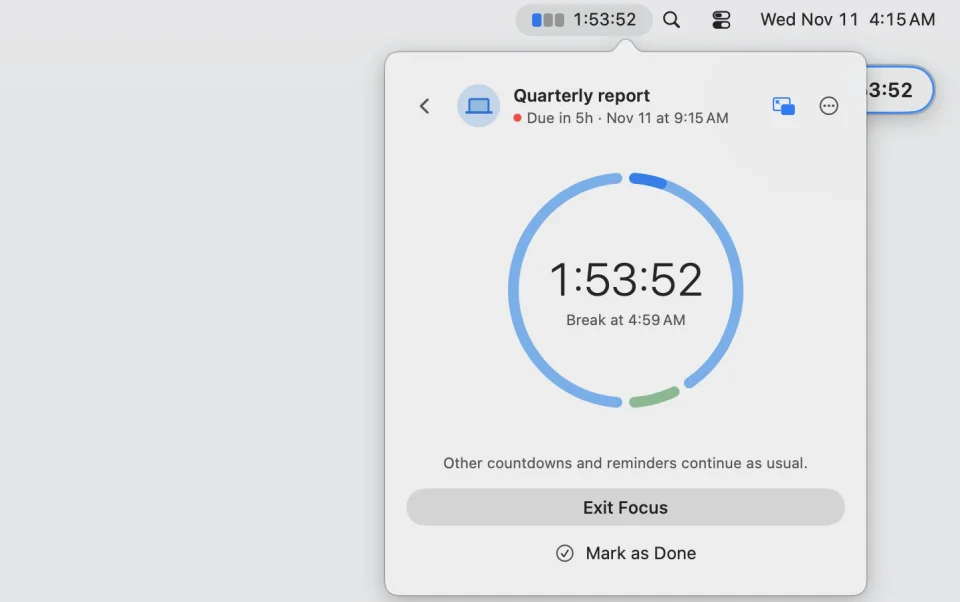
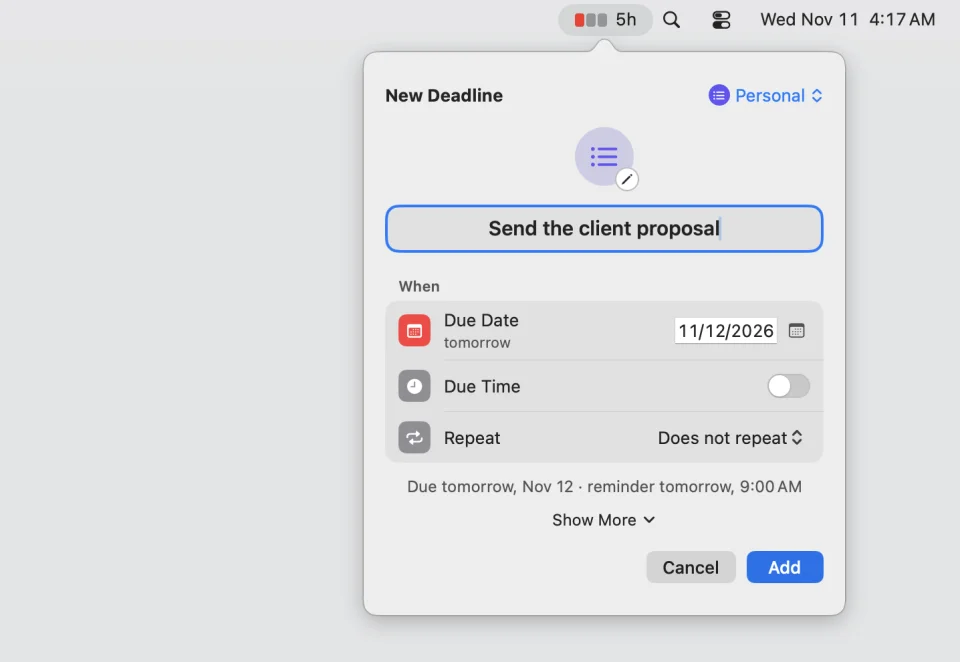
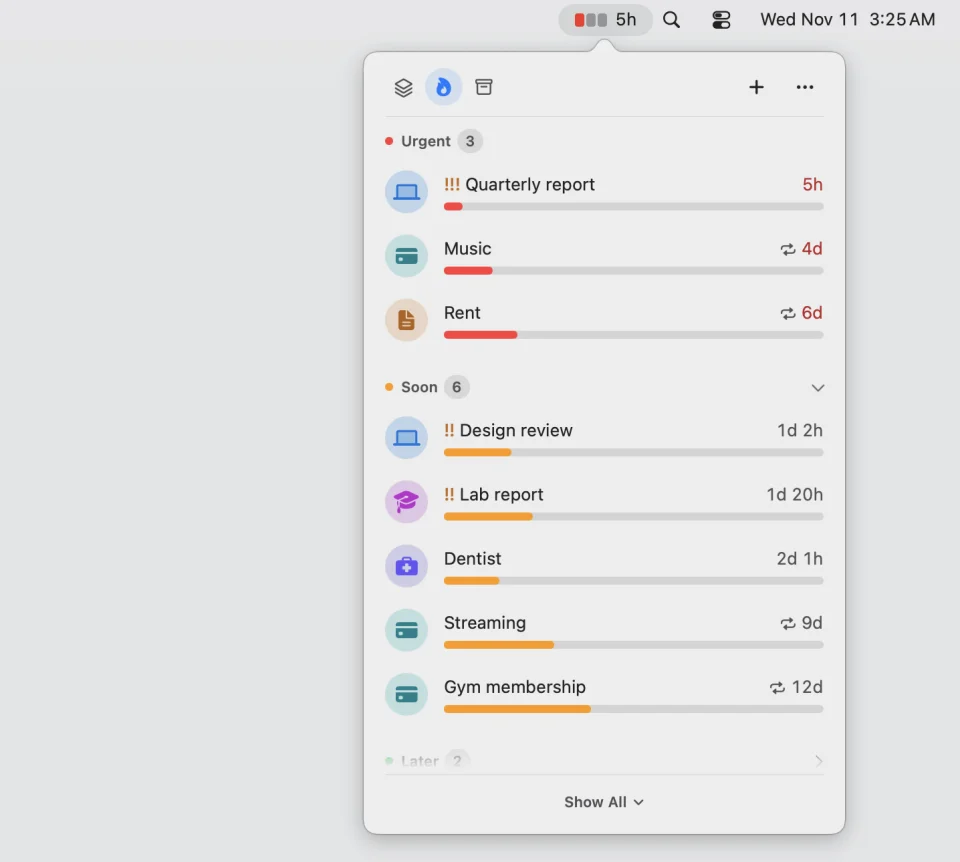
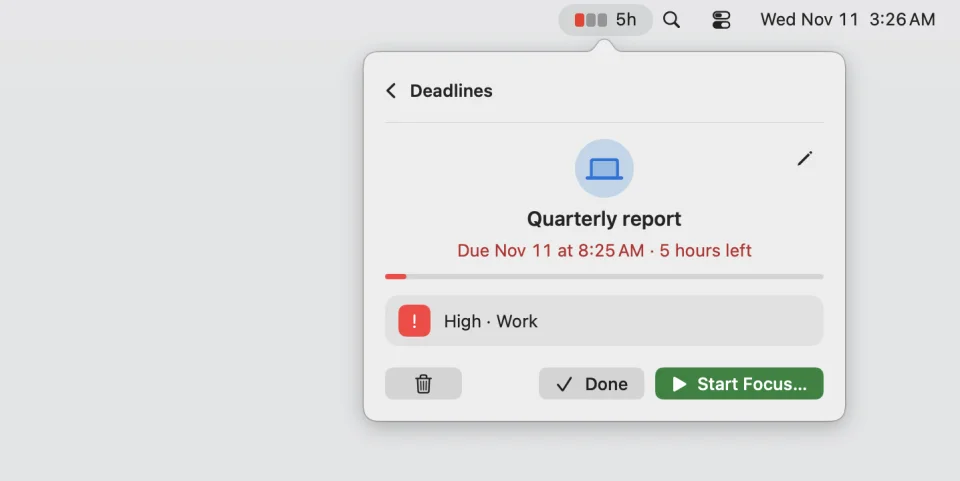
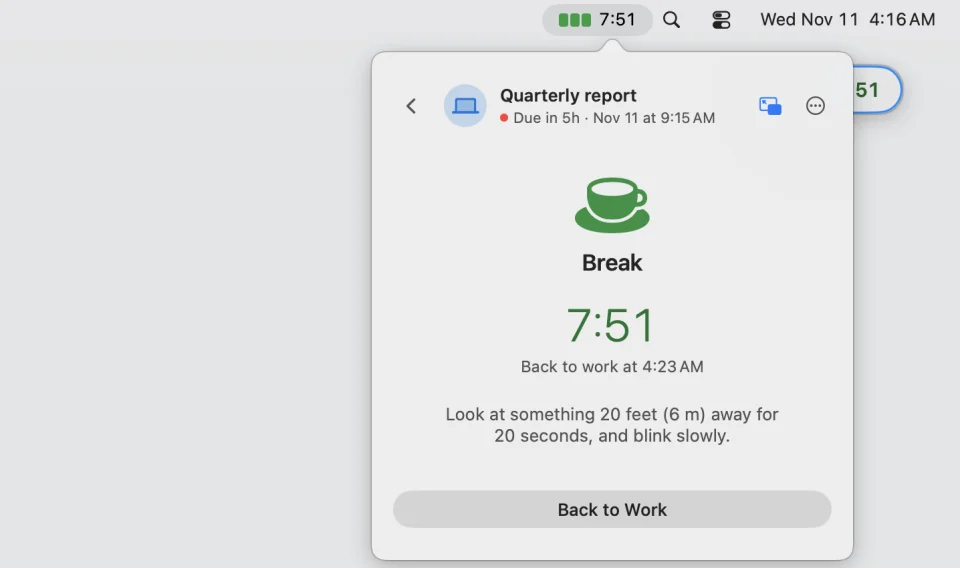
Deadline Bar keeps your deadlines in the Mac menu bar. The most urgent one counts down at the top of your screen; a click shows the rest, ordered by urgency and colored by the time each has left: green, then yellow, then red. - Quick Add from any app: press Control-Option-D, type a name, pick a day, Return. - Tasks and Dates: work you spend time on, and days you only watch, like a renewal or a free trial ending. - Focus: a timed session on one deadline, with breaks, while the others keep counting down. - Reminders and repeats for bills and renewals, with a monthly total. - No account: your deadlines are stored on your Mac, and you can export them anytime. Free for 5 open deadlines with every basic feature. Pro removes the limit and adds your own groups and themes: yearly with a 14-day free trial, or a one-time purchase.
- Price
- Freemium
- Platforms
- macOS
- Category
- Productivity
Featured badge
Make Deadline Bar yours: show the badge on its site and the listing marks itself as linked back.

<a href="https://macgrove.app/apps/deadline-bar">
  <img src="https://macgrove.app/badge/deadline-bar.svg" alt="Featured on MacGrove" width="288" height="32" />
</a>[](https://macgrove.app/apps/deadline-bar)Similar apps
- Dot
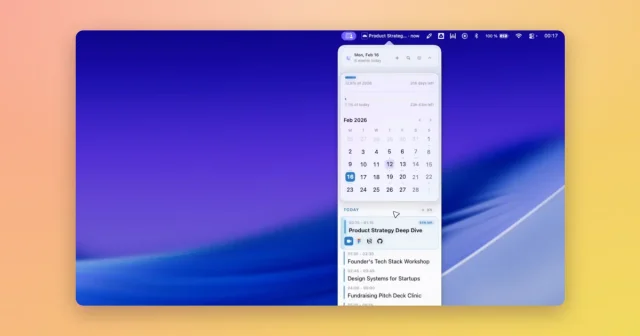
 DotA month calendar and today's agenda in the menu bar, with join buttons.Paid
- Today
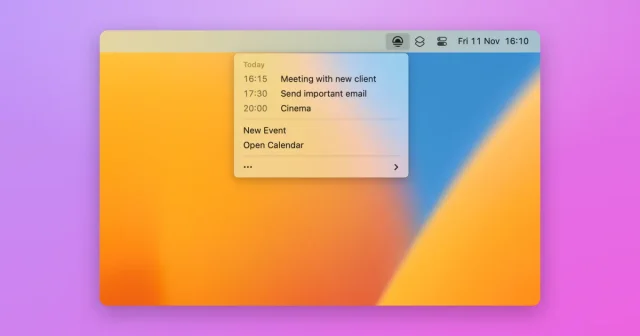
 TodayToday's calendar events in the menu bar, with one-click call joining.Free
- Slothify
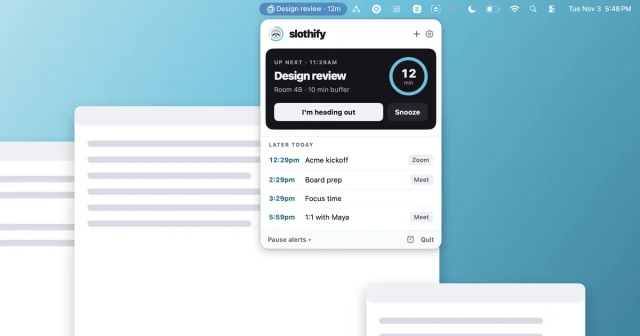
 SlothifyA menu bar countdown that frosts your screen when it is time to leave for a meeting.Freemium
- Menu Bar Calendar
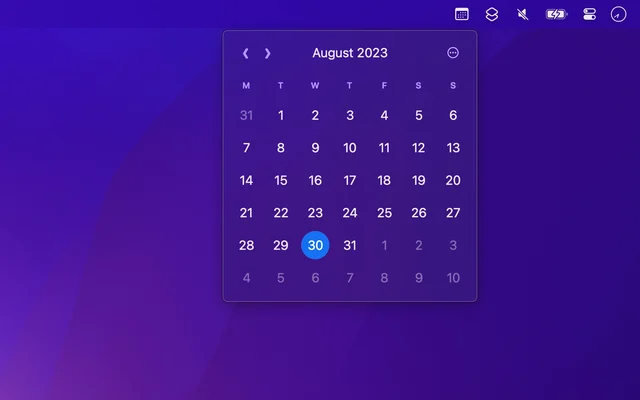
 Menu Bar CalendarA month at a glance, one click from the menu bar.Free
- CommuteBar
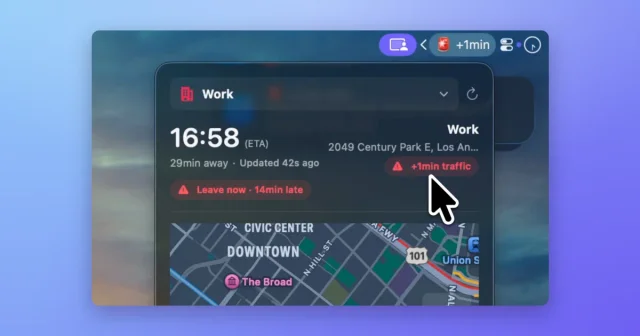
 CommuteBarLive commute times in your Mac menu barPaid
- DropToDo
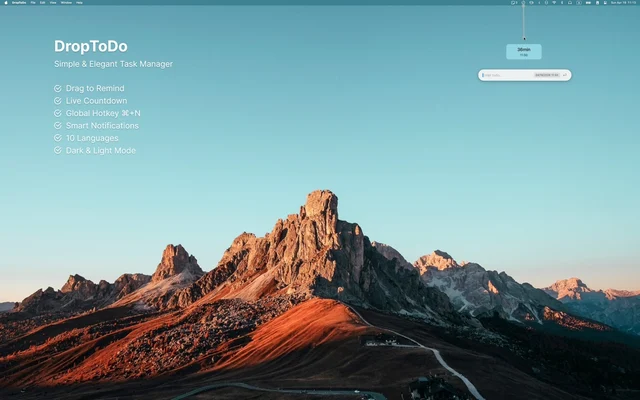
 DropToDoA menu bar to-do list you drop tasks onto from anywhere.Paid
- hora Calendar
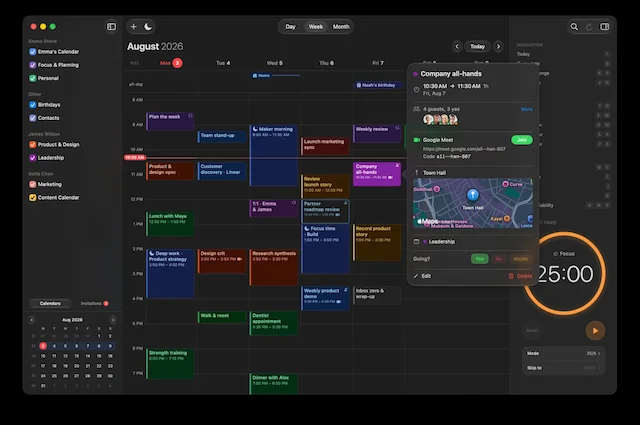
 hora CalendarA native Mac app for Google Calendar, with your next meeting in the menu bar.Paid
- Zone Bar
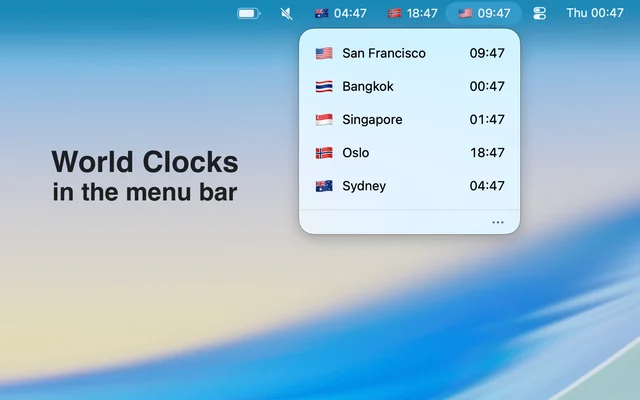
 Zone BarSeveral time zones, readable at a glance in the menu bar.Paid