Writing & Notes
Glyph
v0.9.3, released this week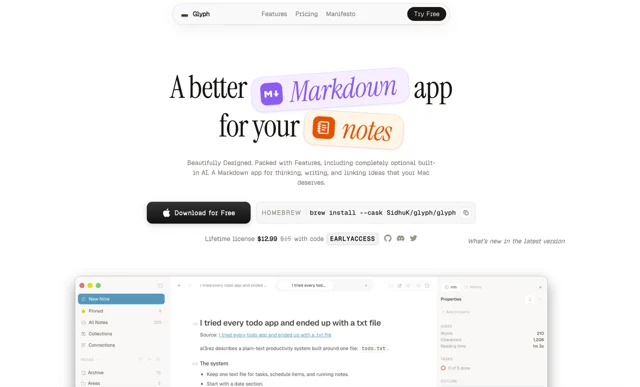
About
Glyph is a notes app for people who want Markdown without the source code in their face. Writing and reading are the same view, notes stay as plain files you can move anywhere, and the interface is built around getting a thought down rather than organizing it first. There is a trial before you buy.
- Price
- Paid, 7-day trial; $14.99 one-time, normally $24.99.
- Payment
- One-time purchase
- Version
- 0.9.3 · Oct 24, 2026
- Platforms
- macOS
- Category
- Writing & Notes
Featured badge
Make Glyph yours: show the badge on its site and the listing marks itself as linked back.

HTML
<a href="https://macgrove.app/apps/glyph">
  <img src="https://macgrove.app/badge/glyph.svg" alt="Featured on MacGrove" width="232" height="32" />
</a>
Markdown
[](https://macgrove.app/apps/glyph)What’s new
All 10 releases0.9.3Latest · 2 days ago
- Speed up startup, scrolling, and note indexing
- Drop git sync status events for a space the window no longer shows
- Fix data loss when saving notes with <details> blocks
- Fix raw HTML blocks corrupting the note after them on save
- Fix plain-text <, > and & being saved as HTML entities
- Fix AI composer text scrolling under the control row
Earlier
0.9.2Add developer mode toggle and Developer settings tab
- Add developer mode toggle and Developer settings tab
- Upgrade Vite+ from 0.3.1 to 1.0.0
- Add attachment browser for finding and trashing unused attachments
- Query complete collection sets and rename board lanes across all pages
- Rename, merge, and delete tags across all notes
- Show note images on Kanban and All Notes cards
- Migrate UI primitives from Radix to Base UI
- Add global Quick Search window for notes, tags, and collections[Release]
- Trim startup bundle, thumbnail memory, and idle work
- Fix stale image src and size after switching notes in rich mode
- Document that pull requests are not accepted
- Add opt-in diagnostic logging with local log export
- Edit collection cells and lane renames in place without rewriting frontmatter
- Match folder collections by byte-exact prefix instead of LIKE
- Keep board card and lane order when a lane rename partly fails[Release]
- Add a Tasks tab that lists open checklist items across the space[Release]
- Support ==text== highlights in Rich mode
- Split the note info sidebar into Stats, Contents, and Backlinks sub-tabs [Release]
- Group slash commands into hover submenus
- Hide the tab strip when a pane has only one tab[Release]
- Replace the app icon with a Liquid Glass folder design[Release]
0.9.1Show weekly notes in the Calendar date panel
- Show weekly notes in the Calendar date panel
- Add optional live Markdown presentation in RAW mode
- Add Inbox and opt-in Archive for notes
- Add colorful sidebar icons, selection rails, and folio tag styling[Release]
- Improve All Notes calendar dates and visual hierarchy
- Remove experimental colorful sidebar
- Add community colors and ring layout to Connections
- Refine Collections table visuals
- Prune low-value tests and dead recent-space id parsing
- Redesign appearance picker and add emoji icons[Release]
- Overhaul All Notes activity heatmap
- Polish editor breadcrumbs and tokenize editor chrome colors [Release]
- Show main window only after first paint and bundle fonts[Release]
- Add live note and passage embeds [Release]
0.9.0Make Folio a first-class workspace mode
- Make Folio a first-class workspace mode
- Redesign collection and Kanban views
- Add full-width AI agent view
- Redesign database table view
- Add sidebar space switcher
- Improve Folio notes list layout and pinning[Release]
- Add Meet the Developer easter egg
- Add resizable images to the rich editor
- Fix Folio relative edit times
- Export notes as PDF and Word documents
- Fix macOS window state restoration[Release]
- Add Excalidraw canvas support
- Add /canvas command to AI composer
- Reduce macOS image asset size[Release]
- Polish file type badges
- Move pinned files into sidebar tabs[Release]
- Refine sidebar navigation controls
- Remove obsolete database column color setting
- Remove non-Markdown file visibility toggle
- Remove external link previews
- Remove legacy Connections mode
- Remove Space Insights settings and code
- Simplify AI settings and use native model menu
- Reorganize settings and remove redundant preferences
- Preserve footnotes and HTML comments in rich editor[Release]
- Update Codex provider icon and Quick Folder tab colors
- Source
- GitHub releases
- Last checked
Similar apps
- Bear

 BearMarkdown notes with tags, tasks and themes, on every Apple device.Freemium
 - Obsidian
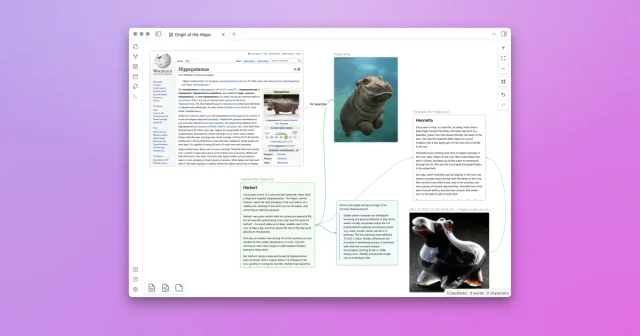
 ObsidianA private, extensible Markdown notes app built on local files.Freemium
 - Craft
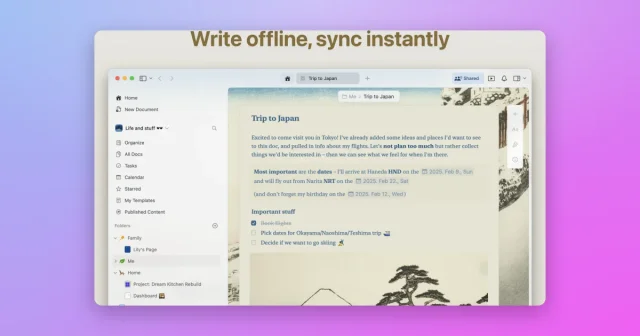
 CraftTop pickA polished native editor for good-looking notes and documents.Freemium
 - Notsy
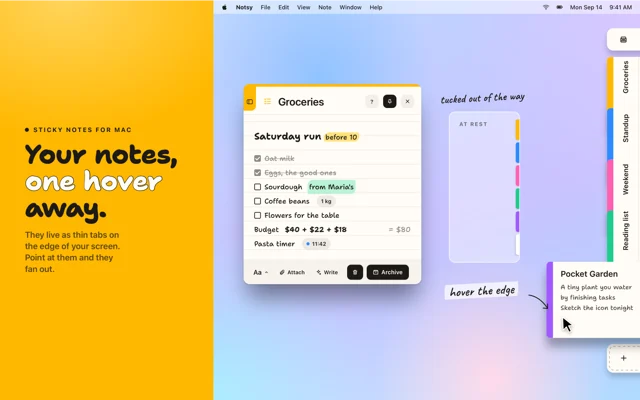
 NotsySticky notes that tuck into the edge of your screen and fan out when you point thereFree
 - FSNotes
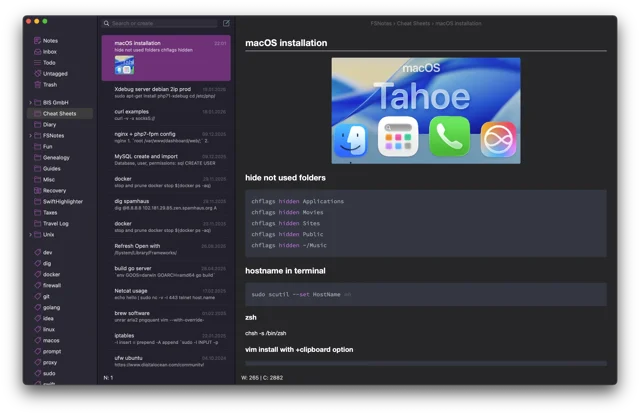
 FSNotesFast, open-source Markdown notes stored as plain files.Freemium
 - UpNote
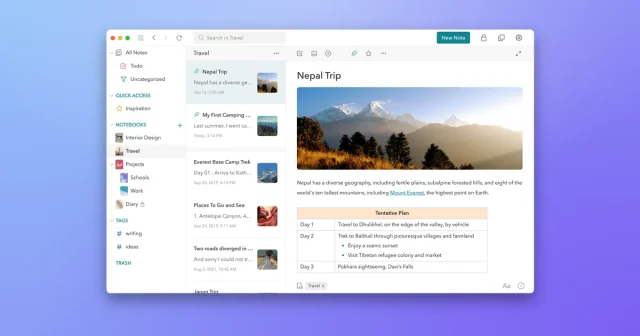
 UpNoteNested notebooks and Markdown, synced offline across every deviceFreemium
 - SideNotes
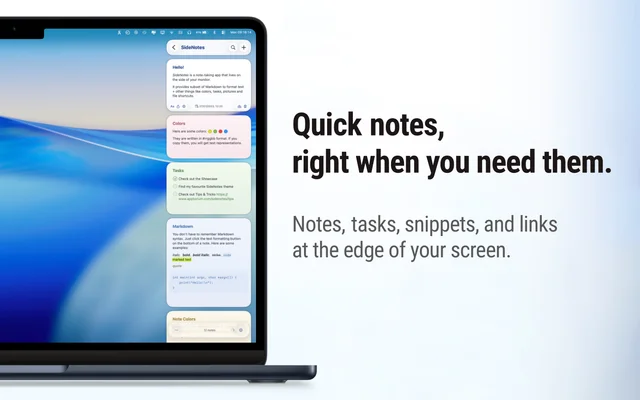
 SideNotesNotes that fold out from the edge of the screen.Paid
 - MiaoYan
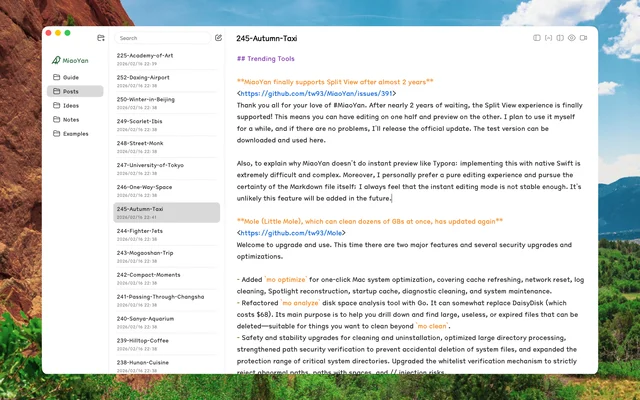
 MiaoYanLightweight, local-first Markdown notes app for Mac.Freemium