
Keelhaven
v0.9.2Encrypted Mac backups to storage you already own, wrapped around restic.
FreeOpen sourceFree and open source; bring your own drive, S3 bucket, or SFTP server.macOSUpdated 17 days ago

About
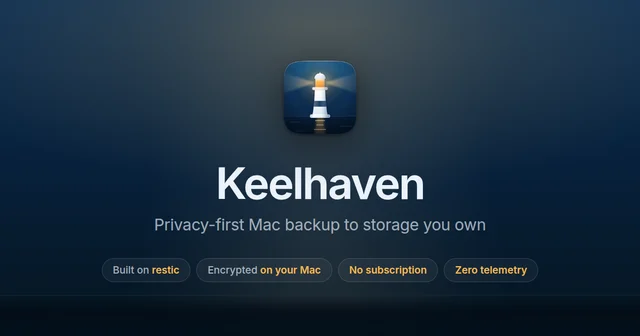
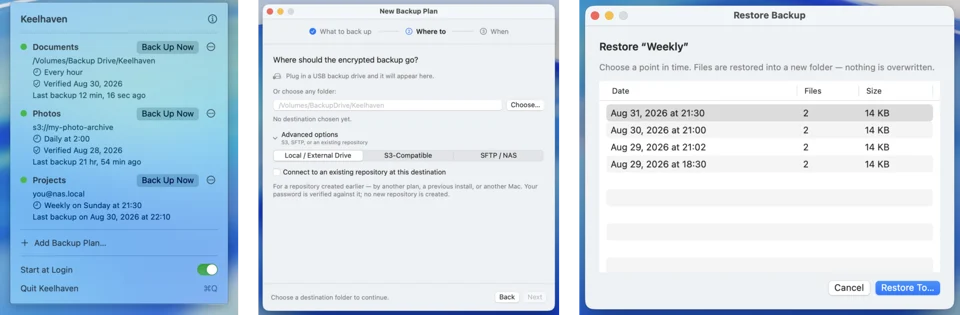
Keelhaven is a Mac front end for restic, the backup engine that encrypts your files before they leave the machine. Point it at the folders you care about and at a destination you already own, an external drive, an S3-compatible bucket, or an SFTP or NAS share, then set a schedule and let it live in the menu bar. There is no account, no subscription and no telemetry, and because it writes standard restic repositories the backups can be read and restored by restic itself, so your data is never locked to this app. Scheduled runs, whole-snapshot restore, periodic repository verification and retention presets all work today, with browsing individual files inside a snapshot on the way. It is free and open source under the GPL-3.0.
Featured badge
Make Keelhaven yours: show the badge on its site and the listing marks itself as linked back.

<a href="https://macgrove.app/apps/keelhaven">
  <img src="https://macgrove.app/badge/keelhaven.svg" alt="Featured on MacGrove" width="267" height="32" />
</a>[](https://macgrove.app/apps/keelhaven)What’s new
All 12 releases0.9.2Latest · 17 days ago
Quickest install — no Gatekeeper prompt:
brew install --cask shenxianpeng/tap/keelhaven
No Homebrew? curl -fsSL https://keelhaven.app/install.sh | bash does the same.
Or download the .dmg below and drag Keelhaven to Applications. This beta isn't notarized by Apple yet, so macOS asks you to allow it once on first launch — the FAQ has the three-click walkthrough.
- Redesign the website and README around one shared story
- Give each website page a canonical URL and a descriptive title
Earlier
0.9.1brew install --cask shenxianpeng/tap/keelhaven
Quickest install — no Gatekeeper prompt:
brew install --cask shenxianpeng/tap/keelhaven
No Homebrew? curl -fsSL https://keelhaven.app/install.sh | bash does the same.
Or download the .dmg below and drag Keelhaven to Applications. This beta isn't notarized by Apple yet, so macOS asks you to allow it once on first launch — the FAQ has the three-click walkthrough.
- Add a Stop button for a backup that never finishes
0.9.0brew install --cask shenxianpeng/tap/keelhaven
Quickest install — no Gatekeeper prompt:
brew install --cask shenxianpeng/tap/keelhaven
No Homebrew? curl -fsSL https://keelhaven.app/install.sh | bash does the same.
Or download the .dmg below and drag Keelhaven to Applications. This beta isn't notarized by Apple yet, so macOS asks you to allow it once on first launch — the FAQ has the three-click walkthrough.
- Read workflow inputs as values, not as script
- Close out the SonarCloud findings on our scripts and workflows
- Bump actions/setup-node from 6 to 7 by @dependabot[bot] in
- Give the shell scripts [[ ]], named parameters and a default case
- Close out the SonarCloud findings on the Swift code
- Add Duplicate Plan to copy a plan to a new destination
- Report which files a backup could not read, and how to fix it
- Update Full Disk Access note
- @dependabot[bot] made their first contribution in
0.8.0brew install --cask shenxianpeng/tap/keelhaven
Quickest install — no Gatekeeper prompt:
brew install --cask shenxianpeng/tap/keelhaven
No Homebrew? curl -fsSL https://keelhaven.app/install.sh | bash does the same.
Or download the .dmg below and drag Keelhaven to Applications. This beta isn't notarized by Apple yet, so macOS asks you to allow it once on first launch — the FAQ has the three-click walkthrough.
- Set excludes, retention and verification in the wizard, and let Edit Plan scroll
- Let a plan be created without starting its first backup
- Add --exclude-caches and --skip-if-unchanged as named backup options
- Tell Backblaze B2 users about the lifecycle rule, in the wizard and the FAQ
- Add --one-file-system as a named backup option
- Add a backup preview that writes nothing
- Add --no-scan as a named backup option, with honest progress
- Add "keep the last N backups" as a fourth retention choice
- Keep the plan panel a steady height, and put a number on the progress bar
- Two more voices, both from the Chinese posts
- Say that Keelhaven restores, and count the retention choices again
- Show the demo's running row as the app actually draws it
- Source
- GitHub releases
- Last checked
Similar apps
- MClean
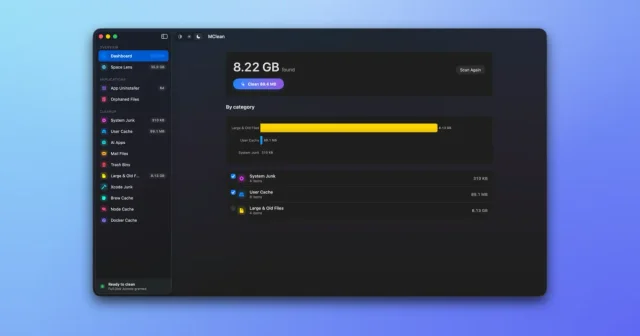
 MCleanA free, open-source Mac cleaner, app uninstaller, and disk space visualizer.Free
 - JigTail
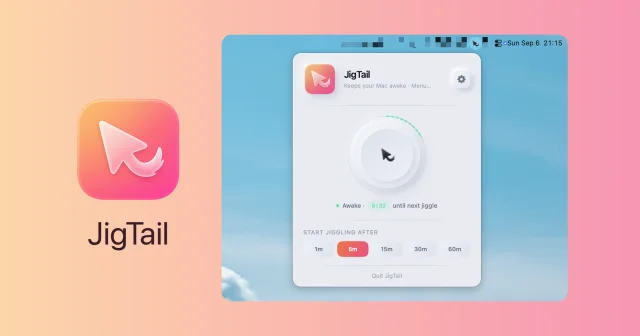
 JigTailKeeps the Mac awake only once you step away, from the menu bar.Free
 - yaak
 yaakTop pickAn offline-first API client for REST, GraphQL and gRPC.Free
 - DiskPress
 DiskPressShrink the space your files take with native APFS compression and deduplicationPaid
 - Convoy
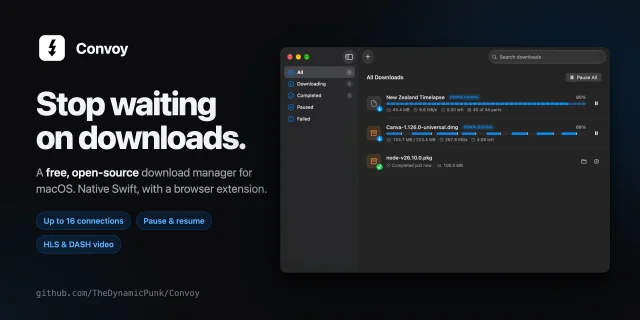
 ConvoyA native download manager for the Mac that picks files up from your browser.Free
 - Cyberduck
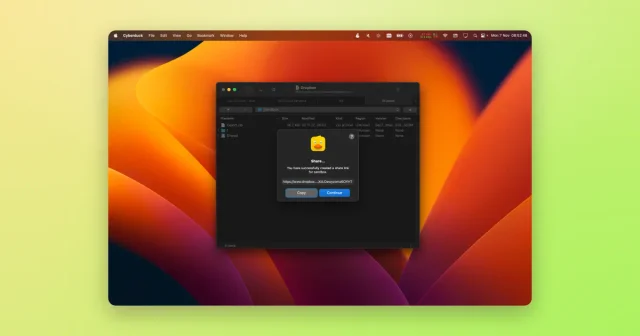
 CyberduckA file browser for FTP, SFTP, WebDAV and cloud storage buckets.Freemium
 - FileNav
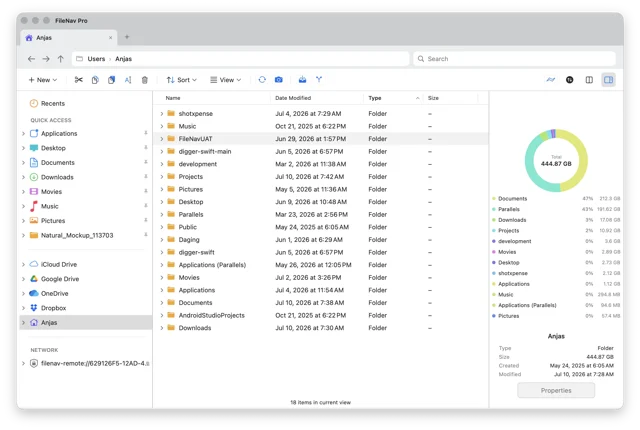
 FileNavA Mac file manager that keeps the Windows Explorer habits your hands know.Paid
 - Postquel
 PostquelA free, native PostgreSQL client for macOS with bring-your-own AIFree