
Screenshots & Recording
Picser
The finishing steps before a screenshot goes out: crop, annotate, frame.
FreemiumFree trial; $8.99 one-time.macOS
By Picser
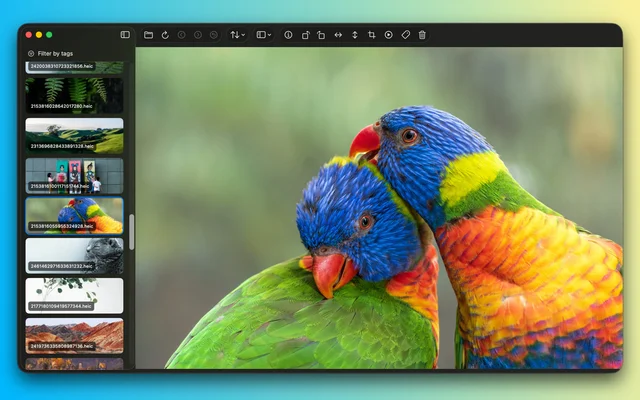
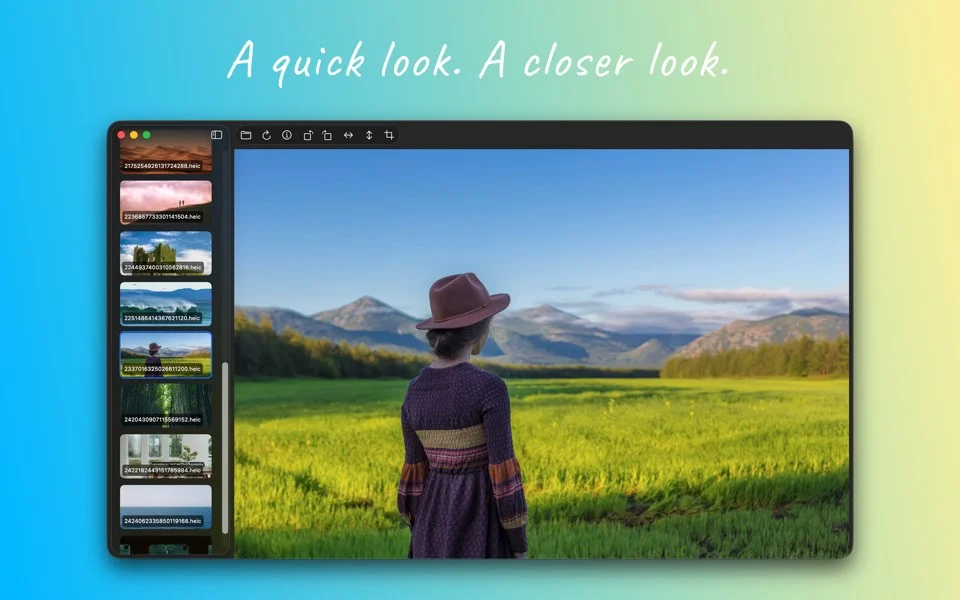
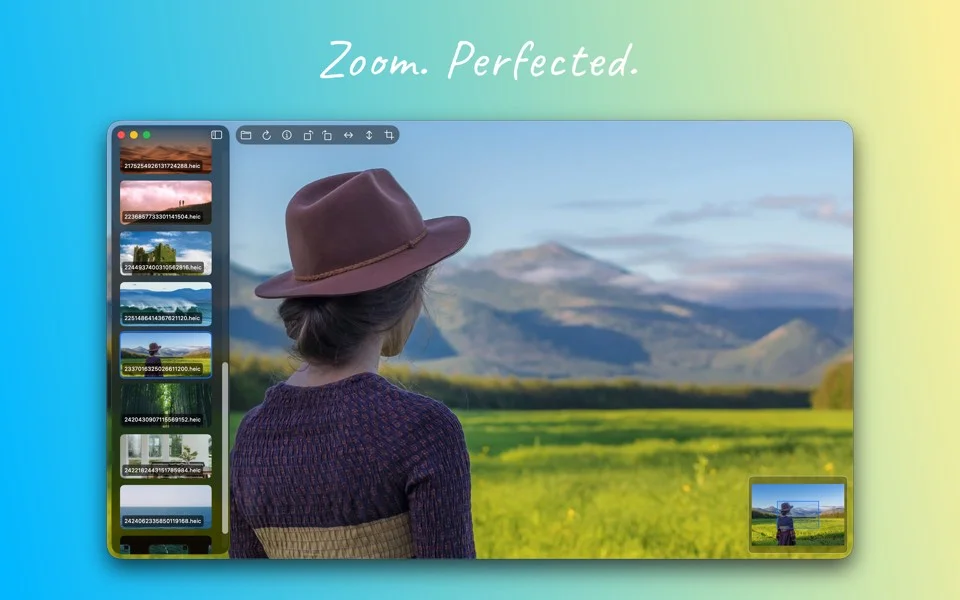
About
Picser takes a screenshot and does the small jobs that normally mean opening a bigger editor: cropping, markup, arrows, blurring something private, and dropping the result into a device frame or a background so it looks deliberate. It is aimed at the screenshot that goes into a post, a ticket or a changelog.
- Price
- Freemium, Free trial; $8.99 one-time.
- Payment
- One-time purchase
- Platforms
- macOS
- Category
- Screenshots & Recording
Featured badge
Make Picser yours: show the badge on its site and the listing marks itself as linked back.

HTML
<a href="https://macgrove.app/apps/picser">
  <img src="https://macgrove.app/badge/picser.svg" alt="Featured on MacGrove" width="236" height="32" />
</a>
Markdown
[](https://macgrove.app/apps/picser)Similar apps
- CleanShot X
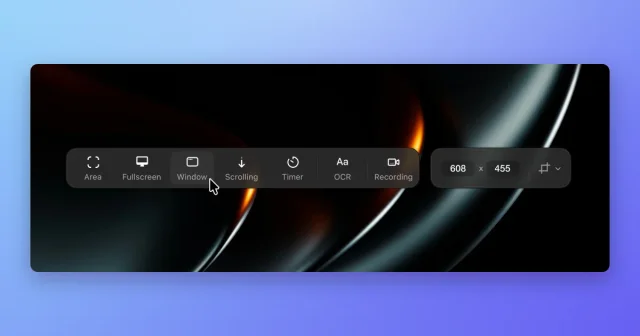
 CleanShot XScreenshot, annotate, record, and upload from one toolbar, with scrolling capture.Paid
 - Frameclip
 FrameclipCapture, mark up, and paste a screenshot into your agent.Free
 - Xnip
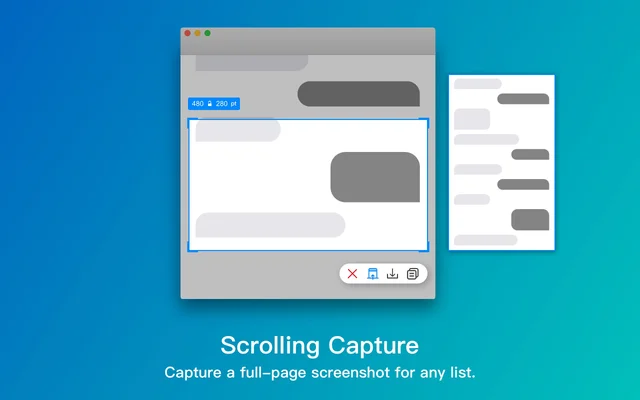
 XnipScreenshots with annotation, scrolling capture and OCR.Freemium
 - Screen Studio
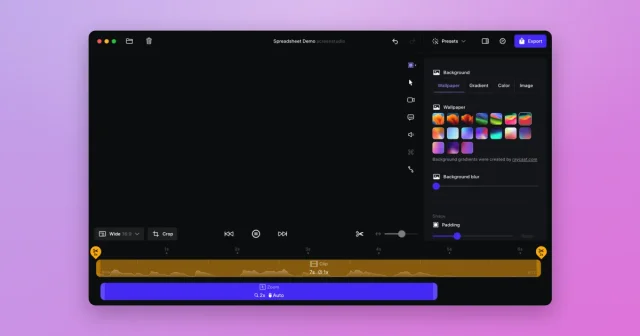
 Screen StudioTop pickScreen recordings that look professionally edited, with automatic zoom and smooth cursor.Paid
 - Acorn
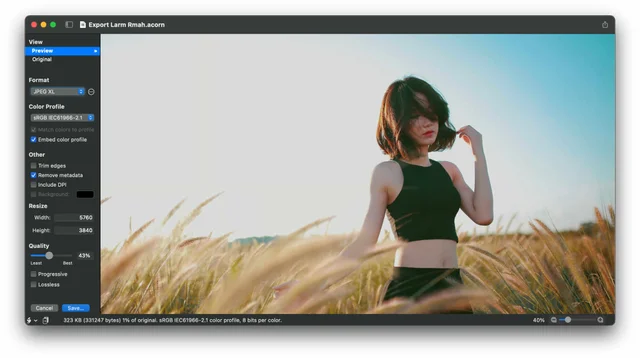
 AcornAn image editor for people who are not professional photographers.Paid
 - Shotbase
 ShotbaseA modern workspace for capturing, editing and sharing screenshots.Paid
 - Black Out
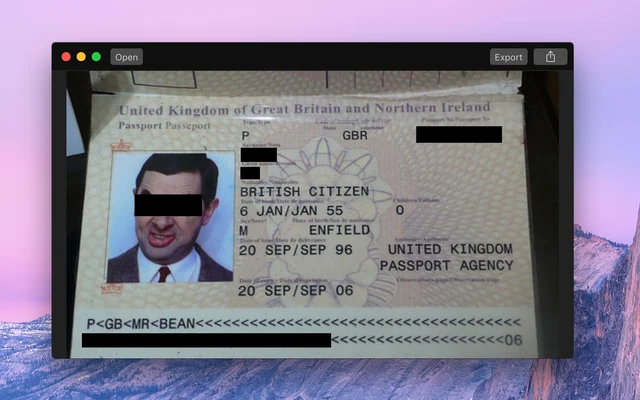
 Black OutCovers the parts of a screenshot that should not be shared.Paid
 - Screen Movie
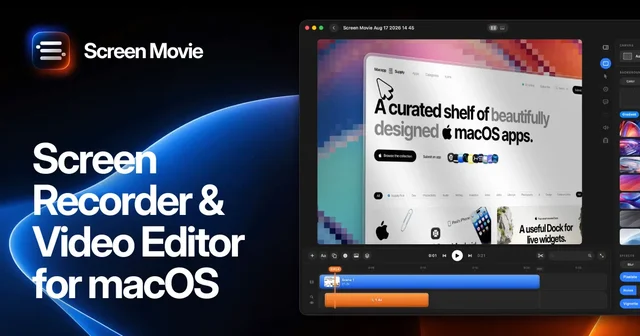
 Screen MovieRecords the screen, then edits the recording as motion.Paid