
Screenshots & Recording
Black Out
Covers the parts of a screenshot that should not be shared.
Paid$4 one-time on the Mac App Store.macOS

About
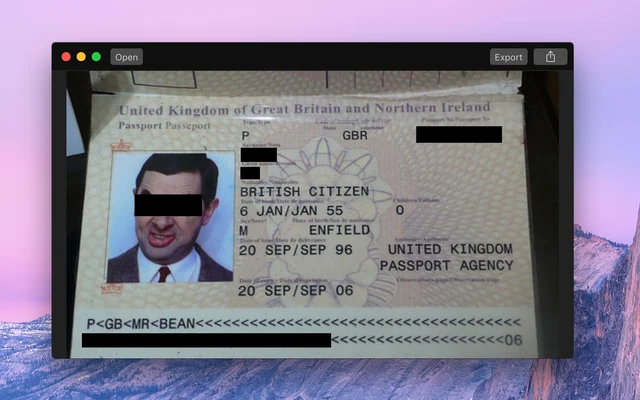
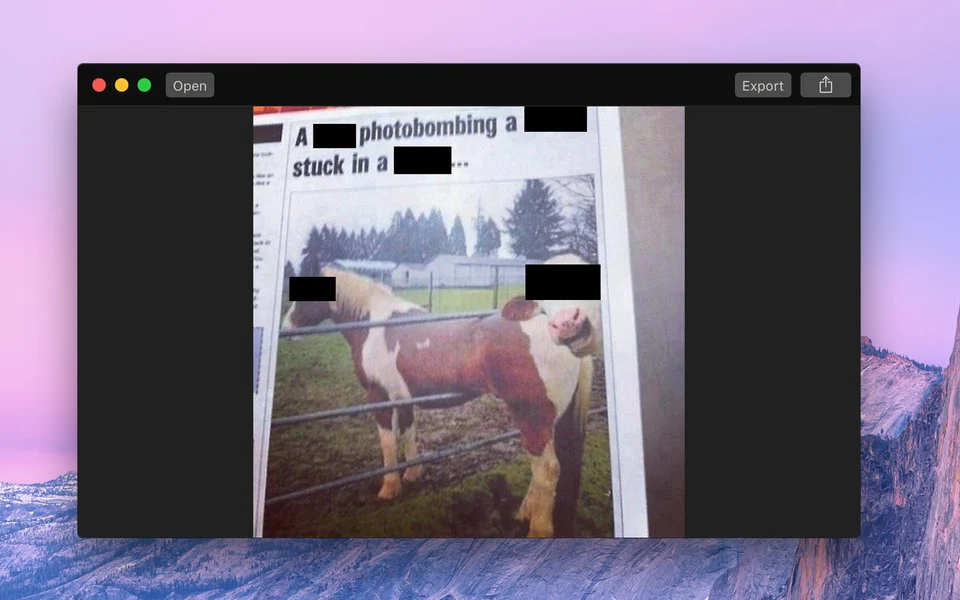
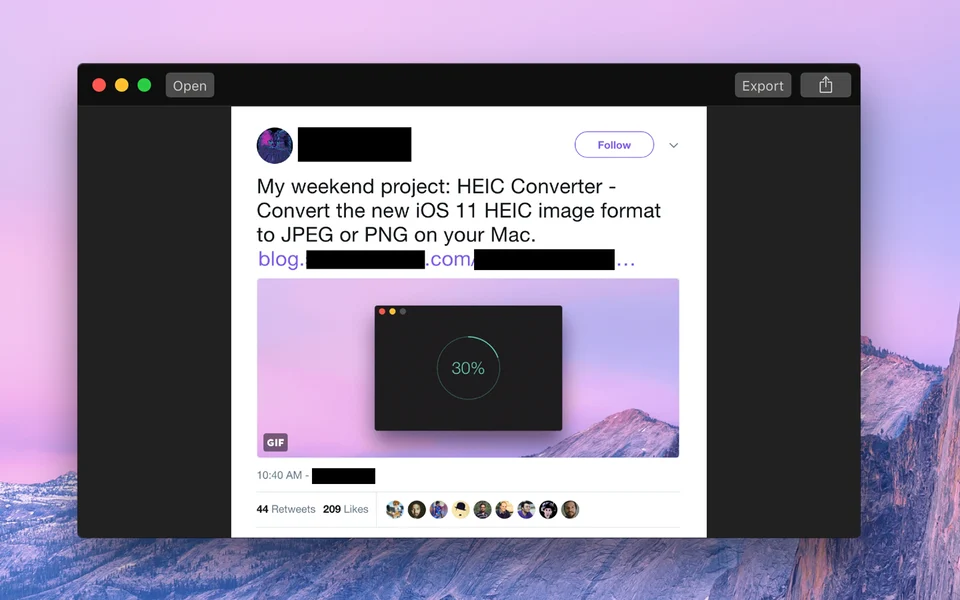
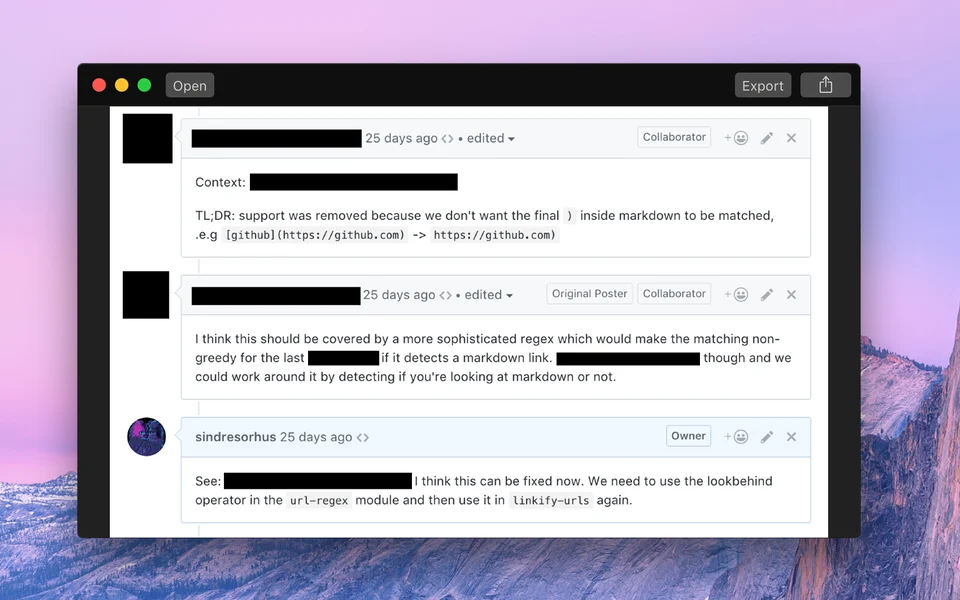
Black Out is for the step between taking a screenshot and sending it somewhere. It hides the names, addresses, account numbers and notification banners that you did not notice when you took the picture, in a way that cannot be reversed by adjusting levels the way a blurred redaction can.
- Price
- Paid, $4 one-time on the Mac App Store.
- Payment
- One-time purchase
- Platforms
- macOS
- Category
- Screenshots & Recording
Featured badge
Make Black Out yours: show the badge on its site and the listing marks itself as linked back.

HTML
<a href="https://macgrove.app/apps/black-out">
  <img src="https://macgrove.app/badge/black-out.svg" alt="Featured on MacGrove" width="263" height="32" />
</a>
Markdown
[](https://macgrove.app/apps/black-out)Similar apps
- Picser
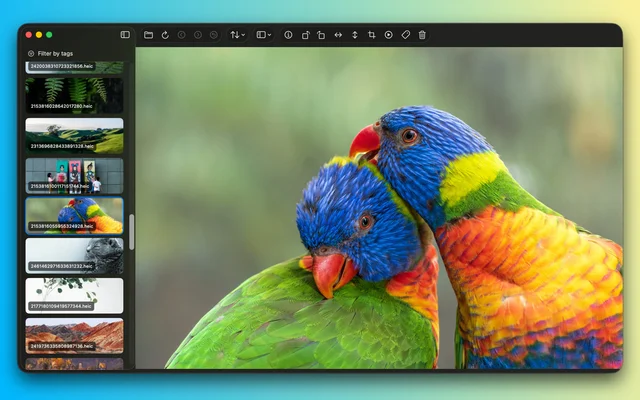
 PicserThe finishing steps before a screenshot goes out: crop, annotate, frame.Freemium
 - Shotbase
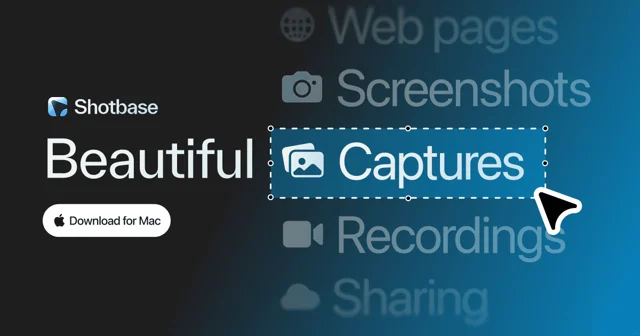
 ShotbaseA modern workspace for capturing, editing and sharing screenshots.Paid
 - Muzzle

 MuzzleSilences notifications the moment you share your screen.Free
 - Frameclip
 FrameclipCapture, mark up, and paste a screenshot into your agent.Free
 - Lapser Studio
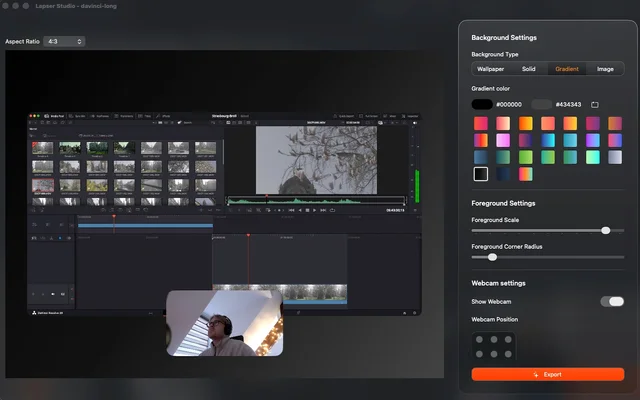
 Lapser StudioRecords the screen, the camera and the microphone as separate tracks.Paid
 - CleanShot X
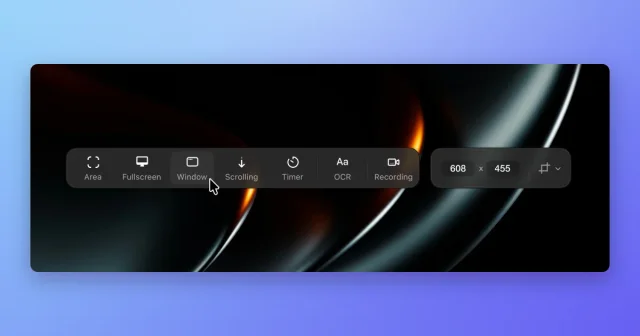
 CleanShot XScreenshot, annotate, record, and upload from one toolbar, with scrolling capture.Paid
 - Screendrop
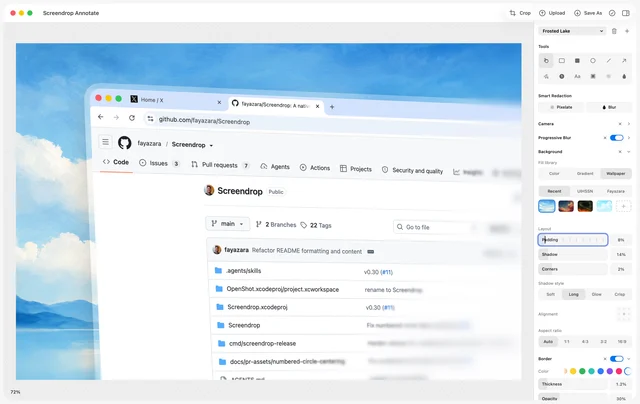
 ScreendropNative screenshots, recordings and self-hosted sharing.Free
 - Screen Studio
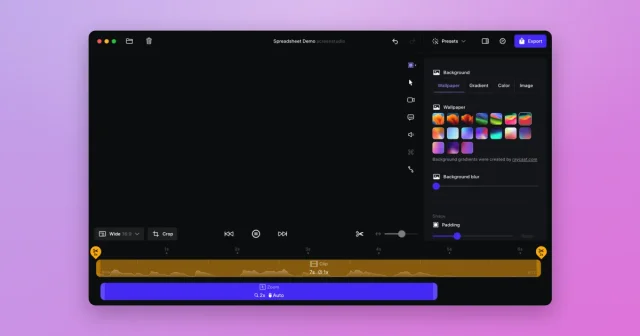
 Screen StudioTop pickScreen recordings that look professionally edited, with automatic zoom and smooth cursor.Paid