Screenshots & Recording
Frameclip
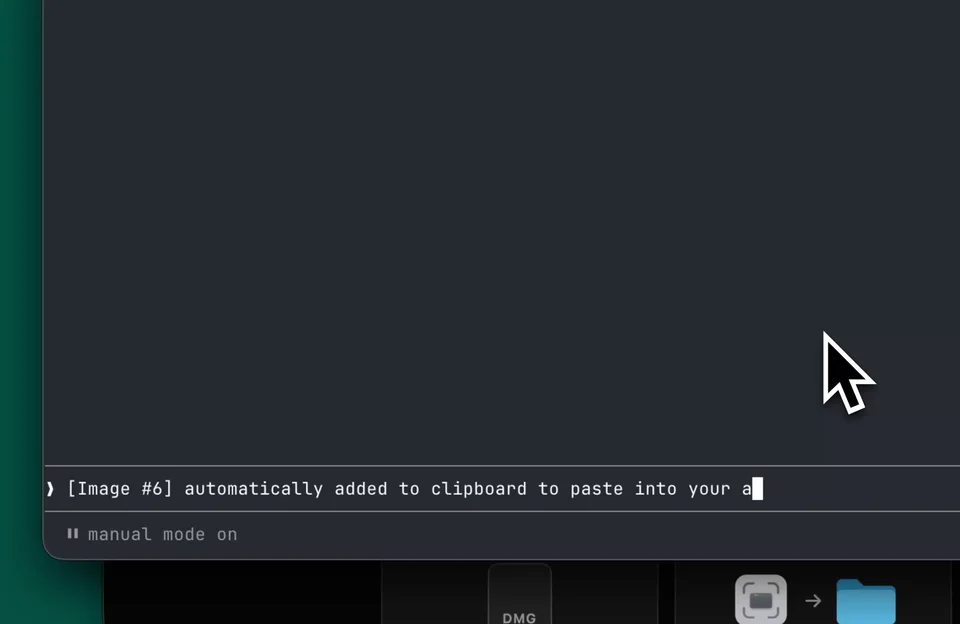
Capture, mark up, and paste a screenshot into your agent.
FreeFree, no account. v0.2.0, 9.9 MB, macOS 13 or later.macOS
By Kazden
About
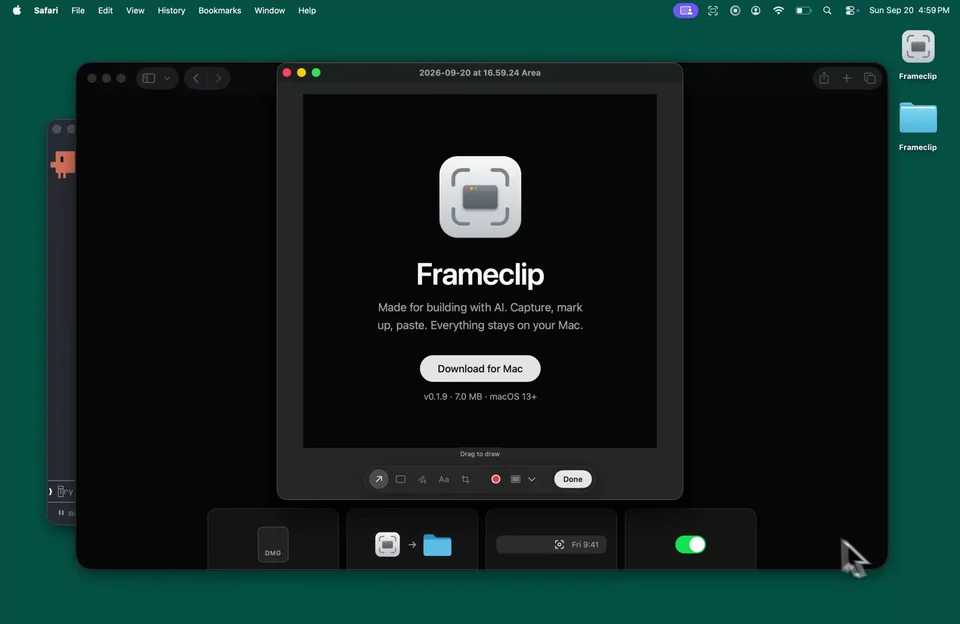
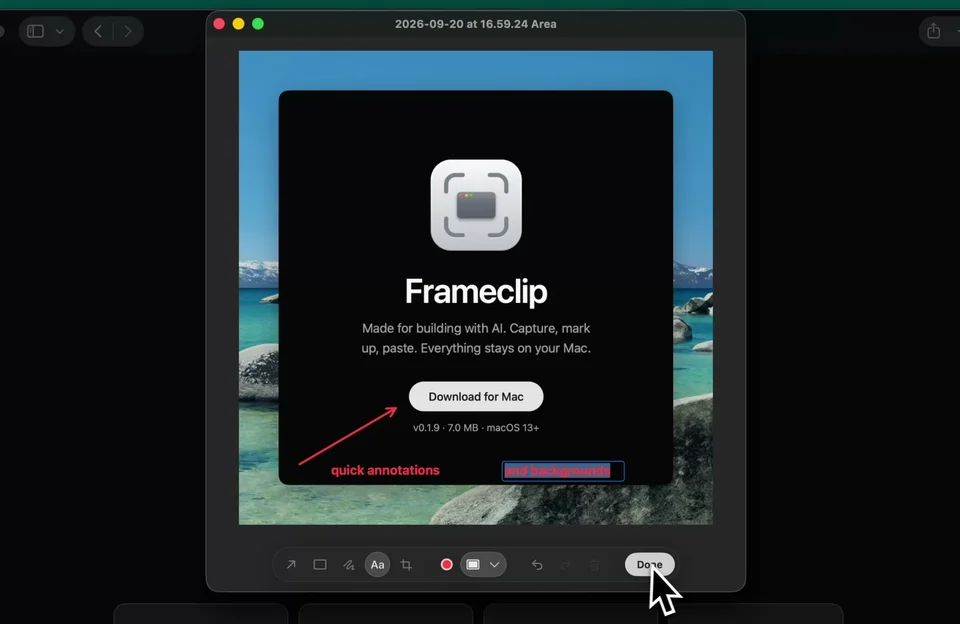
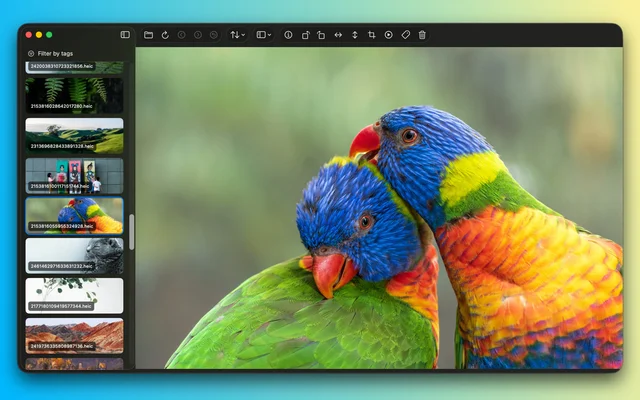
Frameclip is a menu bar app for the screenshots you are going to paste somewhere rather than file away. Press Command Shift 4, drag over the area you want, and the capture opens in a small editor with a toolbar for arrows, rectangles, freehand marks and text. Press Return and the marked up image is on your clipboard, ready for an agent, a chat or a document, while a copy is kept in a Frameclip folder so nothing is lost. Everything stays on the Mac. Needs macOS 13 or later.
- Price
- Free, Free, no account. v0.2.0, 9.9 MB, macOS 13 or later.
- Platforms
- macOS
- Category
- Screenshots & Recording
Featured badge
Make Frameclip yours: show the badge on its site and the listing marks itself as linked back.

HTML
<a href="https://macgrove.app/apps/frameclip">
  <img src="https://macgrove.app/badge/frameclip.svg" alt="Featured on MacGrove" width="265" height="32" />
</a>
Markdown
[](https://macgrove.app/apps/frameclip)Similar apps
- Screendrop
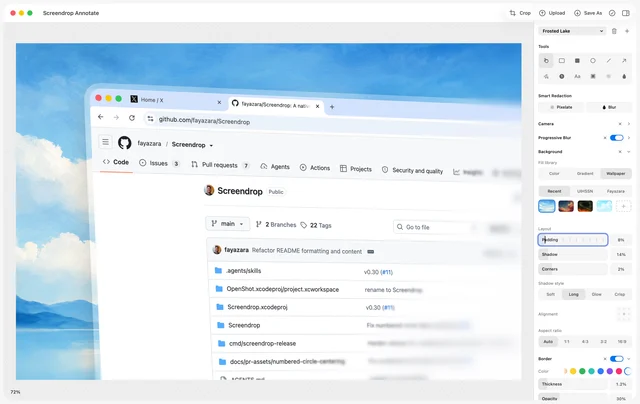
 ScreendropNative screenshots, recordings and self-hosted sharing.Free
 - Screenflick
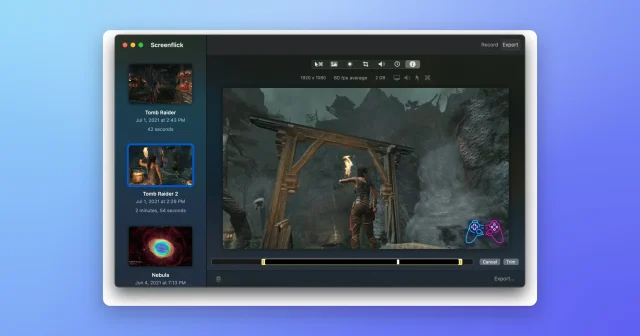
 ScreenflickMac screen recorder with audioPaid
 - Screen Charm
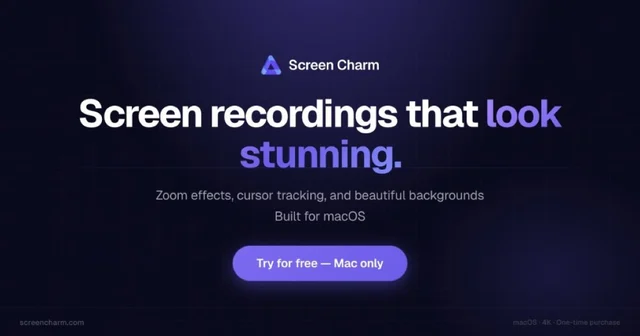
 Screen CharmA Mac screen recorder for videos that look finished.Paid
 - BetterCapture
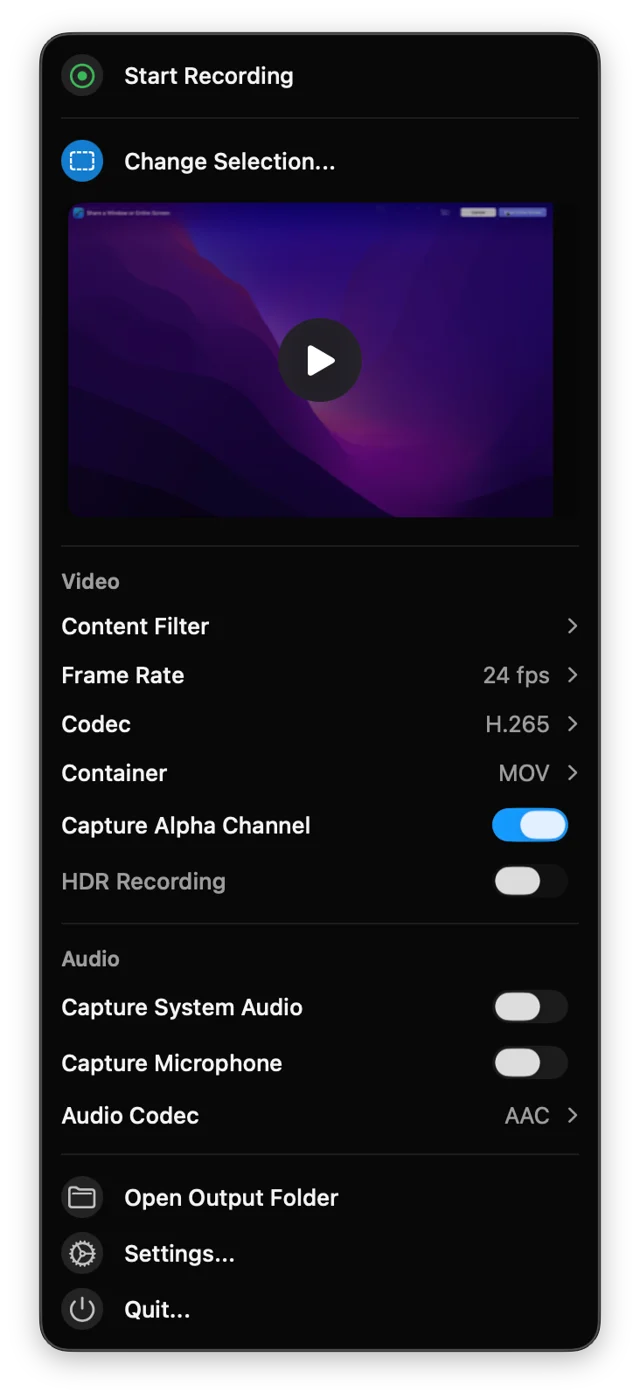
 BetterCaptureFree, open-source screen recorder for the menu bar.Free
 - Screen Movie
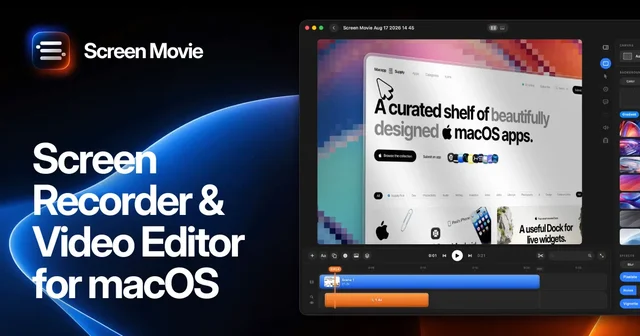
 Screen MovieRecords the screen, then edits the recording as motion.Paid
 - Pastea
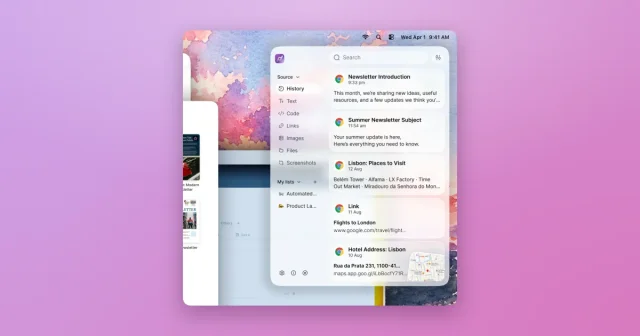
 PasteaSearchable clipboard history for macOS that remembers everything you copy.Paid
 - OpenScreen
 OpenScreenFree, open-source screen recorder with auto zooms, captions and smooth cursors.Free
 - Picser
 PicserThe finishing steps before a screenshot goes out: crop, annotate, frame.Freemium