CleanShot X
v5.0.1Screenshot, annotate, record, and upload from one toolbar, with scrolling capture.
Paid$35 one-time with 1 year of updates ($19/yr renewal); Pro $10/user/mo billed annually; also in SetappmacOS

About
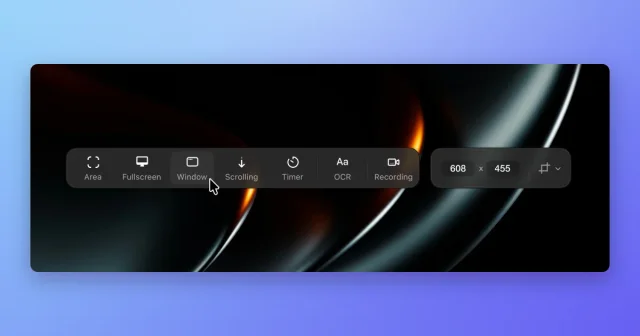
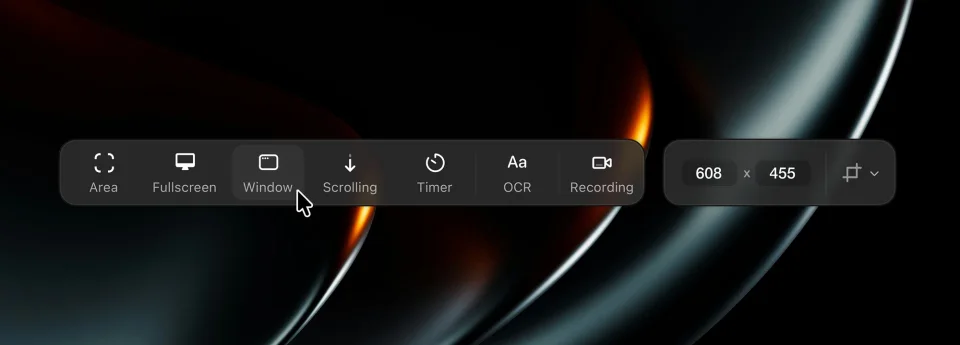
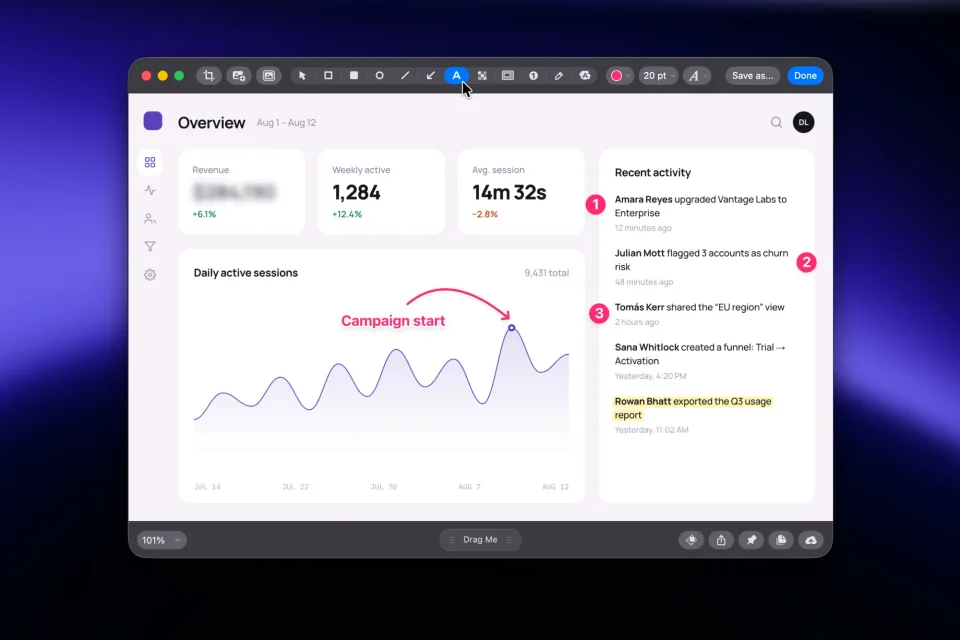
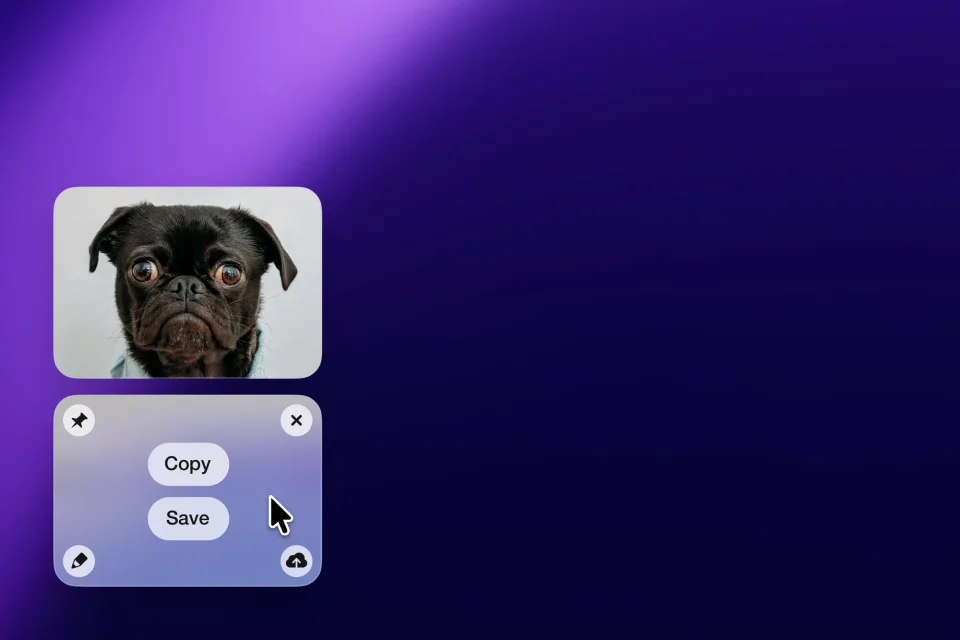
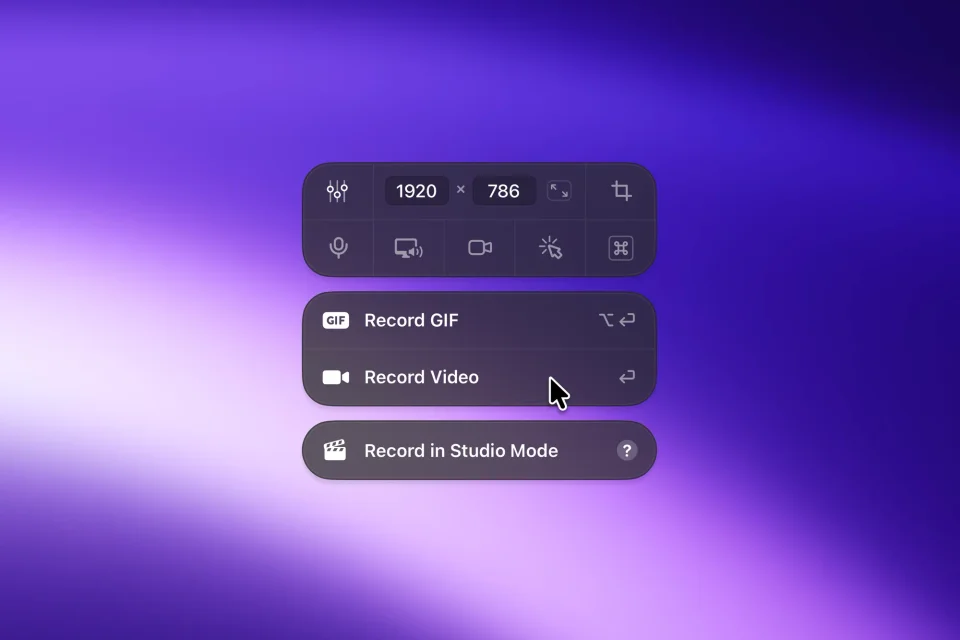
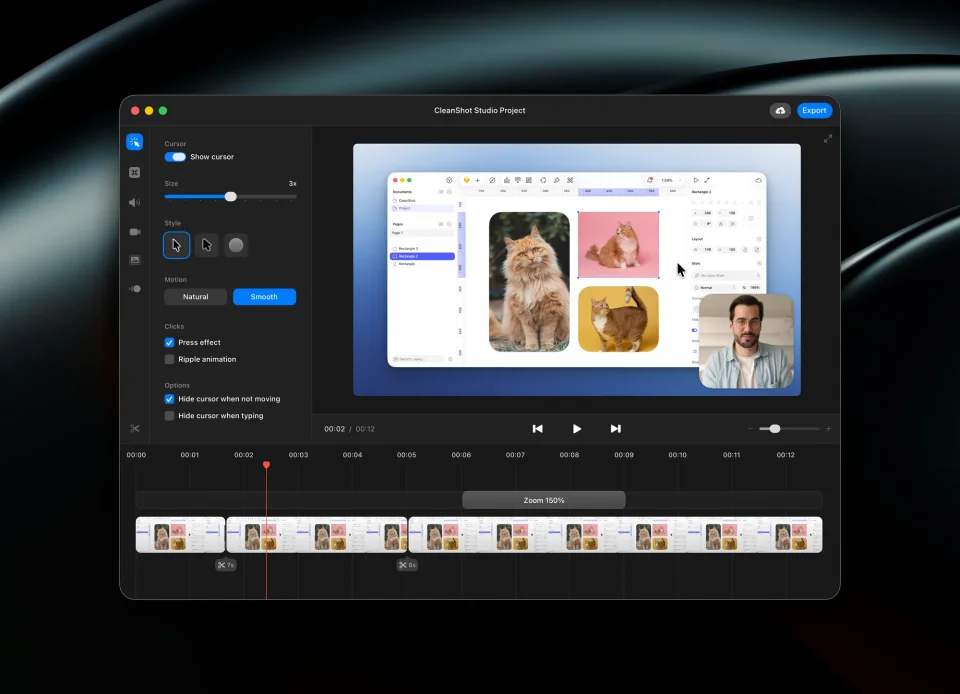
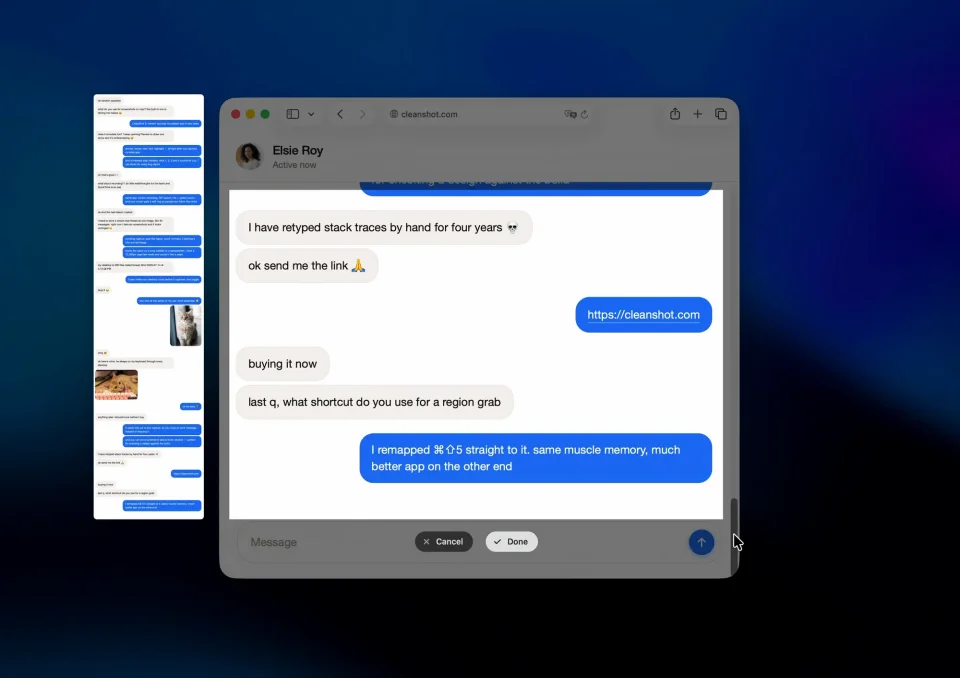
CleanShot X replaces the built-in screenshot shortcuts with a small toolbar that covers every way you capture a screen: a freehand area, a window, the whole screen, a timed shot, a scrolling capture that stitches a long page, and even text recognition that pulls the words out of an image. Captures open in an annotation editor with arrows, shapes, text, highlights, blur and pixel-level resizing, and the floating overlay keeps your recent shots within reach for dragging into another app or uploading to CleanShot Cloud with a link you can share. The same app records the screen as video with webcam, keystrokes, cursor effects and adjustable zooms, and hides the desktop icons when you need a clean background. It requires macOS 13 or later.
- Price
- Paid, $35 one-time with 1 year of updates ($19/yr renewal); Pro $10/user/mo billed annually; also in Setapp
- Payment
- One-time purchase or subscription, with in-app purchases
- Version
- 5.0.1
- Platforms
- macOS
- Category
- Screenshots & Recording
Featured badge
Make CleanShot X yours: show the badge on its site and the listing marks itself as linked back.

<a href="https://macgrove.app/apps/cleanshot-x">
  <img src="https://macgrove.app/badge/cleanshot-x.svg" alt="Featured on MacGrove" width="283" height="32" />
</a>[](https://macgrove.app/apps/cleanshot-x)Similar apps
- Xnip
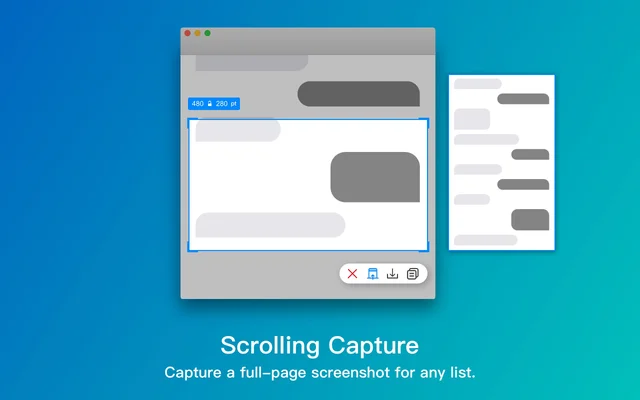
 XnipScreenshots with annotation, scrolling capture and OCR.Freemium
 - OpenScreen
 OpenScreenFree, open-source screen recorder with auto zooms, captions and smooth cursors.Free
 - BetterCapture
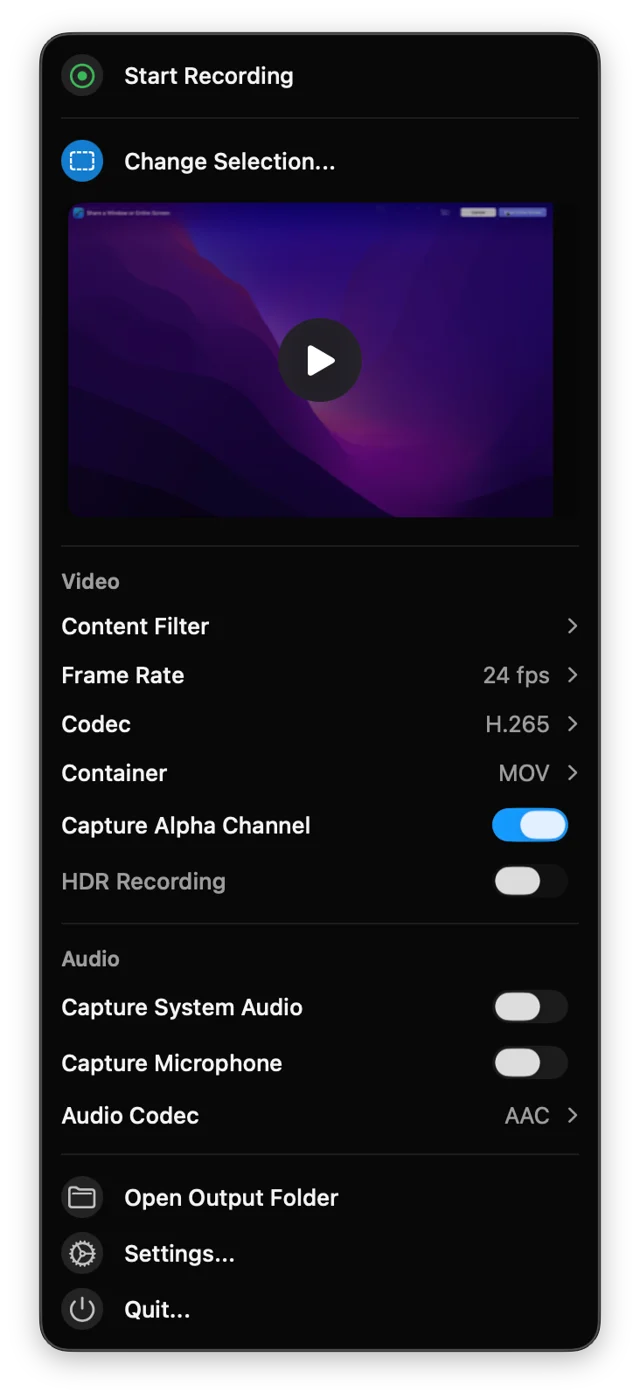
 BetterCaptureFree, open-source screen recorder for the menu bar.Free
 - Shottr
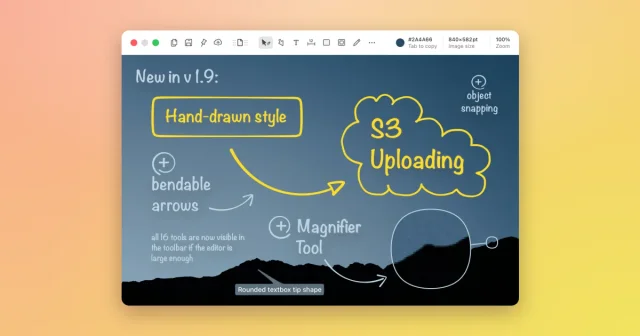
 ShottrTop pickA fast screenshot tool with scrolling capture, OCR, pixel measuring, and annotations.Freemium
 - Snapzy
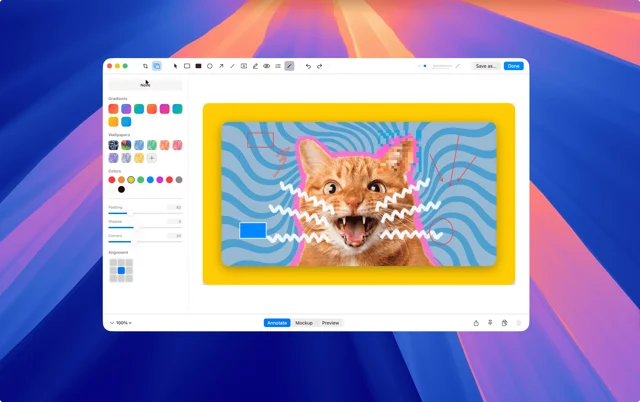
 SnapzyTop pickFree, open-source screenshot and screen recording app.Free
 - Assist
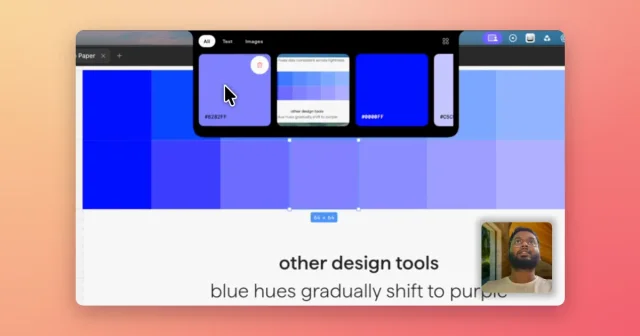
 AssistVoice-annotated screenshots, full-screen captures and clipboard history in the notch.Paid
 - Picser
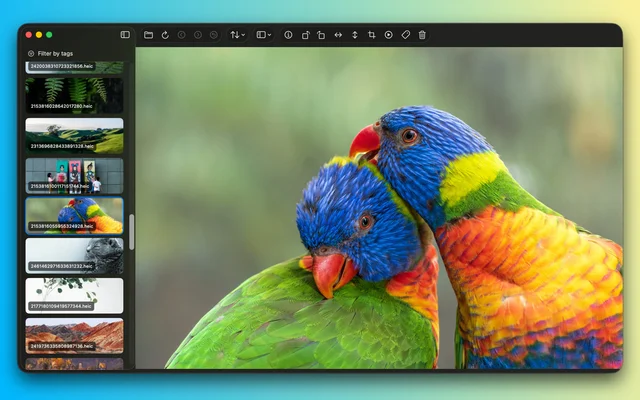
 PicserThe finishing steps before a screenshot goes out: crop, annotate, frame.Freemium
 - Frameclip
 FrameclipCapture, mark up, and paste a screenshot into your agent.Free