Productivity
Presentify
About
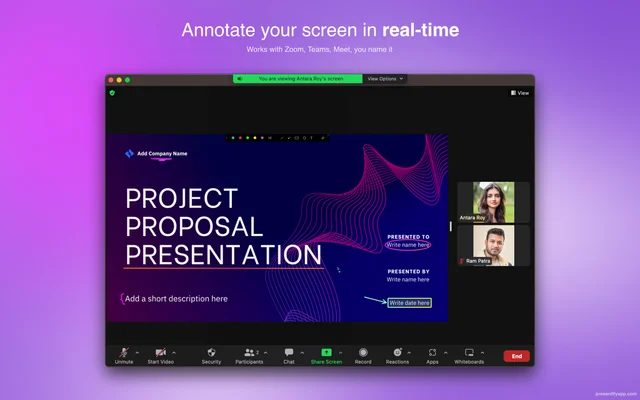
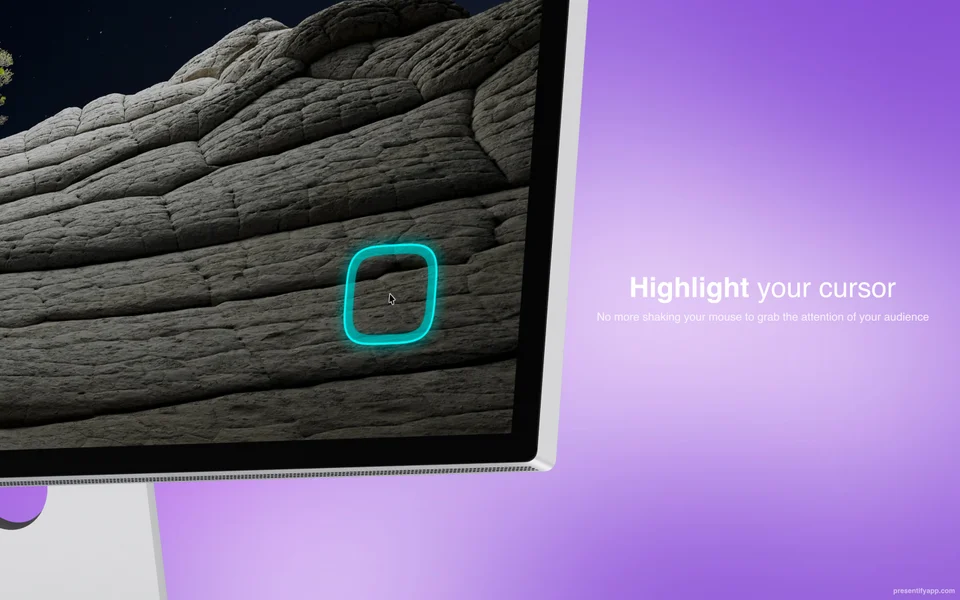
Presentify puts an annotation layer over anything on screen, so a lesson, a demo or a code walkthrough can be pointed at and marked up as it happens. It includes a spotlight and cursor highlighting for recordings where the pointer is otherwise easy to lose, and it stays out of the way until a shortcut brings it up.
- Price
- Paid, $14.99 one-time.
- Payment
- One-time purchase
- Platforms
- macOS
- Category
- Productivity
Featured badge
Make Presentify yours: show the badge on its site and the listing marks itself as linked back.

HTML
<a href="https://macgrove.app/apps/presentify">
  <img src="https://macgrove.app/badge/presentify.svg" alt="Featured on MacGrove" width="266" height="32" />
</a>
Markdown
[](https://macgrove.app/apps/presentify)Similar apps
- Picser
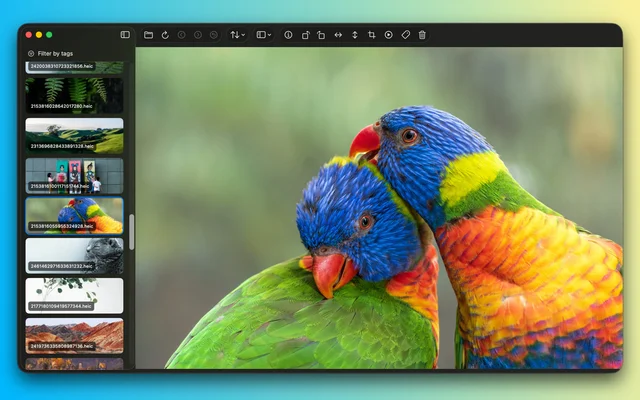
 PicserThe finishing steps before a screenshot goes out: crop, annotate, frame.Freemium
 - Assist
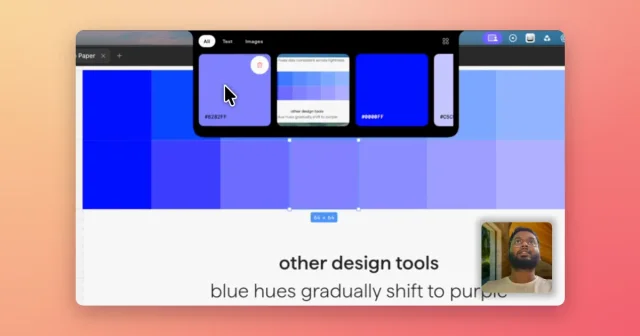
 AssistVoice-annotated screenshots, full-screen captures and clipboard history in the notch.Paid
 - Notion
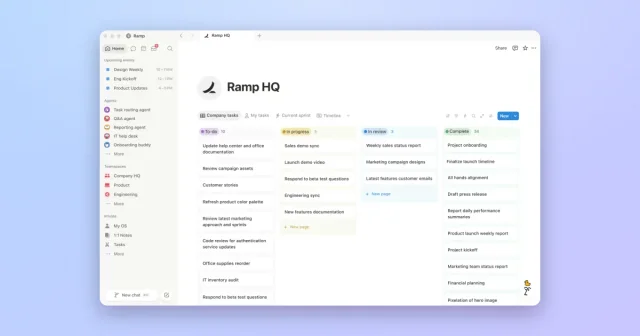
 NotionTop pickOne workspace for notes, checklists, databases, and personal plans.Freemium
 - DrawSimple
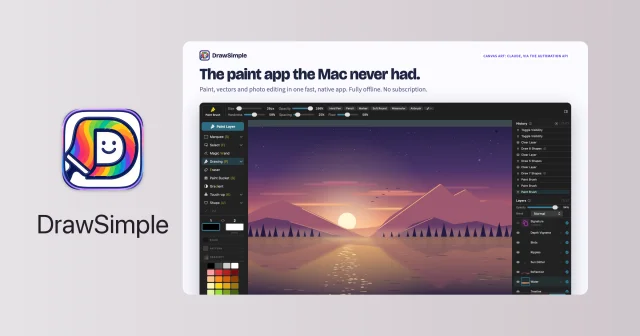
 DrawSimplePainting, photo editing and vector drawing in one small native editor.Paid
 - Screen Charm
 Screen CharmA Mac screen recorder for videos that look finished.Paid
 - CleanShot X
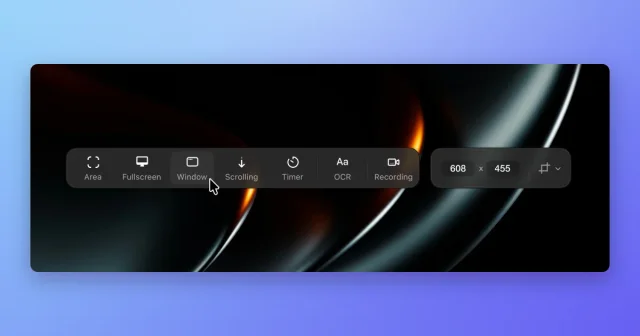
 CleanShot XScreenshot, annotate, record, and upload from one toolbar, with scrolling capture.Paid
 - Screen Studio
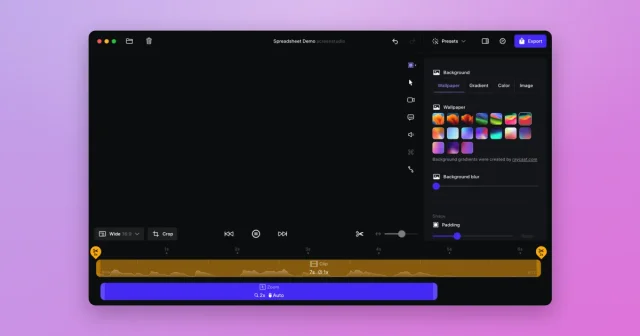
 Screen StudioTop pickScreen recordings that look professionally edited, with automatic zoom and smooth cursor.Paid
 - Remind
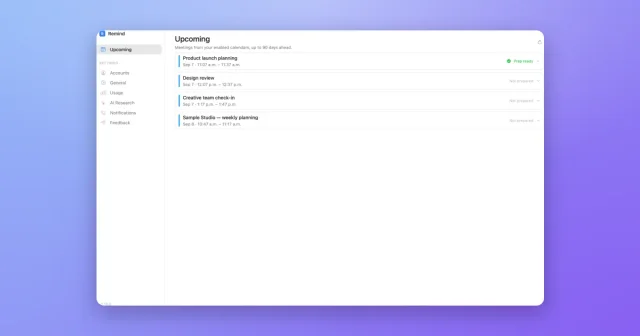
 RemindFull-screen Mac meeting reminders with an AI briefing on who you are meeting.Paid