Utilities
Recordia
Starts an audio recording from the menu bar in one click.
FreeFree on the Mac App Store.macOS

About
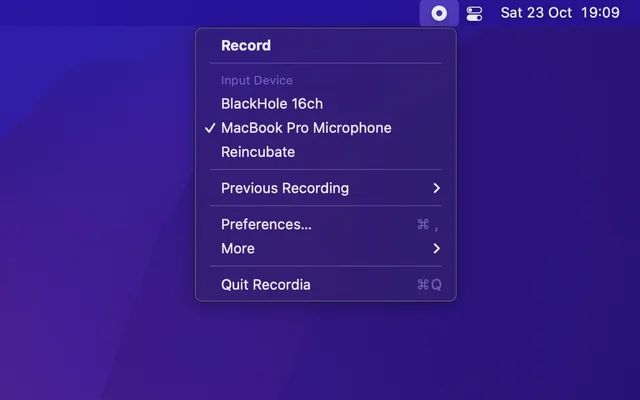
Recordia is a recorder with no setup: click the menu bar item, the recording starts, click again and it is saved. The output is a normal audio file, so the recording can go straight into whatever comes next. It is for the quick voice note rather than the studio session.
- Price
- Free, Free on the Mac App Store.
- Platforms
- macOS
- Category
- Utilities
Featured badge
Make Recordia yours: show the badge on its site and the listing marks itself as linked back.

HTML
<a href="https://macgrove.app/apps/recordia">
  <img src="https://macgrove.app/badge/recordia.svg" alt="Featured on MacGrove" width="256" height="32" />
</a>
Markdown
[](https://macgrove.app/apps/recordia)Similar apps
- Lapser Studio
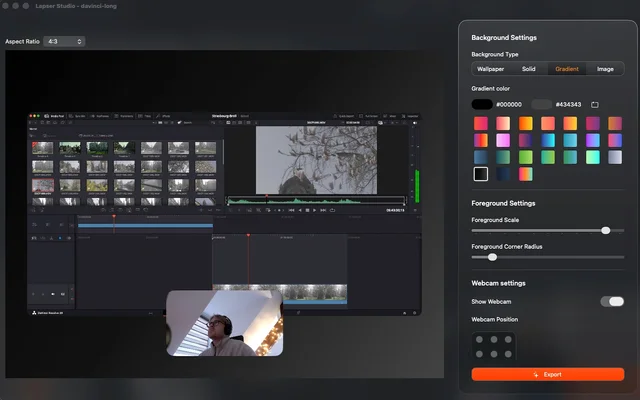
 Lapser StudioRecords the screen, the camera and the microphone as separate tracks.Paid
 - Aiko
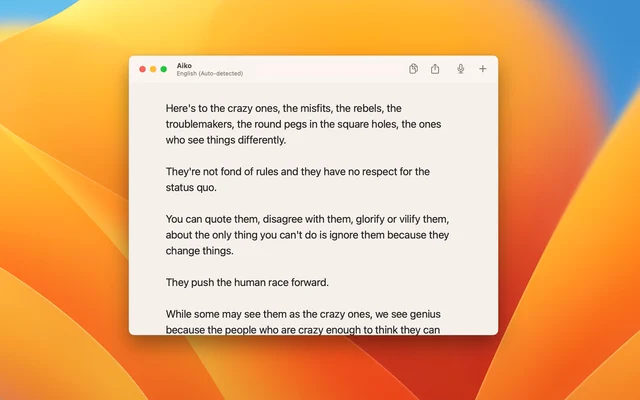
 AikoTranscribes audio on the Mac, using Whisper without the cloud.Paid
 - Biscotti
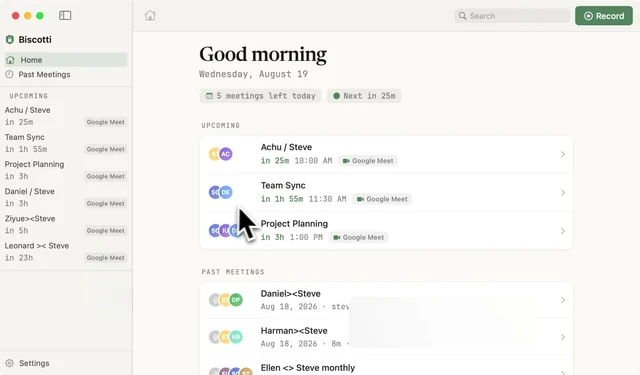
 BiscottiMeeting transcripts that never leave the Mac.Free
 - Audio Hijack

 Audio HijackRecords and processes the audio from any app on the Mac.Paid
 - Screenflick
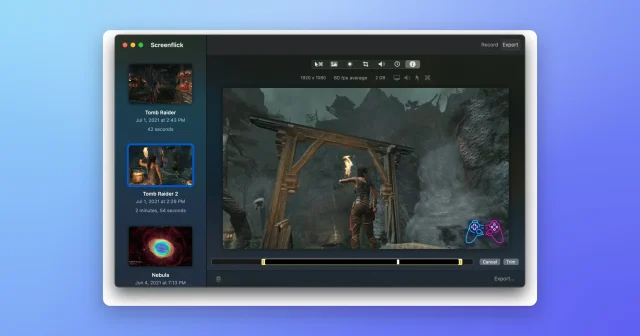
 ScreenflickMac screen recorder with audioPaid
 - Cap
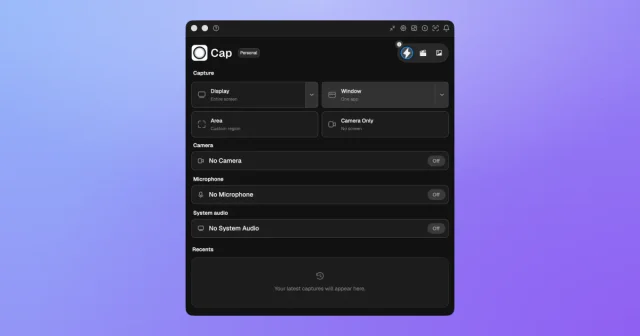
 CapTop pickAn open-source screen recorder with a studio editor and shareable links.Freemium
 - Screen Charm
 Screen CharmA Mac screen recorder for videos that look finished.Paid
 - Screen Movie
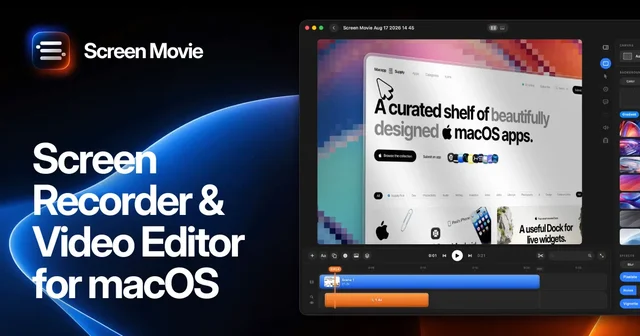
 Screen MovieRecords the screen, then edits the recording as motion.Paid