
Screenshots & Recording
Lapser Studio
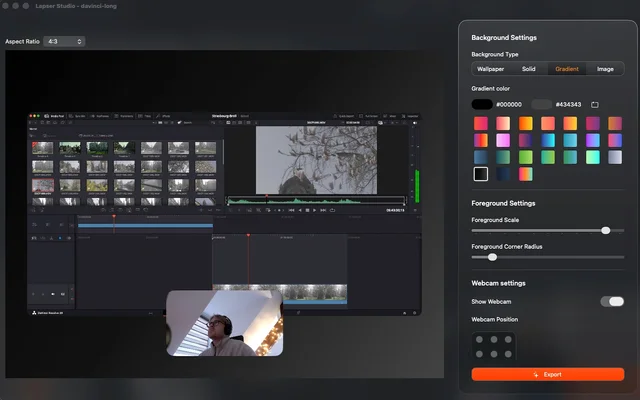
Records the screen, the camera and the microphone as separate tracks.
Paid$30 one-time, lifetime licence.macOS
About
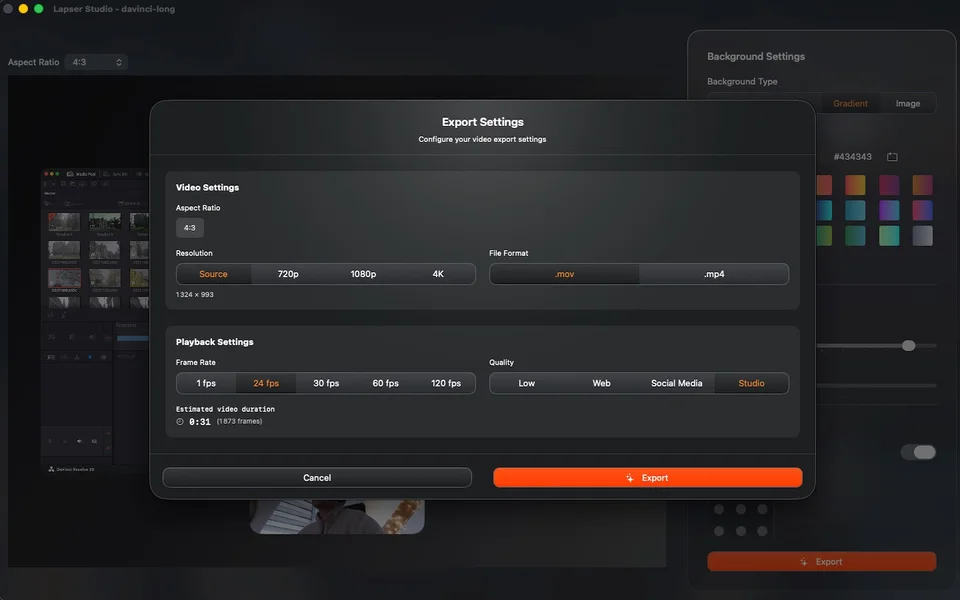
Lapser Studio records a screen, a webcam and a microphone at once and keeps them as separate sources, so the edit afterwards can cut between them rather than being stuck with whatever was baked in. It is aimed at product demos, tutorials and the kind of recording that needs a face and a screen at the same time.
- Price
- Paid, $30 one-time, lifetime licence.
- Payment
- One-time purchase
- Platforms
- macOS
- Category
- Screenshots & Recording
Featured badge
Make Lapser Studio yours: show the badge on its site and the listing marks itself as linked back.

HTML
<a href="https://macgrove.app/apps/lapser-studio">
  <img src="https://macgrove.app/badge/lapser-studio.svg" alt="Featured on MacGrove" width="294" height="32" />
</a>
Markdown
[](https://macgrove.app/apps/lapser-studio)Similar apps
- Screen Studio
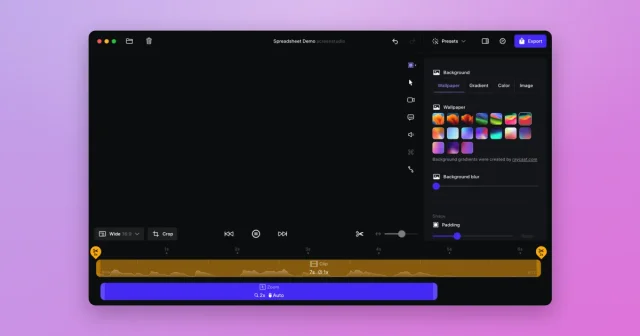
 Screen StudioTop pickScreen recordings that look professionally edited, with automatic zoom and smooth cursor.Paid
 - Screen Movie
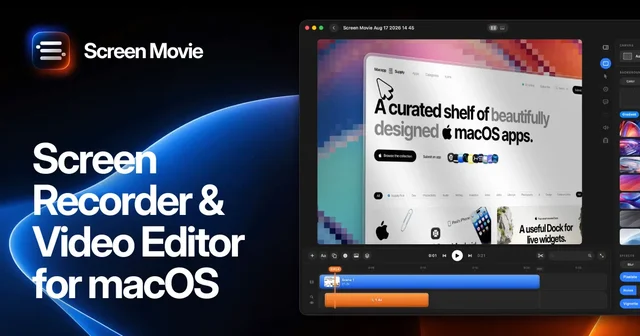
 Screen MovieRecords the screen, then edits the recording as motion.Paid
 - Cap
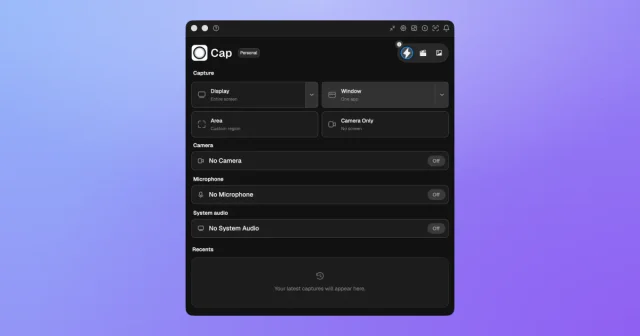
 CapTop pickAn open-source screen recorder with a studio editor and shareable links.Freemium
 - OpenScreen
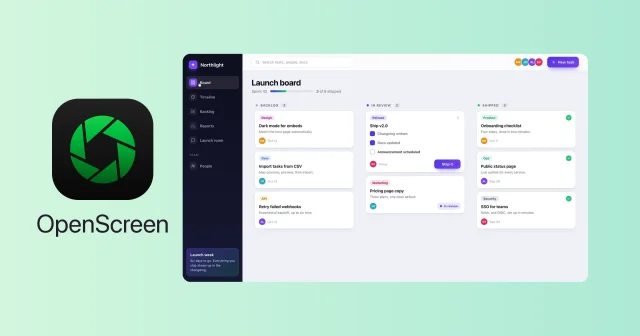
 OpenScreenFree, open-source screen recorder with auto zooms, captions and smooth cursors.Free
 - Screenflick
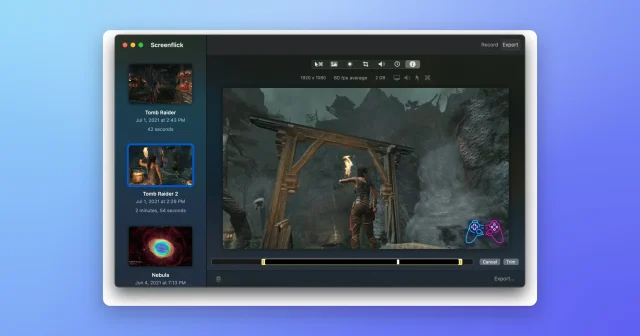
 ScreenflickMac screen recorder with audioPaid
 - FrameOS
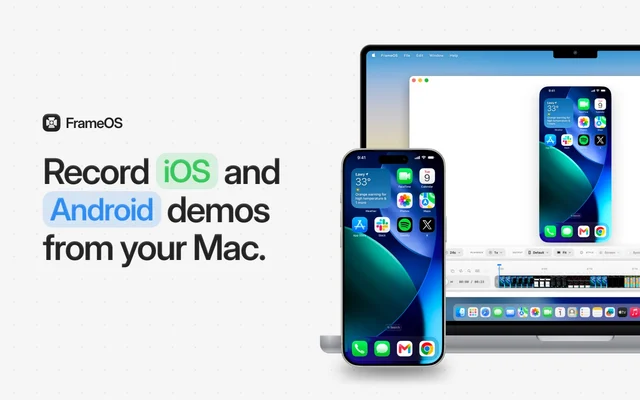
 FrameOSRecords polished iOS and Android app demos straight from your Mac.Paid
 - Picser
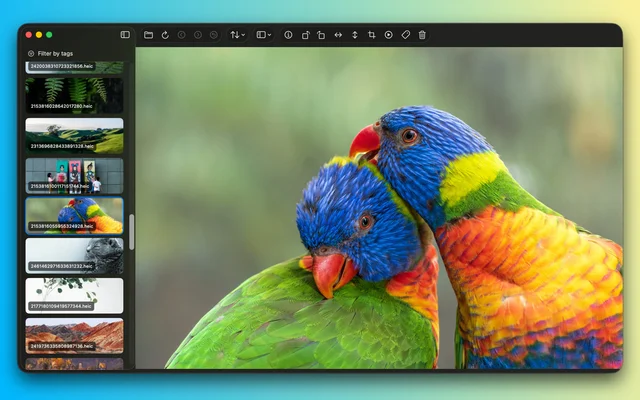
 PicserThe finishing steps before a screenshot goes out: crop, annotate, frame.Freemium
 - Screendrop
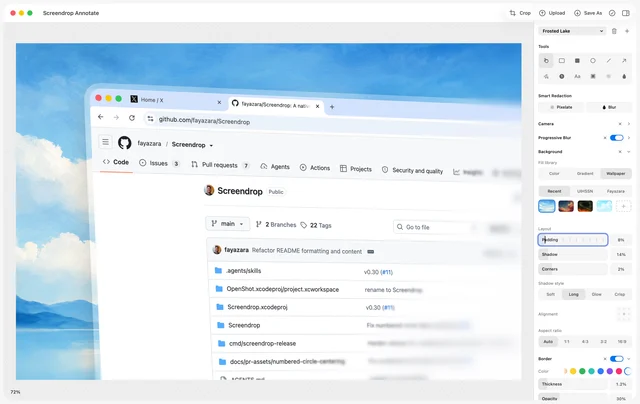
 ScreendropNative screenshots, recordings and self-hosted sharing.Free