
Design
System Color Picker
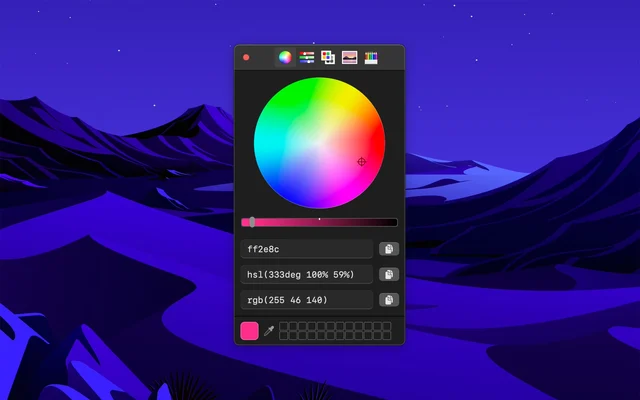
The macOS colour picker, with the details it usually hides.
FreeFree on the Mac App Store.macOS

About
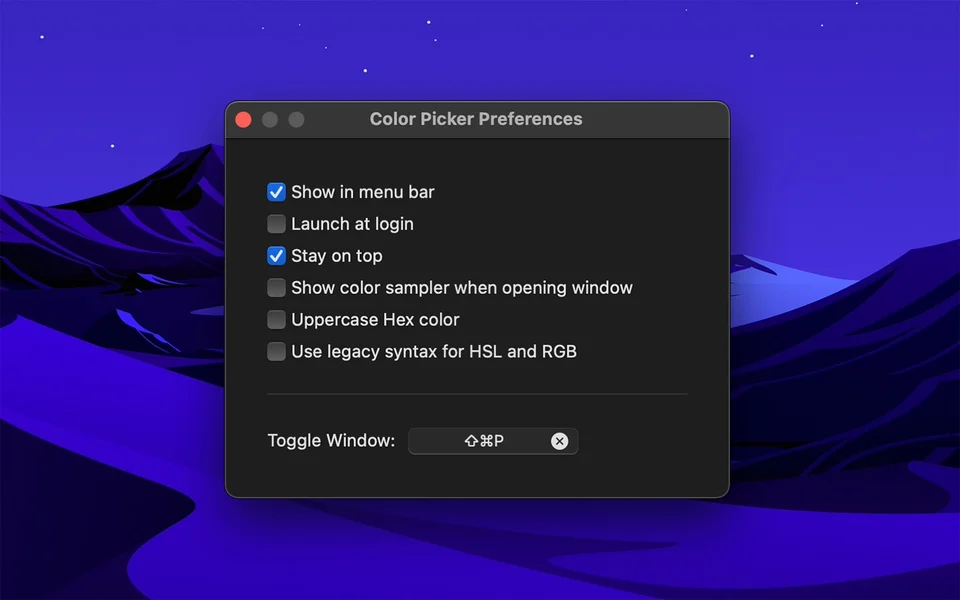
System Color Picker keeps the picker macOS already has and adds what it leaves out: the colour in whichever format you need, a history of what you picked recently, and the ability to hold a palette of favourites. Because it is the system picker, it works anywhere a colour can be chosen.
- Price
- Free, Free on the Mac App Store.
- Platforms
- macOS
- Category
- Design
Featured badge
Make System Color Picker yours: show the badge on its site and the listing marks itself as linked back.

HTML
<a href="https://macgrove.app/apps/system-color-picker">
  <img src="https://macgrove.app/badge/system-color-picker.svg" alt="Featured on MacGrove" width="346" height="32" />
</a>
Markdown
[](https://macgrove.app/apps/system-color-picker)Similar apps
- PixelColor
 PixelColorA professional colour picker for the Mac.Paid
 - Pika
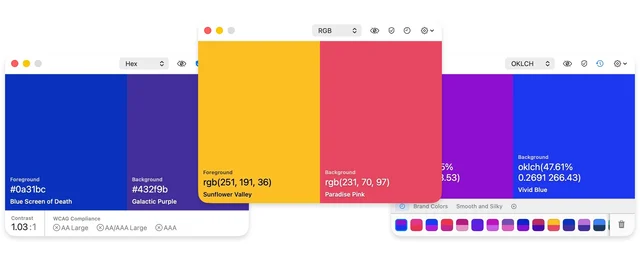
 PikaOpen-source colour picker with built-in contrast checks.Freemium
 - Sip
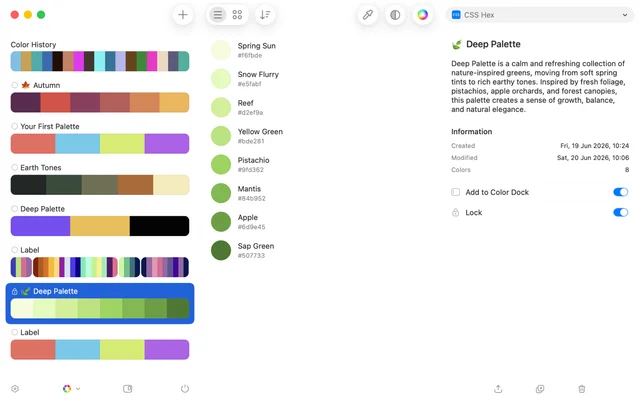
 SipPicks, organises and shares colours across a project.Paid
 - Simple Color Palette
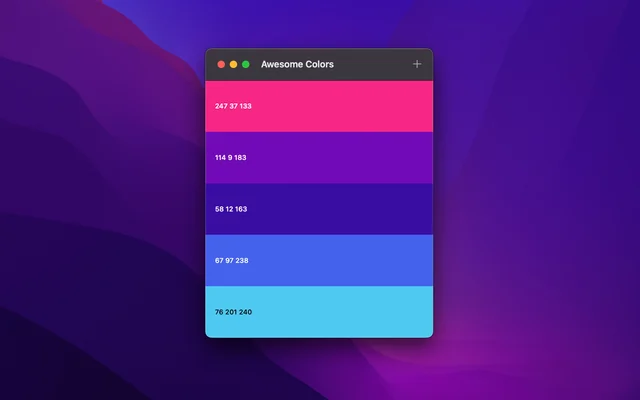
 Simple Color PaletteBuilds colour palettes and keeps them where you can find them.Free
 - ColorSlurp
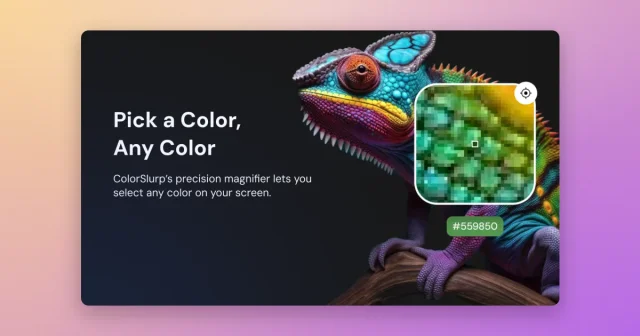
 ColorSlurpA colour picker that reads any pixel and copies it in the format you need.Freemium
 - Sketch

 SketchThe Mac-native tool for designing interfaces and symbols.Paid
 - Pictogram
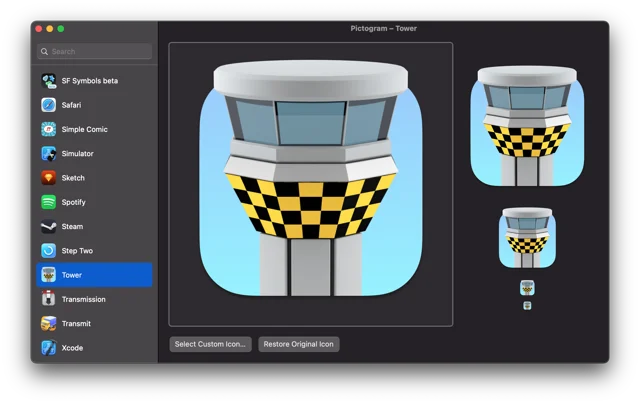
 PictogramCustom app icons that survive the next app update.Free
 - Flairy
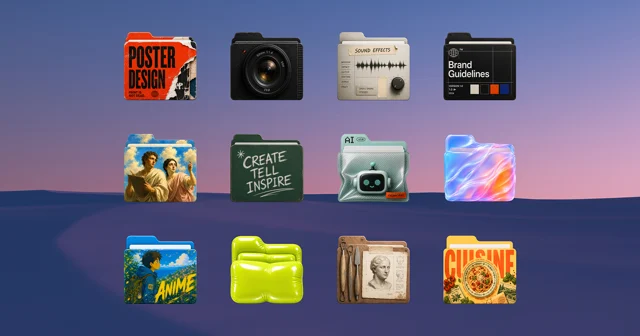
 FlairyGives your macOS folders personality with custom icons.Free