
Design
PixelColor
About
PixelColor reads the colour under the pointer and hands it back in whichever notation you need, with a magnified loupe for picking single pixels accurately. It keeps a history and a set of saved palettes, so a colour chosen yesterday can be found again today. It is a one-time purchase on the Mac App Store.
- Price
- Paid, $6.99 one-time on the Mac App Store.
- Payment
- One-time purchase
- Platforms
- macOS
- Category
- Design
Featured badge
Make PixelColor yours: show the badge on its site and the listing marks itself as linked back.

HTML
<a href="https://macgrove.app/apps/pixelcolor">
  <img src="https://macgrove.app/badge/pixelcolor.svg" alt="Featured on MacGrove" width="269" height="32" />
</a>
Markdown
[](https://macgrove.app/apps/pixelcolor)Similar apps
- ColorSlurp
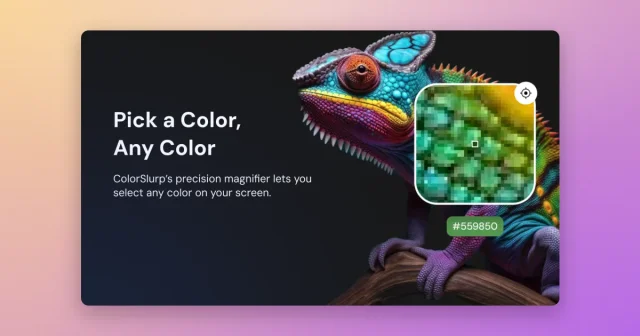
 ColorSlurpA colour picker that reads any pixel and copies it in the format you need.Freemium
 - System Color Picker
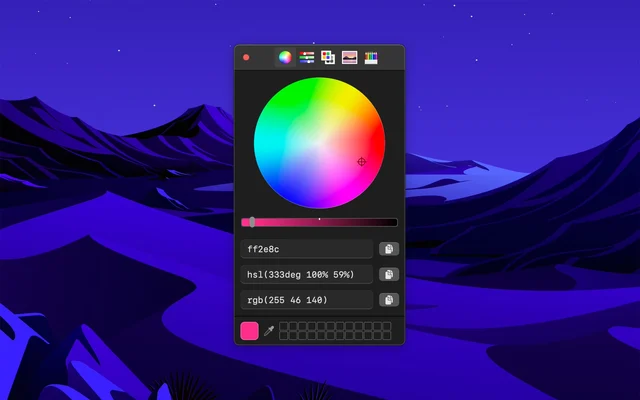
 System Color PickerThe macOS colour picker, with the details it usually hides.Free
 - Pika
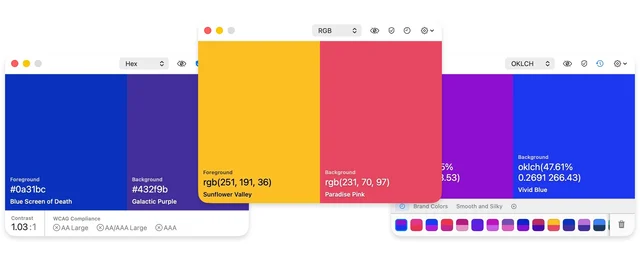
 PikaOpen-source colour picker with built-in contrast checks.Freemium
 - Sip
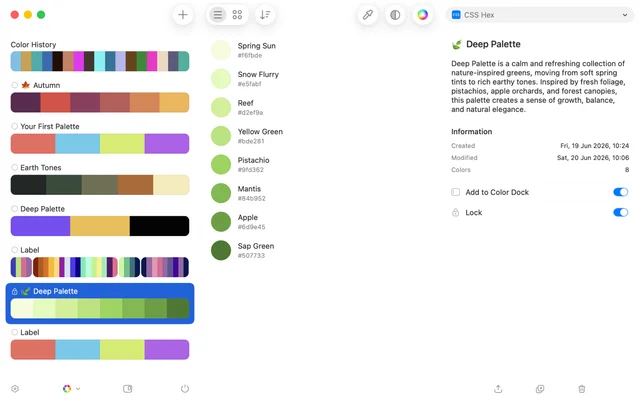
 SipPicks, organises and shares colours across a project.Paid
 - Simple Color Palette
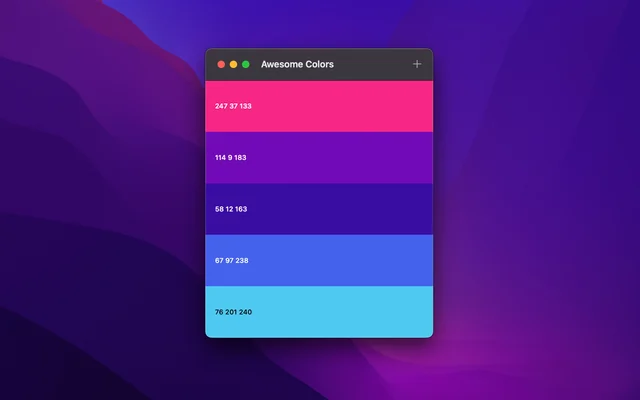
 Simple Color PaletteBuilds colour palettes and keeps them where you can find them.Free
 - Sketch

 SketchThe Mac-native tool for designing interfaces and symbols.Paid
 - Buffer
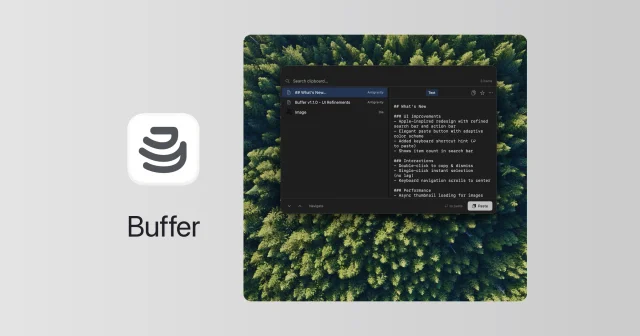
 BufferFree, open-source clipboard history that also reads the text in copied images.Free
 - Fovea
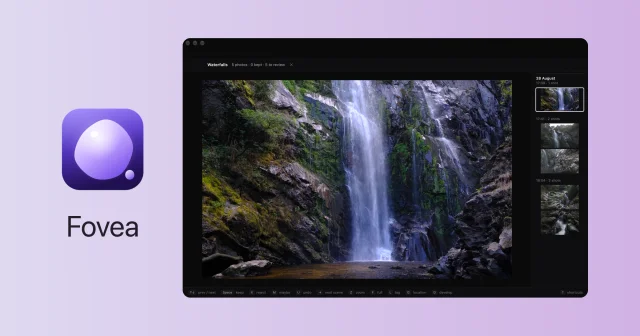
 FoveaCull a whole shoot from the SD card with the keyboard, fast and fully local.Paid