
Pika
v2.0.2, released this weekOpen-source colour picker with built-in contrast checks.
FreemiumOpen sourceFree direct download; $2.99 on the Mac App StoremacOSUpdated today

About
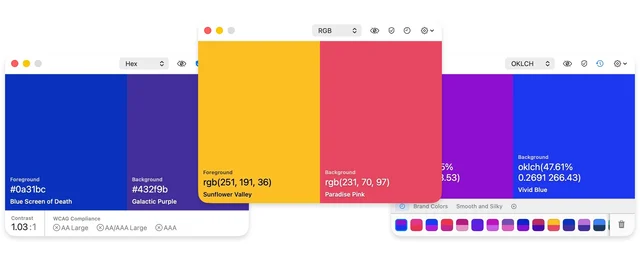
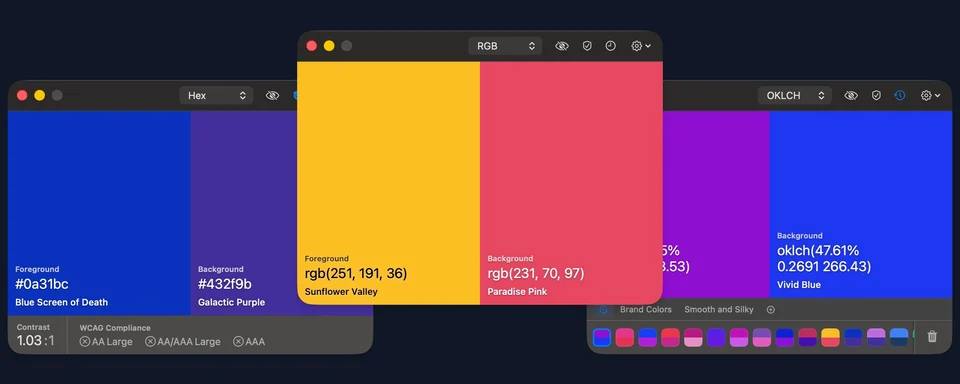
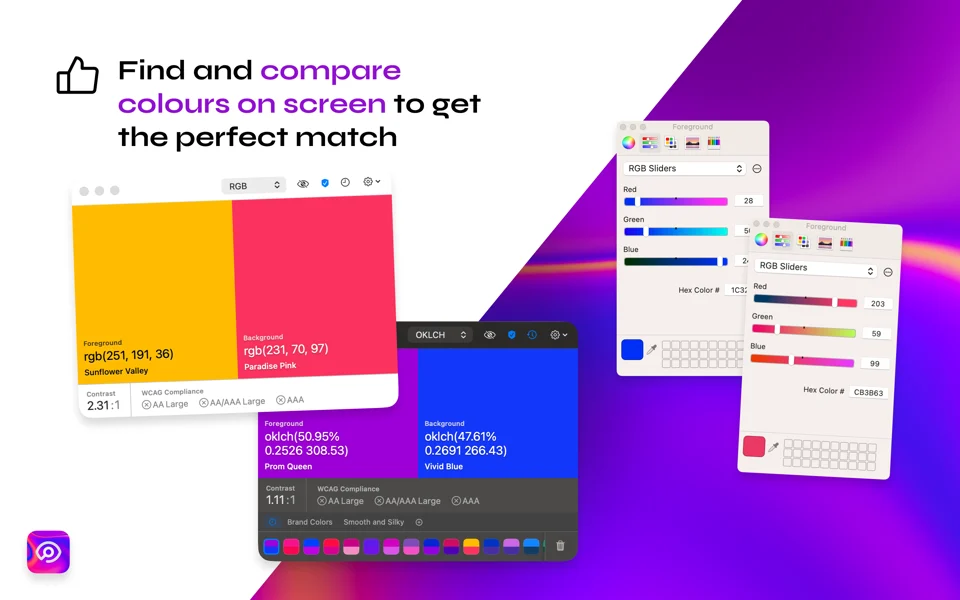
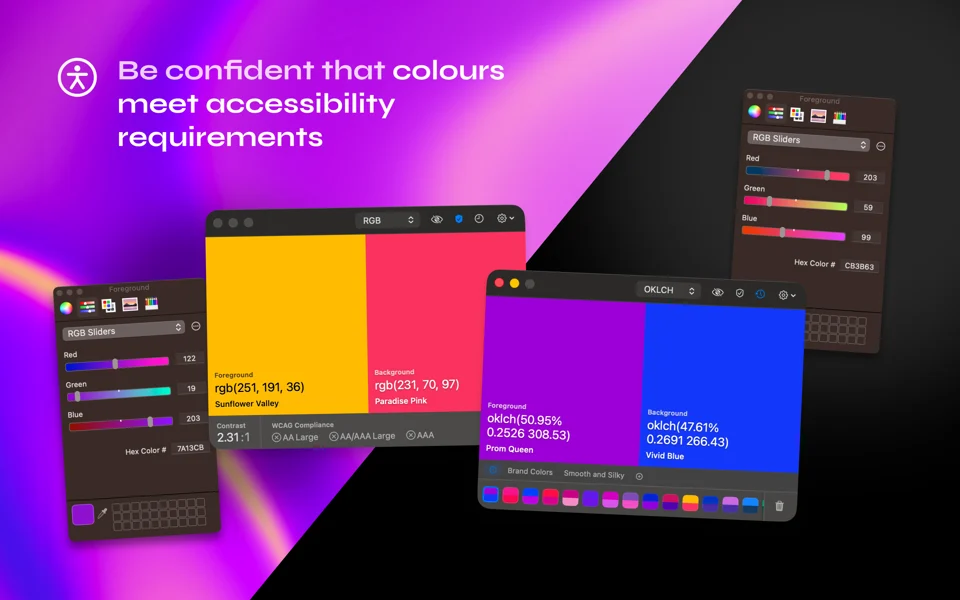
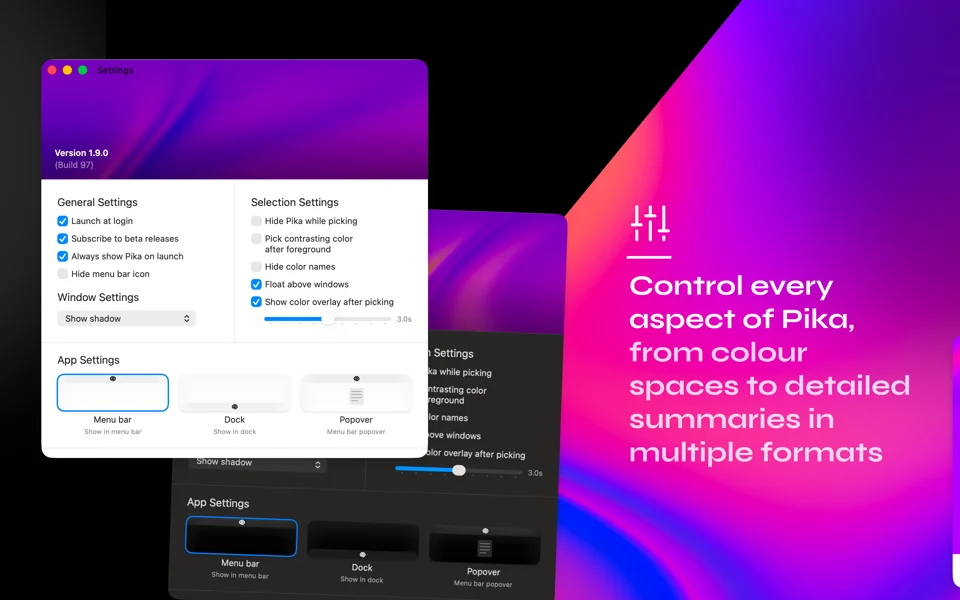
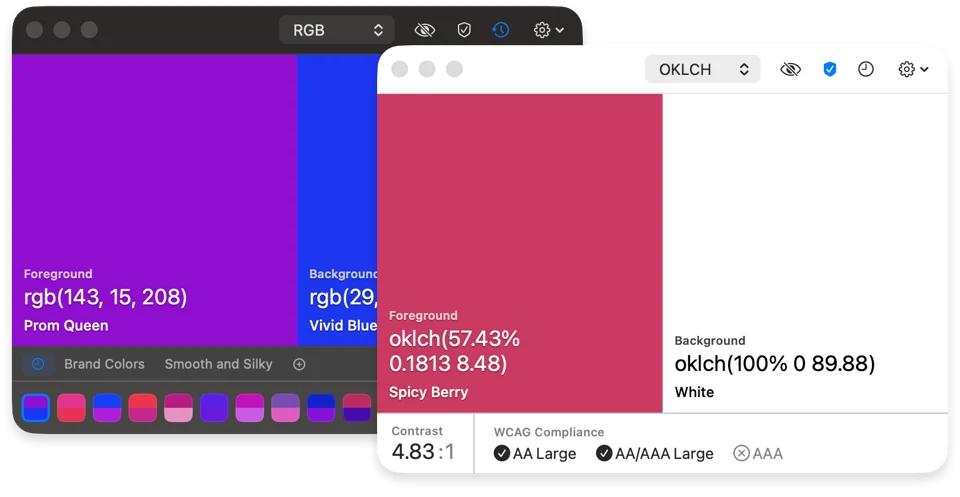
Pika lets you grab a foreground and a background colour from anywhere on screen and see them side by side with their names and values. It checks the pair against WCAG and APCA contrast rules, so you can confirm accessibility at a glance. Colours can be shown and copied as Hex, RGB, HSB, HSL, LAB, OpenGL or OKLCH, and every pick is kept in a history you can undo, redo and reuse. It runs from the menu bar or the Dock, supports a global hotkey and keyboard shortcuts, and exposes a pika:// URL scheme for automation with tools like Raycast. Needs macOS 14 or later.
Featured badge
Make Pika yours: show the badge on its site and the listing marks itself as linked back.

<a href="https://macgrove.app/apps/pika">
  <img src="https://macgrove.app/badge/pika.svg" alt="Featured on MacGrove" width="222" height="32" />
</a>[](https://macgrove.app/apps/pika)Similar apps
- PixelColor
 PixelColorA professional colour picker for the Mac.Paid
 - ColorSlurp
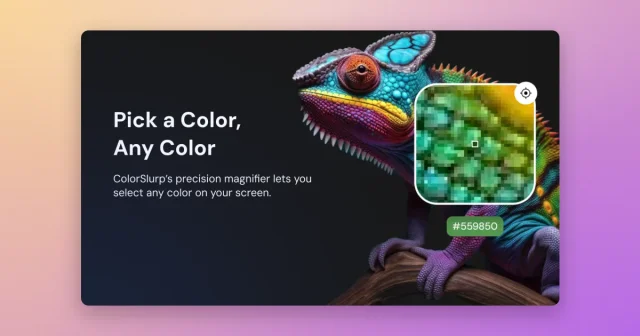
 ColorSlurpA colour picker that reads any pixel and copies it in the format you need.Freemium
 - System Color Picker
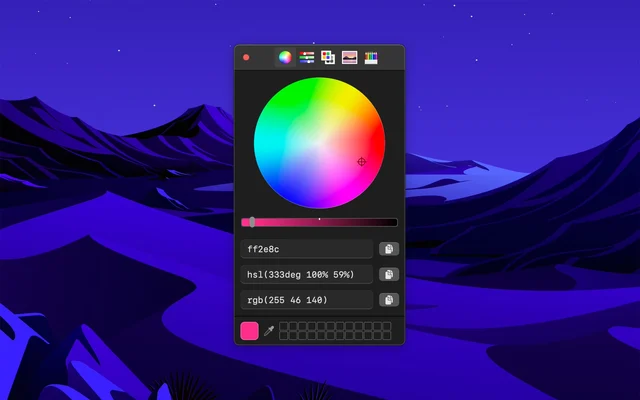
 System Color PickerThe macOS colour picker, with the details it usually hides.Free
 - Sip
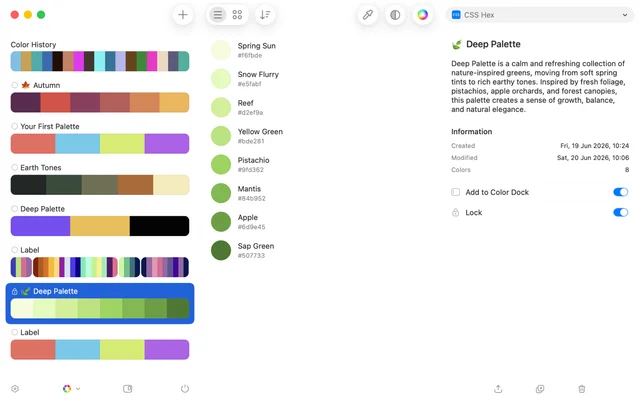
 SipPicks, organises and shares colours across a project.Paid
 - Simple Color Palette
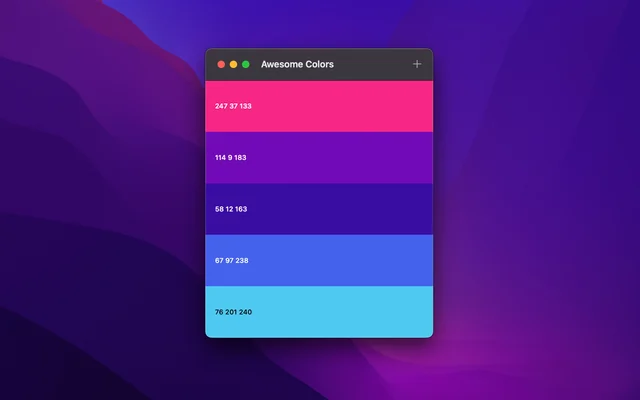
 Simple Color PaletteBuilds colour palettes and keeps them where you can find them.Free
 - Aphera
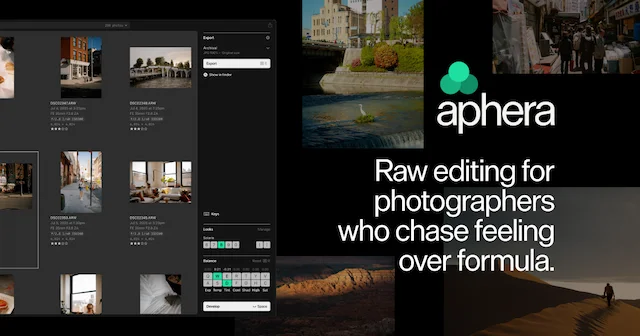
 ApheraA fast RAW photo editor for Apple Silicon Macs, with film-inspired color.Paid
 - Sketch
 SketchThe Mac-native tool for designing interfaces and symbols.Paid
 - Fovea
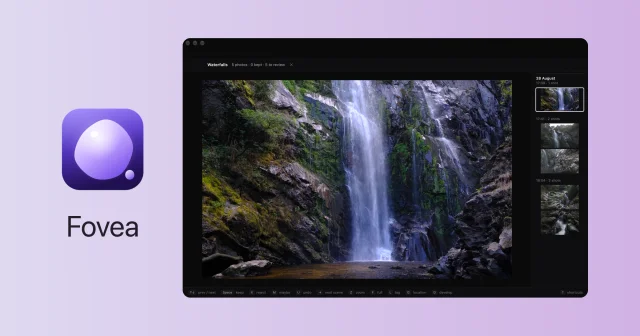
 FoveaCull a whole shoot from the SD card with the keyboard, fast and fully local.Paid